
1. Getting Started (Setup)
1.1 What's in the Box
- 1x EIGIIS Military Smart Watch for Men
- 1x Charging Cable
- 1x User Manual
1.2 Charging the Smart Watch
Before first use, fully charge your EIGIIS KE3 Smart Watch. Connect the magnetic charging cable to the charging contacts on the back of the watch and plug the USB end into a standard USB power adapter (not included). The watch will display a charging indicator. A full charge typically takes approximately 2 hours.

Image: The EIGIIS KE3 Smart Watch displaying its 300mAh battery capacity and charging status.
1.3 Installing the App (FitCloudPro)
To unlock the full potential of your smart watch, download the 'FitCloudPro' app on your smartphone. Search for 'FitCloudPro' in the Apple App Store (for iOS devices) or Google Play Store (for Android devices) and install it.
1.4 Pairing with Your Phone
Follow these steps to pair your EIGIIS KE3 Smart Watch with your smartphone via the FitCloudPro app:
- Ensure your watch is charged and Bluetooth is enabled on your smartphone.
- Open the 'FitCloudPro' app on your phone.
- Navigate to the 'Device' section and select 'Add Device' or 'Search Now'.
- The app will search for nearby devices. Select 'KE3' from the list.
- Confirm the pairing request on both your phone and the watch.
- Once paired, allow necessary permissions for notifications and call audio.
For a visual guide on connecting your watch, please refer to the video below:
Video: Instructions on how to connect the EIGIIS KE3 smartwatch to your phone.
2. Operating Your Smart Watch
2.1 Basic Navigation
The EIGIIS KE3 Smart Watch features a 1.45-inch HD full touch screen and a rotating crown for intuitive navigation. Swipe across the screen to access different menus and functions. Use the rotating crown to scroll through options or adjust settings.
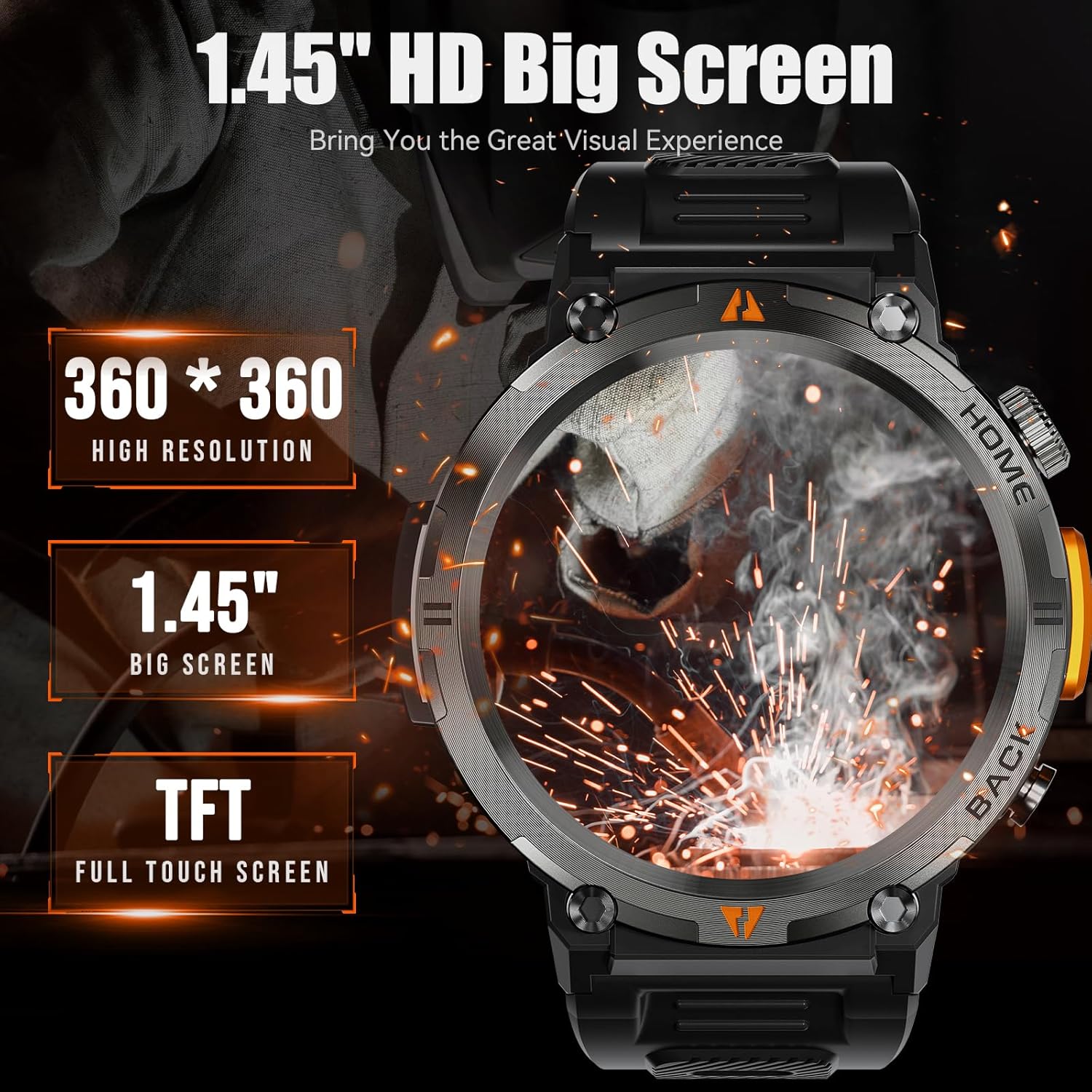
Image: The EIGIIS KE3 Smart Watch highlighting its 1.45-inch HD big screen with 360x360 resolution.
2.2 Making and Receiving Calls
With its built-in speaker and 1-click connection technology, the EIGIIS KE3 allows you to make and answer calls directly from your wrist. Ensure the watch is paired correctly and the 'Call audio' setting is enabled in the FitCloudPro app.
Video: Demonstrating how to make and answer calls directly from the EIGIIS KE3 Smart Watch.
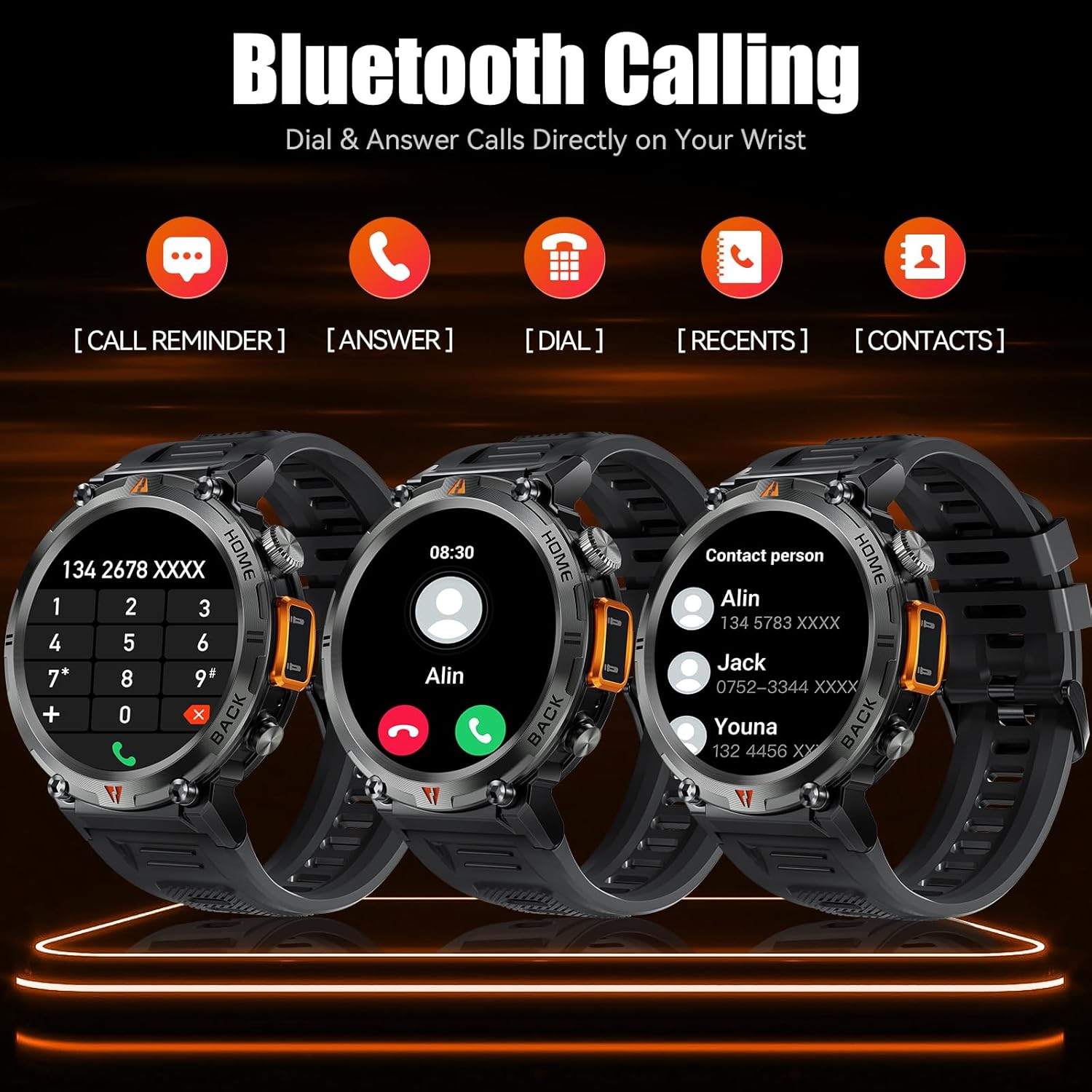
Image: The EIGIIS KE3 Smart Watch displaying its Bluetooth calling capabilities, including call reminders, answering, dialing, recent calls, and contacts.
2.3 Using the Flashlight
The EIGIIS KE3 Smart Watch includes a convenient flashlight function. Access it from the control panel by swiping down on the watch face. Tap the flashlight icon to turn it on. You can also press and hold the lower right button for 3 seconds to activate a continuous flashing mode for emergencies.
Video: Demonstrating the flashlight feature of the EIGIIS KE3 Smart Watch, useful for outdoor activities.

Image: The EIGIIS KE3 Smart Watch with its built-in flashlight activated, illuminating the surroundings.
2.4 Notifications
Stay connected by receiving calls, messages, and SNS notifications directly on your watch. Ensure the FitCloudPro app has the necessary permissions enabled on your phone to push notifications to the watch.
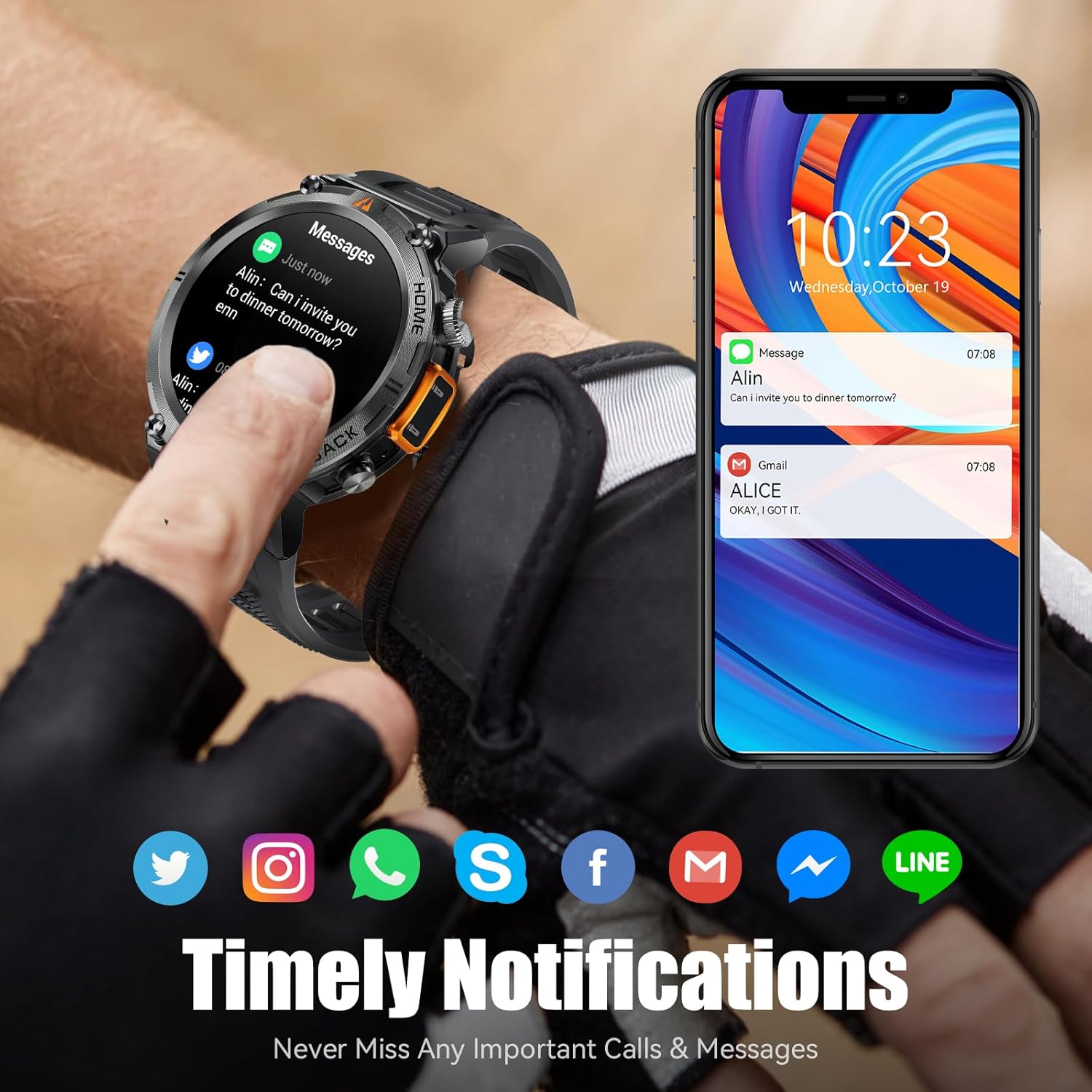
Image: The EIGIIS KE3 Smart Watch showing incoming messages and notifications from social media applications, mirrored on a smartphone.
2.5 Sports Modes
The EIGIIS KE3 Smart Watch offers 9 built-in sports modes and over 100 additional sports modes available through the FitCloudPro app. You can download and sync these training modes to your watch to track various activities.
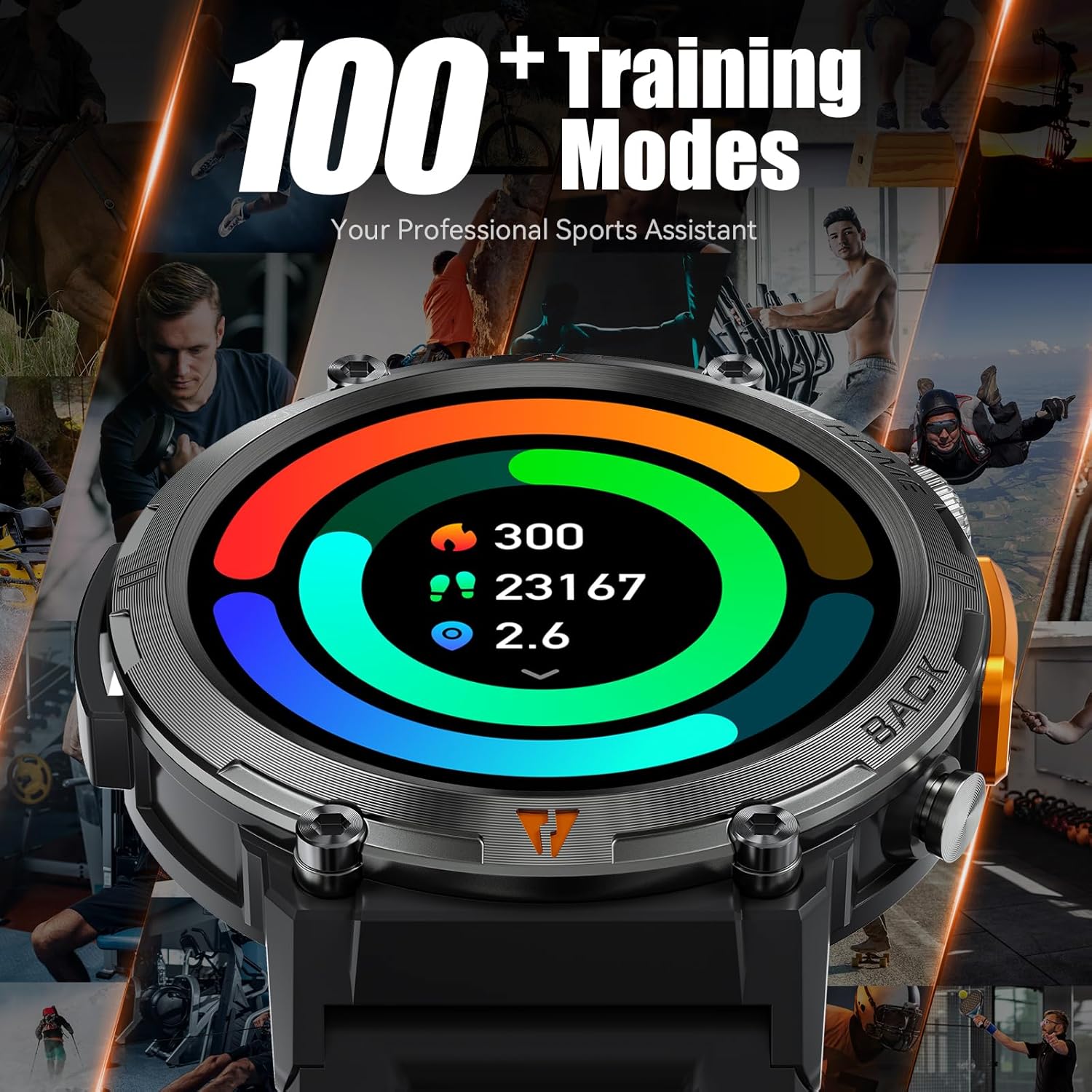
Image: The EIGIIS KE3 Smart Watch showing a colorful display of activity metrics, including steps, calories, and distance, against a collage of people engaged in different sports.
2.6 Health Monitoring
The watch supports continuous monitoring of heart rate, blood oxygen levels, and sleep patterns. This data helps you understand your physical condition and adjust your habits. Note: This device is a consumer electronic product and is not intended for medical use.

Image: The EIGIIS KE3 Smart Watch showing real-time heart rate data during an intense activity, with icons for heart rate, blood oxygen, and breath training.

Image: The EIGIIS KE3 Smart Watch showing a sleep tracking interface with data for deep sleep, light sleep, and awake periods, worn by a person sleeping.
2.7 Custom Dials
Personalize your watch face with over 100 dials available in the FitCloudPro app. You can also upload your favorite pictures to create unique custom dials.
2.8 Other Functions
The EIGIIS KE3 Smart Watch offers a variety of additional features for daily convenience:
- Voice Assistant: Control your watch and phone with voice commands.
- Weather: Get real-time weather updates.
- Stopwatch & Timer: For precise timing during activities.
- Alarm Clock: Set alarms for reminders.
- Calendar: View dates and schedule.
- Calculator: Perform basic calculations on your wrist.
- Find Phone: Locate your misplaced smartphone.
- Remote Camera: Control your phone's camera remotely.
- Music Control: Manage music playback on your phone.
Image: The EIGIIS KE3 Smart Watch showcasing a menu of its diverse functions, such as steps, breath training, voice assistant, and calculator.
3. Maintenance and Care
3.1 Water Resistance
The EIGIIS KE3 Smart Watch is IP67 waterproof, meaning it is resistant to splashes, rain, and brief immersion in water. It is suitable for washing hands but not recommended for swimming, diving, or hot showers/saunas, as steam and hot water can damage the seals.
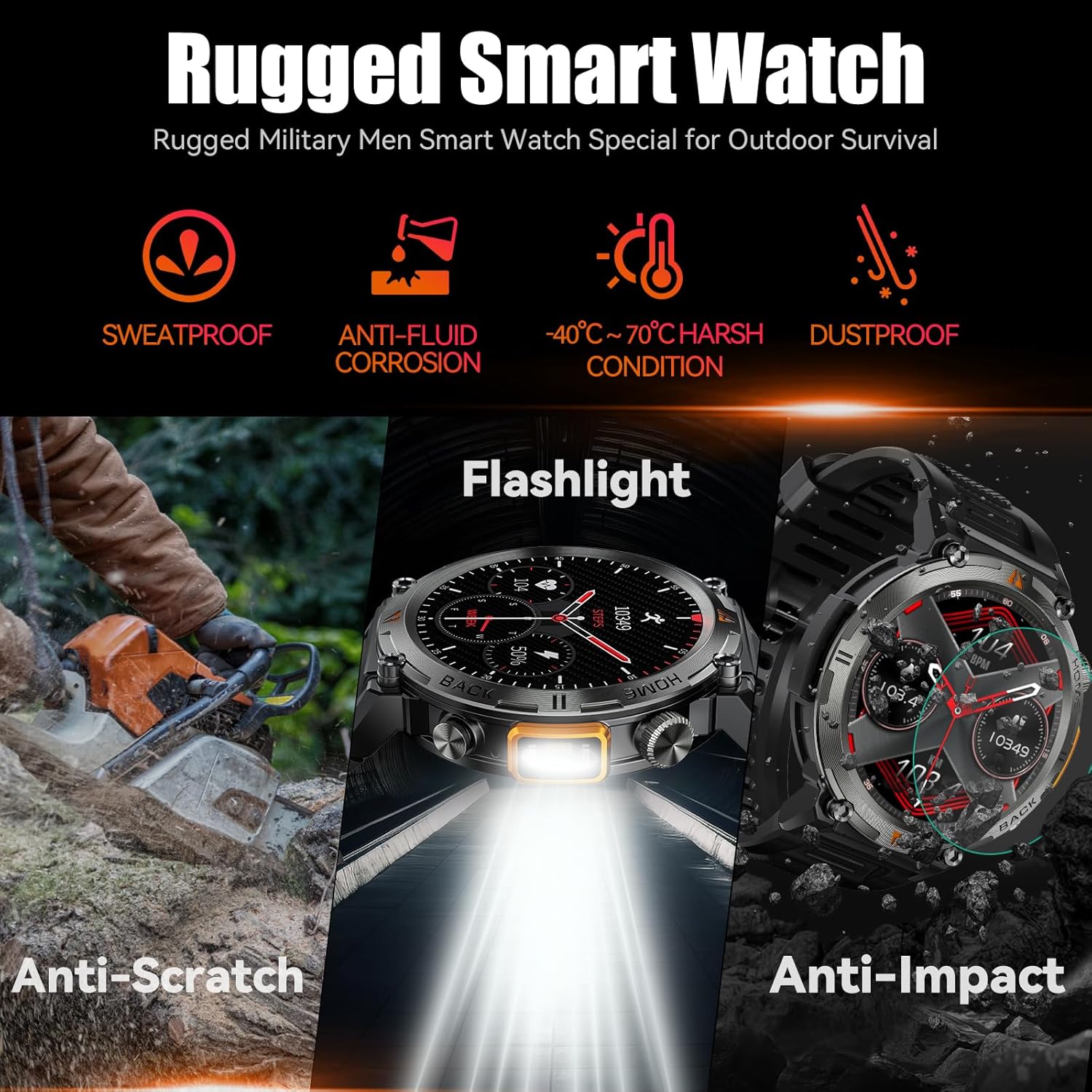
Image: The EIGIIS KE3 Smart Watch showcasing its rugged design and resistance to various environmental conditions, including sweat, corrosion, extreme temperatures, dust, scratches, and impacts.
3.2 Durability
Constructed from zinc alloy and tempered glass, the EIGIIS KE3 is designed for durability. It offers resistance to heat, cold, humidity, and salt spray, making it suitable for outdoor enthusiasts.
3.3 Battery Life
The 300mAh battery provides 3-5 days of typical usage and up to 25 days of standby time on a single charge. Charging takes approximately 2 hours.
3.4 Cleaning
Wipe the watch regularly with a soft, dry cloth. If necessary, use a slightly damp cloth and then dry thoroughly. Avoid using harsh chemicals or abrasive materials.
4. Troubleshooting
4.1 Watch Not Turning On
- Ensure the watch is fully charged. Connect it to the charger for at least 30 minutes.
- Press and hold the power button (usually the top right button) for 5-10 seconds.
4.2 Pairing Issues
- Make sure Bluetooth is enabled on your phone and the watch.
- Ensure the watch is within range of your phone (typically 10 meters).
- Restart both your phone and the watch.
- Clear the Bluetooth cache on your phone (if applicable) and try pairing again.
- If previously paired, try unpairing and re-pairing the device in the FitCloudPro app and your phone's Bluetooth settings.
4.3 Call Function Not Working
- Verify that the watch is successfully paired for both data and call audio. Check the 'Call audio' setting in the FitCloudPro app.
- Ensure your phone's Bluetooth is connected to the watch for calls.
- Check your phone's volume settings.
4.4 Notifications Not Appearing
- Confirm that notification permissions are granted to the FitCloudPro app in your phone's settings.
- Ensure the app is running in the background and not being closed by battery optimization settings.
- Check the notification settings within the FitCloudPro app to ensure specific app notifications are enabled.
4.5 Inaccurate Health Data
- Ensure the watch is worn snugly on your wrist, not too tight or too loose.
- Clean the sensors on the back of the watch regularly.
- Remember that the watch is a consumer electronic device and not a professional medical instrument. Readings are for reference only.
5. Specifications
| Feature | Value |
|---|---|
| Brand | EIGIIS |
| Model Number | EIGIIS-KE3 |
| Screen Size | 1.45 Inches |
| Screen Type | TFT Full Touch Screen |
| Shape | Round |
| Battery Capacity | 300 Milliamp Hours (300mAh) |
| Connectivity Technology | Bluetooth 5.0 |
| Operating System Compatibility | Android 8.0 and above; iOS 10.0 and above |
| Water Resistance | IP67 (Splash, rain, and brief immersion resistant) |
| Special Features | Flashlight, Bluetooth Call, Voice Assistant, Heart Rate, Blood Oxygen, Sleep Monitor, 100+ Sports Modes, Notifications, Weather, Stopwatch, Timer, Alarm Clock, Calendar, Calculator, Find Phone, Remote Camera |
| Item Weight | 200 Grams (7.1 ounces) |
| Materials | Zinc alloy, Tempered glass |
6. Warranty and Support
6.1 Warranty Information
EIGIIS products are covered by a manufacturer's warranty. For specific details regarding your warranty period and coverage, please refer to the warranty card included with your product or visit the official EIGIIS website. Keep your purchase receipt as proof of purchase.
6.2 Customer Support
If you encounter any issues or have questions about your EIGIIS KE3 Smart Watch, please contact EIGIIS customer support through the following channels:
- Online Support: Visit the EIGIIS official website for FAQs, troubleshooting guides, and contact forms.
- Email Support: Refer to your product packaging or the official website for the customer service email address.
When contacting support, please provide your product model number (KE3) and a detailed description of the issue.


