
Introduction
Thank you for choosing the Globe Electric Holly 1-Light Wall Sconce. This manual provides essential information for the safe installation, operation, and maintenance of your new lighting fixture. Please read these instructions thoroughly before beginning installation and retain them for future reference.

Image: The Holly 1-Light Wall Sconce in brushed brass, installed on a wall, providing ambient lighting.
Safety Information
- Always turn off the power at the main fuse or circuit breaker box before beginning installation.
- Consult a qualified electrician if you are unsure about the installation process.
- Use only the specified bulb type and wattage to avoid overheating or damage.
- Do not connect this fixture to an ungrounded electrical system.
- Ensure all connections are secure and properly insulated.
- Keep flammable materials away from the light fixture.
Package Contents
Verify that all components are present before proceeding with installation:
- 1 x Wall Sconce Fixture
- 1 x Mounting Hardware Kit
- 1 x Instruction Sheet (this document)
Setup
1. Mounting the Fixture
The Holly Wall Sconce is designed for wall-mounted installation. It includes all necessary mounting hardware for a secure fit.
- Turn off power at the circuit breaker.
- Attach the mounting plate to the wall using the provided screws, ensuring it is level and secure.
- Connect the fixture's wires to your household wiring (black to black, white to white, ground to ground) using wire nuts.
- Carefully tuck the wires into the junction box.
- Align the fixture base with the mounting plate and secure it with the decorative nuts or screws.
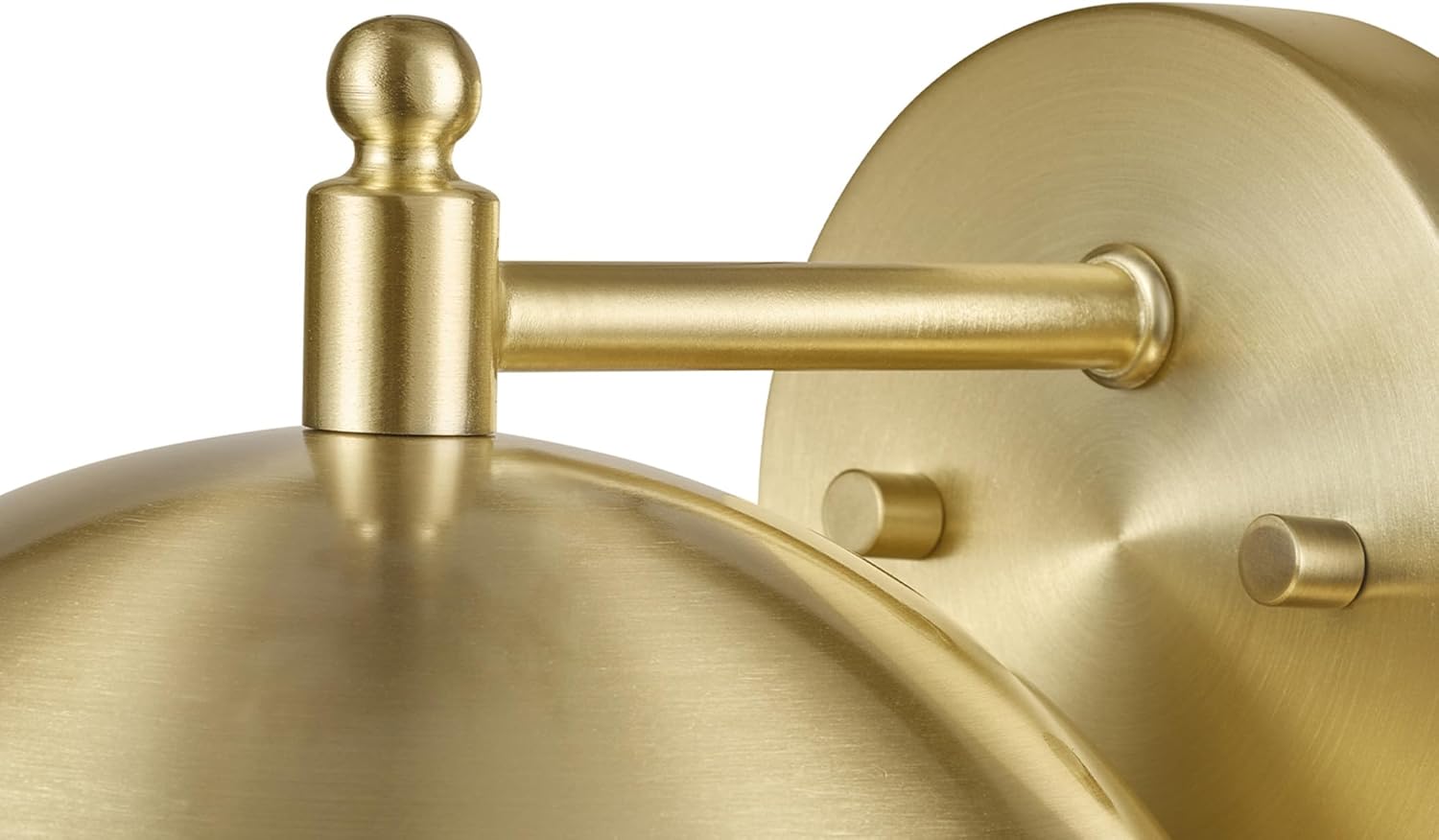
Image: Detail of the sconce's wall plate and arm, showing the connection points for mounting.
2. Bulb Installation
This fixture requires one E26/Medium Base 60W bulb (sold separately). It is compatible with both LED and Incandescent bulbs.
- Ensure the power is off before installing the bulb.
- Gently screw the E26 base bulb into the socket until snug. Do not overtighten.

Image: The sconce with a bulb correctly installed in the dome shade.
3. Cord Management (Optional)
For models with a visible power cord, a cord management track can be used to conceal the cord for a cleaner appearance. This track typically runs from the fixture down to the power outlet.
Video: Demonstrates the use of a cord management track to neatly conceal the power cord of a wall-mounted lamp, enhancing the aesthetic.
Operating Instructions
1. Turning On/Off
Once installed and powered, the fixture can be turned on or off using the integrated switch located on the power cord.
Video: Shows the wall lamp being turned on and off via its cord switch, highlighting its functionality and ease of use.
2. Dimmable Feature
This Globe Electric lighting fixture is fully dimmable. To utilize this feature, pair it with a compatible dimmer switch (sold separately) and a dimmable E26 bulb. Adjust the dimmer switch to create your desired ambiance.
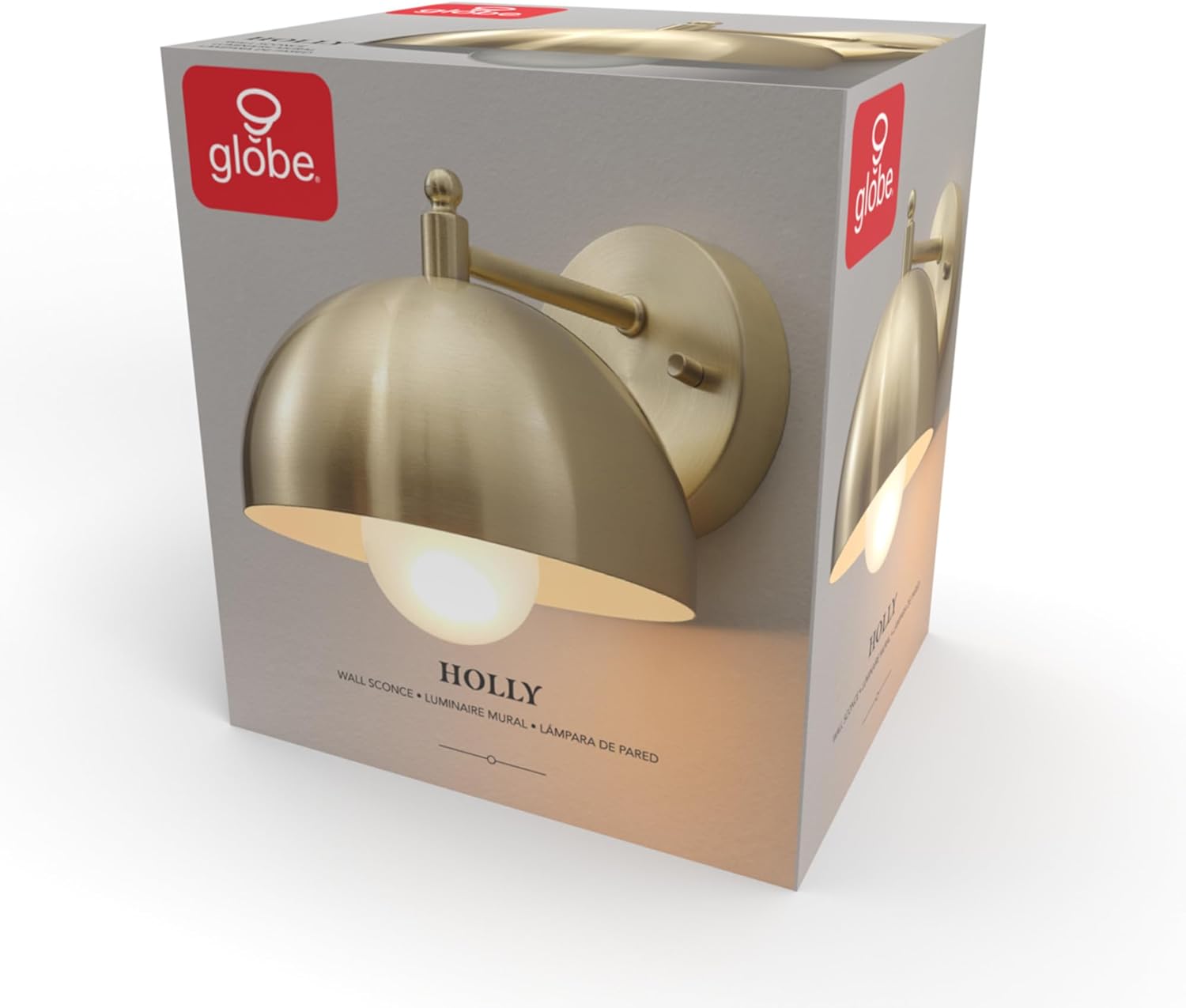
Image: Two sconces demonstrating the visual difference between a clear bulb and a frosted bulb, affecting light diffusion.
Maintenance
Cleaning
To clean the fixture, ensure the power is off and the fixture is cool. Wipe with a soft, dry cloth. Do not use abrasive cleaners or solvents, as these may damage the finish.
Bulb Replacement
Always turn off the power before replacing a bulb. Allow the old bulb to cool completely before removing. Replace with an E26/Medium Base 60W (max) bulb. Compatible with LED and Incandescent bulbs.
Troubleshooting
- Light does not turn on:
- Check if the power is on at the circuit breaker.
- Ensure the bulb is screwed in correctly and is not faulty.
- Verify all wiring connections are secure.
- Light flickers:
- Ensure the bulb is fully tightened.
- If using a dimmer, ensure the bulb is dimmable and compatible with the dimmer switch.
- Fixture is loose:
- Turn off power and re-tighten mounting screws.
Specifications
| Model Number | 65000048 |
| Brand | Globe Electric |
| Color | Brushed Brass |
| Material | Iron |
| Style | Retro |
| Product Dimensions | 9"L x 7.9"W x 6.38"H (23cm L x 20cm W x 16.20cm H) |
| Power Source | Hardwired |
| Installation Type | Wall-mounted |
| Special Feature | Dimmable |
| Light Source Type | Incandescent, LED |
| Number of Light Sources | 1 |
| Voltage | 120 Volts |
| Wattage | 60 watts (max) |
| Bulb Base | E26 |
| Brightness | 960 lumen (max, depending on bulb) |

Image: Technical drawing illustrating the precise dimensions of the wall sconce.
Warranty
This product is sold without an explicit manufacturer's warranty. Please refer to your retailer's return policy for details on returns or exchanges.
Support
For further assistance or inquiries regarding your Globe Electric Holly 1-Light Wall Sconce, please contact Globe Electric customer service or visit their official website.
- Website: www.globe-electric.com
- Customer Service: Refer to the contact information on the Globe Electric website for your region.


