
Introduction
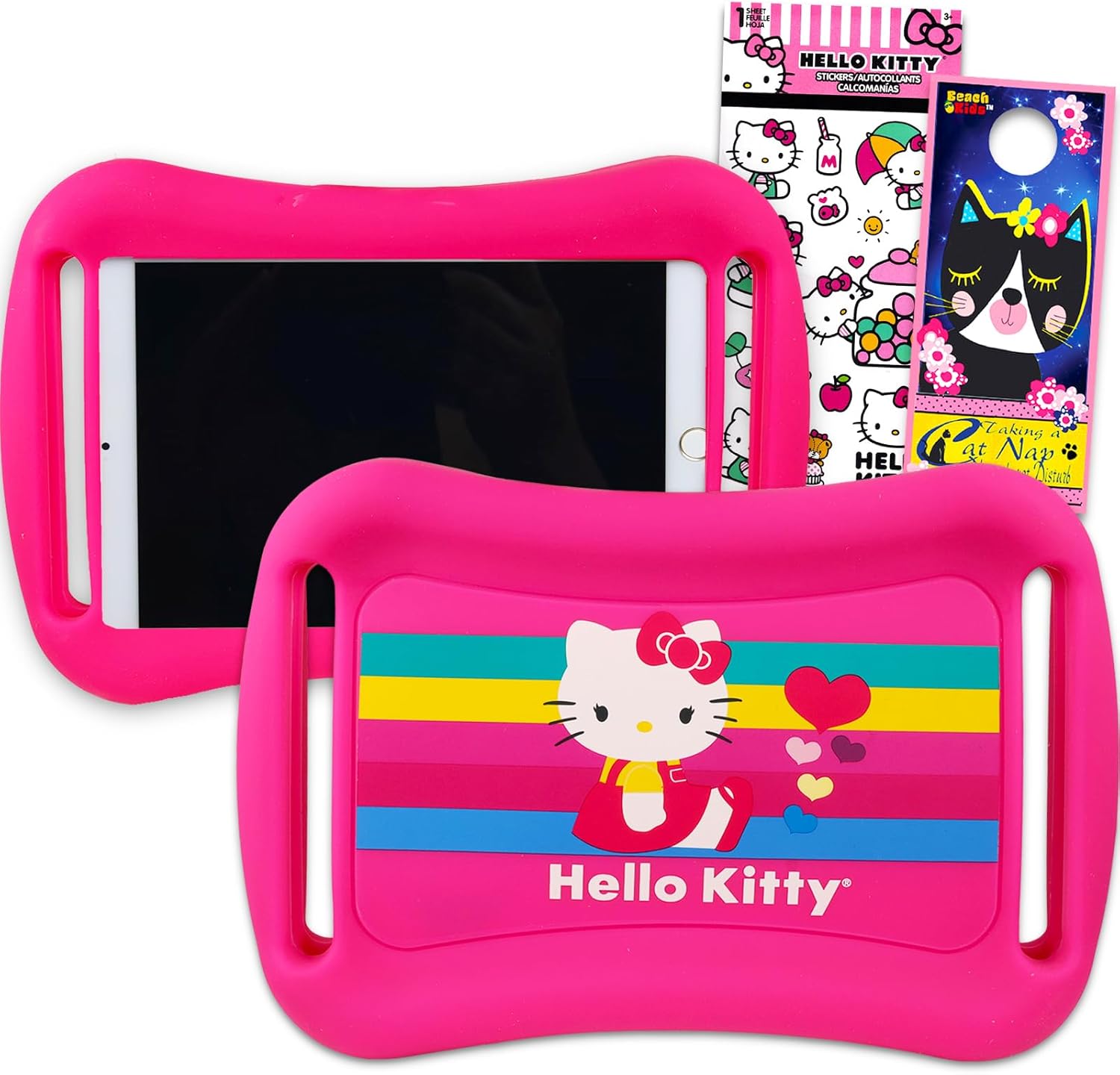
This manual provides instructions for the Hello Kitty 7-inch Tablet Case, designed to protect your child's tablet. This bundle includes a durable rubber bumper case, Hello Kitty stickers, and a door hanger.
What's in the Box
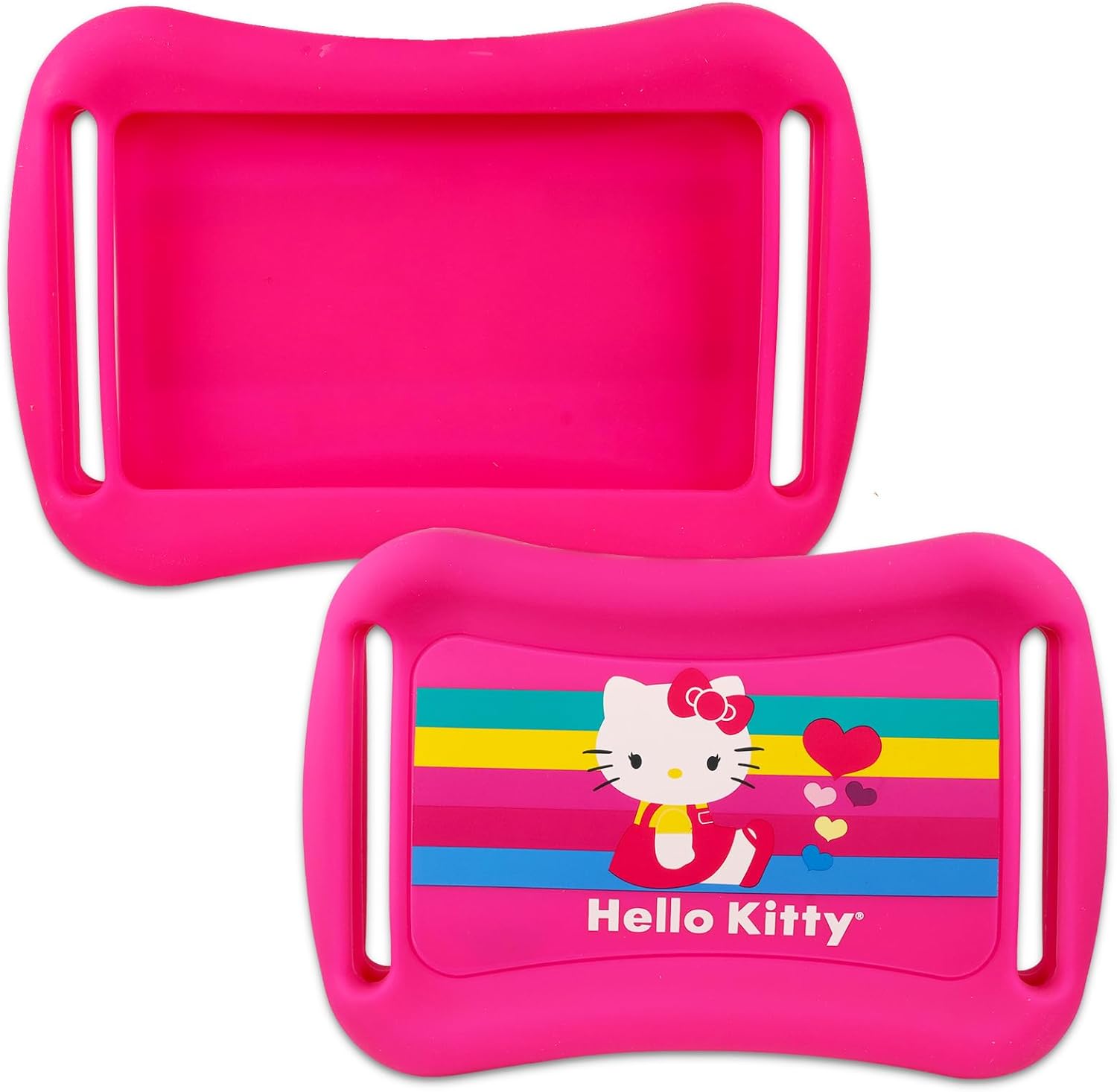
- One (1) Hello Kitty Rubber Tablet Case (with shock-absorbent corners)
- One (1) Sheet of Hello Kitty Stickers
- One (1) Beach Kids Cat Door Hanger
Setup: Installing Your Tablet
- Prepare the Case: Ensure the Hello Kitty rubber tablet case is clean and free of debris.
- Insert Tablet: Gently slide your 7-inch tablet into the case. The flexible rubber material allows for easy insertion.
- Secure Fit: Ensure all corners of the tablet are securely seated within the case's shock-absorbent corners. The case is designed to fit most 7-inch tablets.
Operating: General Use
The Hello Kitty tablet case provides a protective layer for your 7-inch tablet during daily use. Its rubber construction and shock-absorbent corners help safeguard the device from minor impacts and drops.
- Protection: The soft shell type offers protection against scratches and bumps.
- Accessibility: The case is designed to allow access to all necessary ports and buttons of a standard 7-inch tablet.
- Stickers: Use the included Hello Kitty stickers to personalize other items or for decorative purposes.
- Door Hanger: The Beach Kids cat door hanger can be used to indicate privacy or simply as a decorative item.


Maintenance and Care
To ensure the longevity of your Hello Kitty tablet case, follow these care instructions:
- Cleaning: Wipe the case with a soft, damp cloth. Avoid harsh chemicals or abrasive cleaners.
- Storage: Store the case in a cool, dry place away from direct sunlight when not in use.
- Avoid Sharp Objects: Keep the case away from sharp objects to prevent punctures or tears in the rubber material.
Troubleshooting
Issue: Tablet does not fit into the case.
- Solution: Verify that your tablet is a 7-inch model. This case is specifically designed for 7-inch tablets.
Issue: Case appears loose on the tablet.
- Solution: Ensure the tablet is properly seated in all four corners of the case. If the tablet is smaller than 7 inches, the fit may not be snug.
Specifications
| Model Number | Hello Kitty Case for Kids |
| Compatible Devices | 7 Inch Tablets |
| Material | Rubber (Soft Shell Type) |
| Features | Shock-absorbent corners |
| Color | Hello Kitty Tablet Case (Pink) |
| Item Weight | 3 ounces |
| Package Dimensions | 10.43 x 7.01 x 1.73 inches |
| Manufacturer | Officially Licensed Components |
Warranty and Support
Specific warranty information for this product is not provided in the available documentation. For any support inquiries or further assistance, please refer to the retailer or manufacturer's customer service channels.