
artika FM-AIC-HD2BL
Contents
Artika Aiden Integrated LED Flush Mount (FM-AIC-HD2BL) Instruction Manual
Model: FM-AIC-HD2BL
Important Safety Information
Read all instructions carefully before installation. Save these instructions for future reference. This product must be installed in accordance with the applicable installation code by a person familiar with the construction and operation of the product and the hazards involved. Always disconnect power at the main circuit breaker before installation or maintenance. Ensure all electrical connections are secure and comply with local codes.
WARNING: Risk of electric shock. Turn off power at the circuit breaker before installation.
CAUTION: Risk of fire. Use only with specified wattage and type of bulb (integrated LED).
What's in the Box
- Aiden Integrated LED Flush Mount Fixture
- Mounting Hardware Kit
- Remote Control
- Instruction Manual

Image: Product packaging illustrating the included components.
Tools Required (Not Included)
- Phillips Head Screwdriver
- Flat Head Screwdriver
- Wire Strippers
- Electrical Tape
- Safety Glasses
- Ladder
Setup and Installation
- Prepare for Installation: Turn off power at the main circuit breaker. Ensure the power is completely disconnected before proceeding.
- Mounting Bracket Installation: Attach the mounting bracket to the junction box using the provided screws. Ensure it is securely fastened.
- Electrical Connections:
- Connect the black wire from the fixture to the black (live) wire from the junction box.
- Connect the white wire from the fixture to the white (neutral) wire from the junction box.
- Connect the ground wire from the fixture to the ground wire from the junction box.
- Secure all connections with wire nuts and electrical tape.
- Fixture Attachment: Carefully align the fixture with the mounting bracket and secure it using the provided screws. Ensure the fixture is flush with the ceiling.
- Restore Power: Once installation is complete and all connections are secure, restore power at the main circuit breaker.
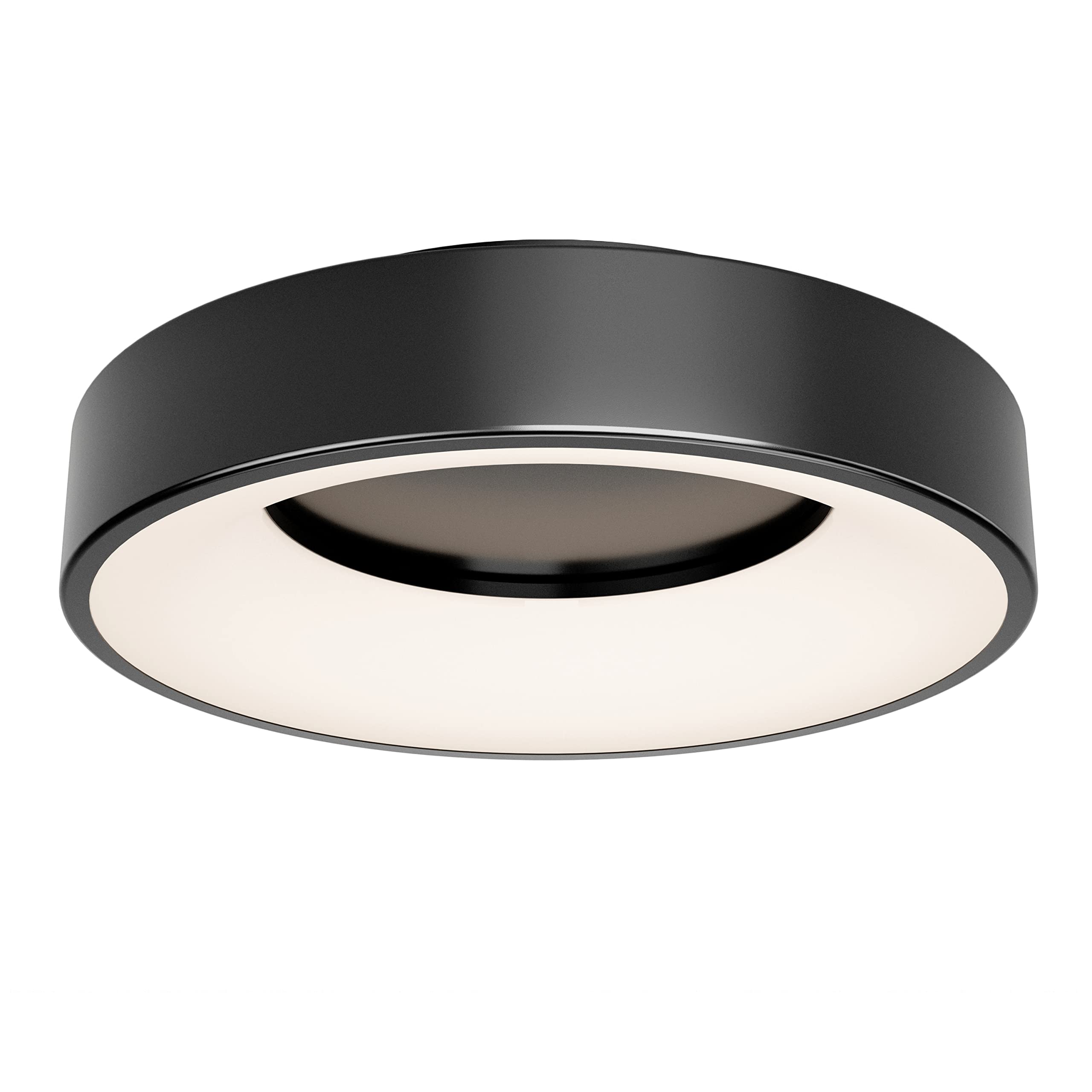
Image: The Aiden LED Flush Mount installed, demonstrating its appearance in a typical home setting.
Operating Instructions
The Artika Aiden Integrated LED Flush Mount features adjustable color temperature (CCT) and dimming capabilities, controlled via the included remote.
Power On/Off
Press the ON/OFF button on the remote control to turn the light fixture on or off.
Adjusting Brightness (Dimming)
Use the DIM UP and DIM DOWN buttons on the remote to increase or decrease the light intensity. The fixture is dimmable from 10% to 100% brightness.
Changing Color Temperature (CCT)
The fixture offers 5 selectable color temperatures: 2700K (Warm White), 3000K, 3500K, 4000K, and 5000K (Cool White). Press the CCT button on the remote to cycle through these options until your desired color temperature is reached.

Image: Visual representation of the tunable white feature, showing the range from warm white (2700K) to cool white (5000K).
Maintenance
- Cleaning: To clean the fixture, ensure the power is off. Wipe with a soft, dry or slightly damp cloth. Do not use abrasive cleaners or solvents.
- Bulb Replacement: This fixture uses integrated LED components. There are no user-serviceable bulbs to replace.
- Inspection: Periodically check for any loose connections or damage to the fixture. If damage is found, discontinue use and consult a qualified electrician.
Troubleshooting
| Problem | Possible Cause | Solution |
|---|---|---|
| Light does not turn on. |
|
|
| Light flickers or dims unexpectedly. |
|
|
| Remote control not working. |
|
|
Specifications
| Model Number | FM-AIC-HD2BL |
| Brand | Artika |
| Product Dimensions | 13" L x 13" W x 3.4" H (33 cm L x 33 cm W x 8.56 cm H) |
| Material | Alloy Steel, Plastic |
| Color | Black |
| Light Source Type | Integrated LED |
| Total Wattage | 17 Watts |
| Brightness | 950 Lumens (Max) |
| Color Temperature (CCT) | 2700K - 3000K - 3500K - 4000K - 5000K (Selectable) |
| Dimmable | Yes (via remote control) |
| Voltage | 120 Volts |
| Average Life | 50,000 Hours |
| Indoor/Outdoor Usage | Indoor |
| Control Method | Remote Control |
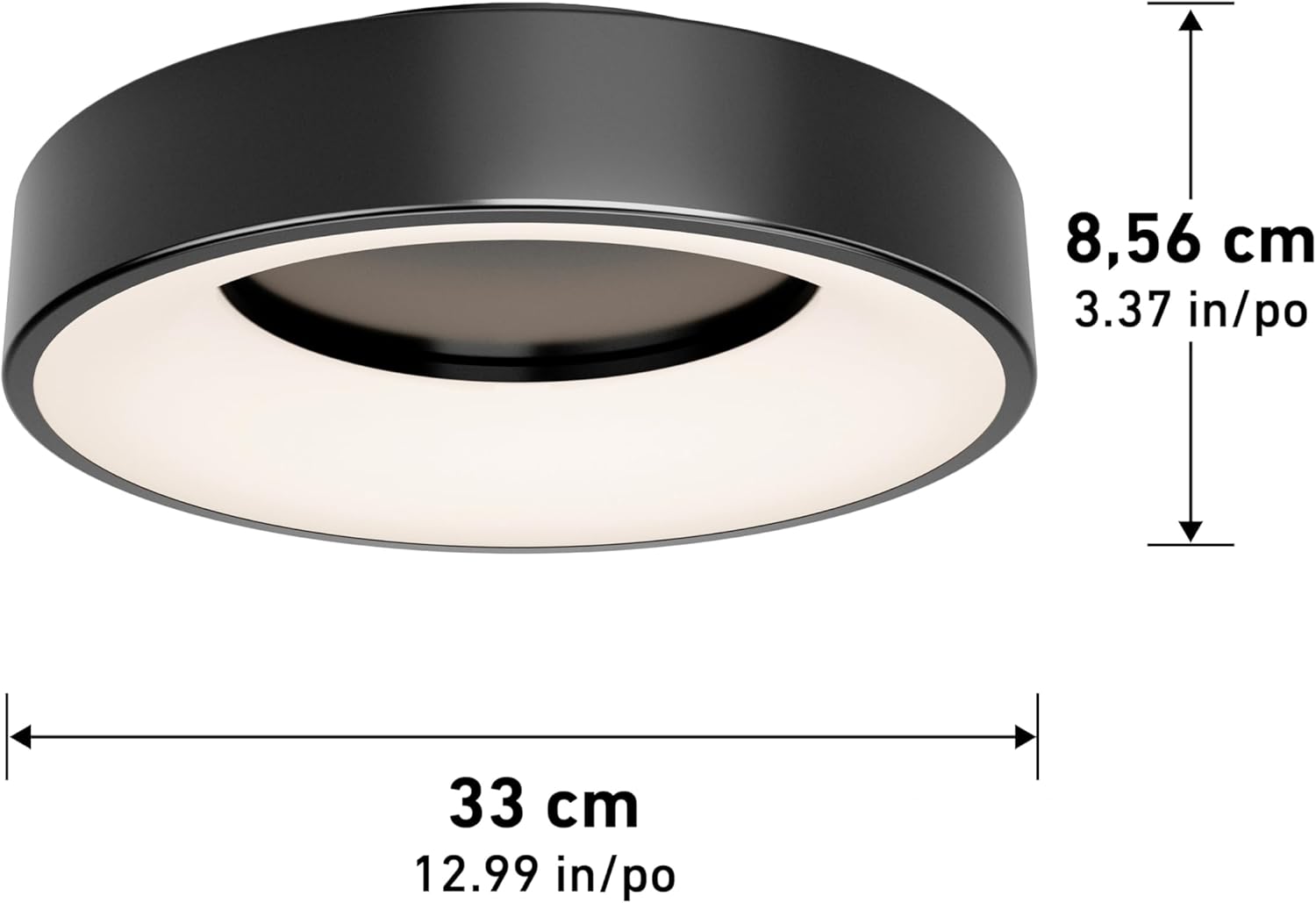
Image: Technical drawing illustrating the length, width, and height dimensions of the fixture.
Warranty Information
Artika products are manufactured with high-quality components and are designed to last. This product is covered by a limited warranty against manufacturing defects. For specific warranty terms and conditions, please refer to the official Artika website or contact customer support.
Customer Support
If you encounter any issues or have questions regarding the installation or operation of your Artika Aiden Integrated LED Flush Mount, please contact Artika customer support. Visit the official Artika website for contact information, FAQs, and additional resources.
Online Resources: www.artika.com
Documents and downloads
Ask a question about this manual
Ask about setup, troubleshooting, compatibility, parts, safety, or missing instructions. Manuals+ will review the question and use this page’s manual context to help answer it.