1. Introduction
This manual provides essential information for the safe and correct operation of your Fenton RP118E Record Player. Please read these instructions thoroughly before using the device and retain them for future reference. The Fenton RP118E is a portable 3-speed record player with integrated Bluetooth functionality for both receiving and transmitting audio, and a USB port for PC encoding.
2. Safety Instructions
- Do not expose the unit to rain or moisture to prevent fire or electric shock.
- Do not open the casing. There are no user-serviceable parts inside. Refer all servicing to qualified personnel.
- Place the unit on a stable, flat surface.
- Avoid placing the unit near heat sources or in direct sunlight.
- Ensure proper ventilation around the unit.
- Disconnect the power adapter during lightning storms or when unused for long periods.
- Keep the unit away from strong magnetic fields.
3. Package Contents
Verify that all items are present and in good condition upon unpacking:
- Fenton RP118E Record Player
- Power Adapter
- USB Cable
- Software CD (for PC encoding)
- Instruction Manual
4. Product Overview
The Fenton RP118E is designed for playing vinyl records and offers versatile connectivity options. Its suitcase design provides portability and integrated stereo speakers.

Figure 1: Overall view of the Fenton RP118E Record Player.
Key features include a belt-driven turntable mechanism and various input/output options.
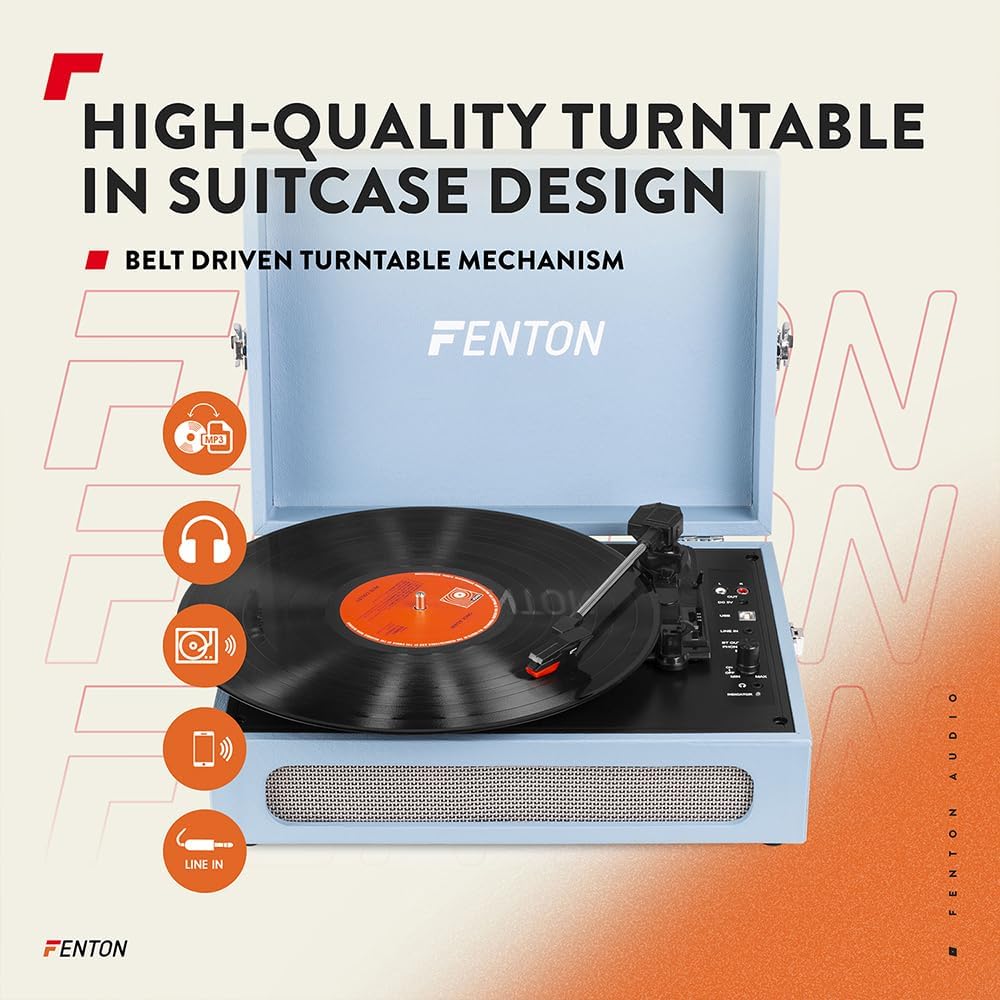
Figure 2: High-quality turntable in suitcase design with feature icons.
Controls and Connections
Familiarize yourself with the controls and connection ports:
- DC 5V Input: For connecting the power adapter.
- OUT (RCA): Left and Right audio output for external speakers.
- USB Port: For connecting to a computer for vinyl-to-MP3 conversion.
- LINE IN: 3.5mm auxiliary input for external audio sources.
- BT OUT / PHONO / BT IN Switch: Selects Bluetooth transmission, record player mode, or Bluetooth reception.
- AUTO STOP ON/OFF Switch: Enables or disables automatic tone arm stop.
- Speed Selector: 33, 45, 78 RPM.
- Power ON/OFF / Volume Knob: Turns the unit on/off and adjusts speaker volume.
- Headphone Jack: 3.5mm output for private listening.
- Indicator Light: Shows power and Bluetooth status.

Figure 3: Detailed view of the control panel and connections.
5. Setup
- Unpack: Carefully remove the record player from its packaging.
- Placement: Place the unit on a stable, level surface away from dust, vibrations, and direct heat sources.
- Power Connection: Connect the supplied power adapter to the DC 5V input on the back of the unit, then plug the adapter into a wall outlet.
- Remove Stylus Protector: Gently remove the clear plastic stylus protector from the needle.
6. Operating Instructions
6.1 Playing Records
- Power On: Turn the Power ON/OFF / Volume knob clockwise to power on the unit. The indicator light will illuminate.
- Select PHONO Mode: Set the BT OUT / PHONO / BT IN switch to the 'PHONO' position.
- Place Record: Place a vinyl record on the turntable platter.
- Select Speed: Adjust the speed selector (33, 45, or 78 RPM) to match the record's speed. For 45 RPM records, place the included 45 RPM adapter on the center spindle.
- Auto Stop: Set the AUTO STOP switch to ON if you want the turntable to stop automatically when the record finishes. Set to OFF for manual stop.
- Start Playback: Gently lift the tone arm using the cue lever and position it over the desired track on the record. Lower the tone arm slowly onto the record.
- Adjust Volume: Rotate the Power ON/OFF / Volume knob to adjust the sound level from the built-in speakers.
- End Playback: When the record finishes (or manually), lift the tone arm and return it to its rest. Turn the volume knob counter-clockwise to power off.
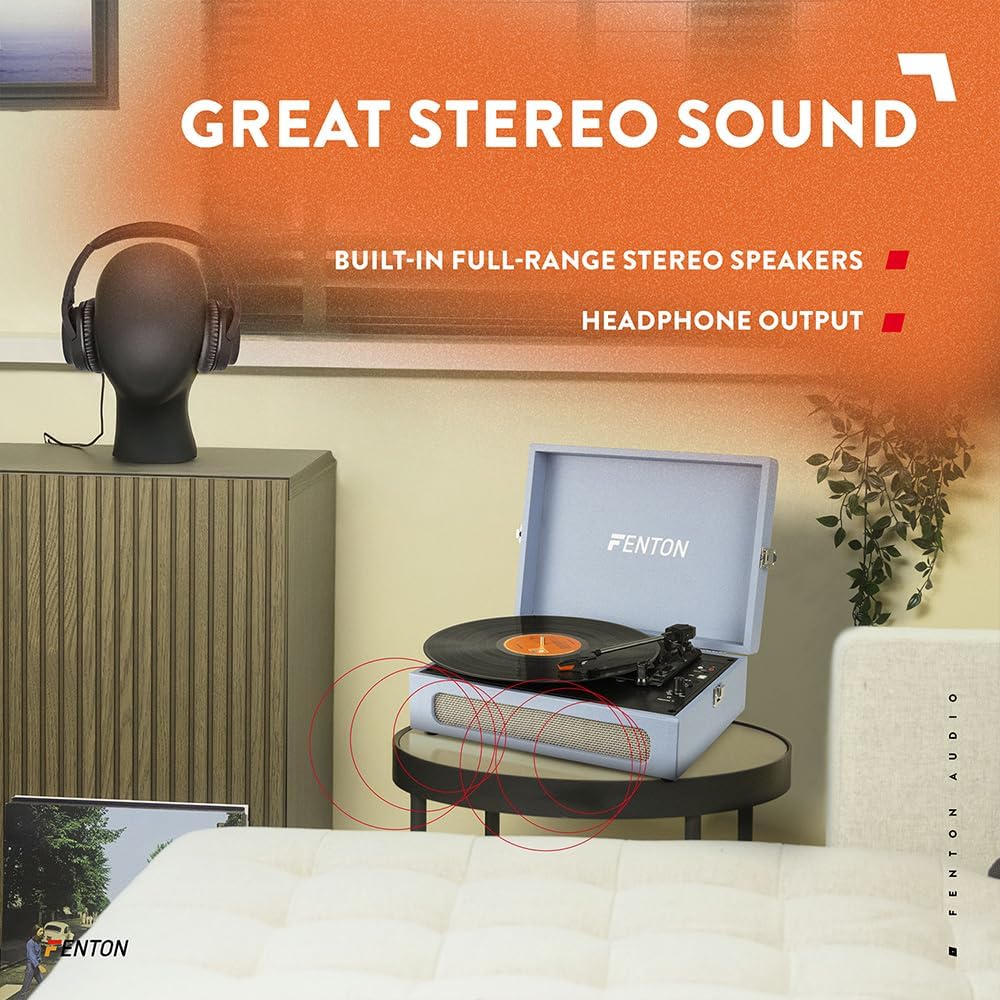
Figure 4: Three-speed turntable for various record sizes.

Figure 5: Automatic stop feature for the tone arm.
6.2 Bluetooth Functionality
The RP118E features both Bluetooth receiver (BT IN) and transmitter (BT OUT) capabilities.
6.2.1 Bluetooth Receiver (BT IN)
This mode allows you to stream audio wirelessly from a smartphone, tablet, or other Bluetooth-compatible device to the record player's built-in speakers.
- Select BT IN Mode: Set the BT OUT / PHONO / BT IN switch to the 'BT IN' position. The indicator light will flash blue, indicating pairing mode.
- Pair Device: On your Bluetooth-enabled device, search for 'Fenton RP118E' in the Bluetooth settings and select it to pair.
- Play Audio: Once paired, the indicator light will turn solid blue. You can now play audio from your device through the record player's speakers.
6.2.2 Bluetooth Transmitter (BT OUT)
This mode allows you to wirelessly transmit audio from a playing record to external Bluetooth-enabled speakers or headphones.
- Select BT OUT Mode: Set the BT OUT / PHONO / BT IN switch to the 'BT OUT' position. The indicator light will flash blue.
- Enable Pairing on External Device: Put your external Bluetooth speaker or headphones into pairing mode.
- Connect: The record player will automatically search for and connect to the nearest Bluetooth audio device. Once connected, the indicator light will turn solid blue.
- Play Record: Start playing a record as described in section 6.1. The audio will now be transmitted to your external Bluetooth device.

Figure 6: Bluetooth wireless technology in use.
6.3 PC Encoding (Vinyl to MP3)
The RP118E allows you to convert your vinyl records into digital MP3 files using a computer.
- Install Software: Install the provided software from the CD onto your computer. Follow the on-screen instructions.
- Connect to PC: Connect the record player to your computer using the supplied USB cable.
- Prepare Record: Place the record you wish to convert on the turntable and set the speed.
- Start Recording: Open the software on your computer and follow its instructions to begin recording the audio from your vinyl record.
- Save File: Once recording is complete, save the digital audio file (MP3) to your computer.
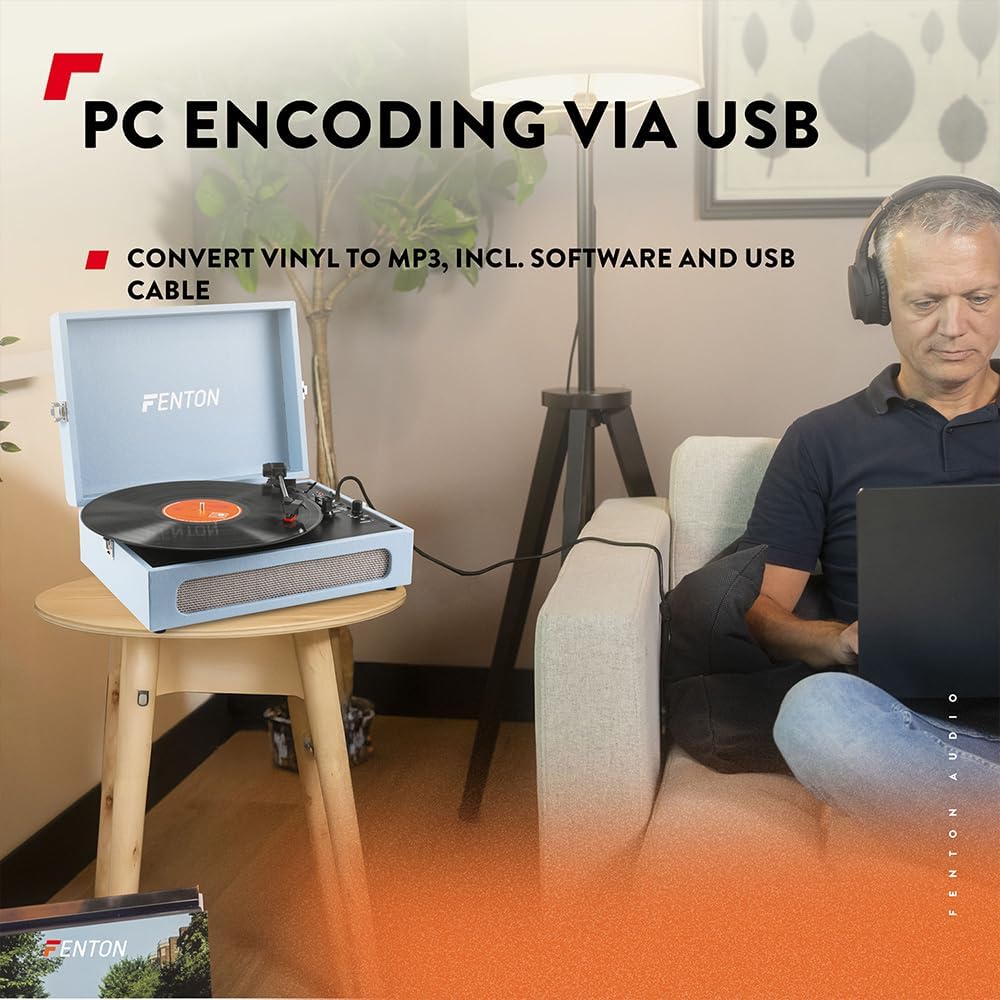
Figure 7: PC encoding via USB for vinyl to MP3 conversion.
7. Maintenance
7.1 Cleaning
- Wipe the exterior of the unit with a soft, dry cloth.
- Do not use abrasive cleaners, waxes, or solvents.
- Keep the dust cover closed when not in use to prevent dust accumulation.
7.2 Stylus Care
- The stylus (needle) is a delicate component. Handle it with care.
- Clean the stylus periodically using a soft brush, brushing gently from back to front.
- Replace the stylus when you notice a decrease in sound quality or visible wear.
8. Troubleshooting
| Problem | Possible Cause | Solution |
|---|---|---|
| No power | Power adapter not connected; Power knob off | Ensure power adapter is securely connected and plugged in. Turn Power ON/OFF / Volume knob clockwise. |
| No sound from speakers | Volume too low; PHONO mode not selected; External speakers connected via RCA/Bluetooth | Increase volume. Set BT OUT / PHONO / BT IN switch to 'PHONO'. Disconnect external audio devices if using internal speakers. |
| Turntable speed incorrect | Incorrect speed selected | Adjust the speed selector to match the record's RPM (33, 45, or 78). |
| Bluetooth pairing fails | Device too far; Incorrect BT mode; External device not in pairing mode | Ensure devices are within 10m. Select correct BT IN/OUT mode. Put external device into pairing mode. |
| Record stops prematurely | AUTO STOP switch is ON | Set the AUTO STOP switch to OFF if you prefer manual stopping or if the record is shorter than standard. |
9. Specifications
- Brand: Fenton
- Model Name: RP118E
- Color: Blue
- Motor Type: Belt Drive
- Rotation Speeds: 33 1/3, 45, 78 RPM
- Connections: 3.5mm Line In, RCA Out, USB, Bluetooth
- Special Features: Bluetooth Receiver & Transmitter, Vinyl to MP3 Conversion
- Compatible Devices: Speakers, headphones, audio systems, Bluetooth compatible devices
- Included Components: Software, USB cable
- Item Weight: 3.1 Kilograms
- Style: Suitcase

Figure 8: Product dimensions.
10. Warranty and Support
For warranty information or technical support, please refer to the documentation provided at the time of purchase or contact your retailer. Keep your proof of purchase for any warranty claims.


