
SILK'N SEV1PE1001
Silk'n 7 IPL Hair Removal Device User Manual
Model: SEV1PE1001
Introduction
Welcome to the Silk'n 7 IPL Hair Removal Device User Manual. This guide provides essential information for the safe and effective use of your new device. The Silk'n 7 is the first IPL device from Silk'n featuring a flexible, rotating head that can be adjusted to six different angles, designed to reduce unwanted hair growth even in hard-to-reach areas. Its ergonomic design includes three attachments suitable for various body and face areas. For optimal results, the device utilizes both optical and galvanic energy, making it suitable for all skin types and most hair colors. Please read this manual thoroughly before first use and keep it for future reference.
Safety Information
Before using the Silk'n 7 device, it is crucial to understand all safety precautions.
Important Safeguards:
- Do not use on irritated, sunburned, or recently tanned skin.
- Avoid direct eye exposure to the pulsed light.
- Consult a physician before use if you have any pre-existing medical conditions or are taking medications that may increase light sensitivity.
- Keep out of reach of children.
- Ensure the device is clean and dry before each use.
- Do not use if the device or power cord is damaged.
The device is equipped with Silk'n AutoAdapt Technology, which ensures clinical safety and efficacy for all skin colors, including darker tones, and most hair colors. However, it is important to perform a patch test on a small area of skin 24 hours before full treatment to check for any adverse reactions.
Package Contents
Upon opening the package, verify that all components are present and in good condition.
- Silk'n 7 IPL Hair Removal Device
- Power Adapter
- Three interchangeable treatment attachments (1 cm², 2.5 cm², 5.1 cm²)
- Storage case
- User Manual
- Razor (may be included as an accessory)
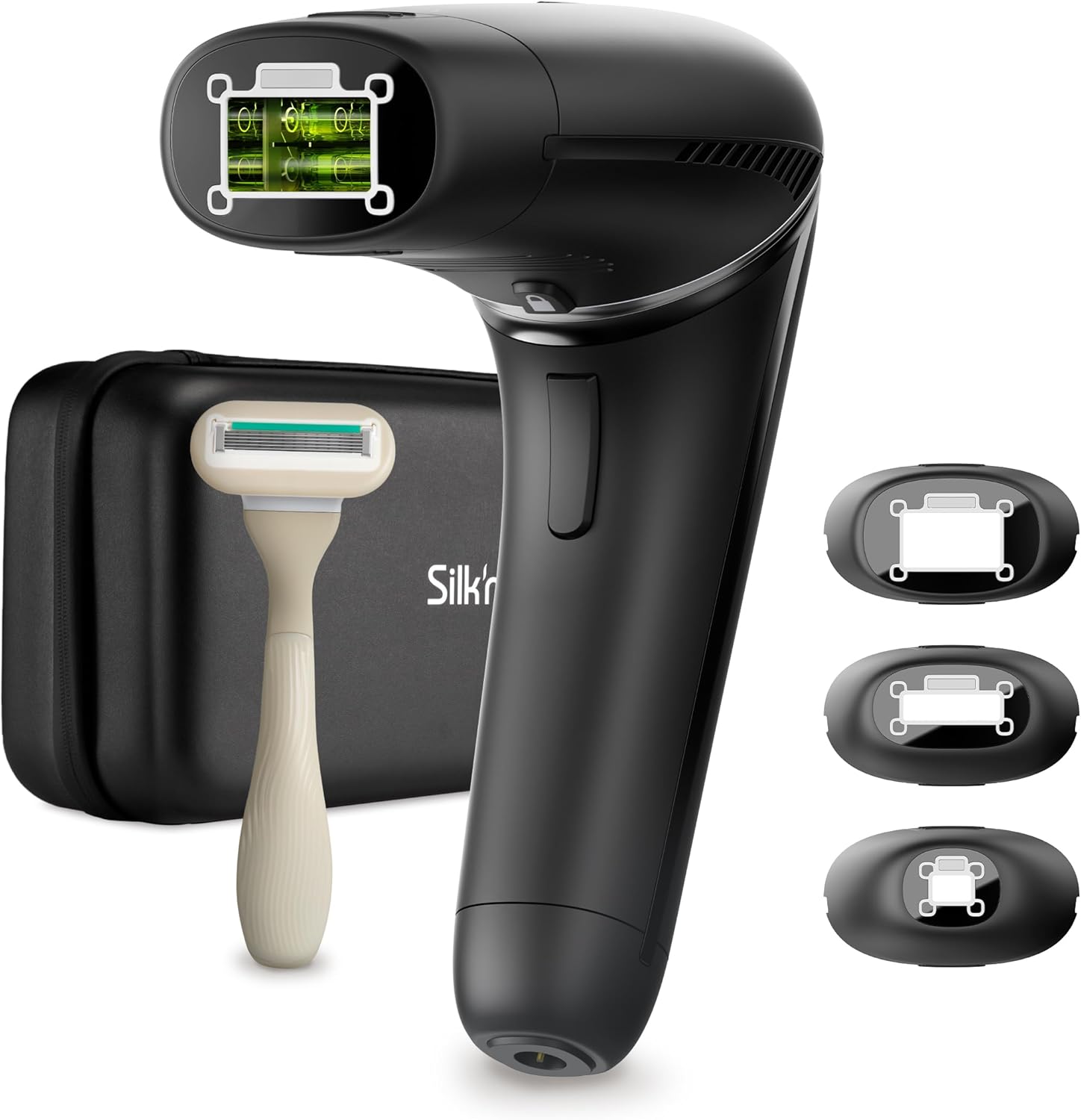
Image: The Silk'n 7 IPL device shown with its complete set of accessories, including the main unit, three different sized treatment heads, a razor, and a black storage case.
Setup
Follow these steps to prepare your Silk'n 7 device for use.
- Charge the Device: Connect the power adapter to the device and a power outlet. Ensure the device is fully charged before first use, or connected to power for operation.
- Prepare the Skin: Before each treatment, ensure the skin area is clean, dry, and free of any lotions, creams, or deodorants. Shave the area to be treated. Do not wax or pluck hair, as the IPL technology targets the hair follicle.
- Select the Appropriate Attachment:
- 1 cm² attachment: Ideal for small, sensitive areas like the upper lip or fingers.
- 2.5 cm² attachment: Suitable for medium-sized areas such as the underarms or bikini line.
- 5.1 cm² attachment: Best for larger areas like legs or arms, providing faster treatment.
Image: Close-up of the three interchangeable treatment attachments for the Silk'n 7, demonstrating their varying sizes.
- Attach the Head: Securely attach the chosen treatment head to the device. The device features a patented 360° rotatable head, allowing for easy adjustment to different angles for optimal contact with the skin.

Image: The Silk'n 7 device demonstrating its rotating head feature, showing the head in multiple positions.
Operating Instructions
Learn how to effectively use your Silk'n 7 device for hair removal.
- Power On: Press the power button to turn on the device. The indicator lights will illuminate.

Image: A detailed view of the Silk'n 7 device's control panel, highlighting the power button and the illuminated intensity level indicators.
- Select Energy Level: The Silk'n 7 features 5 energy levels. You can choose between manual mode or AutoAdapt mode.
- AutoAdapt Mode: The device automatically detects your skin tone and selects the optimal energy level for safe and effective treatment. This is recommended for first-time users.
- Manual Mode: You can manually select an energy level from 1 to 5. Start with a lower level and gradually increase if comfortable. The device will prevent operation if the selected level is too high for your skin tone.
- Apply to Skin: Place the treatment surface firmly against the skin. The device will only emit a pulse when full contact is made.

Image: A person using the Silk'n 7 IPL device on their leg, demonstrating proper placement for treatment.
- Initiate Treatment: Press the pulse button. You will see a flash of light. Move the device to the next adjacent area. Avoid overlapping pulses on the same spot.
- Treatment Schedule: For optimal results, follow the recommended treatment schedule:
- Initial Phase: 4 sessions at 2-week intervals.
- Follow-up Phase: 4 sessions at 4-week intervals.
- Maintenance: Occasional sessions as needed to maintain results.
Many users report visible results, such as reduced hair growth, within 2 weeks of starting treatment. Clinical studies show up to 92% less hair growth after completing the regimen on light skin with dark hair.
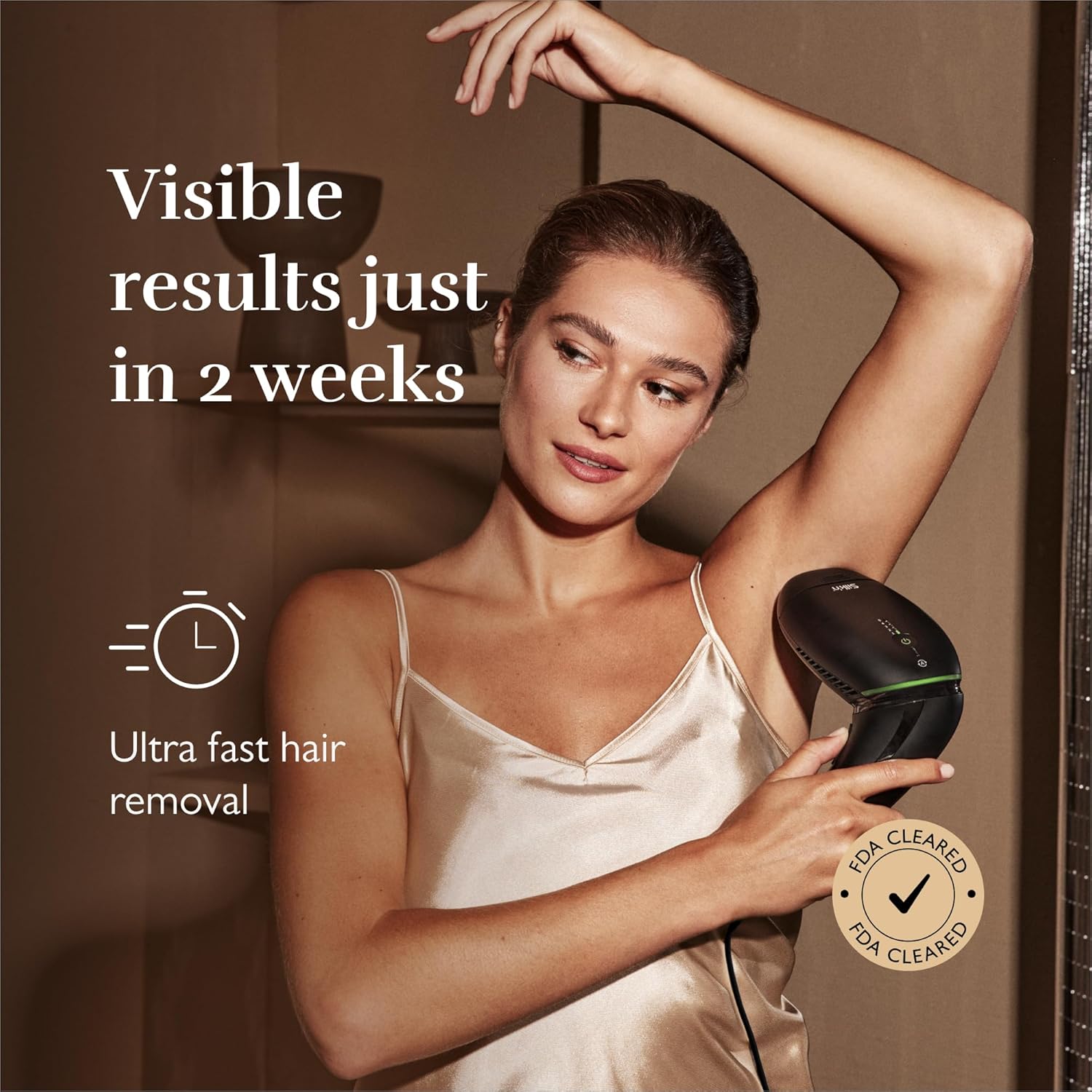
Image: A woman displaying her smooth underarm, illustrating the quick visible results achievable with the Silk'n 7 IPL device, with an overlay text indicating "Visible results just in 2 weeks".

Image: A close-up of a woman's legs, demonstrating significant hair reduction, accompanied by text stating "92% less hair growth".
- Power Off: After treatment, press and hold the power button to turn off the device.
Maintenance
Proper maintenance ensures the longevity and optimal performance of your Silk'n 7 device.
- Cleaning: After each use, wipe the treatment surface and the device body with a soft, dry cloth. Do not use abrasive cleaners or immerse the device in water.
- Storage: Store the device and its attachments in the provided storage case in a cool, dry place, away from direct sunlight and moisture.
- Attachment Care: Ensure the attachments are clean before storing.
Troubleshooting
If you encounter any issues with your Silk'n 7 device, refer to the following common problems and solutions.
| Problem | Possible Cause | Solution |
|---|---|---|
| Device does not turn on. | Not connected to power or power adapter issue. | Ensure the power adapter is securely connected to both the device and a working power outlet. |
| No light pulse emitted. | Poor skin contact, incorrect skin tone, or device malfunction. | Ensure the treatment surface is in full contact with the skin. Check if your skin tone is suitable for the selected energy level (refer to AutoAdapt mode). If issues persist, contact customer support. |
| Skin irritation after use. | Energy level too high, sensitive skin, or improper pre-treatment. | Reduce the energy level. Ensure skin is clean and dry before treatment. Apply a soothing lotion after treatment if needed. Perform a patch test before full treatment. |
| Hair not reducing. | Inconsistent treatment schedule, incorrect hair color, or insufficient energy level. | Follow the recommended treatment schedule consistently. Ensure your hair color is suitable for IPL (IPL is most effective on dark hair). Increase energy level if comfortable and safe for your skin tone. |
Specifications
- Model Number: SEV1PE1001
- Dimensions (L x W x H): 19 x 9 x 16 cm
- Net Product Weight: 520 Grams
- Technology: eHPL (Enhanced Home Pulsed Light) - combines galvanic and optical energy.
- Energy Levels: 5 adjustable levels
- Treatment Area: Largest spot size on the market with 3 interchangeable attachments (1 cm², 2.5 cm², 5.1 cm²)
- Head: Patented 360° rotatable head with 6 adjustable angles
- Skin Tone Suitability: Clinically proven safe and effective for all skin tones.
- Hair Color Suitability: Effective on most hair colors.
Warranty and Support
For warranty information and customer support, please refer to the official Silk'n website or contact their customer service directly.
Manufacturer: Silk'n
Online Support: Visit the official Silk'n website for FAQs, troubleshooting guides, and contact information.
Product Registration: Register your product online to receive updates and support.
Related documentsSEV1PE1001


Ask a question about this manual
Ask about setup, troubleshooting, compatibility, parts, safety, or missing instructions. Manuals+ will review the question and use this page’s manual context to help answer it.