
Inkbird INKBIRD IAM-T2 CO2 Detector
INKBIRD Portable CO2 Detector User Manual
Model: INKBIRD IAM-T2 CO2 Detector | Brand: Inkbird
1. Introduction
The INKBIRD Portable CO2 Detector is a smart indoor air quality monitor designed to provide real-time measurements of CO2 concentration, temperature, humidity, and air pressure. Featuring a low-power electronic ink display and Bluetooth 5.0 connectivity, this device offers comprehensive monitoring for various indoor environments, ensuring a healthier living or working space.
Its long-lasting battery life and intuitive app integration make it a reliable tool for maintaining optimal air quality and receiving timely alerts.

Figure 1: INKBIRD Portable CO2 Detector and its mobile application interface.
Product Overview Video
Video 1: An overview of the INKBIRD Smart Indoor CO2 Detector with Bluetooth, highlighting its features and benefits.
2. Product Features
- Sweden Premium NDIR Sensor Senseair: Equipped with a high-accuracy NDIR sensor for reliable CO2 concentration measurements (±30 ppm + 3% of reading).
- Low-power Electronic Ink Display: Features an ultra-long battery life and a display visible from full viewing angles, showing CO2, temperature, and relative humidity clearly.
- Bluetooth 5.0 Connectivity: Connects to the INKBIRD APP for real-time monitoring of CO2, temperature, humidity, and air pressure.
- Data Privacy: All product usage data is saved locally on the INKBIRD APP on your cellphone, ensuring no data is uploaded to cloud servers.
- 4 Years Ultra-long Battery Life: The device can last up to 4 years with included AA batteries when set to a 10-minute sampling interval. Multiple intervals (1min, 2min, 5min, 10min) are selectable.

Figure 2: Internal components, highlighting the Senseair NDIR sensor.

Figure 3: Carbon dioxide accuracy details.

Figure 4: Data privacy feature, saving data locally.
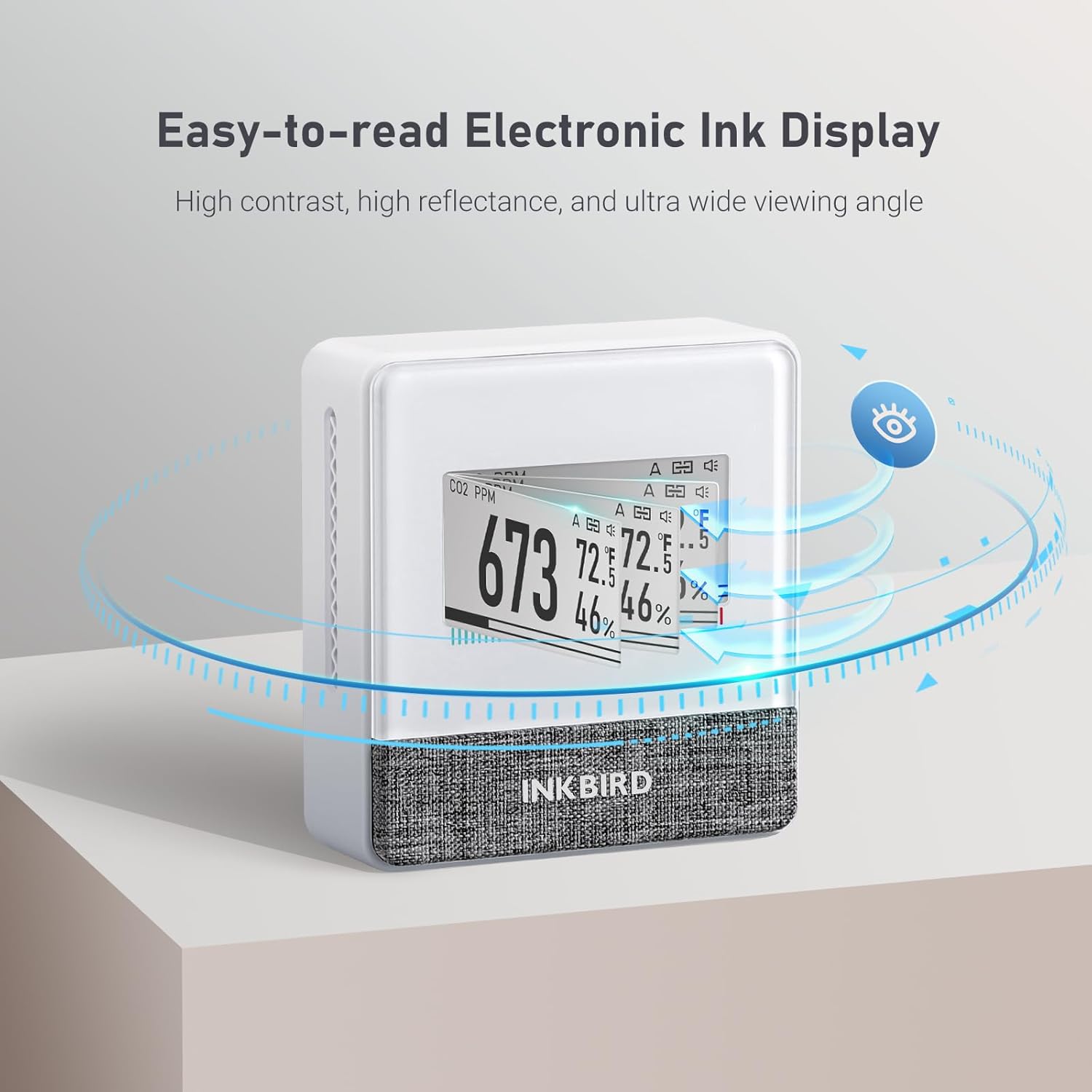
Figure 5: Easy-to-read Electronic Ink Display.
3. Setup Guide
Follow these steps to set up your INKBIRD Portable CO2 Detector and connect it to the INKBIRD APP.
- Install Batteries: Open the back cover of the device and insert the two included AA alkaline batteries, ensuring correct polarity.
- Enable Bluetooth: Locate the Bluetooth switch on the back of the device and slide it to the 'ON' position.
- Download INKBIRD APP: Scan the QR code in the included user manual or search for "INKBIRD" in your smartphone's app store (App Store for iOS, Google Play for Android).
- Connect Device:
- Open the INKBIRD APP and click the "+" icon in the upper right corner to add a new device.
- Select "IAM-T1" from the list of available devices.
- Follow the on-screen prompts to complete the connection. The device will automatically connect to your smartphone.
Bluetooth Connection Video
Video 2: Step-by-step guide on how to connect the INKBIRD CO2 Detector to your smartphone via Bluetooth.
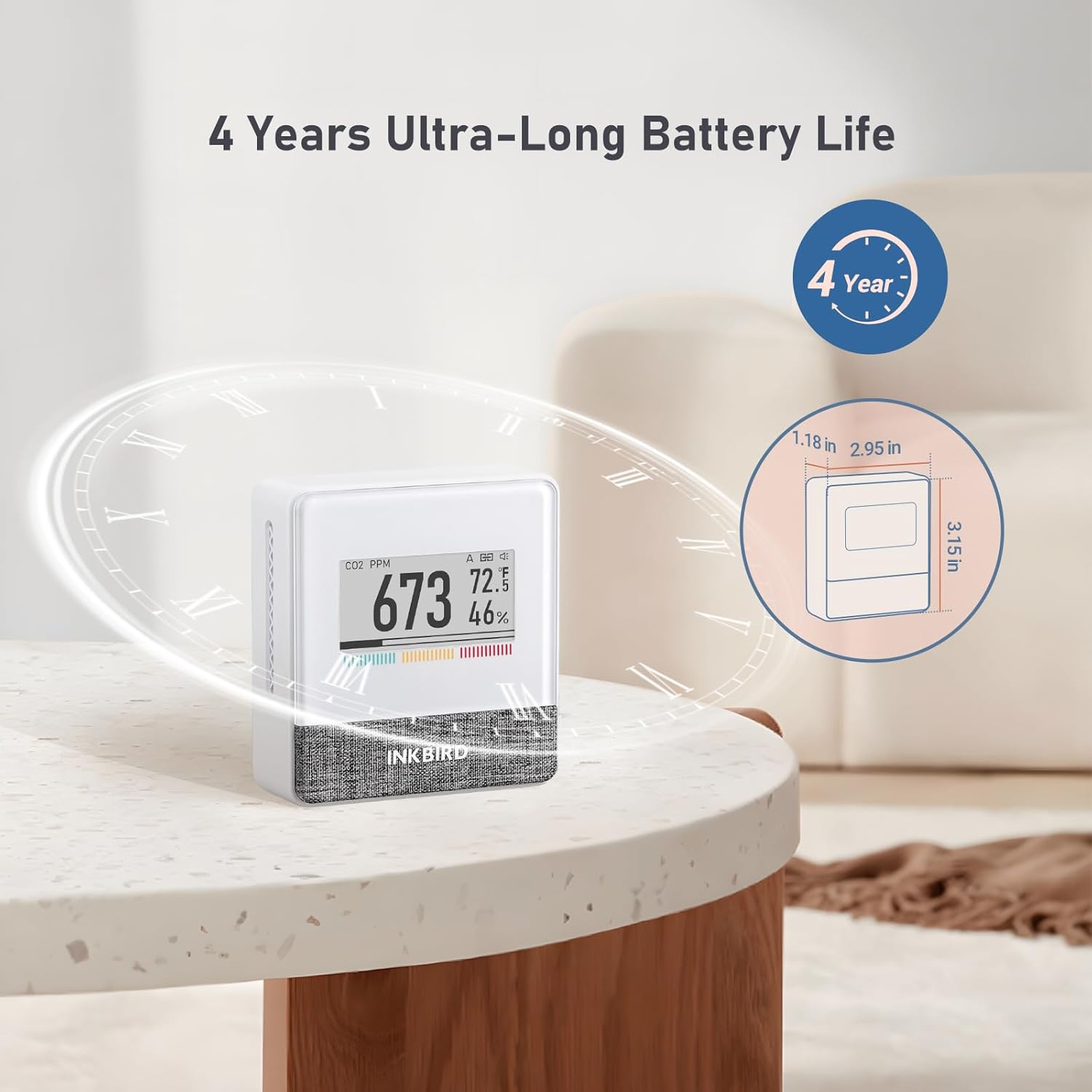
Figure 6: The device's compact design and long battery life.
4. Operation
Once set up, the INKBIRD CO2 Detector continuously monitors your indoor air quality. The electronic ink display provides clear, real-time readings.
Understanding Readings:
- CO2 Concentration (PPM): Displays the level of carbon dioxide in parts per million. A colored bar at the bottom of the screen indicates air quality:
- Green: <1000 ppm (Good)
- Yellow: 1000-1400 ppm (Medium)
- Red: >1400 ppm (Unhealthy)
- Temperature: Shows the ambient temperature in Fahrenheit or Celsius.
- Relative Humidity: Displays the percentage of humidity in the air.
- Air Pressure: Available via the INKBIRD APP.

Figure 7: Visual warning signs for CO2 levels.
Using the INKBIRD APP:
The INKBIRD APP allows you to:
- View real-time data for CO2, temperature, humidity, and air pressure.
- Access historical data (up to 30 days offline data saved locally).
- Customize CO2 alarm thresholds and sampling intervals (1min, 2min, 5min, 10min).
- Receive notifications for high CO2 levels.

Figure 8: Smart App Control via Bluetooth 5.0.
5. Maintenance
To ensure optimal performance and longevity of your INKBIRD Portable CO2 Detector, follow these maintenance guidelines:
- Cleaning: Gently wipe the device with a soft, dry cloth. Avoid using abrasive cleaners or solvents that may damage the display or casing.
- Battery Replacement: Replace the AA batteries when the low battery indicator appears on the display. Ensure to use high-quality alkaline batteries for best performance and battery life.
- Storage: If storing the device for an extended period, remove the batteries to prevent leakage. Store in a cool, dry place away from direct sunlight and extreme temperatures.
6. Troubleshooting
If you encounter issues with your INKBIRD Portable CO2 Detector, refer to the following common troubleshooting tips:
- Inaccurate Humidity Readings: Some users have reported initial humidity readings being slightly off. The INKBIRD APP allows for an offset calibration. Navigate to the device settings in the app to adjust the humidity offset if necessary.
- App Data Sync Issues: If the app is slow to update or re-downloads data frequently, ensure your device's Bluetooth is enabled and your phone is within range. Check for app updates as well.
- Short Battery Life: The advertised 4-year battery life is based on a 10-minute sampling interval. If you use a shorter interval (e.g., 1-minute), the battery life will be significantly reduced. Adjust the sampling interval in the app settings to extend battery life.
- Device Not Responding: Check if the batteries are properly installed and have sufficient charge. Try turning the device off and on using the switch on the back.
- Firmware Update Issues: If you experience problems with firmware updates via the app, ensure a stable Bluetooth connection and sufficient battery charge. Contact customer support if the issue persists.
7. Specifications
| Attribute | Detail |
|---|---|
| Brand | Inkbird |
| Model Number | INKBIRD IAM-T2 CO2 Detector |
| Power Source | Battery Powered (2 AA batteries included) |
| Sensor Type | Non Dispersive Infrared (NDIR) |
| CO2 Measurement Range | 0 - 9999 ppm |
| CO2 Accuracy | ±30ppm ±3% of reading (±75ppm Accuracy at 1500-2500ppm) |
| Temperature Range | 0 - 50 °C (32-122 °F) |
| Temperature Accuracy | ±0.2 °C (±0.36 °F) |
| Relative Humidity Range | 0 - 95 % |
| Relative Humidity Accuracy | ±2 % |
| Item Weight | 4.96 ounces |
| Product Dimensions | 0.23 x 0.1 x 0.26 inches |
8. Warranty and Support
For detailed warranty information and further technical support, please refer to the official INKBIRD website or the comprehensive User Manual provided with your product.
A digital version of the User Manual (PDF) can be accessed via this link: INKBIRD User Manual (PDF).
You can also visit the official Inkbird Store on Amazon for additional product information and support: Inkbird Amazon Store.
Related documentsINKBIRD IAM-T2 CO2 Detector

Ask a question about this manual
Ask about setup, troubleshooting, compatibility, parts, safety, or missing instructions. Manuals+ will review the question and use this page’s manual context to help answer it.