
Introduction
Welcome to the JONR ED12 Cordless Wet Dry Vacuum Cleaner user manual. This guide provides detailed instructions for the safe and efficient operation, maintenance, and troubleshooting of your new appliance. Please read this manual thoroughly before first use and keep it for future reference.
Product Overview
The JONR ED12 is a versatile 2-in-1 cordless wet dry vacuum cleaner designed for efficient cleaning of hard floors. It combines vacuuming and mopping functions, features self-cleaning capabilities, and offers enhanced edge cleaning for comprehensive floor care.

Image: The JONR ED12 Cordless Wet Dry Vacuum Cleaner, showcasing its sleek design and integrated water tanks.
Important Safety Instructions
Always follow basic safety precautions when using electrical appliances to reduce the risk of fire, electric shock, or injury.
- Read all instructions before using the appliance.
- Use only as described in this manual.
- Do not immerse the appliance in water or other liquids.
- Keep hair, loose clothing, fingers, and all parts of the body away from openings and moving parts.
- Use only JONR recommended attachments.
- Do not use with damaged cord or plug.
- Do not use to pick up flammable or combustible liquids.
- Do not pick up anything that is burning or smoking, such as cigarettes, matches, or hot ashes.
- Unplug from outlet when not in use and before servicing.
- Store indoors in a dry place.
Setup and Assembly
Unpacking
Carefully remove all components from the packaging. Ensure all listed parts are present.
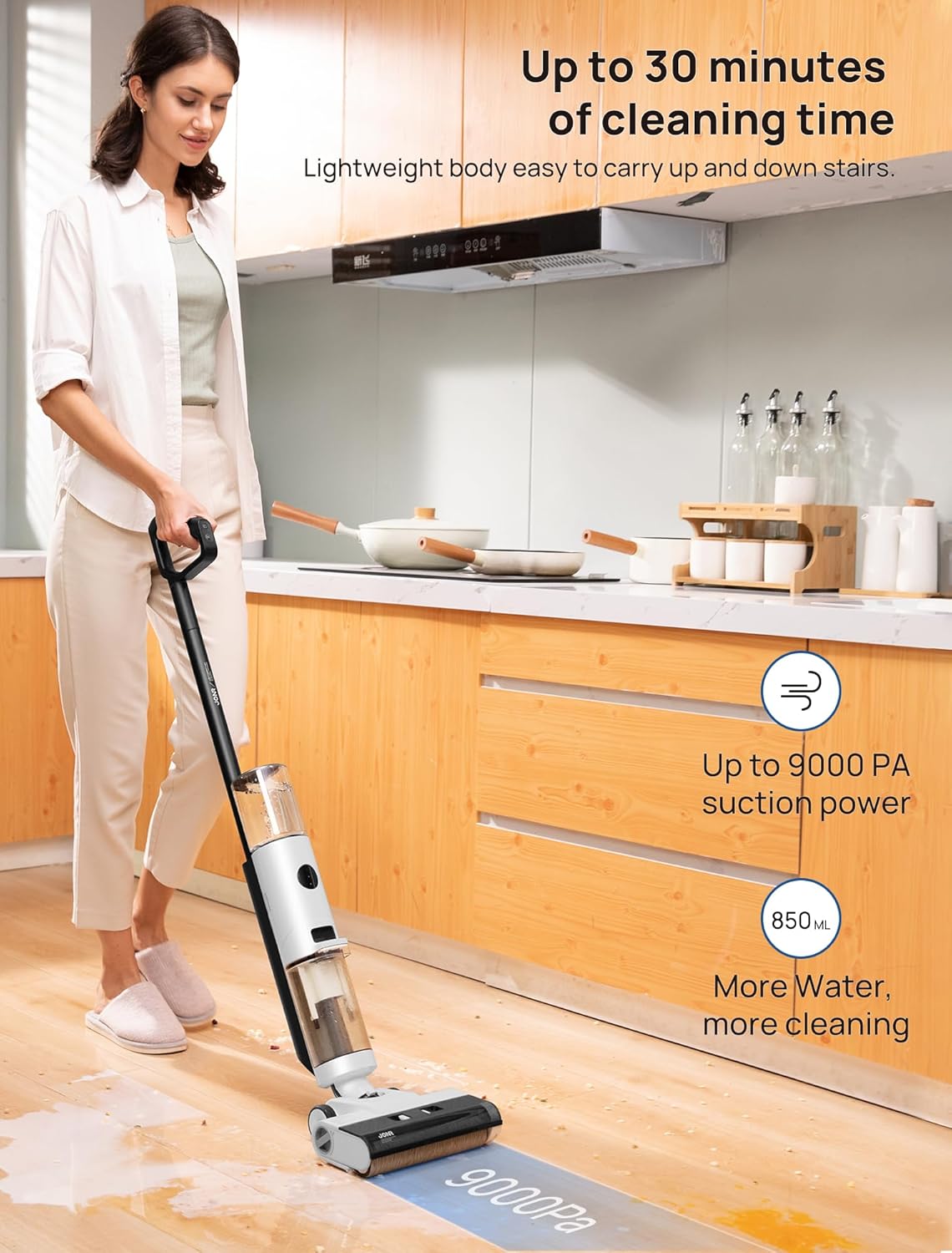
Image: All components of the JONR ED12 package, including the main vacuum unit, charging dock, spare roller brush, adapter, and user manual.
Assembly
Follow these steps to assemble your JONR ED12 vacuum cleaner:
- Attach the handle to the main body until it clicks into place.
- Ensure the clean water tank and dirty water tank are securely installed.
Video: Official product instructions demonstrating how to assemble the JONR ED12 Wet Dry Vacuum Cleaner, including attaching the handle and tanks.
Operating Instructions
Filling the Clean Water Tank
Gently rotate the clean water tank and pull it outwards to detach it. Remove the cover, fill the tank with clean water, and add a cleansing tablet if desired. Securely reattach the tank to the vacuum cleaner. The clean water tank has an 850ml capacity.

Image: A close-up view of the JONR ED12's clean water tank (850ml) and dirty water tank (450ml), illustrating their capacities.
Powering On and Cleaning Modes
To start cleaning, gently step on the switch located on the brush cover and tilt the vacuum backward. Press the power button on the handle to turn on the device.
The JONR ED12 offers two cleaning modes:
- Auto Mode: Ideal for basic cleaning and everyday messes like spilled oatmeal or milk.
- Max Mode (9000PA): Provides powerful suction for particle stains and stubborn messes.

Image: The JONR ED12 demonstrating its "Auto Mode" for light cleaning and "Max Mode" for heavier dirt and spills.
Edge Cleaning
The unique narrow edge design allows for deep cleaning along wall edges and corners, ensuring no dirt is left behind.

Image: The JONR ED12 showcasing its edge cleaning feature, reaching close to walls and corners for thorough cleaning.
Self-Propelled Design
The self-propelled design and lightweight build (8.2 pounds) ensure effortless maneuverability, even when cleaning stairs.

Image: A woman easily carrying the JONR ED12 up a staircase, illustrating its lightweight and self-propelled design for convenient use.
Runtime
The JONR ED12 provides up to 30 minutes of continuous cleaning on a single charge, thanks to its 850ml clean water tank.
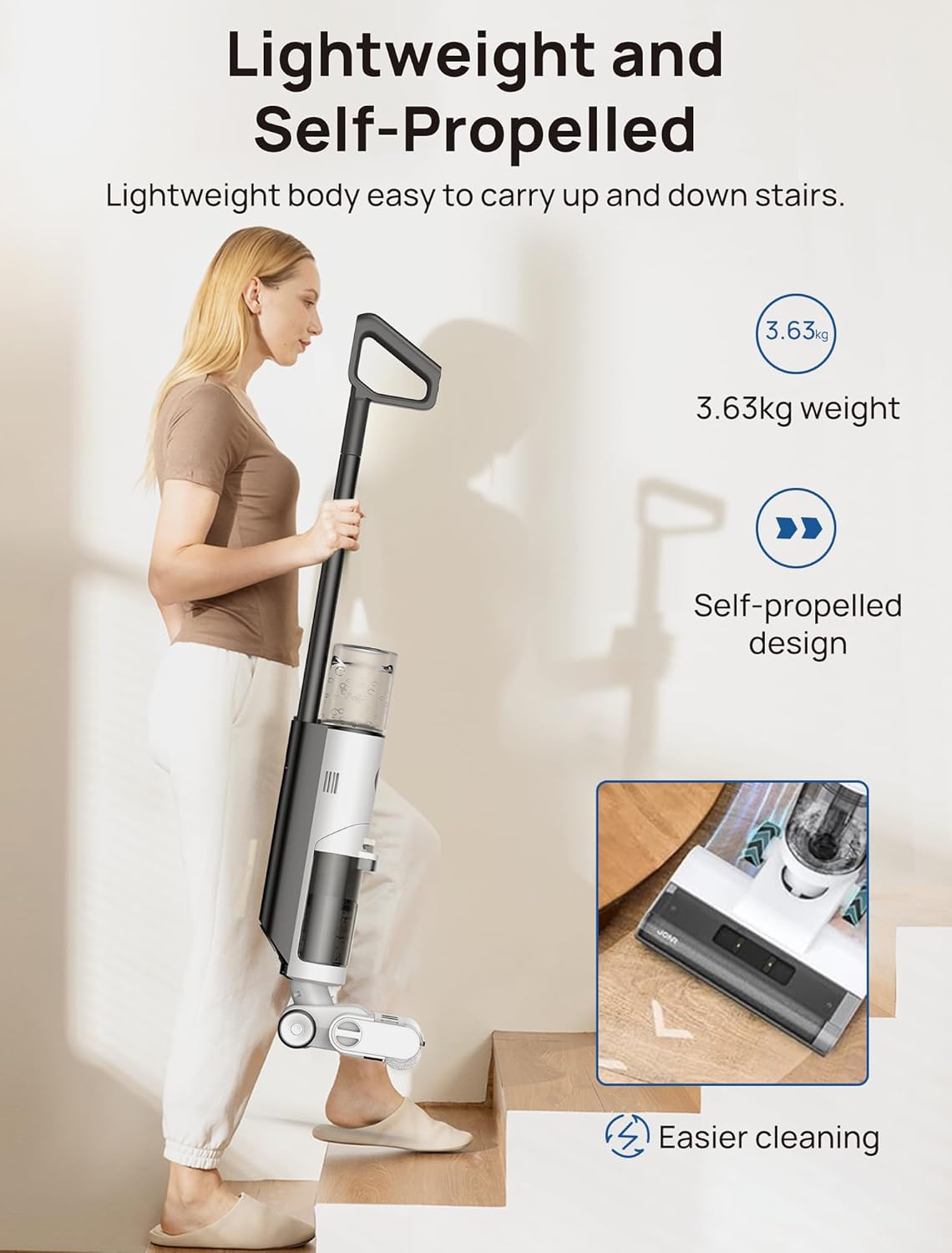
Image: A woman using the JONR ED12 in various cleaning scenarios, emphasizing its long runtime of up to 30 minutes.
Maintenance
Self-Cleaning Function
The self-cleaning function requires adequate water in the clean tank and a minimum of 15% battery power to activate. Simply place the vacuum on its base and press the Mode Switch Button. The self-cleaning cycle will flush out internal pipes and the brush roll in 35 seconds.
Video: Official product instructions demonstrating the self-cleaning feature of the JONR ED12 Wet Dry Vacuum, showing the automatic cleaning cycle.
Cleaning the Dirty Water Tank and Brush Roll
After each use, it is recommended to empty and rinse the dirty water tank and clean the brush roll.
- Press the release button and gently pull the dirty water tank outward to detach it.
- Pull out the tank cover, then empty and rinse the used water tank and sponge filter under running water.
- Press the release buttons located at both ends inward to remove the brush cover.
- Rotate the end cap knob, move the entire roller brush to the left, and take out the roller brush. Rinse the roller brush thoroughly.
- Clean the tube and wipe away any debris around the inlet with a damp cloth or cleaning brush.
- Insert the entire brush into the left side, and tighten the end cap knob to complete the installation.
- Reinstall the water tank for the next use.
Video: Official product instructions demonstrating how to maintain the JONR ED12 Wet Dry Vacuum, including cleaning the dirty water tank and brush roll.
Troubleshooting
Machine Pauses and Flashes Red (4 times)
This usually indicates two main problems: the dirty water tank is too full, or there's water and grime on the upper latch of the tank.
To fix: Empty and clean the dirty water tank. Wipe the metal piece of the tank with a paper towel.
Video: Instructions on how to fix the JONR vacuum mop auto turning off, addressing issues with the dirty water tank.
Machine Pauses and Flashes Red (5 times)
This indicates debris entangled in the brush roll or a low battery.
To fix: Start by clearing any debris from the brush roll. Then, recharge the unit to ensure it has enough power.
Video: Instructions on how to fix the JONR vacuum mop auto turning off, addressing issues with the brush roll and battery.
General Troubleshooting Tips
- Ensure the clean water tank is filled and the dirty water tank is empty before use.
- Check for any blockages in the suction path.
- Fully charge the battery before extended cleaning sessions.
- Refer to the official JONR support for further assistance if issues persist.
Specifications
| Feature | Specification |
|---|---|
| Brand | JONR |
| Model Name | JONR ED12 |
| Special Feature | 75db&8 bl Lightweight, 850ml Water Tank&450ml Dirty Water Tank, Up to 30 minutes long runtime, Cordless&Vacuum and Mop, Edge Cleaning&SSelf Cleaning |
| Filter Type | Foam |
| Included Components | Charging Dock |
| Is Cordless? | Yes |
| Clean Water Tank Capacity | 850 Milliliters |
| Dirty Water Tank Capacity | 450 Milliliters |
| Runtime | 30 minutes |
| Charging Time | 4 Hours |
| Recommended Uses | Hard Floor |
| Form Factor | Stick |
| Color | White&black |
| Product Dimensions | 13.78"L x 12.92"W x 21.66"H |
| Battery Type | Lithium-Ion |
| Noise Level | 75 dB |
| Item Weight | 8.2 pounds |
Warranty and Support
The JONR ED12 wet and dry vacuum cleaner is backed by a 1-year limited warranty. For warranty claims or technical support, please contact JONR customer service.
For more information, visit the JONR Store.
Each purchase includes a roller brush, charge base, and filter assembly.
Image: The complete package contents, including accessories and charging base, provided with the JONR ED12.


