
Introduction
This manual provides detailed instructions for the assembly, operation, and maintenance of your Weilisi Heavy Duty Tablet Tripod Stand (Model GTD01). Please read this manual thoroughly before using the product to ensure safe and efficient operation. This tripod stand is designed for versatile use with tablets, phones, cameras, and ring lights, offering adjustable height and flexible positioning for various activities such as watching, streaming, recording, and more.
What's in the Box
Carefully unpack all components and ensure you have received the following items:
- Metal Tripod Stand
- Flexible Gooseneck
- Tablet Clip
- Phone Clip
- Wireless Remote
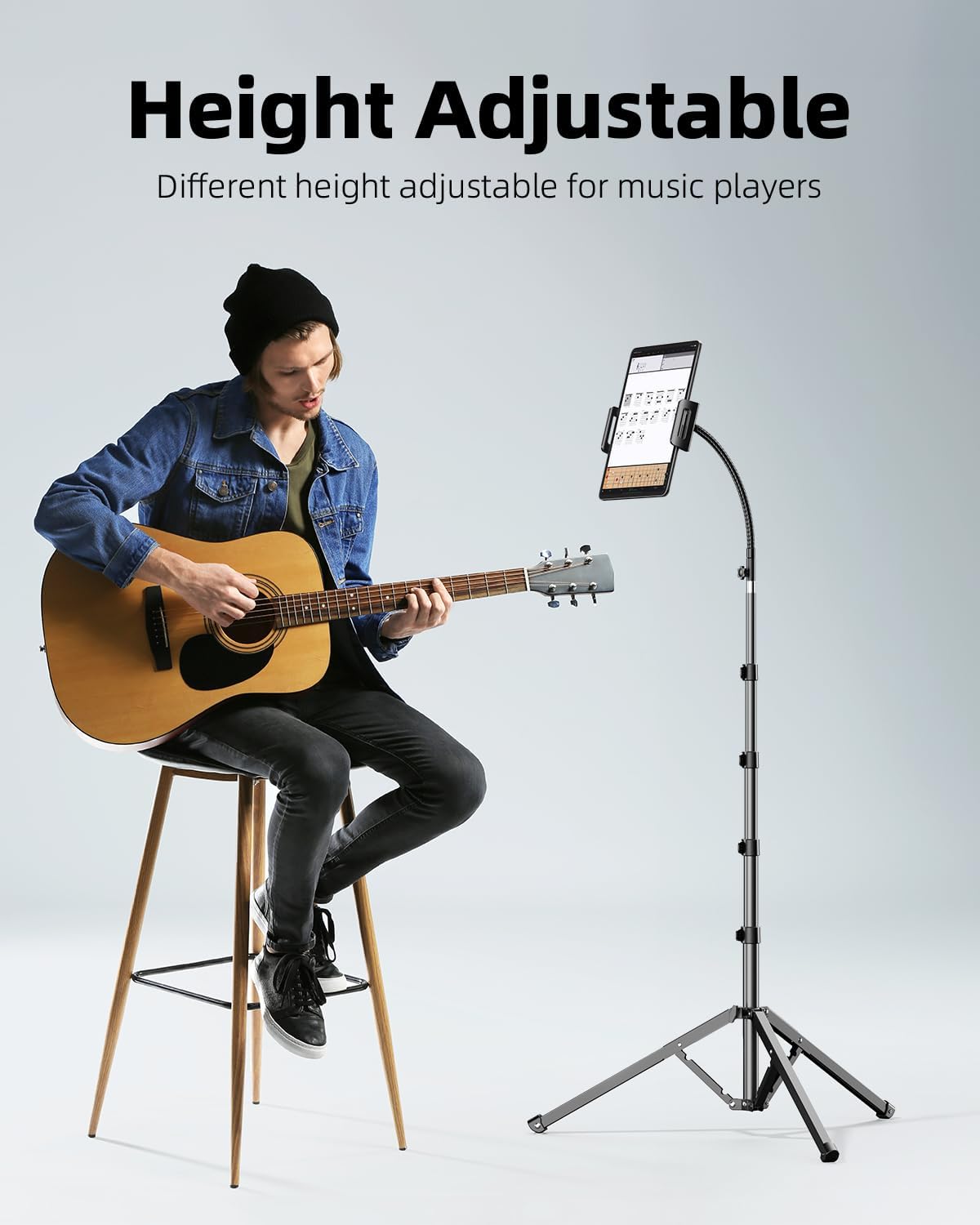
Image: All components included in the Weilisi Heavy Duty Tablet Tripod Stand package.
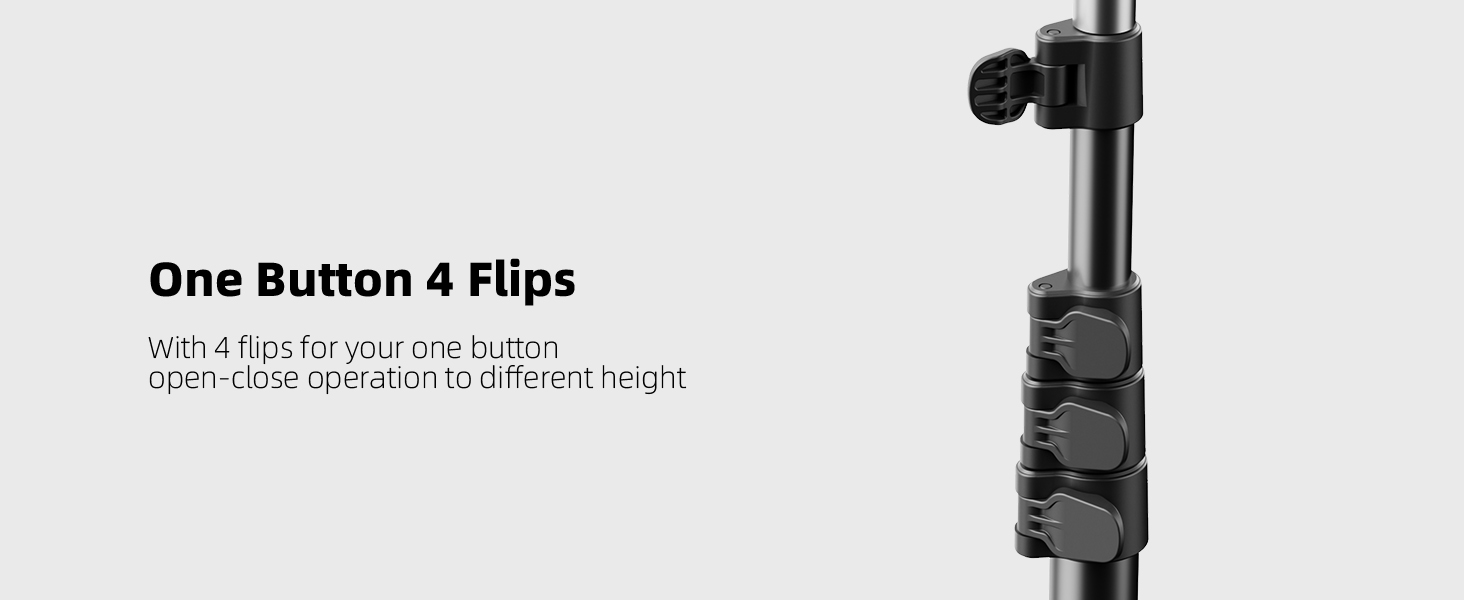
Image: The dual-clip configuration, showing both the phone clip and the tablet clip with silicone protection pads.
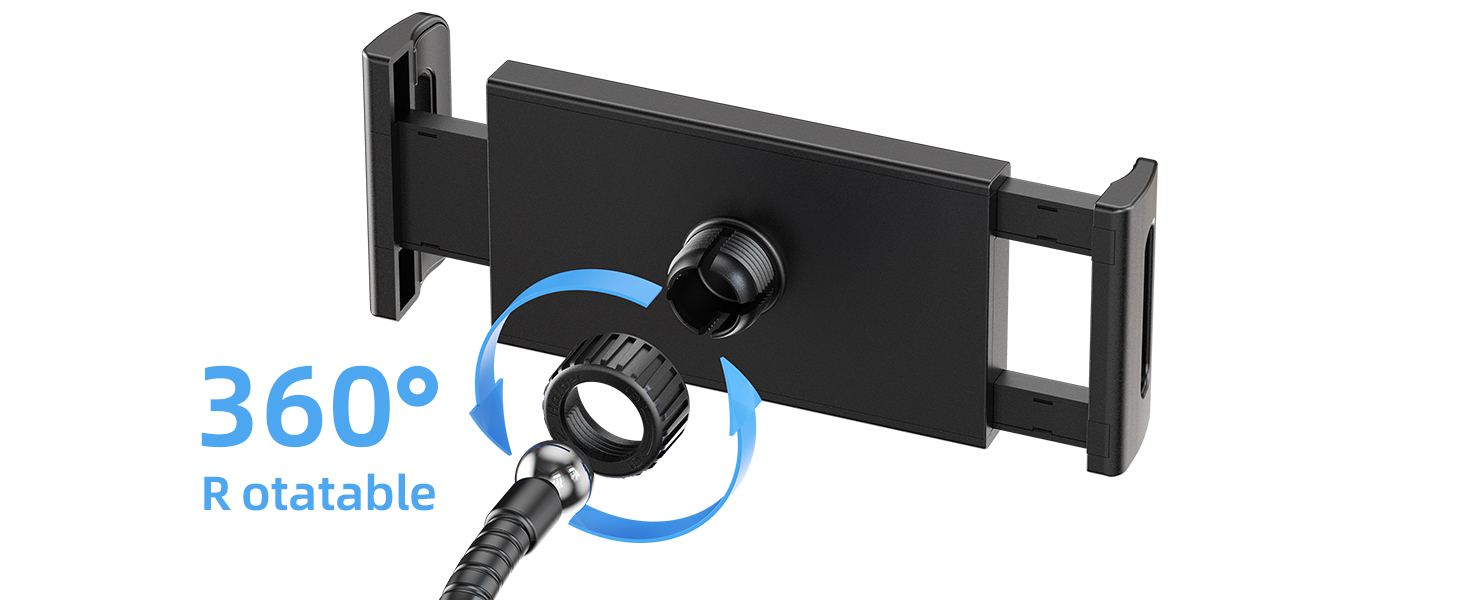
Image: The included wireless remote control, allowing for convenient remote operation of your device.
Setup Instructions
- Unfold the Tripod Legs: Place the main tripod stand on a flat, stable surface. Gently pull the legs outwards until they are fully extended and stable.
- Adjust Leg Spread: The tripod legs can be adjusted for wider or narrower stances. For maximum stability, extend the legs to their widest position (16.5 inches).
- Extend Height: Loosen the locking knobs on the main pole sections. Extend the pole to your desired height, then tighten the knobs securely to lock it in place. The stand can extend up to 82 inches.
- Attach Gooseneck: Screw the flexible gooseneck onto the top of the main tripod pole. Ensure it is tightly secured.
- Attach Device Clip: Select either the phone clip or the tablet clip. Screw the chosen clip onto the ball head of the gooseneck. The ball head allows for 360-degree rotation.
- Insert Device: Gently pull open the spring-loaded arms of the device clip and insert your phone or tablet. The silicone pads will protect your device.

Image: Unfolding the tripod legs for a stable base.

Image: Adjusting the height of the tripod using the secure locking knobs.
Operating Instructions
- Adjusting Height: To change the height, loosen the locking knobs on the main pole, extend or retract the pole to the desired level, and then firmly tighten the knobs.
- Positioning with Gooseneck: The 15-inch flexible gooseneck can be bent and angled freely to achieve your desired viewing or recording position. The gooseneck is designed to hold devices securely without sagging.
- Rotating Device: The device clip is attached to a ball head, allowing for 360-degree rotation. Loosen the small knob on the ball head, adjust your device to portrait or landscape orientation, and then tighten the knob.
- Using the Wireless Remote:
- Turn on the remote by pressing and holding the button until the indicator light flashes.
- Enable Bluetooth on your phone or tablet and search for available devices.
- Select the remote (usually named 'AB Shutter3' or similar) to pair.
- Once paired, open your device's camera app. Press the remote button to trigger the shutter or start/stop video recording.
- Alternative Mount: If you wish to connect a camera, ring light, or other accessories, remove the gooseneck. The head of the bracket features a standard 1/4" interface for direct attachment.
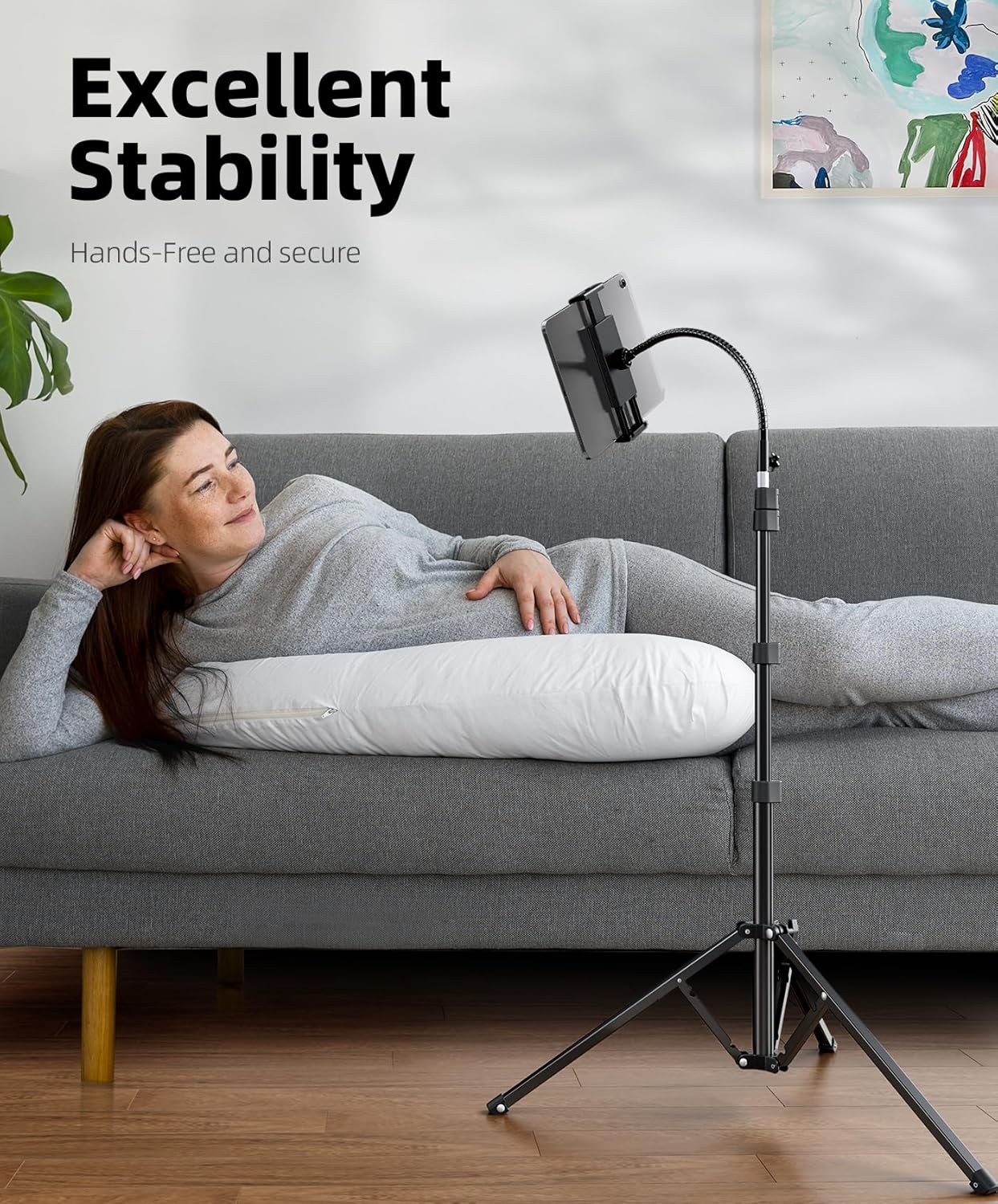
Image: The tripod stand providing excellent stability for hands-free viewing.
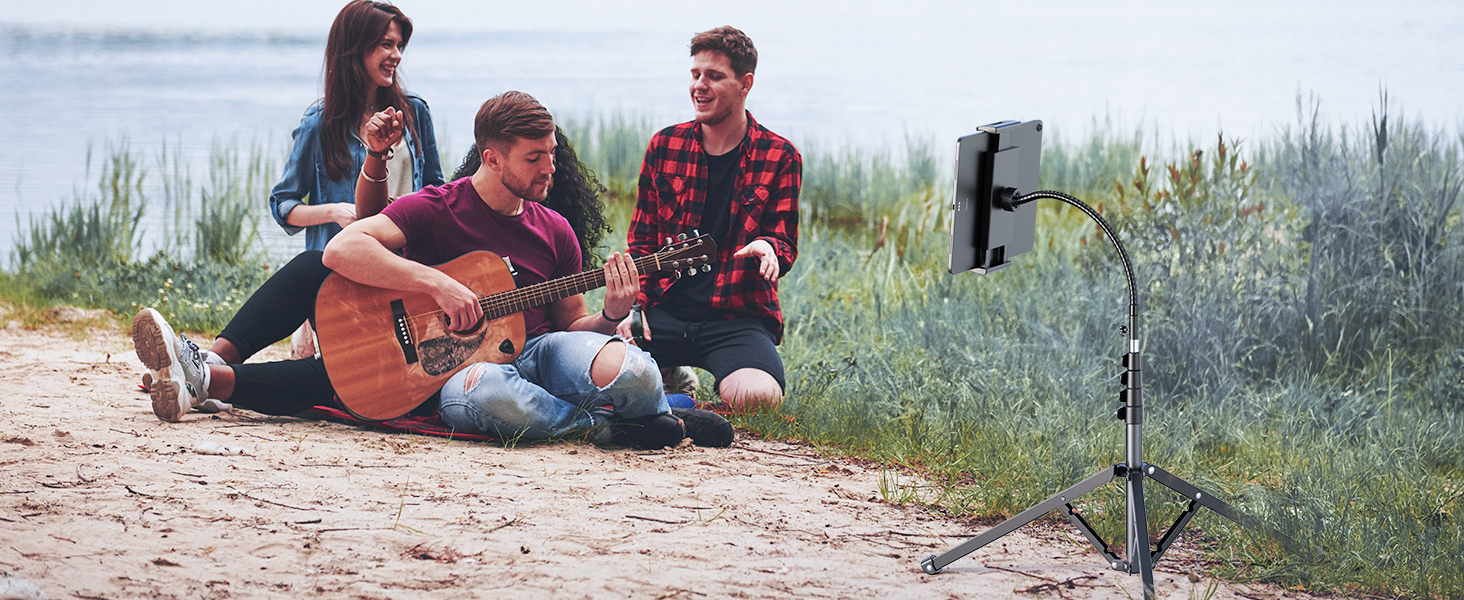
Image: Hands-free operation for activities like following recipes in the kitchen.

Image: The tripod stand adjusted to different heights for various activities, such as use with a treadmill.
Maintenance
- Cleaning: Wipe the stand with a soft, damp cloth. Avoid using abrasive cleaners or solvents that could damage the finish.
- Storage: For convenience and portability, the tripod features a reverse folding design. Fold the legs inwards, collapse the main pole sections, and detach the gooseneck and clips. Store all components in the provided carrying bag.
- Stability Check: Periodically check all locking mechanisms and connections to ensure they are secure.

Image: The tripod stand in its compact, folded configuration for easy storage and portability.
Troubleshooting
- Stand is Wobbly:
- Ensure all tripod legs are fully extended and the locking knobs are securely tightened.
- Verify that the gooseneck and device clip are firmly screwed into place.
- The stand is designed for stable use on flat surfaces. Avoid using on uneven ground.
- Gooseneck Sags:
- Ensure the gooseneck is properly tightened at its base connection to the main pole.
- The gooseneck is heavy-duty, but excessive weight or extreme angles might cause slight movement. Reposition the gooseneck to a more balanced angle.
- Wireless Remote Not Connecting:
- Ensure the remote is turned on and fully charged (if applicable).
- Check your device's Bluetooth settings to ensure it's discoverable and the remote is selected.
- If issues persist, try unpairing and re-pairing the remote with your device.
Specifications
| Feature | Detail |
|---|---|
| Brand | Weilisi |
| Model Name | Weilisi 82” tripod GTD01 |
| Item Model Number | GTD01 |
| Maximum Height | 82 Inches |
| Minimum Height | 13.5 Inches |
| Folded Length | 17.4 Inches |
| Tripod Leg Spread | 16.5 Inches (extended) |
| Gooseneck Length | 15 Inches |
| Phone Clip Width | 2.55 - 3.85 Inches |
| Tablet Clip Width | 4.3 - 10 Inches |
| Item Weight | 2.9 Pounds |
| Weight Limit | 2.5 Pounds |
| Material | Aluminum, Stainless Steel |
| Color | Black |
| Compatible Devices | Android, Camera, Ring light, Tablet, iPad, iPhone |
| Special Features | Foldable, Heavy Duty, Phone clip & iPad clip, Remote Control, Rigid+Bendable Gooseneck |
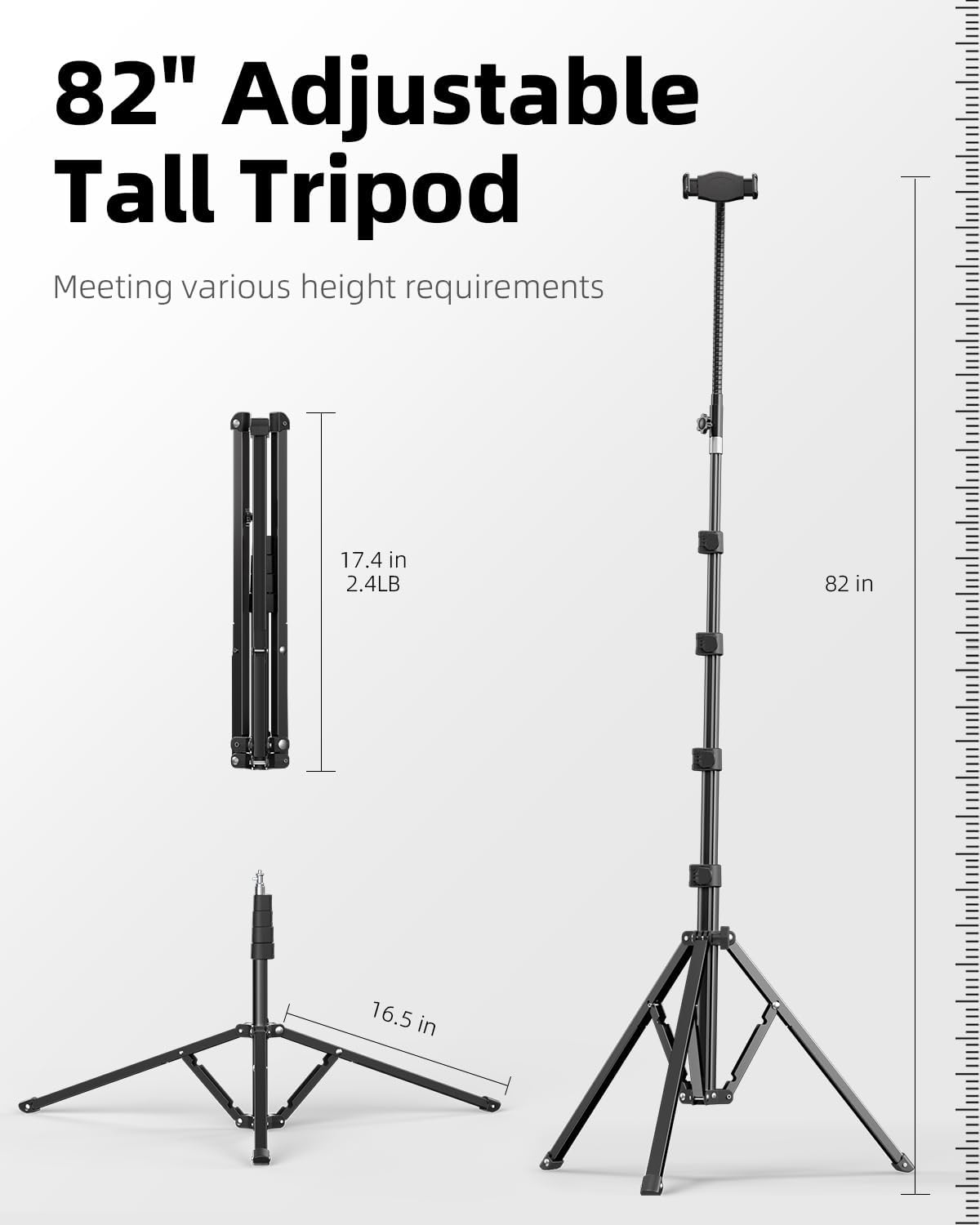
Image: Detailed dimensions and features of the Weilisi Heavy Duty Tablet Tripod Stand.
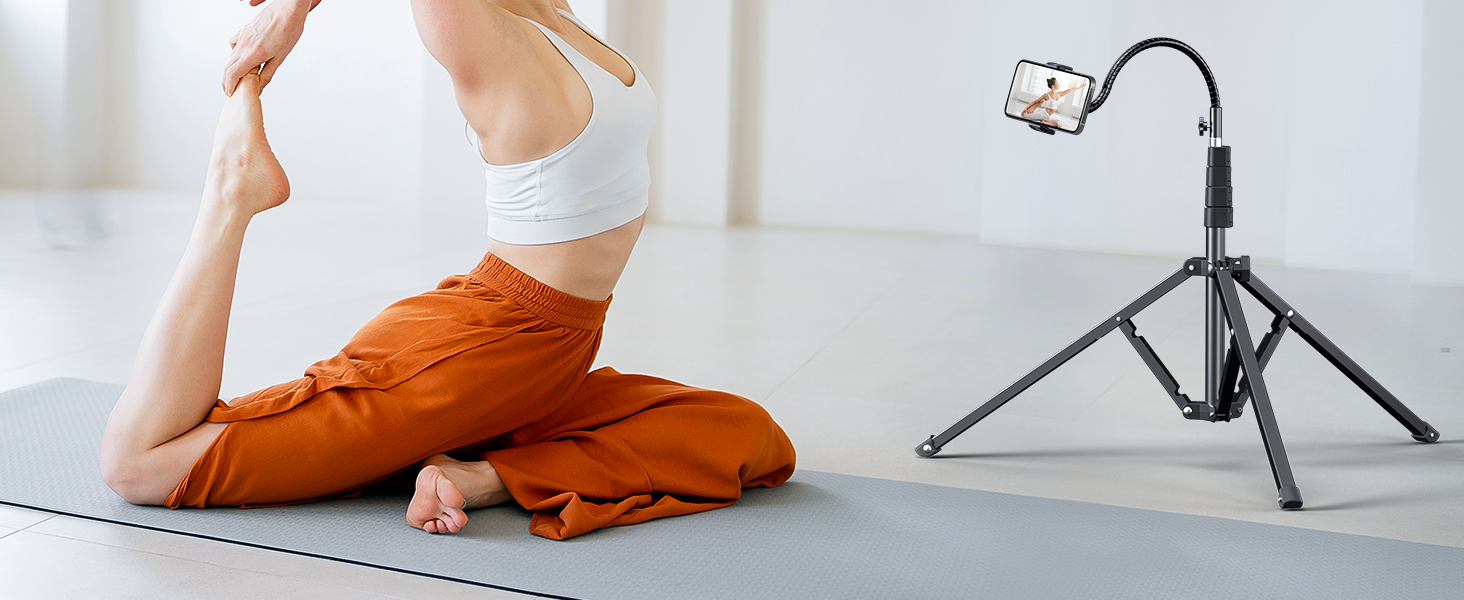
Image: Comparison highlighting the wider and more stable base of the Weilisi tripod stand.

Image: Anti-slip pads on the tripod legs for enhanced stability.
Warranty and Support
While specific warranty details are not provided in this manual, Weilisi offers protection plans for purchase. For any product inquiries, technical support, or warranty claims, please refer to the contact information provided on the product packaging or visit the official Weilisi website.