
1. Introduction
Thank you for choosing the bigzzia YUR Gaming Chair. This manual provides essential information for the safe assembly, operation, maintenance, and troubleshooting of your new chair. Please read these instructions carefully before assembly and retain them for future reference.
Safety Information
- Install the chair strictly according to the provided instructions.
- Do not exceed the maximum recommended weight capacity of 110 kg (242 lbs).
- Keep all packaging materials away from children.
- Ensure all screws and bolts are tightened securely before use. Periodically check and re-tighten as necessary.
- Avoid standing on the chair or using it for purposes other than sitting.

Image 1.1: The bigzzia YUR Gaming Chair in a typical setup.
2. Components List
Before beginning assembly, verify that all parts are present and undamaged. If any parts are missing or damaged, please contact customer service.

Image 2.1: Exploded view of chair components for assembly.
The package should include:
- Backrest
- Seat Base
- Armrests (Left and Right)
- Star Base
- Casters (5 pieces)
- Gas Lift Cylinder
- Gas Lift Cover
- Mechanism Plate
- Lumbar Support Cushion
- Headrest Cushion
- Hardware Pack (screws, Allen key)
3. Assembly Instructions
Estimated assembly time: Approximately 20 minutes. It is recommended to assemble the chair on a soft, clean surface to prevent scratches.
- Attach Casters to Base: Insert the five casters into the holes at the end of each leg of the star base. Push firmly until they click into place.
- Install Gas Lift: Place the gas lift cylinder into the center hole of the star base. Cover it with the gas lift cover.
- Attach Mechanism Plate to Seat: Align the mechanism plate with the screw holes on the underside of the seat base. Secure it with the provided screws, ensuring the front of the mechanism faces the front of the seat.
- Connect Seat to Gas Lift: Carefully place the assembled seat onto the gas lift cylinder, ensuring the tapered end of the gas lift fits securely into the mechanism plate.
- Attach Armrests: Secure the armrests to the sides of the seat base using the designated screws. Ensure they are oriented correctly (left and right).
- Attach Backrest to Seat: Align the backrest with the mounting brackets on the seat base and armrests. Secure it with the remaining screws.
- Attach Cushions: Attach the headrest cushion and lumbar support cushion using their integrated straps or clips. The lumbar cushion is adjustable in height.
4. Operating Instructions
Your bigzzia YUR Gaming Chair offers several adjustment features for personalized comfort.
Height Adjustment
To adjust the chair's height, locate the lever on the right side, beneath the seat. Pull the lever up while seated to lower the chair, or pull it up while standing to raise the chair. Release the lever at your desired height.
Recline Function
The backrest can be reclined between 90° and 155°. To recline, pull the lever on the left side of the seat upwards and lean back. Release the lever to lock the backrest in position. To return to an upright position, pull the lever and lean forward slightly.
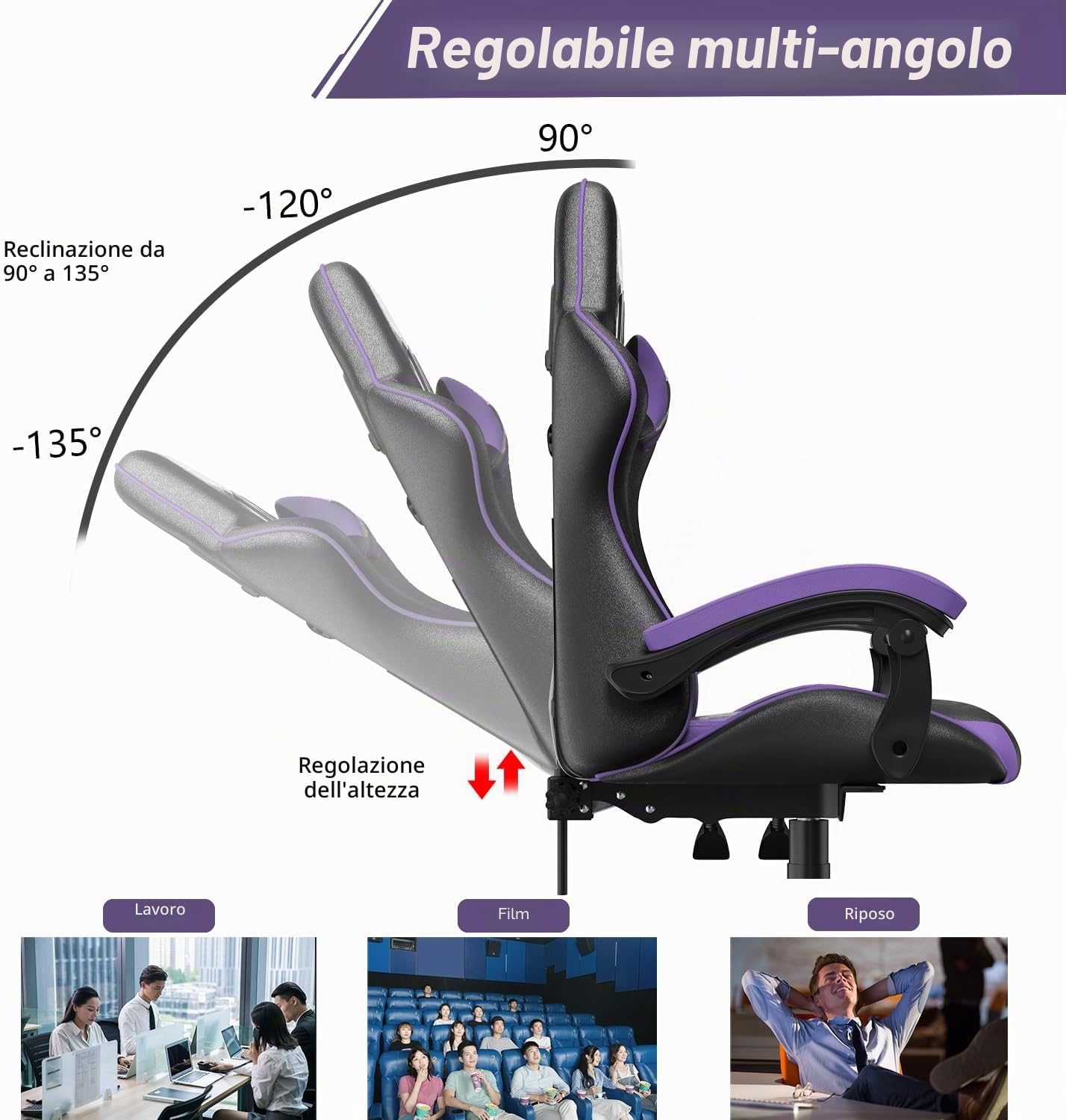
Image 4.1: Multi-angle recline and height adjustment.
Lumbar and Headrest Support
The included lumbar and headrest cushions are adjustable and removable. Adjust their position along the backrest to provide optimal support for your spine and neck.
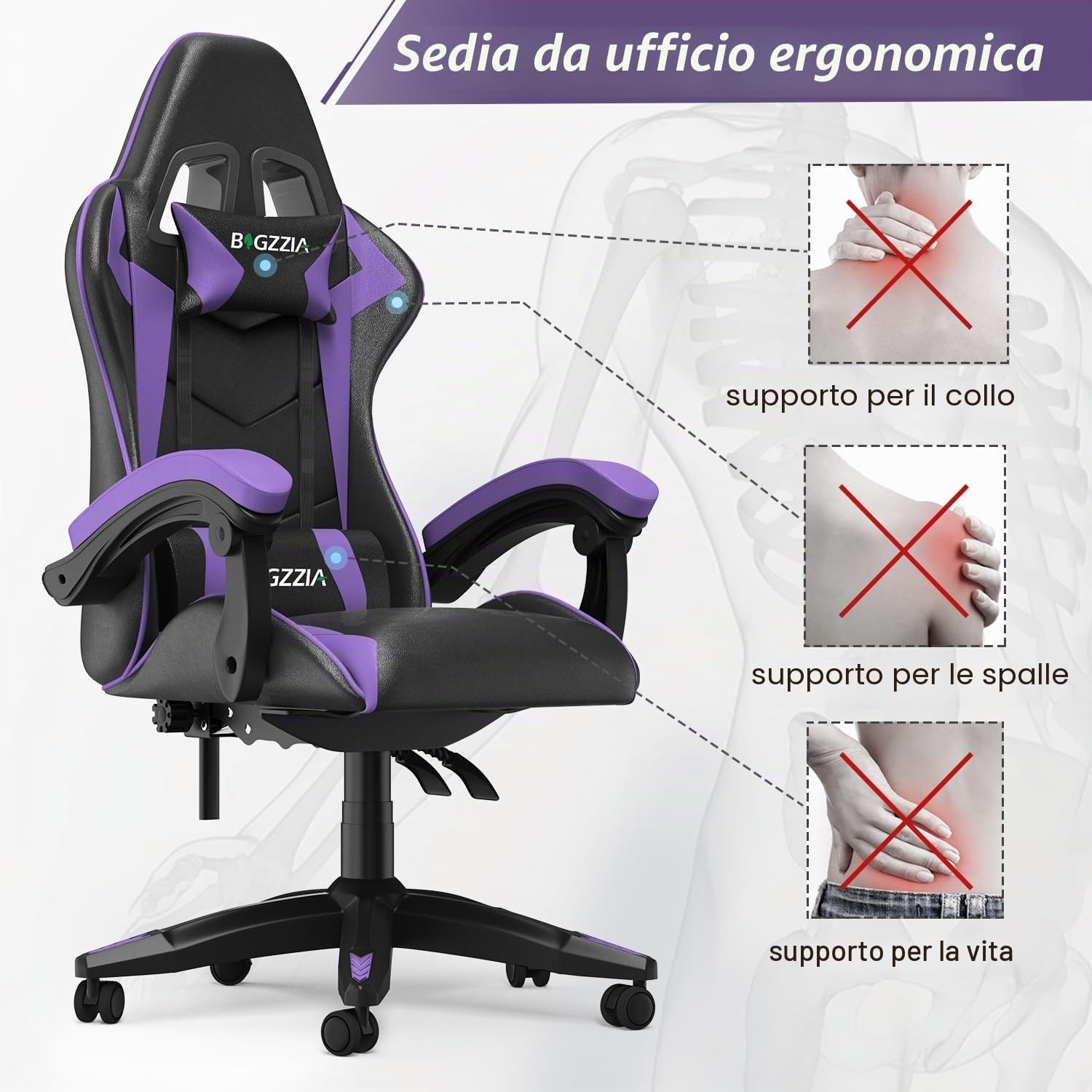
Image 4.2: Ergonomic support for neck, shoulders, and lumbar area.

Image 4.3: Detail of the ergonomic neck pillow.

Image 4.4: Detail of the adjustable lumbar support cushion.
5. Maintenance
Proper care will extend the life and appearance of your gaming chair.
Cleaning Instructions
- Synthetic Leather: Wipe clean with a damp cloth. For stubborn stains, use a mild soap solution and then wipe with a clean, damp cloth. Avoid harsh chemicals or abrasive cleaners.
- Base and Casters: Periodically wipe the metal base and plastic casters with a damp cloth to remove dust and debris.
General Care
- Regularly check all screws and bolts to ensure they are tight. Re-tighten as needed to maintain stability.
- Avoid prolonged exposure to direct sunlight to prevent material fading.
- Do not place hot items directly on the chair's surface.

Image 5.1: Chair material properties.
6. Troubleshooting
If you encounter any issues with your chair, refer to the following common problems and solutions.
| Problem | Possible Cause | Solution |
|---|---|---|
| Chair does not adjust height. | Gas lift cylinder is defective or not properly installed. | Ensure the gas lift is fully inserted into the mechanism and base. If the issue persists, contact customer service for a replacement gas lift. |
| Chair feels wobbly or unstable. | Loose screws or improper assembly. | Check and tighten all screws, especially those connecting the backrest, seat, and armrests. Ensure the base and casters are securely attached. |
| Backrest does not recline or lock. | Recline mechanism is jammed or defective. | Ensure no obstructions are blocking the mechanism. If the issue continues, contact customer service. |
| Casters do not roll smoothly. | Debris caught in casters or casters are damaged. | Remove any hair or debris from the casters. If damaged, replacement casters may be needed. |
7. Specifications
Detailed technical specifications for the bigzzia YUR Gaming Chair.

Image 7.1: Chair dimensions and weight capacity.
| Feature | Detail |
|---|---|
| Brand | bigzzia |
| Model Name | YUR Gaming Chair |
| Model Number | 4-ES-GC-A-Purple |
| Color | Purple |
| Material | Synthetic Leather (Cover), Foam (Filling), Alloy Steel (Frame) |
| Product Dimensions (D x W x H) | 65 x 65 x 125 cm (25.6 x 25.6 x 49.2 inches) |
| Item Weight | 15 kg (33 lbs) |
| Maximum Recommended Weight | 110 kg (242 lbs) |
| Recline Angle | 90° to 155° |
| Special Features | Adjustable Height, Lumbar Cushion, Headrest, Ergonomic Design |
| Assembly Required | Yes |
| Recommended Uses | Gaming, Office |
| Country of Origin | China |
8. Warranty and Support
Warranty Information
Your bigzzia YUR Gaming Chair comes with a 1-year quality guarantee for parts. Additionally, a 1-month replacement service is offered for issues encountered during the assembly process or initial use.
Please retain your proof of purchase for warranty claims.
Customer Support
If you have any questions, require assistance with assembly, or need to make a warranty claim, please contact bigzzia customer service through the retailer where you purchased the product. All necessary hardware and instructions are included in the package.


