
1. Introduction
The ANENG A3005 is a versatile pen-type digital multimeter designed for electrical testing and maintenance. It combines the functions of a multimeter and a test pencil, offering automatic range detection for various measurement parameters. This compact and portable device is suitable for household, automotive, industrial, and laboratory electrical troubleshooting.

2. Safety Information
Always observe basic safety precautions when using this device to avoid potential electric shock or personal injury. Read all instructions carefully before use.
- Do not exceed the maximum input values specified for each function.
- Ensure the test leads are properly connected and in good condition before testing.
- Do not use the device if it appears damaged or is not operating correctly.
- Exercise extreme caution when working with voltages above 36V DC or 25V AC RMS, as these can pose a shock hazard.
- Always disconnect power to the circuit under test before making resistance, continuity, or diode measurements.
- Replace batteries promptly when the low battery indicator appears to ensure accurate readings.
3. Package Contents
Verify that all items are present in the package:
- 1 x ANENG A3005 Pen-Type Digital Multimeter
- 1 x Test Line (COM connection)
- 2 x AAA 1.5V Batteries
- 1 x User Manual
4. Product Features
The ANENG A3005 offers a range of features for comprehensive electrical testing:
- Automatic Ranging: Automatically detects measurement parameters and sets the appropriate range.
- Multi-function Measurement: Measures AC/DC Voltage, Resistance, Continuity, Frequency, Diodes, and Capacitance.
- Non-Contact Voltage (NCV) Detection: Safely detects the presence of AC voltage without direct contact.
- Live Wire Detection: Identifies live wires for enhanced safety.
- VA Display with Backlight: Clear display for easy reading, even in low-light conditions.
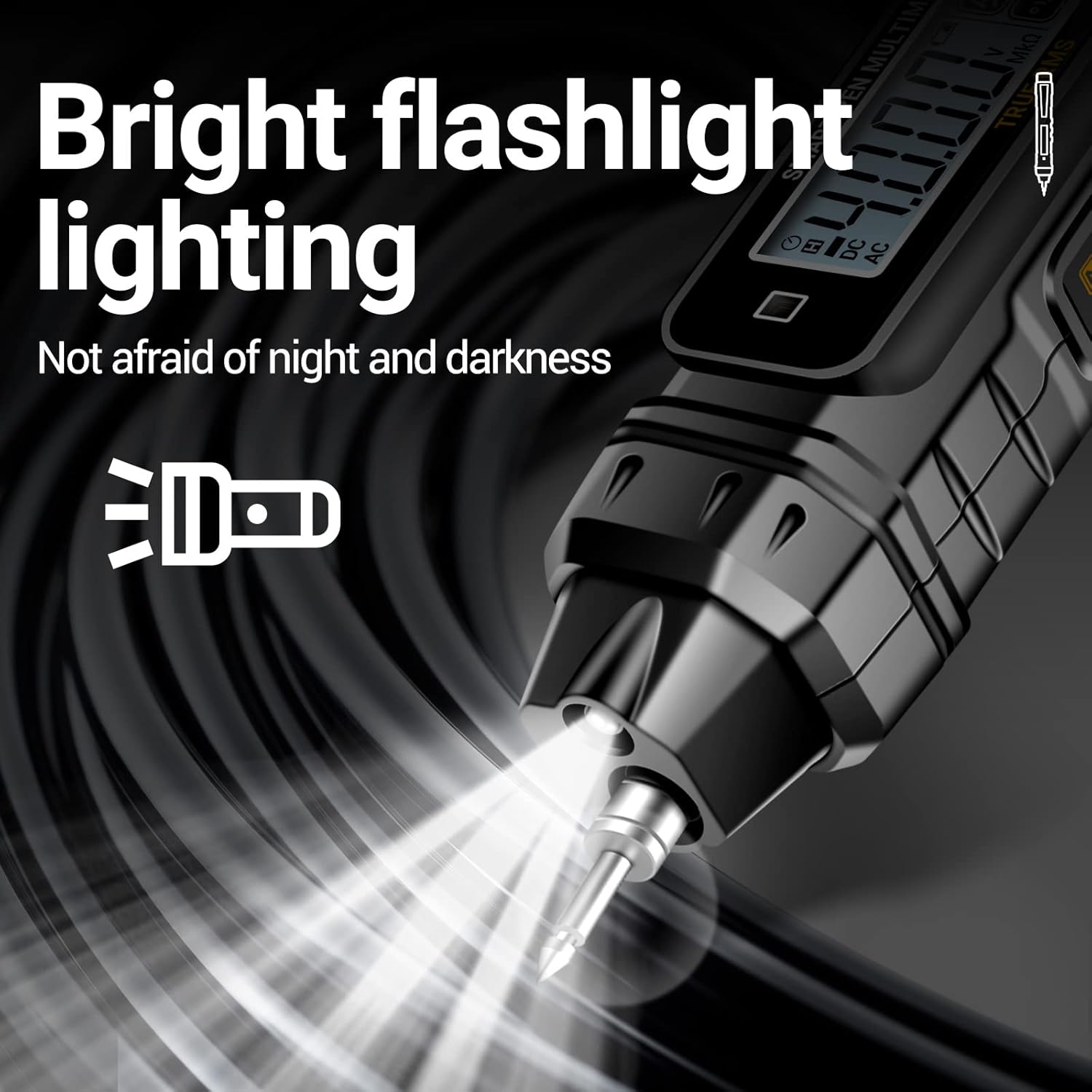
- Integrated Flashlight: Provides illumination for working in dark areas.
- Data Hold Function: Freezes the displayed reading for convenient recording.
- Low Battery Indication: Alerts when batteries need replacement.
- Automatic Power Off: Conserves battery life by shutting down after 5 minutes of inactivity.
- Compact and Portable Design: Pen-style with a clip for easy carrying and use.

5. Setup
5.1 Battery Installation
The ANENG A3005 requires two AAA 1.5V batteries for operation. To install or replace batteries:
- Locate the battery compartment cover on the back of the device.
- Slide the cover open or remove any screws securing it.
- Insert two AAA batteries, ensuring correct polarity (+ and -).
- Replace the battery compartment cover securely.

5.2 Connecting Test Leads
For most measurements, connect the black test lead to the COM input jack and the red test lead to the V/Ω/CAP/Hz input jack. Ensure connections are firm.

6. Operating Instructions
The ANENG A3005 features automatic range detection, simplifying operation. Press the power button to turn the device on. The device will automatically enter auto-ranging mode.

6.1 AC/DC Voltage Measurement
To measure AC or DC voltage:
- Turn on the multimeter. It will automatically detect AC or DC voltage.
- Connect the test probes across the circuit or component to be measured.
- Read the voltage value displayed on the screen.
6.2 Resistance Measurement
To measure resistance:
- Ensure the circuit is de-energized before measuring resistance.
- Connect the test probes across the resistor or component.
- The multimeter will automatically display the resistance value.
6.3 Continuity Test
To test for continuity:
- Ensure the circuit is de-energized.
- Connect the test probes across the circuit path.
- A continuous beep indicates a complete circuit (low resistance).
6.4 Diode Test
To test a diode:
- Ensure the diode is disconnected from the circuit.
- Connect the red probe to the anode and the black probe to the cathode. A forward voltage drop will be displayed.
- Reverse the probes. An open circuit (OL) reading indicates a good diode.
6.5 Non-Contact Voltage (NCV) Detection
To use NCV detection:
- Press the NCV button (if available, or cycle through modes until NCV is active).
- Bring the tip of the multimeter close to the wire or outlet.
- The device will beep and an indicator light will flash if AC voltage is detected.

6.6 Live Wire Detection
To detect live wires:
- Select the 'Live' mode on the multimeter.
- Insert the test probe into the socket or touch the wire.
- The display will indicate 'LIVE' and an audible/visual alarm will activate if a live wire is detected.
6.7 Flashlight Function
To activate the built-in flashlight:
- Press the flashlight button (usually a dedicated button or a long press on another button).
- The LED light at the tip of the multimeter will illuminate.
7. Maintenance
7.1 Cleaning
To clean the multimeter:
- Wipe the device with a damp cloth and mild detergent.
- Do not use abrasives or solvents.
- Ensure the device is completely dry before storage or next use.
7.2 Battery Replacement
When the low battery indicator appears on the display, replace the batteries as described in Section 5.1. Always use two new AAA 1.5V alkaline batteries.
8. Troubleshooting
If you encounter issues with your ANENG A3005, refer to the following common problems and solutions:
| Problem | Possible Cause | Solution |
|---|---|---|
| Device does not power on. | Dead or incorrectly installed batteries. | Check battery polarity or replace with new AAA batteries. |
| Inaccurate readings. | Low battery, damaged test leads, or incorrect measurement mode. | Replace batteries, inspect test leads, ensure correct mode (though auto-ranging minimizes this). |
| No continuity beep. | Open circuit, high resistance, or device not in continuity mode. | Ensure circuit is closed, check for breaks, verify device is in auto-ranging or continuity mode. |
| NCV/Live detection not working. | Weak signal, device not in NCV/Live mode, or interference. | Ensure correct mode is selected, move closer to the source, minimize other electrical devices. |
9. Specifications
Detailed technical specifications for the ANENG A3005 Pen-Type Digital Multimeter:
| Function | Range | Resolution | Accuracy |
|---|---|---|---|
| AC Voltage | 0.8V-600V | 1mV | ±(1.2%+5) |
| DC Voltage | 0.8V-600V | 1mV | ±(1.0%+5) |
| Resistance | 0.1Ω~40MΩ | 1Ω | ±(1.2%+3) |
| NCV Induction | √ | N/A | N/A |
| Live-Null Line | √ | N/A | N/A |
| Buzzer (Continuity) | √ | N/A | N/A |
- Manufacturer: ANENG
- Model Number: A3005
- Item Weight: 130 g
- Package Dimensions: 19.7 x 6 x 3.2 cm
- Power Source: 2 x AAA 1.5V Batteries (included)
- Color: Black
- Auto Power Off: Yes (after 5 minutes of inactivity)
- Display: VA Display with Backlight
- Operating Temperature: Up to 40 °C

10. Warranty and Support
ANENG provides lifetime service and technical support for the A3005 Pen-Type Digital Multimeter. For any inquiries, technical assistance, or warranty claims, please contact ANENG customer service through your purchase platform or the official ANENG website. Please retain your proof of purchase for warranty purposes.


