
AWRC2G, AWRC2P, AWRC3G, AWRC3P, AWRC-10, AWRC1W, AWRC1G, AWRC-1W, AWRC-1G, AWRC-1P
Instruction Manual
Remote Control for Bose Wave Radio CD Player Models
Introduction
This manual provides essential information for the setup, operation, and maintenance of your replacement remote control for Bose Wave Radio CD Player models. Please read this guide thoroughly to ensure proper use and compatibility with your device. This remote is designed as an infrared (IR) replacement and may not offer all functions identical to your original remote.
Product Overview
The remote control is an infrared replacement unit designed for specific Bose Wave Radio CD Player models. It features an ergonomic design with clearly labeled buttons for various functions.
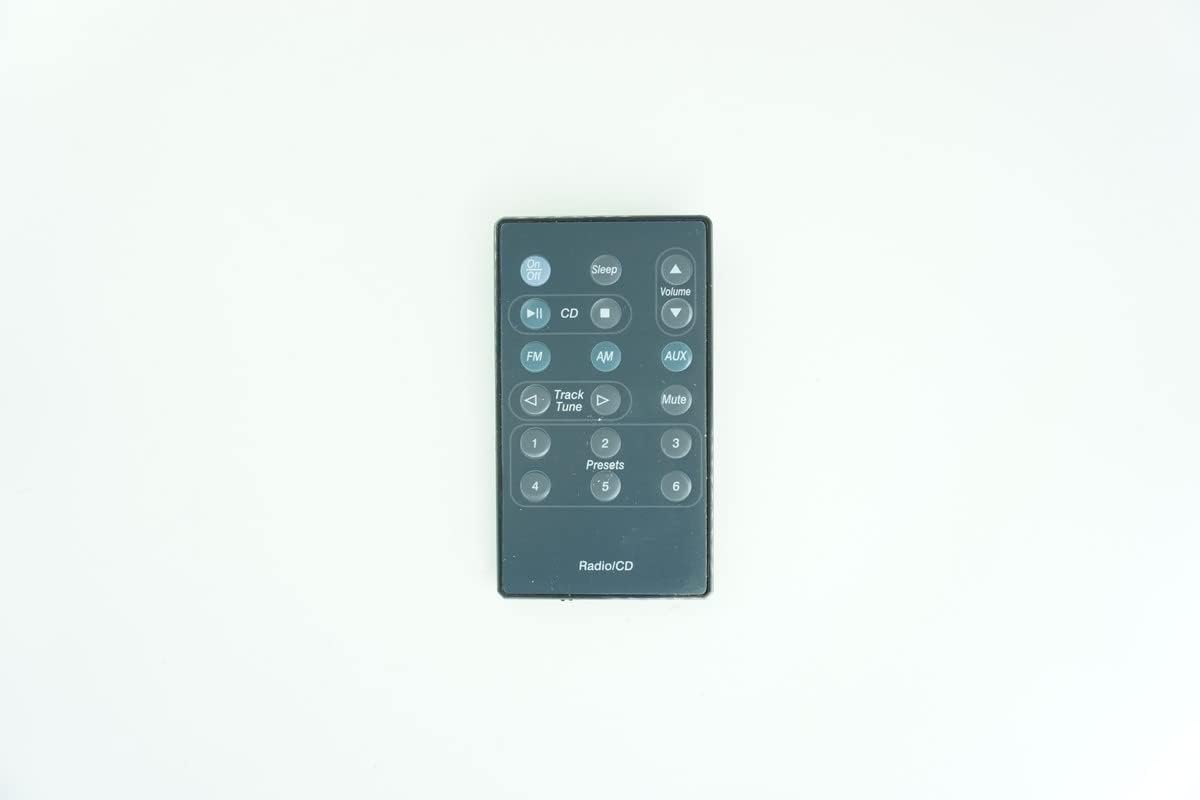
Figure 1: Front view of the remote control, showing buttons for Sleep, Volume, CD, FM, AM, AUX, Mute, Track/Tune, and numbered presets.
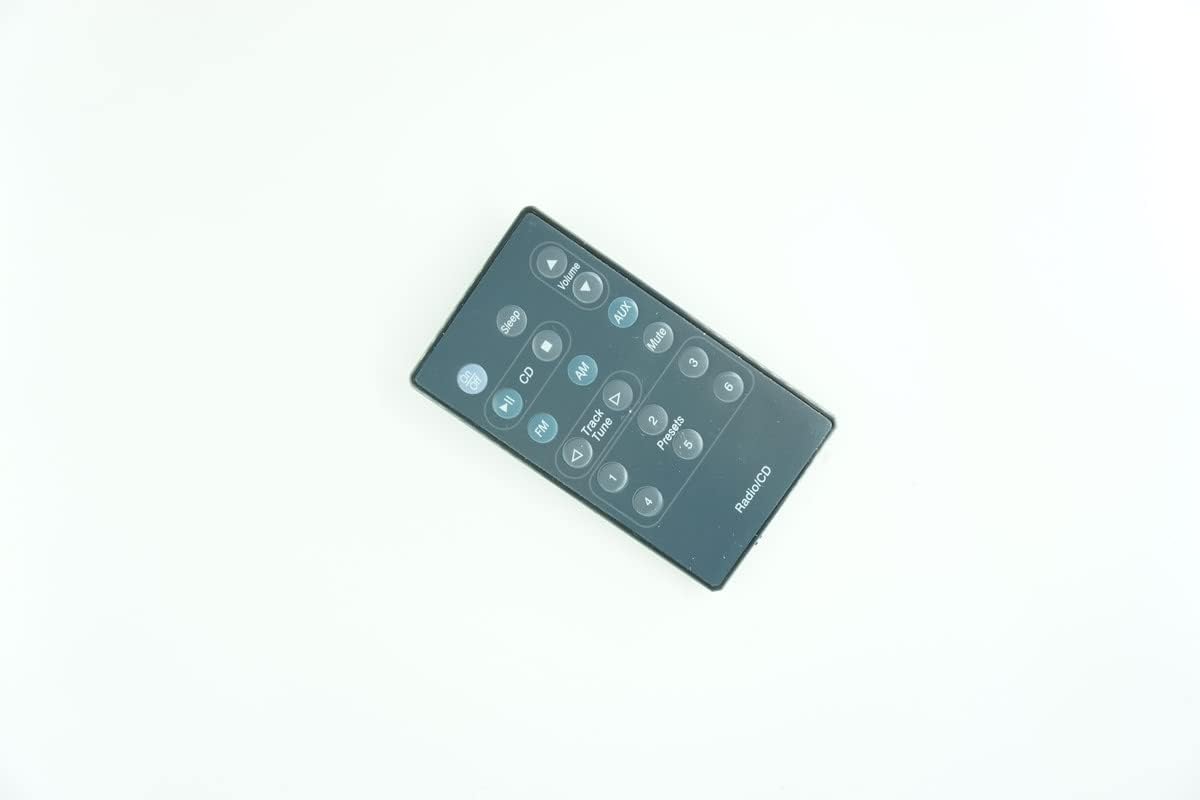
Figure 2: Angled perspective of the remote control, highlighting its ergonomic shape and button layout.

Figure 3: Rear view of the remote control, displaying the battery compartment cover and regulatory markings.

Figure 4: Close-up of the back of the remote control, providing a clearer view of the battery insertion diagram.
Specifications
| Feature | Detail |
|---|---|
| Connectivity Technology | Infrared (IR) |
| Max Number of Supported Devices | 1 |
| Batteries Required | 1 x CR2 battery |
| Compatible Models | Bose AWRC2G, AWRC2P, AWRC3G, AWRC3P, AWRC-10, AWRC1W, AWRC1G, AWRC-1W, AWRC-1G, AWRC-1P Wave Radio CD Player models. |
| Special Features | Ergonomic design, Direct replacement functionality. |
Setup
Battery Installation
- Locate the battery compartment on the back of the remote control. Refer to Figure 3 or Figure 4 for assistance.
- Slide the battery compartment cover downwards or in the direction indicated by the arrow to open it.
- Insert one (1) CR2 battery, ensuring the positive (+) and negative (-) terminals align correctly with the markings inside the compartment.
- Replace the battery compartment cover by sliding it back into place until it clicks securely.
Note: Always use fresh batteries. If the remote is not used for an extended period, remove the battery to prevent leakage.
Operation
This remote control operates using infrared (IR) technology. Ensure there is a clear line of sight between the remote control and your Bose Wave Radio CD Player for optimal performance. Point the remote directly at the receiver on your audio system.
Key Functions
- Power On/Off: Use the dedicated power button to turn the unit on or off.
- Volume Control: Adjust the audio output level using the Volume Up and Volume Down buttons.
- Mute: Temporarily silence the audio output. Press again to restore sound.
- Source Selection: Buttons such as CD, FM, AM, and AUX allow you to switch between different audio sources.
- Track/Tune: Use these buttons to navigate tracks on a CD or tune radio frequencies.
- Presets (1-6): Access your saved radio station presets directly using the numbered buttons.
- Sleep: Activates the sleep timer function, if supported by your audio system.
Important: As a replacement remote, some advanced or less common functions present on your original remote may not be available or may operate differently. Always refer to your Bose Wave Radio CD Player's original manual for specific functionalities.
Troubleshooting
- Remote Not Responding:
- Ensure the battery is correctly installed and has sufficient charge. Replace the battery if necessary.
- Verify there is a clear line of sight between the remote's IR emitter and the audio system's IR receiver. Remove any obstructions.
- Confirm you are pointing the remote directly at the audio system.
- Certain Functions Not Working:
- This remote is a replacement and may not support all functions of your original remote. Compare the button layout and functions with your original remote or the Bose system's manual.
- Ensure your Bose Wave Radio CD Player model is listed as compatible in the "Specifications" section of this manual. If your model is not listed, the remote may not be fully compatible.
- Intermittent Operation:
- Weak battery can cause intermittent operation. Replace the battery.
- External light sources (like direct sunlight or strong fluorescent lights) can interfere with IR signals. Try operating the remote in a different lighting condition.
If issues persist after following these steps, please contact the seller for further assistance.
Maintenance
- Cleaning: Wipe the remote control with a soft, dry cloth. Do not use abrasive cleaners, solvents, or strong chemicals, as they may damage the surface or internal components.
- Battery Care: If the remote will not be used for an extended period (e.g., several months), remove the battery to prevent potential leakage and corrosion.
- Storage: Store the remote in a cool, dry place away from direct sunlight, extreme temperatures, and high humidity.
- Avoid Drops: Protect the remote from physical shocks and drops, which can damage internal circuitry.
Support
For any questions, concerns, or technical support regarding this replacement remote control, please contact the seller directly through the platform where the purchase was made. Provide your order details and a clear description of the issue for prompt assistance.
Note: This product is a replacement remote and does not come with a separate manufacturer's warranty beyond standard consumer rights. Please refer to the seller's return and support policies.
Ask a question about this manual
Ask about setup, troubleshooting, compatibility, parts, safety, or missing instructions. Manuals+ will review the question and use this page’s manual context to help answer it.