Introduction
Welcome to the user manual for your new Lenovo IdeaPad 3 15ITL6 laptop. This guide provides essential information for setting up, operating, maintaining, and troubleshooting your device. Please read this manual thoroughly to ensure proper use and to maximize your laptop's performance and longevity.
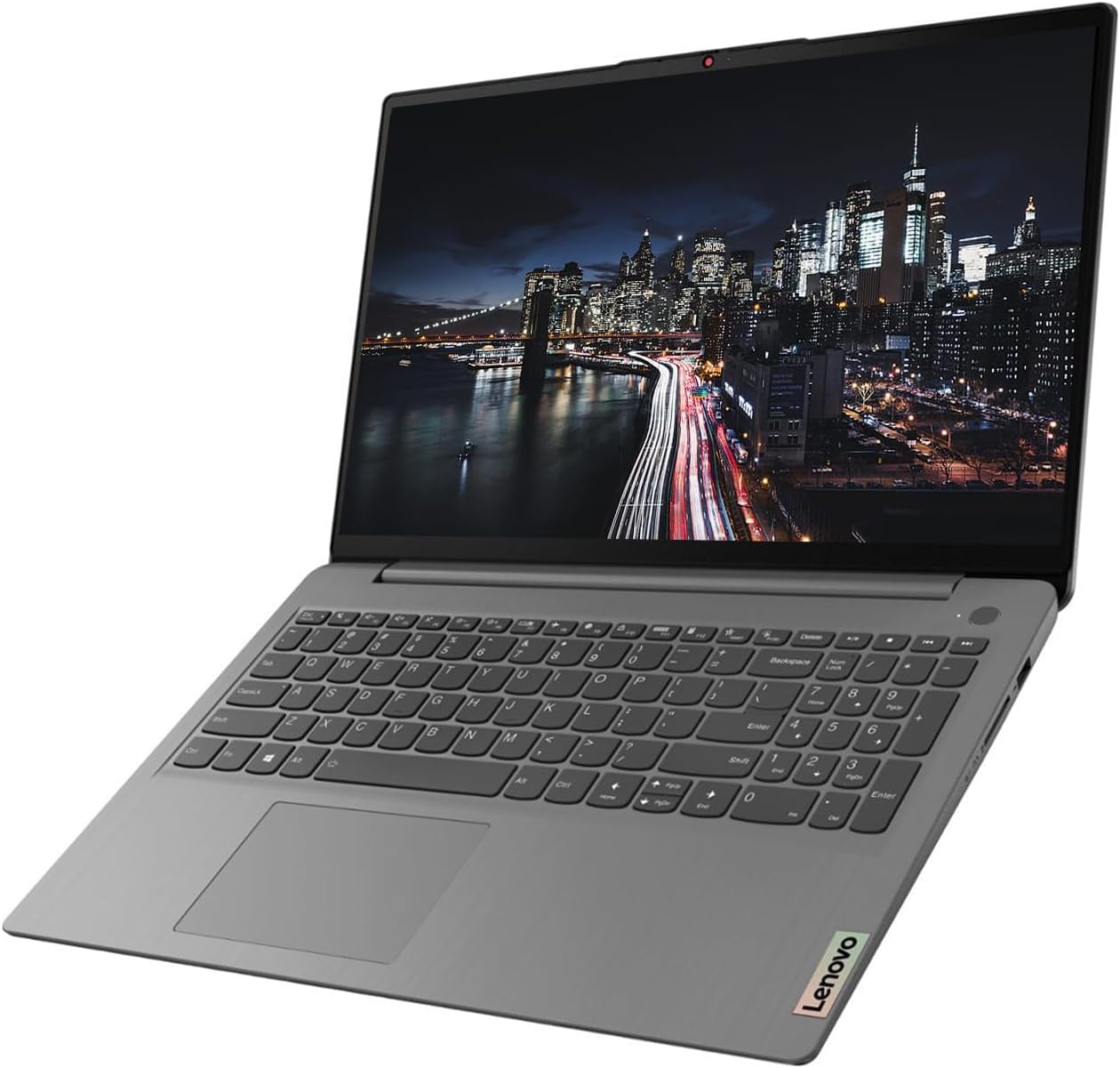
Image: The Lenovo IdeaPad 3 laptop, open and ready for use, displaying its 15.6-inch screen and full-size keyboard.
Setup Guide
1. Initial Power-On and Windows Setup
- Unpack the Laptop: Carefully remove the laptop and all accessories from the packaging.
- Connect Power: Plug the power adapter into the laptop's power port and then into a wall outlet.
- Power On: Open the laptop lid and press the power button, typically located on the top right of the keyboard.
- Windows 11 Pro Setup: Follow the on-screen instructions to complete the initial setup of Windows 11 Pro. This includes selecting your region, language, connecting to a Wi-Fi network, and creating a user account.
2. Connecting Peripherals
Your Lenovo IdeaPad 3 offers various ports for connecting external devices.
- USB Devices: Use the USB-A 3.2 Gen 1, USB-A 2.0, or USB-C 3.2 Gen 1 ports for connecting external drives, keyboards, mice, or other USB accessories.
- External Display: Connect an external monitor or TV using the HDMI port.
- Audio: Use the Headphone/Microphone Combo jack for headphones or external microphones.
- SD Cards: Insert SD memory cards into the built-in SD Media Card Reader for data transfer.
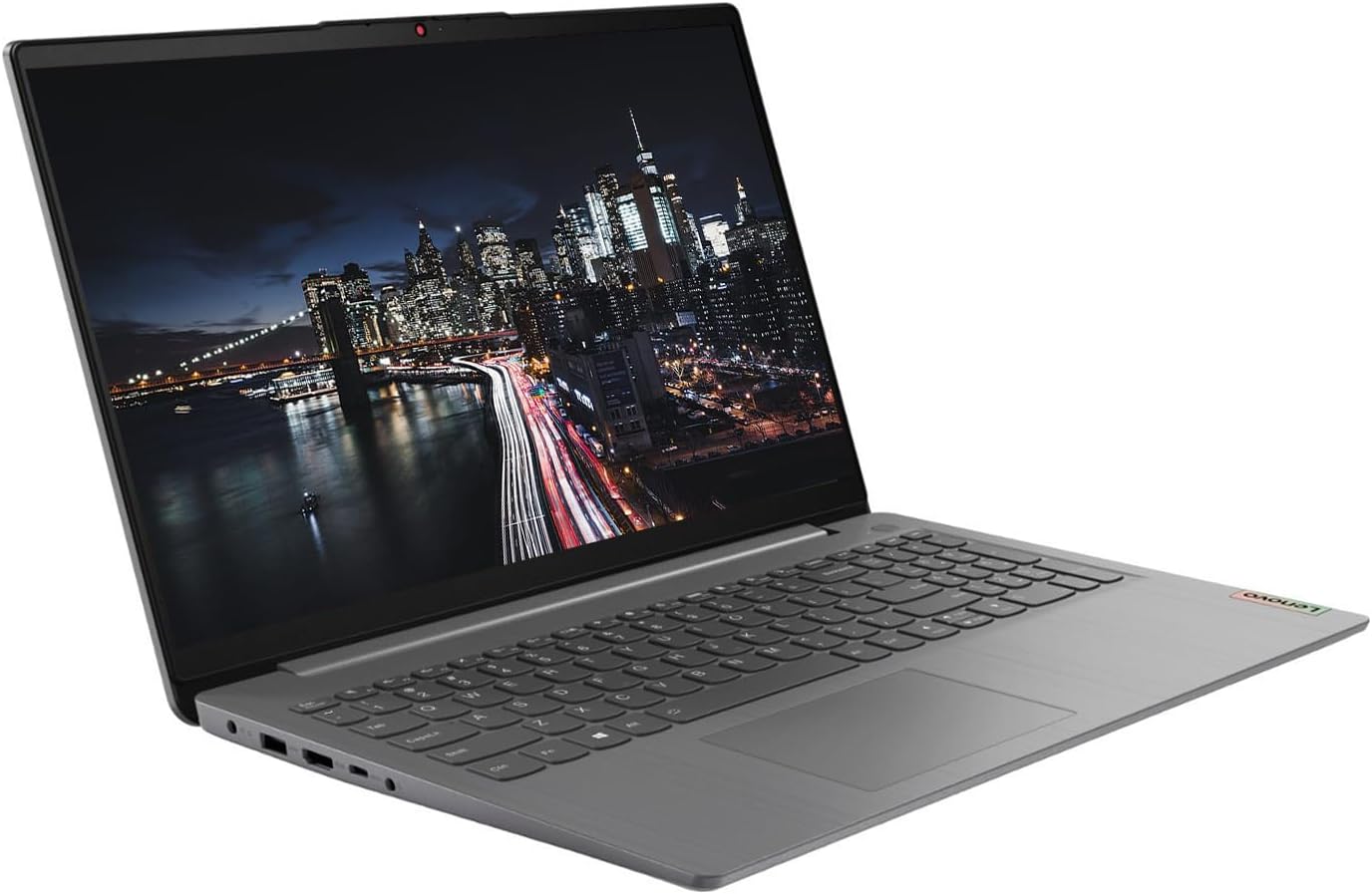
Image: A side view of the Lenovo IdeaPad 3 laptop, highlighting the various connectivity ports available for peripherals.
3. KKE Mousepad
Your laptop may come bundled with a KKE Mousepad. Place it on a flat surface next to your laptop for enhanced mouse control and comfort.

Image: The KKE Mousepad, a black rectangular pad with the KKE logo, designed for use with a computer mouse.
Operating Your Laptop
Display and Interaction
- 15.6" FHD Touchscreen: The laptop features a 15.6-inch Full HD (1920 x 1080) IPS anti-glare touchscreen display. This allows for direct interaction with the screen using touch gestures, in addition to traditional mouse and keyboard input.
- Keyboard and Touchpad: Utilize the full-size keyboard with a numeric keypad for typing and the integrated touchpad for navigation.
- Webcam: The integrated 720p webcam with a built-in microphone is suitable for video calls and online meetings.

Image: A top-down view of the Lenovo IdeaPad 3 laptop's keyboard, including the numeric pad, and the touchpad.
Performance and Storage
- Processor: Powered by an 11th Generation Intel Core i5-1135G7 Processor, providing efficient performance for daily tasks.
- Memory (RAM): Equipped with 20GB DDR4 RAM, enabling smooth multitasking and application handling.
- Storage (SSD): Features a 1TB PCIe NVMe M.2 Solid State Drive for fast boot times, quick application loading, and ample storage capacity.
- Graphics: Integrated Intel Iris Xe Graphics handle visual tasks and light gaming.
Connectivity
- Wireless: Supports Wi-Fi 6 (802.11ax) for high-speed wireless internet and Bluetooth 5.1 for connecting wireless accessories.
- Ports:
- 1 x USB-A 3.2 Gen 1
- 1 x USB-A 2.0
- 1 x USB-C 3.2 Gen 1
- 1 x Headphone/Microphone Combo
- 1 x HDMI
- 1 x SD Media Card Reader
Maintenance and Care
General Care
- Cleaning: Use a soft, lint-free cloth slightly dampened with water or a screen cleaner to clean the display. For the keyboard and chassis, use a dry, soft cloth. Avoid harsh chemicals.
- Handling: Always handle the laptop with care. Avoid dropping it or placing heavy objects on it.
- Ventilation: Ensure the laptop's vents are not obstructed to prevent overheating. Use the laptop on a hard, flat surface.
Software Updates
- Windows Updates: Regularly check for and install Windows updates to ensure your operating system has the latest security patches and features. Go to Settings > Windows Update.
- Driver Updates: Keep your device drivers updated for optimal performance. Lenovo provides driver updates through their official support website or Lenovo Vantage software.
Battery Care
- Charging: Use only the original Lenovo power adapter. Avoid fully discharging the battery frequently.
- Storage: If storing the laptop for an extended period, ensure the battery is charged to about 50-60%.
Troubleshooting Common Issues
This section addresses some common issues you might encounter. For more detailed troubleshooting or issues not listed here, please refer to the official Lenovo support resources.
- Laptop Not Powering On:
- Ensure the power adapter is securely connected to both the laptop and a working power outlet.
- Try a different power outlet.
- If the battery is completely drained, it might take a few minutes of charging before the laptop can power on.
- Slow Performance:
- Close unnecessary applications and browser tabs.
- Check for and install any pending Windows updates.
- Run a disk cleanup and defragmentation (for HDD, though SSDs don't need defragging, cleanup is still useful).
- Ensure adequate ventilation to prevent thermal throttling.
- Wi-Fi Connectivity Issues:
- Restart your router and modem.
- Disable and re-enable Wi-Fi on your laptop.
- Check if Wi-Fi drivers are up to date.
- Ensure you are within range of your Wi-Fi network.
- Touchscreen Not Responding:
- Restart the laptop.
- Check for updated display drivers.
- Ensure the screen is clean and free of debris.
Technical Specifications
| Feature | Specification |
|---|---|
| Model Name | 15ITL6 |
| Brand | Lenovo |
| Processor | 11th Generation Intel Core i5-1135G7 (2.4 GHz up to 4.2 GHz, 4 Cores, 8 Threads) |
| RAM | 20 GB DDR4 |
| Storage | 1 TB PCIe NVMe M.2 SSD |
| Display | 15.6" FHD (1920 x 1080) IPS, Anti-Glare, Touchscreen, 45% NTSC, 300 nits, 60Hz |
| Graphics | Intel Iris Xe Graphics (Integrated) |
| Operating System | Windows 11 Pro |
| Wireless Connectivity | Wi-Fi 6 2x2 AX, Bluetooth 5.1 |
| Ports | 1x USB-A 3.2 Gen 1, 1x USB-A 2.0, 1x USB-C 3.2 Gen 1, 1x Headphone/Microphone Combo, 1x HDMI, 1x SD Media Card Reader |
| Webcam | 720p with Built-in microphone |
| Keyboard | Traditional, Grey with Number Pad - English (US) |
| Dimensions (LxWxH) | 14.26" x 9.98" x 0.78" |
| Weight | 3.74 lbs |
| Color | Arctic Grey |
| Batteries | 1 Lithium Ion battery required |
Warranty and Support
Product Warranty
Your Lenovo IdeaPad 3 laptop is covered by a manufacturer's warranty. For specific details regarding the warranty period and terms, please refer to the warranty information included with your product packaging or visit the official Lenovo support website. Keep your proof of purchase for warranty claims.
Technical Support
For technical assistance, driver downloads, or service inquiries, please contact Lenovo's official customer support.
- Lenovo Support Website: Visit support.lenovo.com for comprehensive resources, FAQs, and contact options.
- Lenovo Vantage: Utilize the pre-installed Lenovo Vantage software for system updates, diagnostics, and personalized support.
Optional Protection Plans
Extended protection plans may be available for your device, offering additional coverage beyond the standard manufacturer's warranty. These plans typically cover accidental damage or extended hardware failures. Inquire with your retailer or Lenovo for available options, such as 2-Year or 4-Year protection plans.


