
1. Product Overview
The Everdure Infrared Temperature Gun is a non-contact digital laser thermometer designed for accurately measuring surface temperatures. It is ideal for determining the optimal cooking temperature of pizza stones in outdoor pizza ovens, as well as other kitchen surfaces like pans and pots. This device provides instant readings in both Celsius and Fahrenheit, featuring an LED-backlit display for clear visibility.

Image 1.1: The Everdure Infrared Temperature Gun in use, displaying a temperature reading.
Key Features
- Precise Temperature Measurement: Accurately determines surface temperatures for optimal cooking.
- Non-Contact Design: Safely measure temperatures from a distance using infrared technology.
- Dual Unit Display: Switch between Celsius (℃) and Fahrenheit (℉) readings.
- Wide Temperature Range: Measures from -58℉ to 1472℉ (-50℃ to 800℃).
- LED-Backlit Digital Display: Ensures clear readability in various lighting conditions.
- Battery Powered: Operates on 2 AAA batteries for portability and convenience.
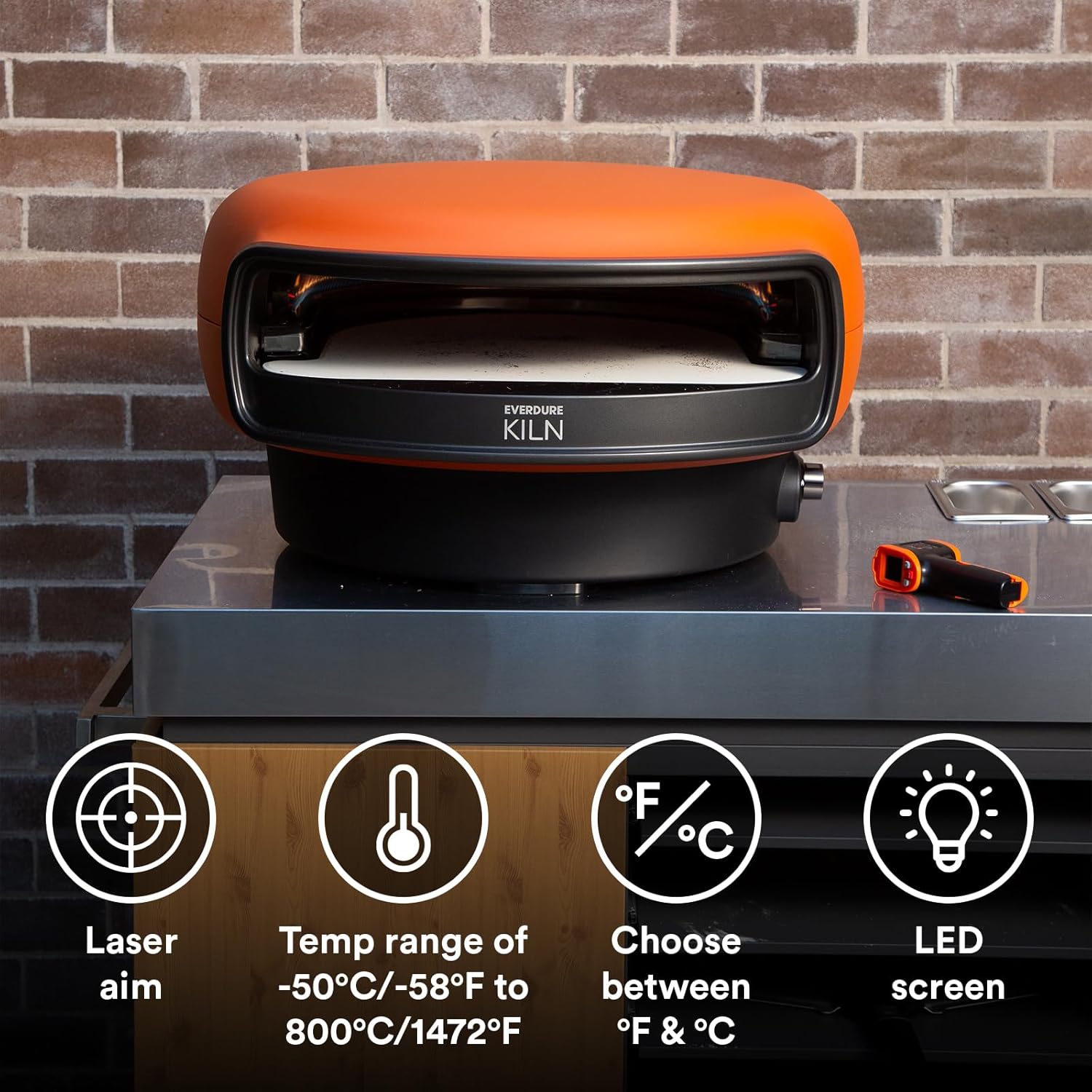
Image 1.2: Overview of the thermometer's key features including laser aim and temperature range.
2. Setup
Battery Installation
The Everdure Infrared Temperature Gun requires 2 AAA batteries (not included) for operation. To install the batteries:
- Locate the battery compartment on the handle of the device.
- Open the battery compartment cover.
- Insert 2 AAA batteries, ensuring correct polarity (+/-).
- Close the battery compartment cover securely.
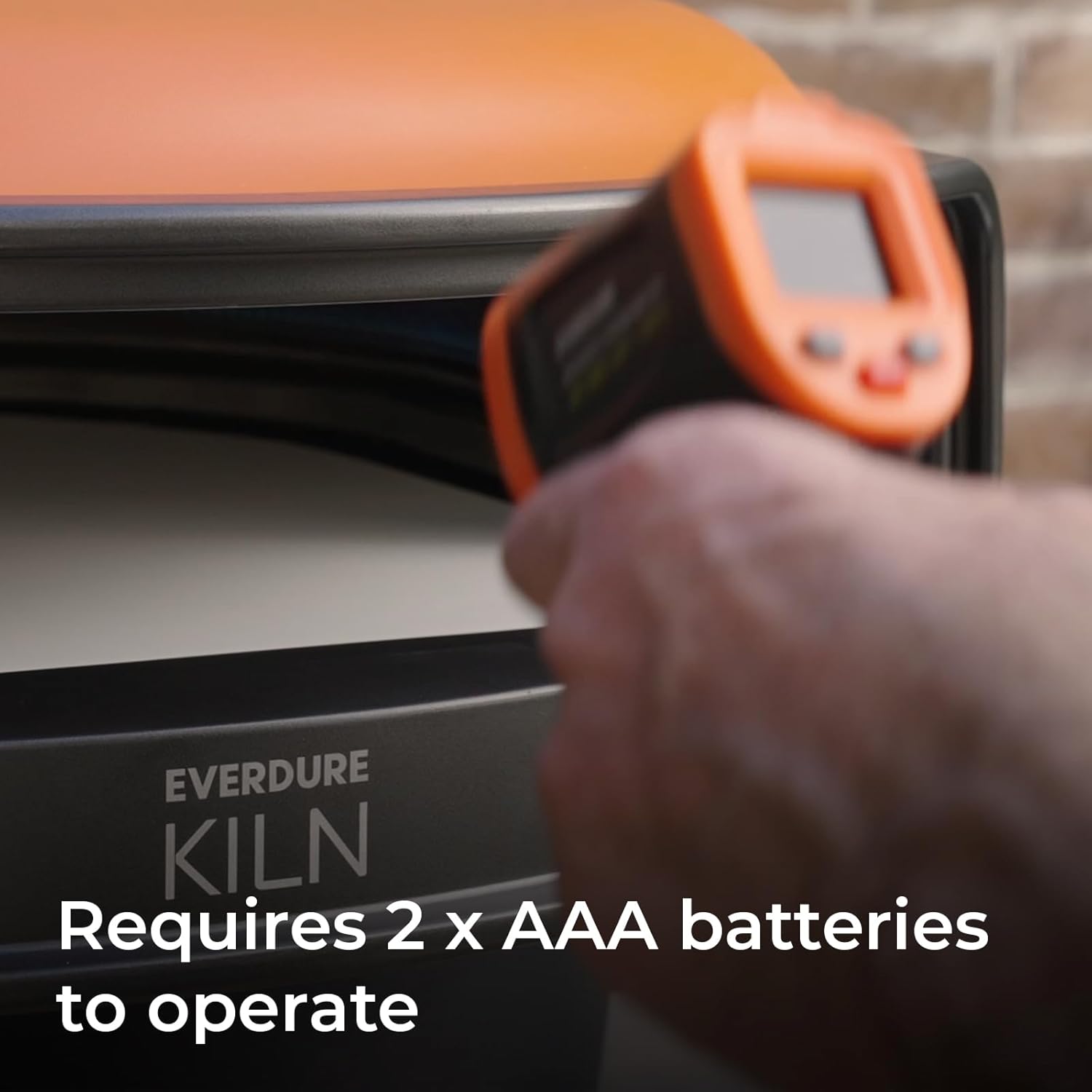
Image 2.1: The handle of the temperature gun, showing the battery requirement.
3. Operating Instructions
Taking a Temperature Reading
To obtain an accurate surface temperature reading:
- Point the infrared temperature gun towards the desired surface (e.g., pizza stone).
- Press and hold the trigger. The laser will activate, indicating the measurement area.
- The temperature reading will instantly appear on the LED-backlit digital display.
- Release the trigger to hold the reading on the display.

Image 3.1: Instantly monitoring the temperature of a pizza stone for precise cooking.
Switching Temperature Units (Celsius/Fahrenheit)
To switch between Celsius (℃) and Fahrenheit (℉):
- With the device powered on, press the 'MODE' button (or the designated unit switch button, if present) to toggle between the two temperature scales.
- The selected unit will be displayed on the screen.
Optimal Pizza Stone Temperature
For a perfectly cooked pizza with a crispy crust in an outdoor pizza oven, a recommended temperature for the pizza stone is approximately 788℉ (420℃). Always refer to your pizza oven's specific instructions for ideal cooking temperatures.
Video 3.2: An official video demonstrating the Everdure Kiln Pizza Oven, including a brief segment showing the infrared thermometer being used to check the pizza stone temperature before cooking.
4. Maintenance
Cleaning
To maintain the accuracy and longevity of your infrared temperature gun:
- Wipe the device clean with a soft, damp cloth.
- Do not immerse the device in water or any other liquid.
- Avoid using abrasive cleaners or solvents, as these can damage the plastic casing and lens.
- Ensure the lens is clean and free of dust or debris for accurate readings.
Storage
When not in use, store the temperature gun in a cool, dry place, away from direct sunlight and extreme temperatures. If storing for extended periods, remove the batteries to prevent leakage.
5. Troubleshooting
If you encounter issues with your Everdure Infrared Temperature Gun, consider the following:
- No Display/Power: Check if the batteries are correctly installed and have sufficient charge. Replace batteries if necessary.
- Inaccurate Readings: Ensure the lens is clean. The target object should fill the measurement spot for best accuracy. Avoid measuring through glass or shiny surfaces.
- Laser Not Working: Verify that the device is powered on and the trigger is pressed. If the issue persists after checking batteries, contact customer support.
6. Specifications
Below are the technical specifications for the Everdure Infrared Temperature Gun (Model ETEMPGUN):
| Feature | Specification |
|---|---|
| Brand | Everdure |
| Model Name | Infrared Temperature Gun (ETEMPGUN) |
| Special Feature | High Accuracy |
| Color | Red |
| Outer Material | Plastic |
| Display Type | Digital |
| Connectivity Technology | Infrared |
| Power Source | Battery Powered (2 AAA batteries required) |
| Temperature Range | -58℉ to 1472℉ (-50℃ to 800℃) |
| Response Time | 500 Milliseconds |
| Item Length | 6.14 Inches |
| Item Weight | 6 ounces |
| Indoor/Outdoor Usage | Outdoor |
| Product Care Instructions | Wipe Clean |

Image 6.1: Dimensions of the Everdure Infrared Temperature Gun.
7. Warranty and Support
For warranty information, product support, or to inquire about replacement parts, please refer to the official Everdure website or contact their customer service directly. Keep your purchase receipt as proof of purchase for any warranty claims.