
warmiplanet WICF03-4
warmiplanet 52-Inch Ceiling Fan with Light and Remote Control Instruction Manual
Model: WICF03-4
This manual provides detailed instructions for the installation, operation, and maintenance of your warmiplanet 52-inch ceiling fan.
Safety Information
Please read and understand all instructions before beginning installation. Failure to follow these instructions could result in electric shock, fire, or personal injury.
- Ensure the power is disconnected at the circuit breaker before installation or servicing.
- All wiring must be in accordance with national and local electrical codes. If you are unfamiliar with wiring, consult a qualified electrician.
- The fan must be mounted to a ceiling joist or support structure capable of supporting a minimum of 35 lbs (15.9 kg).
- Maintain a minimum clearance of 7 feet from the floor to the fan blades.
- Do not operate the fan if any part is damaged.
Bill of Materials
Verify that all components are present before beginning installation.

Image: All components included with the warmiplanet 52-inch ceiling fan.
| Item | Description |
|---|---|
| 1 | Motor |
| 2 | Up Canopy |
| 3 | Down Canopy |
| 4 | Down Rod |
| 5 | Blades (5) |
| 6 | Blade Holder |
| 7 | Hanging Bracket |
| 8 | Light Plate/Light Cover |
| 9 | Hardware Fitting |
| 10 | Remote Control |
Installation Guide
Follow these steps carefully to install your ceiling fan.
Determine Your Ceiling Type
Image: Ceiling types and corresponding mounting hardware.
- For concrete ceiling: Install the hanging bracket to the octagon box with two machine screws and iron washers.
- For wooden ceiling: Install the hanging bracket to the wooden ceiling with two wood screws and iron washers.
Step 1: Install the Hanging Bracket
Image: Securing the hanging bracket to the ceiling.
- Install the hanging bracket to the octagon box with 2 machine screws and iron washers.
- Loosen the two opposite screws on the hanging bracket.
Step 2: Prepare the Downrod
Image: Preparing the downrod for assembly.
- Loosen the two screws on the Coupler.
- Pull out the R-pin from the rod.
- Install the up canopy, canopy cover, and down canopy to the downrod.
Step 3: Attach Downrod to Motor
Image: Attaching the downrod to the fan motor.
- Feed the wires through the downrod.
- Insert the cross-pin and fix it with the R-pin.
- Tighten the two screws on the coupler.
Step 4: Hang Fan and Connect Wires
Image: Hanging the fan and connecting wires.
Image: Detailed wiring diagram.
- Hang the fan to the hanging bracket and make the bulge on the hanging bracket align with the notch on the hemisphere.
- Connect the wires from the motor to the receiver.
- Connect the wires on the other side of the receiver to the home circuit.
Step 5: Secure the Up Canopy
Image: Securing the up canopy.
- Rotate the up canopy.
- Tighten the two screws.
Step 6: Install the Blades
Image: Installing the fan blades.
- Install the blade to the blade holder.
- Remove the screws which are used to install Blades.
- Install the blades, tighten the screws.
Step 7: Install Light Plate and Cover
Image: Installing the light plate and cover.
- Remove the three screws used to install the light plate.
- Install the light plate.
- Connect light power cord.
- Rotate the light cover until it is fixed.
Official Installation Video
Video: Step-by-step installation guide for the warmiplanet 52-inch ceiling fan.
Operating Instructions
Your warmiplanet ceiling fan comes with a multi-function remote control for convenient operation.
Remote Control Functions
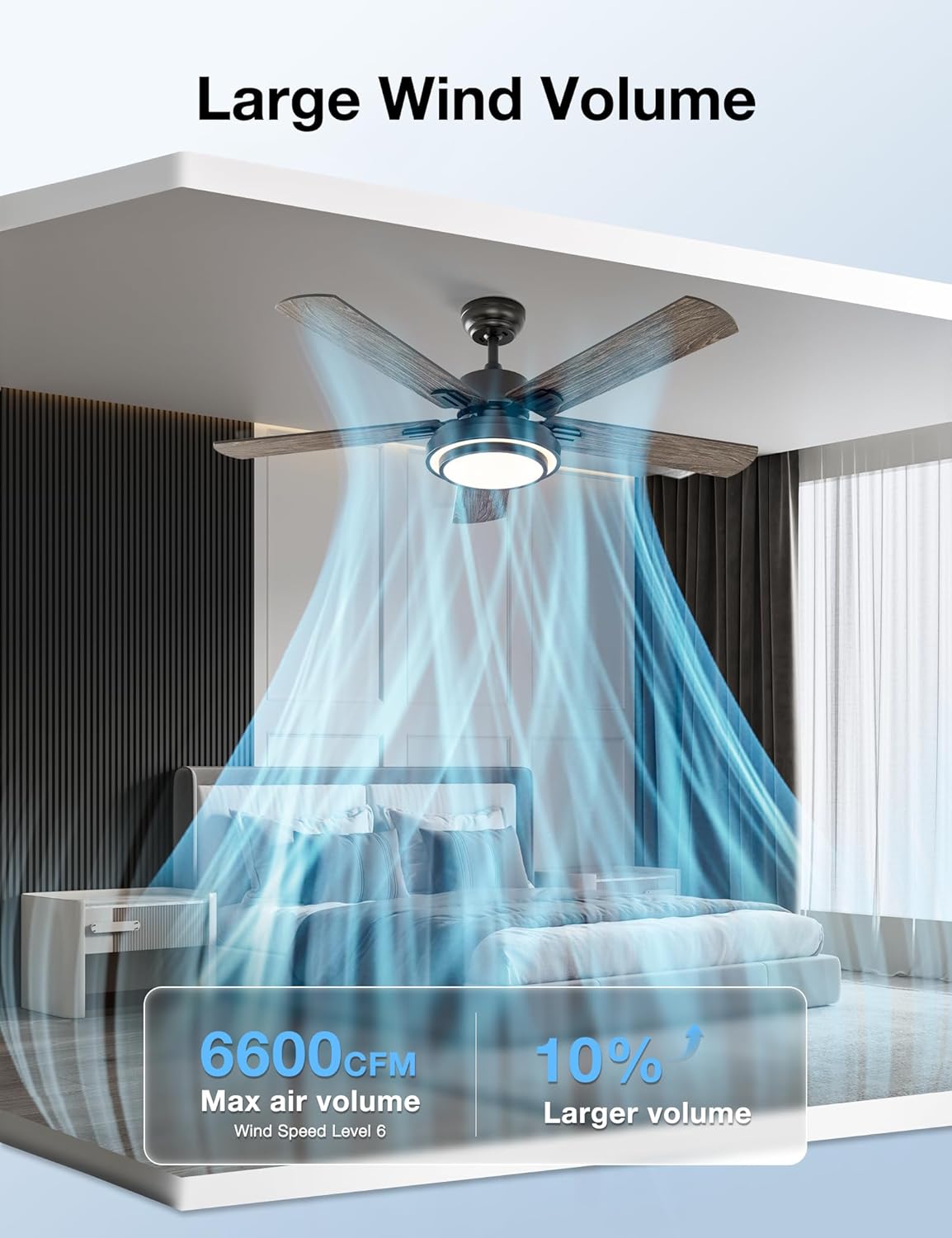
Image: Multi-function remote control for the ceiling fan.
- Power Button: Turns the fan and light on/off.
- Fan Speed (1-6): Selects one of six available fan speeds.
- Light On/Off: Separately controls the LED light.
- Color Temperature (WW, NW, DW): Cycles through Warm White (3000K), Natural White (4000K), and Cool White (6000K) light settings.
- Dimming (+/-): Adjusts the brightness of the LED light from 10% to 100%.
- Timer (1H, 3H, 6H): Sets the fan to turn off automatically after 1, 3, or 6 hours.
- Reverse Function: Changes the direction of the fan blades for summer (downward airflow) or winter (upward airflow) operation.
- Sleep Mode: Activates a gentle, quiet fan speed suitable for sleeping.
Product Features and Operation Overview
Video: Demonstrating the 52-inch ceiling fan's features and remote control functions.
Visual Demonstration of Fan Features
Video: A visual overview of the warmiplanet 52-inch ceiling fan in various settings.
Maintenance
Regular maintenance ensures optimal performance and longevity of your ceiling fan.
- Cleaning: Use a soft brush or lint-free cloth to clean the fan blades and motor housing. Do not use abrasive cleaners or solvents.
- Blade Balance: Check fan blades periodically for tightness and balance. Loose blades can cause wobbling and noise.
- Electrical Connections: Periodically check all electrical connections for tightness.
- Light Source: The LED light is designed for long-term use. If replacement is needed, contact customer support.
Troubleshooting
Refer to this section for common issues and their solutions.
| Problem | Possible Cause | Solution |
|---|---|---|
| Fan does not start | Loose wire connections, no power, remote not paired. | Check circuit breaker, ensure all wires are securely connected, re-pair remote control. |
| Fan wobbles | Loose blades, unbalanced blades, loose mounting screws. | Tighten all blade screws, use a balancing kit, ensure mounting bracket is secure. |
| Light does not work | Loose wire connection, faulty LED plate. | Check light power cord connection, contact customer support for LED plate replacement. |
| Remote control not working | Dead batteries, remote not paired, interference. | Replace batteries, re-pair remote with receiver, ensure no obstructions. |
| Fan is noisy | Loose screws, motor issue, blades hitting an obstruction. | Tighten all screws, check for obstructions, contact customer support if motor noise persists. |
Product Specifications
| Feature | Detail |
|---|---|
| Brand | warmiplanet |
| Model Name | WICF03-4 |
| Product Dimensions | 52"D x 52"W x 14.9"H |
| Electric Fan Design | Ceiling Fan |
| Power Source | DC |
| Number of Blades | 5 |
| Speed Settings | 6 RPM |
| Air Flow Capacity | 3995 Cubic Feet Per Minute |
| Noise Level | 50 Decibels |
| Light Type | LED |
| Luminous Flux | 2400 Lumen |
| Color Temperature | 3000K (Warm), 4000K (Natural), 6000K (Cool) Dimmable |
| Control Method | Remote |
| Voltage | 120 Volts |
| Item Weight | 34.2 Pounds |
| Indoor/Outdoor Usage | Indoor |
| Special Feature | Quiet, Reversible Motor, Timer |
Warranty and Support
Your warmiplanet ceiling fan is backed by a comprehensive warranty:
- Motor Warranty: 10 years. If the motor does not work, it can be replaced free of charge for up to 10 years.
- Whole Fan Warranty: 2 years for all other parts.
For any questions, installation problems, or after-sales support, please contact warmiplanet customer service. We offer 24-hour customer support and will reply within 24 hours to assist you.
Related documentsWICF03-4


Ask a question about this manual
Ask about setup, troubleshooting, compatibility, parts, safety, or missing instructions. Manuals+ will review the question and use this page’s manual context to help answer it.