
Introduction
This manual provides instructions for the Xtreme Lit 16.4ft RGB Flow Multi-Color Indoor LED Light Strip, Model XLB7-1090-RGB. This product is designed to enhance indoor spaces with dynamic, multi-color lighting effects. Please read this manual thoroughly before installation and use to ensure proper operation and safety.

Figure 1: Xtreme Lit 16.4ft RGB Flow LED Light Strip with remote and power adapter.
Package Contents
Verify that all items listed below are included in your package:
- 16.4ft (5m) RGB Flow LED Light Strip
- IR Remote Control
- 5V 2A USB Power Adapter
- 42-inch USB Power Cord
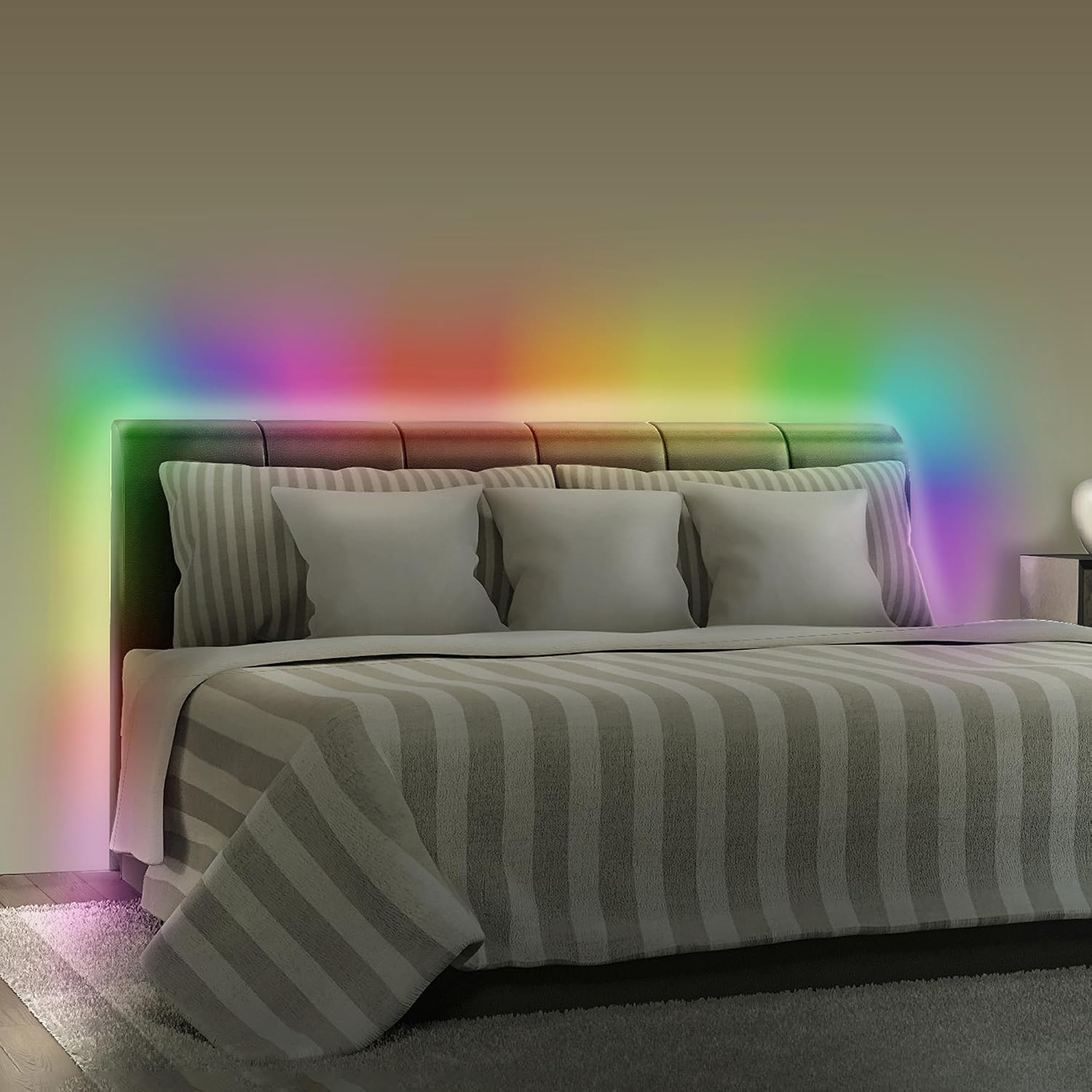
Figure 2: Included components of the LED light strip kit.
Safety Information
Please observe the following safety precautions to prevent damage to the product or personal injury:
- Ensure the power adapter is connected to a suitable power source (5V 2A USB).
- Do not cut or modify the LED strip, as this may damage the product and void the warranty.
- Avoid bending the LED strip sharply, especially at the connection points, to prevent damage to the circuit.
- This product is designed for indoor use only. Do not expose to water or high humidity.
- Keep out of reach of children.
- Do not cover the LED strip with flammable materials when in operation.
Setup and Installation
- Prepare the Surface: Clean the desired installation surface thoroughly. Ensure it is dry, smooth, and free of dust or grease for optimal adhesive performance.
- Measure and Plan: Unroll the LED strip and plan its placement. Avoid sharp corners or excessive bending.
- Peel and Stick: Carefully peel off the protective backing from the adhesive side of the LED strip. Press the strip firmly onto the prepared surface, working in small sections to ensure good adhesion.
- Connect Power: Connect the USB power cord to the LED strip's controller. Then, plug the USB power cord into the 5V 2A USB power adapter, and finally, plug the adapter into a standard wall outlet.
- Test: Once installed and powered, use the remote control to test the light strip's functionality.

Figure 3: Peel the adhesive backing before installation.

Figure 4: Example installation under kitchen cabinets.
Operating Instructions
The Xtreme Lit LED Light Strip is controlled using the included IR remote control. Ensure the remote is pointed towards the IR receiver on the light strip's controller for optimal response.

Figure 5: IR Remote Control for the LED Light Strip.
Remote Control Functions:
- Power Button (⏻): Turns the LED strip On or Off.
- Brightness Control (☀+ / ☀-): Adjusts the brightness level of the lights.
- Color Selection Buttons: Directly select various static colors.
- White Button: Activates a pure white light.
- DIY Color Buttons: Allows for custom color creation (refer to remote for specific instructions if available).
- Mode Buttons (AUTO, JUMP, SMOOTH, METEOR): Selects different dynamic lighting effects.
- AUTO: Cycles through various effects automatically.
- JUMP: Colors change abruptly.
- SMOOTH: Colors transition gradually.
- METEOR: Simulates a meteor shower effect.
- Speed Control (▶▶ / ◀◀): Adjusts the speed of dynamic lighting effects.
- Timer Buttons (4HR, 8HR): Sets the light strip to turn off automatically after 4 or 8 hours.
Maintenance
To ensure the longevity and optimal performance of your LED light strip, follow these maintenance guidelines:
- Cleaning: Gently wipe the LED strip with a dry, soft cloth to remove dust. Do not use liquid cleaners or abrasive materials.
- Storage: If storing the light strip, ensure it is clean and dry. Coil it loosely to prevent damage to the strip or connections.
- Adhesive: The adhesive backing is designed for a single application. Re-applying the strip may reduce its adhesion.
Troubleshooting
| Problem | Possible Cause | Solution |
|---|---|---|
| Lights do not turn on. |
|
|
| Remote control is not responding. |
|
|
| Adhesive is not sticking. |
|
|
Specifications
| Brand | XTREME |
| Model Number | XLB7-1090-RGB |
| Light Strip Length | 16.4 feet (5 meters) |
| Light Source Type | RGBIC LED |
| Number of LEDs | 150 |
| Power Source | Corded Electric, USB (5V 2A Adapter Included) |
| Control Method | IR Remote Control |
| Indoor/Outdoor Usage | Indoor Only |
| Material | Plastic |
| UPC | 805106232610 |
Warranty and Support
For warranty information or technical support, please refer to the contact details provided on the product packaging or visit the official XTREME website. Keep your purchase receipt as proof of purchase.
You can also visit the XTREME Digital Lifestyle Accessories Store on Amazon for more information.


