
1. Introduction
Thank you for choosing the ciciglow Bluetooth Clip-on Earbuds. These open-ear headphones are designed for comfort and situational awareness, allowing you to enjoy audio while remaining aware of your surroundings. Featuring Bluetooth 5.3 connectivity, an ergonomic clip-on design, and intuitive controls, these earbuds are suitable for various activities including running and cycling.
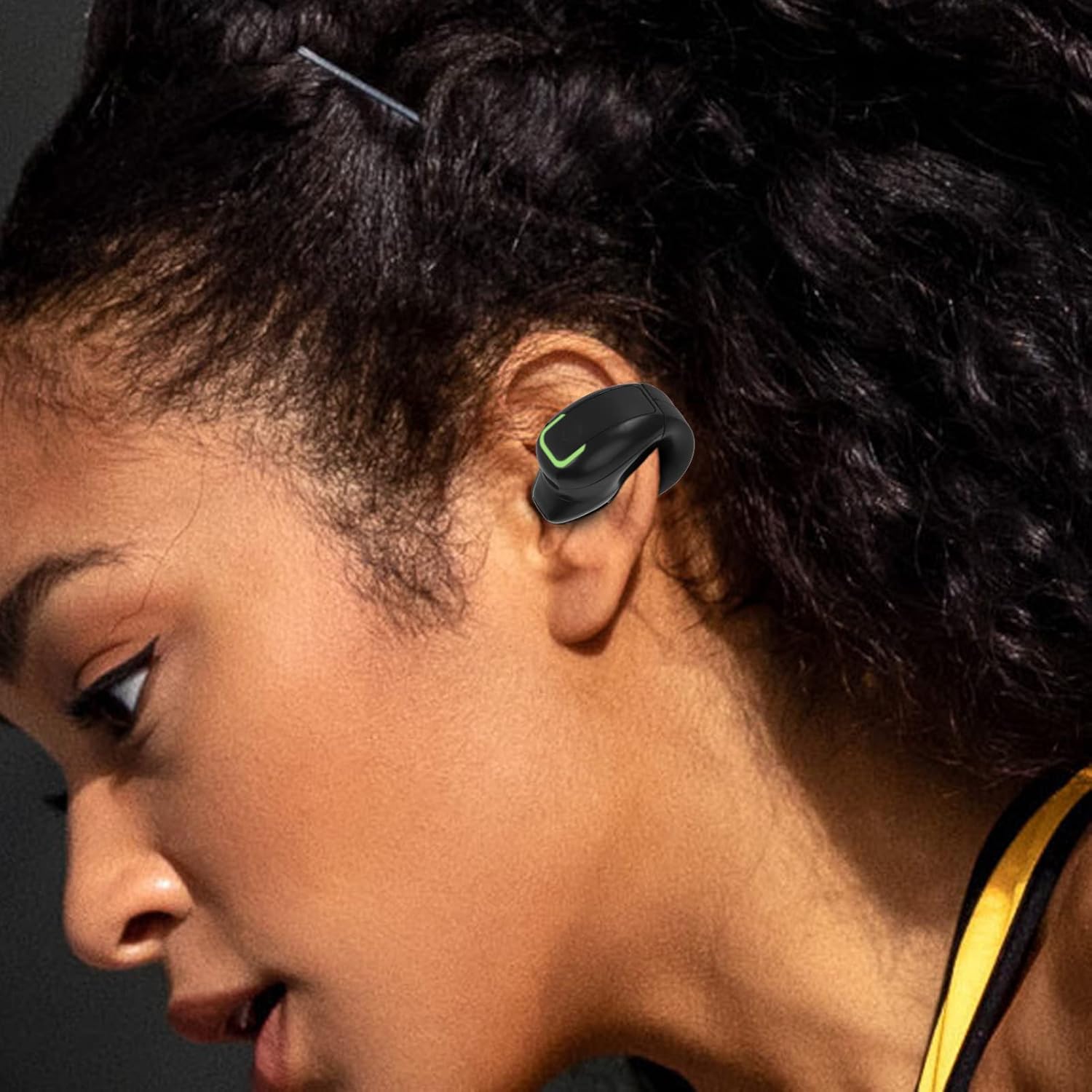
The ciciglow clip-on earbud is designed to fit comfortably on the ear, providing audio without blocking ambient sounds.
2. What's in the Box
- 1 x ciciglow Bluetooth Clip-on Earbud
- 1 x USB Charging Cable
- 1 x User Manual
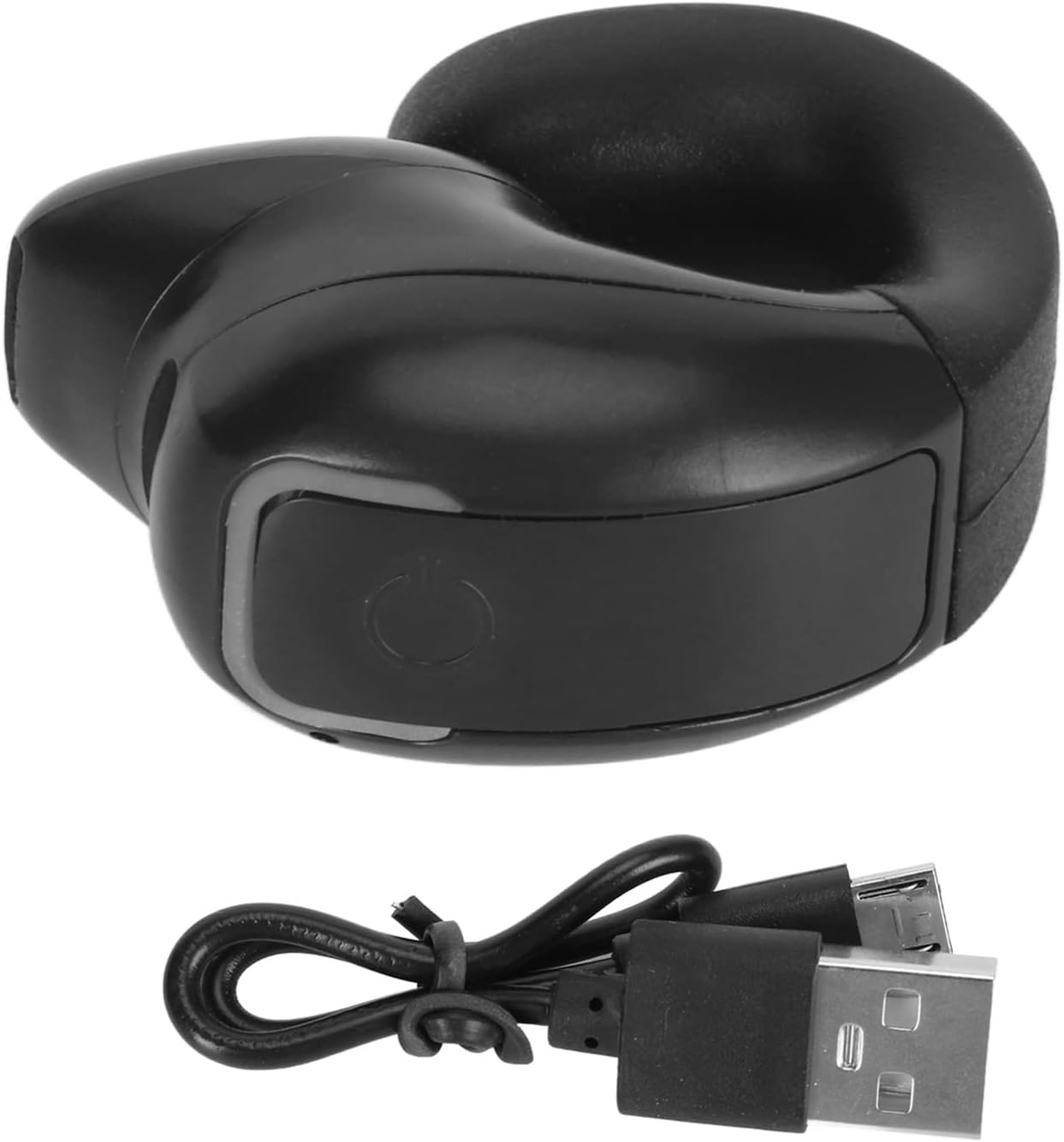
The package includes one earbud and its dedicated USB charging cable.
3. Specifications
| Brand | ciciglow |
| Model Number | ciciglowiv79obgap3-11 |
| Bluetooth Version | 5.3 |
| Ear Placement | Open Ear (Clip-on) |
| Control Type | Touch (Media Control, Call Control) |
| Battery Average Life | 7 Hours |
| Battery Charge Time | 1 Hour |
| Water Resistance Level | IPX4 (Water Resistant) |
| Item Weight | 0.02 Kilograms |
| Audio Driver Size | 13 Millimeters |
4. Setup
4.1 Charging the Earbud
Before first use, fully charge the earbud. Connect the provided USB charging cable to the charging port on the earbud and plug the other end into a compatible USB power source. The earbud will indicate charging status (e.g., an LED light). A full charge typically takes about 1 hour and provides approximately 7 hours of playback time.

The earbud offers extended battery life for prolonged use.
4.2 Bluetooth Pairing
- Power On: Press and hold the multifunction button on the earbud until the indicator light flashes, indicating it is in pairing mode.
- Activate Bluetooth: On your device (smartphone, tablet, etc.), enable Bluetooth.
- Select Device: In your device's Bluetooth settings, search for available devices and select "ciciglow Earbud" (or similar name).
- Confirm Connection: Once connected, the earbud's indicator light will change (e.g., solid blue or off), and your device may confirm the connection.
5. Operating Instructions
5.1 Basic Controls
The earbud features a single multifunction touch button for easy control:
- Power On/Off: Press and hold the button for a few seconds.
- Play/Pause Music: Short press the button once.
- Next Song: Double-click the button.
- Answer/End Call: Short press the button once.
- Reject Call: Long press the button.
- Redial Last Number: Triple-click the button.

The earbud features a single, intuitive multifunction button for all controls.
5.2 Wearing the Earbud
The ergonomic design allows the earbud to clip onto your ear without entering the ear canal, ensuring comfort even during extended wear. This open-ear design also prevents sound leakage, maintaining privacy while listening.

The ergonomic design ensures a comfortable fit over the ear.

The leakproof earhole design ensures your audio remains private.
6. Maintenance
To ensure the longevity and optimal performance of your ciciglow Bluetooth Clip-on Earbuds, follow these maintenance guidelines:
- Cleaning: Gently wipe the earbud with a soft, dry cloth. Avoid using harsh chemicals or abrasive materials.
- Water Resistance: The earbud is IPX4 water-resistant, meaning it can withstand splashes of water and sweat. Do not submerge it in water or expose it to heavy rain.
- Storage: Store the earbud in a cool, dry place away from direct sunlight and extreme temperatures.
- Charging: Use only the provided USB cable for charging.

The IPX4 rating protects the earbud from sweat and light splashes.
7. Troubleshooting
If you encounter issues with your earbud, refer to the following common solutions:
- Earbud does not power on: Ensure the earbud is fully charged. Connect it to the charger and wait for the charging indicator.
- Cannot pair with device:
- Ensure the earbud is in pairing mode (indicator light flashing).
- Turn off and on Bluetooth on your device.
- Move the earbud closer to your device.
- Forget the device in your Bluetooth settings and attempt to re-pair.
- No sound or low volume:
- Check the volume levels on both the earbud and your connected device.
- Ensure the earbud is properly connected to your device.
- Verify that the audio source is playing correctly.
- Intermittent connection:
- Ensure there are no obstructions between the earbud and your device.
- Move away from other wireless devices that may cause interference.
- Keep the earbud within the effective Bluetooth range (up to 15 meters).
8. Official Product Video
This video provides a brief overview of the ciciglow Bluetooth Clip-on Earbuds, demonstrating key features and design.
9. Warranty and Support
Your ciciglow Bluetooth Clip-on Earbuds are covered by a standard manufacturer's warranty. For detailed warranty information, technical support, or service inquiries, please refer to the contact information provided on the product packaging or visit the official ciciglow website. Please retain your proof of purchase for warranty claims.