
Introduction
Welcome to the user manual for your Soundcore Life Dot 3i Truly Wireless Headphones. These in-ear headphones are designed to deliver accurate sound with powerful bass, featuring hybrid active noise cancellation and clear call quality. With a comfortable fit and long battery life, they are perfect for daily use and travel. This manual will guide you through the setup, operation, and maintenance of your new headphones.
What's in the Box
- Soundcore Life Dot 3i Earbuds (Left and Right)
- Charging Case
- USB-C Charging Cable
- Multiple Sizes of Ear Tips (for optimal fit)
- Quick Start Guide / Safety Manual

Image: Soundcore Life Dot 3i earbuds removed from their open charging case, showcasing the components.
Setup and Initial Use
1. Charging the Case and Earbuds
Before first use, fully charge the charging case and earbuds. Connect the provided USB-C cable to the charging port on the case and a power source. The LED indicator on the case will show charging status.
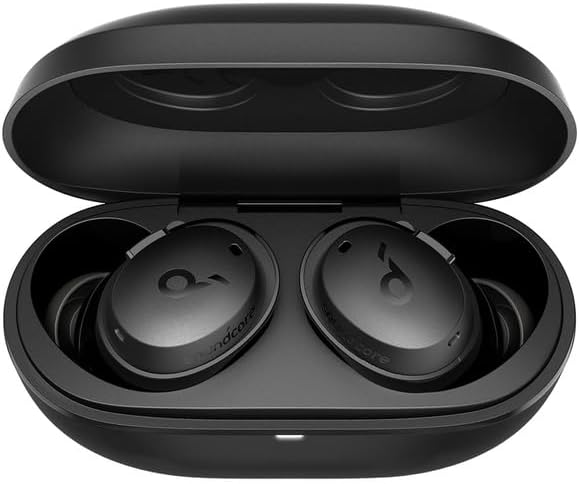
Image: Soundcore Life Dot 3i earbuds securely placed within their charging case.
2. Pairing with Your Device
- Open the charging case. The earbuds will automatically enter pairing mode, indicated by a flashing LED on the earbuds.
- On your device (smartphone, tablet, etc.), enable Bluetooth.
- Search for "Soundcore Life Dot 3i" in the list of available Bluetooth devices and select it to connect.
- Once connected, the LED indicators on the earbuds will turn solid blue or off, depending on the model.
For subsequent uses, the earbuds will automatically connect to the last paired device when removed from the case.
Wearing Your Earbuds
To ensure optimal sound quality and noise cancellation, it is crucial to choose the correct ear tip size and wear the earbuds properly. Experiment with the different ear tip sizes provided to find the most comfortable and secure fit for your ears.
- Select the ear tips that provide a snug seal in your ear canal.
- Insert the earbuds into your ears, gently twisting them forward until they fit securely and comfortably.
- Adjust the position until the Soundcore logo is upright and the earbud feels stable.

Image: A pair of Soundcore Life Dot 3i earbuds, ready for use.
Operating Controls
The Soundcore Life Dot 3i headphones feature physical buttons for control, which can be customized via the Soundcore app. This design helps prevent accidental touches common with touch-sensitive controls.
Default Button Functions:
| Action | Left Earbud | Right Earbud |
|---|---|---|
| Play/Pause | Single Press | Single Press |
| Next Track | Double Press | Double Press |
| Answer/End Call | Single Press | Single Press |
| Reject Call | Press and Hold (2s) | Press and Hold (2s) |
| Activate Voice Assistant | Press and Hold (2s) | Press and Hold (2s) |
| Switch Noise Control Mode | Press and Hold (2s) | Press and Hold (2s) |
For advanced customization of button functions, download the Soundcore app.
Sound Features
Experience rich, accurate sound and powerful bass thanks to the 10mm oversized drivers and Bass-Up technology. The Soundcore app allows you to personalize your audio experience with 22 EQ presets or create your own custom sound profile.
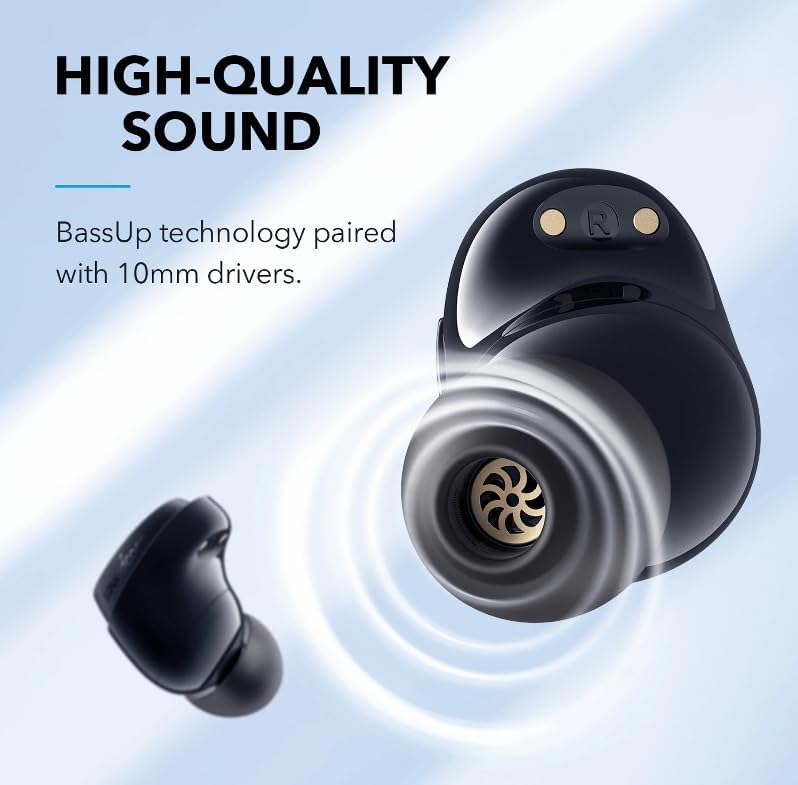
Image: Detailed view of the earbud's internal speaker, highlighting the 10mm driver and BassUp technology.
Noise Cancellation and Transparency Mode
The Life Dot 3i features hybrid active noise cancellation (ANC) to effectively reduce unwanted ambient noise, allowing you to immerse yourself in your audio. For situations where you need to be aware of your surroundings, activate Transparency Mode to let in ambient sounds without removing your earbuds.
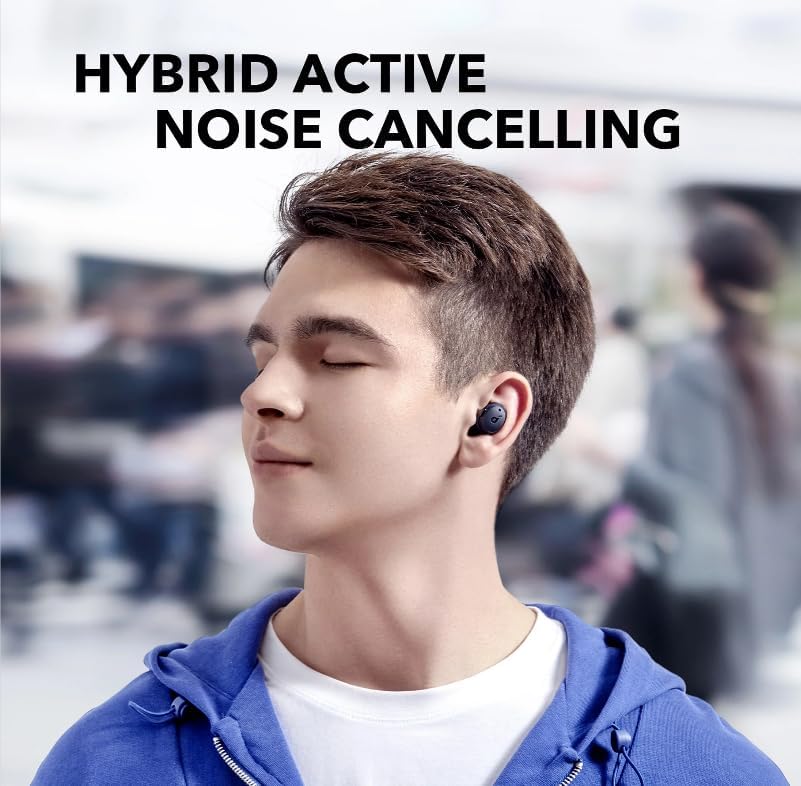
Image: A person wearing Soundcore Life Dot 3i earbuds, demonstrating the effectiveness of hybrid active noise cancellation in a public setting.
Clear Calls
Equipped with four microphones and a custom AI algorithm, these earbuds effectively pick up your voice and reduce background noise, ensuring every word in your calls is clear and crisp.
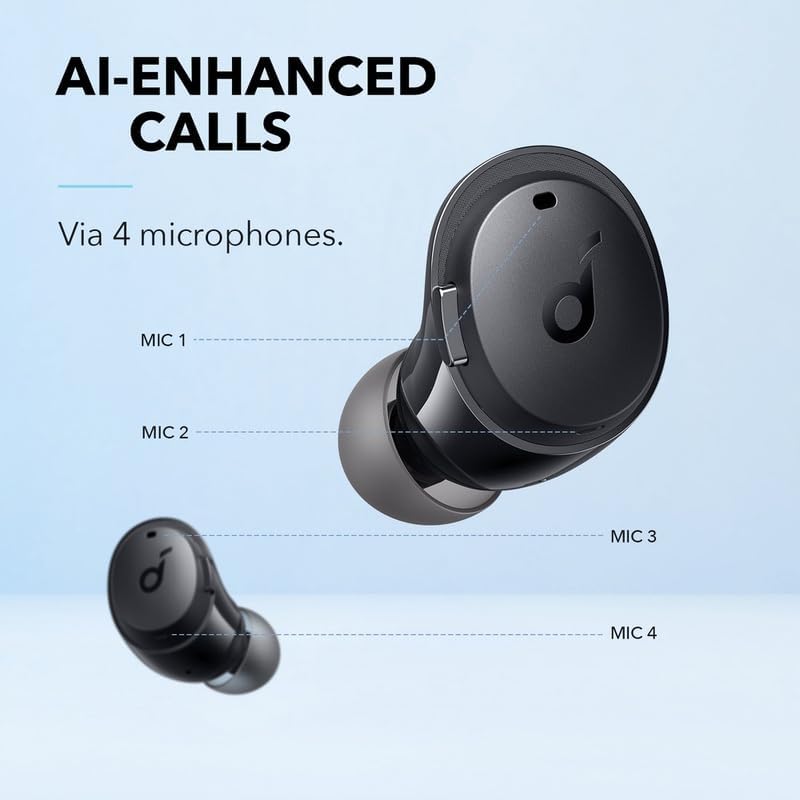
Image: An illustration detailing the placement of the four microphones on the Soundcore Life Dot 3i earbuds, designed for AI-enhanced call clarity.
Battery Life
Enjoy extended listening with up to 9 hours of playtime on a single charge. The compact charging case provides an additional 27 hours of power, totaling 36 hours of combined playtime. When using noise cancellation, you can still get up to 24 hours of listening time with the charging case.

Image: The Soundcore Life Dot 3i earbuds and their charging case, illustrating the impressive 36-hour total playtime.
Water Resistance
The Soundcore Life Dot 3i earbuds are IPX5 waterproof and sweatproof, making them suitable for workouts and use in various weather conditions. This rating means they can withstand a sustained, low-pressure water jet spray.
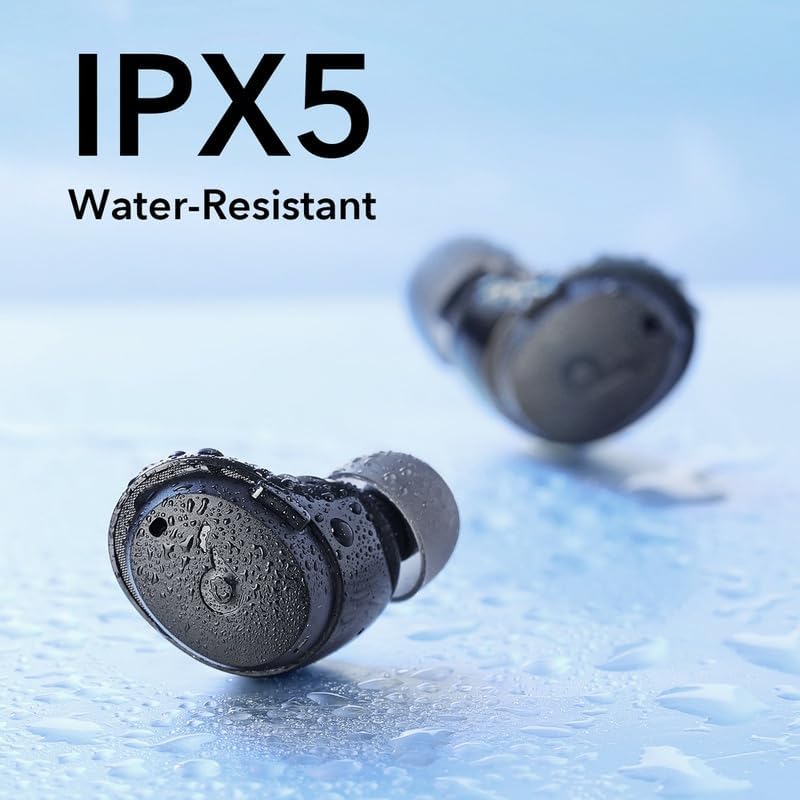
Image: Soundcore Life Dot 3i earbuds covered in water droplets, highlighting their IPX5 water-resistant design.
Soundcore App
Unlock the full potential of your Life Dot 3i headphones with the Soundcore app. Available for both iOS and Android, the app allows you to:
- Customize button controls.
- Choose from 22 preset EQ settings or create your own custom sound profile.
- Switch between Noise Cancelling and Transparency modes.
- Update firmware for improved performance.
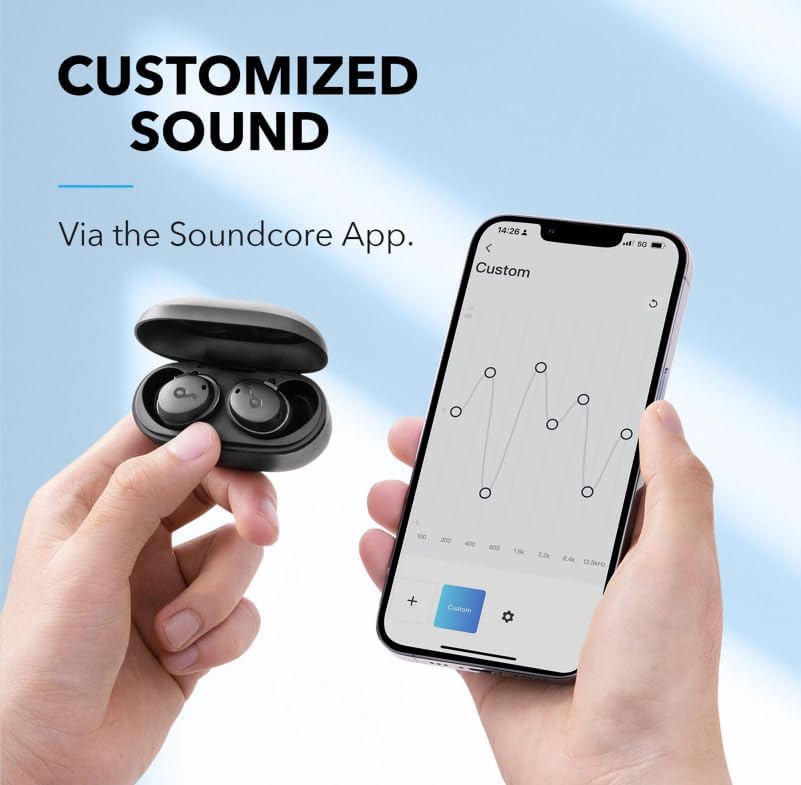
Image: A smartphone displaying the Soundcore app's custom EQ settings, demonstrating sound customization options.
Maintenance
To ensure the longevity and optimal performance of your Soundcore Life Dot 3i headphones, follow these maintenance tips:
- Cleaning: Regularly clean the earbuds and charging case with a soft, dry, lint-free cloth. Remove ear tips and clean them with mild soap and water, then dry thoroughly before reattaching.
- Storage: Store the earbuds in their charging case when not in use to protect them and keep them charged. Avoid storing in extreme temperatures or humid environments.
- Avoid Liquids: While IPX5 rated, avoid submerging the earbuds in water or exposing them to high-pressure water jets. Ensure the charging port is dry before charging.
Troubleshooting
If you encounter any issues with your Soundcore Life Dot 3i headphones, try the following solutions:
- No Sound/Poor Sound Quality:
- Ensure earbuds are fully charged.
- Check Bluetooth connection and re-pair if necessary.
- Adjust volume on both your device and the earbuds.
- Try different ear tip sizes for a better seal.
- Clean any debris from the ear tips and speaker grilles.
- Earbuds Not Pairing:
- Place earbuds back in the case, close the lid, and open it again to re-enter pairing mode.
- Forget the device in your phone's Bluetooth settings and try pairing again.
- Ensure earbuds are close to your device during pairing.
- Charging Issues:
- Check the USB-C cable and charging adapter.
- Ensure the charging contacts on the earbuds and inside the case are clean and dry.
- One Earbud Not Working:
- Place both earbuds back in the case, close the lid, and open it again.
- Try resetting the earbuds (refer to Soundcore app or online support for specific instructions).
For further assistance, please refer to the official Soundcore support resources.
Specifications
| Feature | Detail |
|---|---|
| Model Name | A3982 |
| Connectivity Technology | Wireless (Bluetooth 5.2) |
| Audio Driver Type | 10mm Dynamic Driver |
| Noise Control | Hybrid Active Noise Cancellation |
| Microphones | 4 (with AI algorithm for calls) |
| Playtime (Earbuds) | Up to 9 hours |
| Total Playtime (with Charging Case) | Up to 36 hours (Standard Mode) |
| Water Resistance Rating | IPX5 |
| Control Method | Physical Buttons, App Control |
| Bluetooth Range | 10 Meters |
| Audio Latency | 7 Milliseconds |
| Item Weight | 4.2 ounces |
| Product Dimensions | 4.5 x 3.5 x 2.7 inches |
| Batteries | 2 Lithium Polymer batteries (included) |
| UPC | 194644096045 |
Warranty and Support
Soundcore products typically come with a limited warranty. Please refer to the warranty card included in your product packaging or visit the official Soundcore website for detailed warranty information and terms and conditions.
For technical support, FAQs, and further assistance, please visit the Soundcore support page or contact their customer service directly. You can find contact information and support resources on the official Soundcore website: www.soundcore.com/support


