1. Introduction
The 70mai 4G Hardwire Kit UP04 is an essential accessory designed to unlock advanced parking surveillance and remote monitoring features for your compatible 70mai Dash Cam. By providing continuous power directly from your vehicle's battery, this kit enables 24-hour smart parking monitoring, real-time remote viewing, instant app alerts, and precise GPS car tracking, ensuring comprehensive protection for your vehicle even when you're away.
2. Safety Information
Please note: Installation of this product requires a certain level of knowledge regarding vehicle electrical systems. For safety and proper functionality, it is highly recommended that installation be performed under the supervision of a qualified professional or by an experienced installer.
Always disconnect the vehicle's battery before attempting any electrical installation. Ensure all connections are secure and properly insulated to prevent short circuits or damage to your vehicle's electrical system.
3. Package Contents
Verify that all components are present in your package:
- 70mai 4G Hardwire Kit UP04 Module
- Power Cable with VCC+, ACC, and GND- wires
- USB Connection Cable

4. Setup & Installation
This hardwire kit is compatible with 70mai Dash Cam Omni (X200), A810, and A510 models. Follow these steps for proper installation:
4.1 Pre-installation Checklist
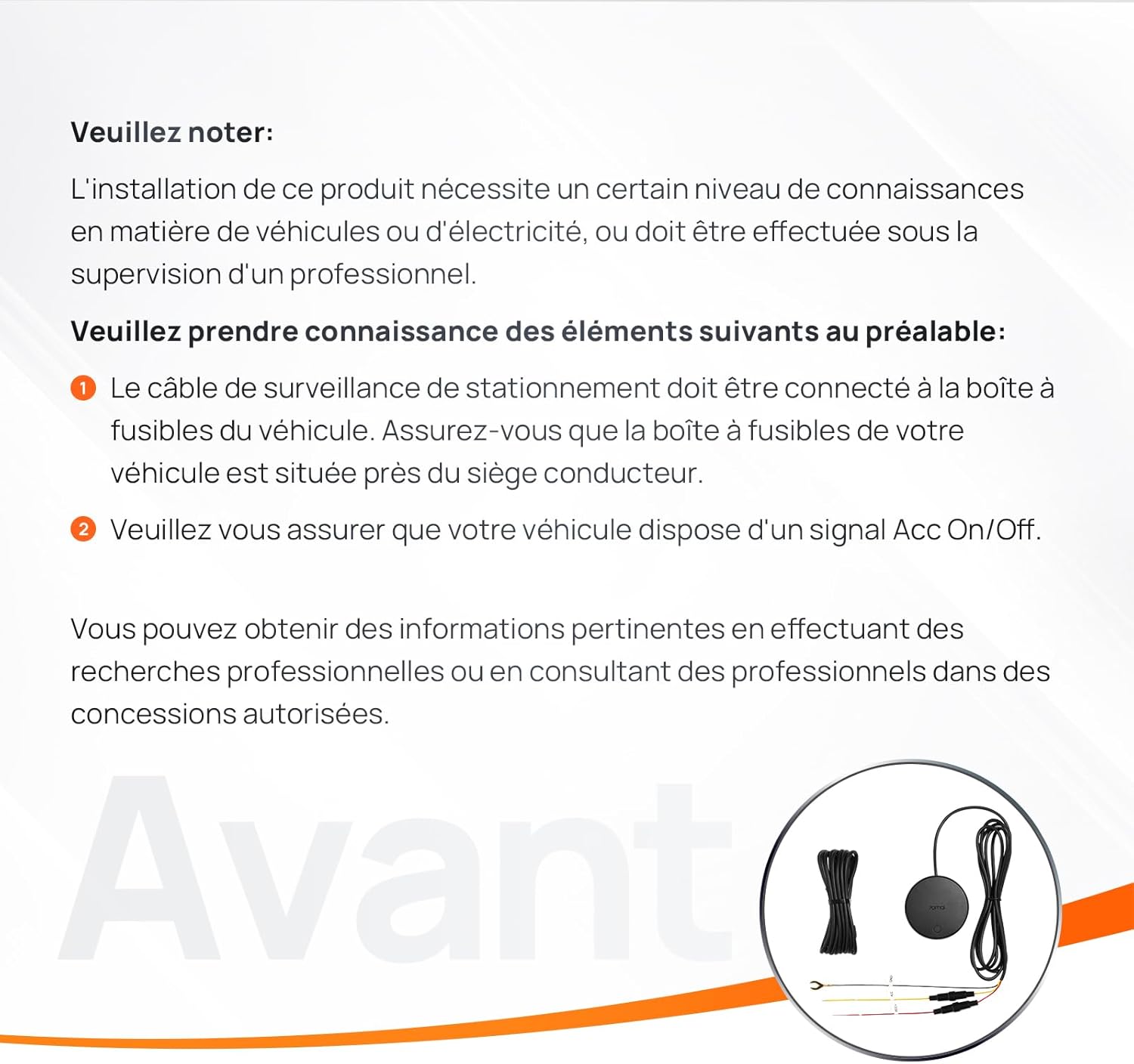
- The parking surveillance cable must be connected to the vehicle's fuse box. Ensure your vehicle's fuse box is located near the driver's seat.
- Ensure your vehicle has an ACC (Accessory) On/Off signal.
4.2 Wiring Connections
Connect the three wires from the hardwire kit to your vehicle's electrical system:
- VCC+ (Red wire): Connect to a constant power source (BATT+) in the fuse box that provides power even when the ignition is off.
- ACC (Yellow wire): Connect to an accessory power source (ACC) in the fuse box that provides power only when the ignition is on.
- GND- (Black wire): Connect to a metal part of the vehicle's chassis for a ground connection.
4.3 Verification Steps
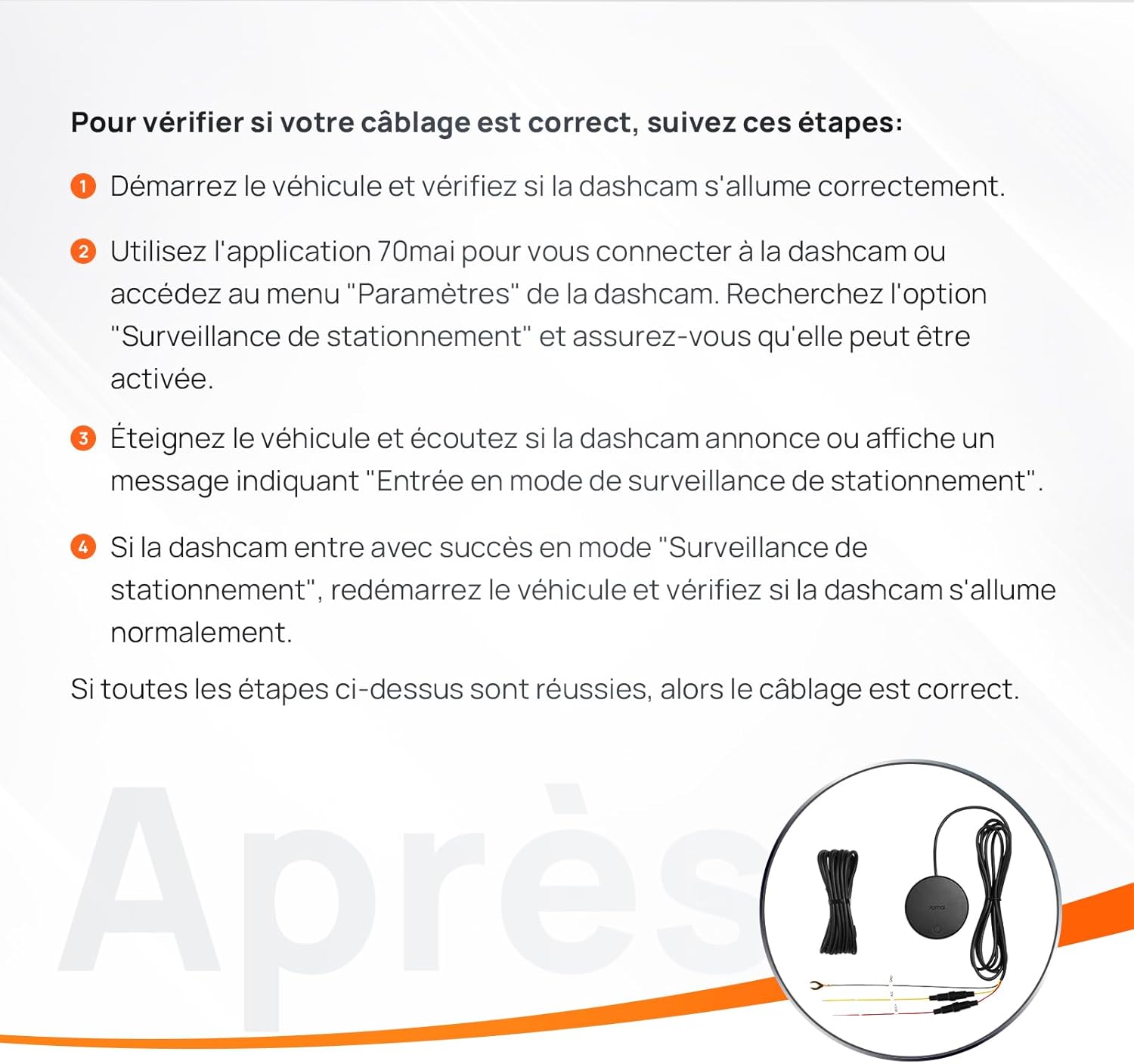
To verify if your wiring is correct and the hardwire kit is functioning as expected, follow these steps:
- Start the vehicle and check if the dashcam turns on correctly.
- Use the 70mai app to connect to the dashcam or access the dashcam's "Settings" menu. Look for the "Parking Surveillance" option and ensure it can be activated.
- Turn off the vehicle and listen if the dashcam announces or displays a message indicating "Entering parking surveillance mode".
- If the dashcam successfully enters "Parking Surveillance" mode, restart the vehicle and check if the dashcam turns on normally.
If all the above steps are successful, then the hardwire kit wiring is correct.
5. Operation
The 70mai 4G Hardwire Kit UP04 enables several advanced functionalities for your compatible 70mai Dash Cam:
5.1 24-hour Smart Parking Monitoring
With continuous power from the hardwire kit, the built-in G-sensor in your dash cam can detect sudden shocks or collisions while the car is parked. It will automatically start recording to capture any potential incident. If an emergency video is recorded, the dash cam will alert you with an audio warning once it is turned on again.
5.2 Real-time Monitoring & Instant App Alerts
By inserting a compatible 4G SIM card (not included) into your dash cam, the hardwire kit allows for real-time remote monitoring. You can remotely manage your dash cam and view live footage from inside and outside your car via the 70mai app. The system will also send instant app alerts to your smartphone at the first sign of a suspicious event or collision.
5.3 GPS Car Locator
When paired with the 4G hardwire kit, the built-in GPS system in your dash cam can notify you of your car's parking location and provide walking navigation through the app. With 4G connectivity, you can also remotely monitor your driving routes in real-time. Note: Real-time status is updated every 15 seconds. This feature is currently limited to 15 activations per month.
5.4 Feature Comparison Table
The table below illustrates the functionalities enabled by the 4G Hardwire Kit compared to dash cams without it:
| Feature | Dash Cam (Standard) | Dash Cam (with 4G Hardwire Kit) |
|---|---|---|
| 1080P*60FPS Recording | ✓ | ✓ |
| 360° Full View Recording | ✓ | ✓ |
| Emergency Recording | ✓ | ✓ |
| Built-in eMMC Storage | ✓ | ✓ |
| ADAS (Advanced Driver-Assistance System) | ✓ | ✓ |
| Voice Control (English only) | ✓ | ✓ |
| GPS Route Tracking | ✓ | ✓ |
| Fast Bluetooth Connection | ✓ | ✓ |
| AI Motion Detection | X | ✓ |
| AI Collision Detection | X | ✓ |
| Time-Lapse Recording | X | ✓ |
| Cloud Album | X | ✓ |
| App Alert in case of emergency | X | ✓ |
| Remote Surveillance via App | X | ✓ |
| Vehicle Locator | X | ✓ |
6. Maintenance
The 70mai 4G Hardwire Kit UP04 requires minimal maintenance. Follow these guidelines to ensure optimal performance:
- Regular Checks: Periodically inspect the wiring connections to ensure they remain secure and free from corrosion.
- Cleanliness: Keep the hardwire kit module clean and free from dust or debris. Use a soft, dry cloth for cleaning.
- Environmental Conditions: Ensure the module is installed in a location protected from extreme temperatures, moisture, and direct sunlight.
7. Troubleshooting
If you encounter issues with your 70mai 4G Hardwire Kit UP04, refer to the following common problems and solutions:
7.1 Dash Cam Does Not Power On After Installation
- Check Connections: Ensure all three wires (VCC+, ACC, GND-) are correctly connected to their respective power sources and ground.
- Fuse Check: Verify that the fuses in your vehicle's fuse box connected to the hardwire kit are not blown. Replace if necessary.
- Compatibility: Confirm that your dash cam model (Omni/X200, A810, A510) is compatible with the UP04 hardwire kit.
7.2 4G Features (Real-time Monitoring, GPS Tracking) Not Working
- SIM Card: Ensure a valid 4G SIM card with an active data plan is inserted correctly into your dash cam.
- Network Coverage: Verify that your vehicle is in an area with sufficient 4G network coverage.
- Carrier Compatibility: Confirm that your SIM card carrier is supported in your region (e.g., TIM for Italy, Telekom for Germany, Orange for France, EE for UK).
- App Settings: Check the 70mai app settings to ensure 4G features are enabled and configured correctly.
7.3 Parking Surveillance Mode Not Activating
- ACC Signal: Ensure the ACC wire is connected to a power source that turns off when the ignition is off.
- Dash Cam Settings: Verify that parking surveillance mode is enabled in your dash cam's settings via the 70mai app.
- Battery Voltage: The hardwire kit has low-voltage protection. If your car battery voltage drops too low, the kit may cut power to protect the battery. Ensure your car battery is adequately charged.
8. Specifications
| Model Name | Car Monitoring Cable UP04 |
| Item Model Number | UP04 |
| Manufacturer | 70mai |
| Product Dimensions | 7 x 7 x 7 cm |
| Item Weight | 100 Grams |
| Connectivity Technology | USB |
| Included Components | Hardwire kit for Dash Cam Omni/A810/A510 |
| Batteries | 1 Lithium metal battery required (Included) |
| First Available Date | September 8, 2024 |
9. Warranty & Support
70mai products are manufactured to the highest quality standards. For specific warranty information, please refer to the warranty card included with your product or visit the official 70mai website.
For technical support, troubleshooting assistance, or any inquiries regarding your 70mai 4G Hardwire Kit UP04, please contact 70mai customer service:
- Email: help@70mai.com
- Website: www.70mai.com


