
1. Introduction
Welcome to your CrossBeats Neopods 300 TWS Earbuds. This manual provides detailed instructions for setting up, operating, and maintaining your new wireless earphones. Please read this guide thoroughly to ensure optimal performance and longevity of your device.
2. Package Contents
Ensure all items are present in the package:
- CrossBeats Neopods 300 Wireless Earbuds
- Charging Case
- USB Type-C Charging Cable
- Multiple Sizes of Silicone Ear Tips
- User Manual
3. Product Features
The CrossBeats Neopods 300 are designed with advanced features for an enhanced audio experience:
- HyperBass™ Sound: Tuned for deep bass notes with 13mm dynamic drivers for balanced audio.
- Clear Voice Calls: Dual microphone setup with Environmental Noise Cancelling (ENC) for clear communication.
- Gaming Mode: Dedicated low-latency mode (less than 40ms) for an optimized gaming experience.
- Extended Playtime: Up to 40 hours of total playtime with the charging case.
- SnapCharge™ Technology: Fast charging provides 5-7 hours of playtime from a 10-minute charge.
- Touch Controls: Intuitive touch controls for managing music, calls, and other functions.
- Comfortable Fit: Ergonomic design with adjustable silicone ear tips (3 size options) for secure and comfortable wear.
- IPX4 Water Resistance: Protection against splashes and sweat, suitable for workouts and outdoor activities.
- Bluetooth 5.3: Stable and efficient wireless connectivity.

Image: CrossBeats Neopods 300 TWS Earbuds and charging case, emphasizing up to 40 hours of playtime.

Image: CrossBeats Neopods 300 TWS Earbuds with gaming mode enabled, shown with a phone and controller.

Image: A single CrossBeats Neopods 300 earbud, illustrating the Environmental Noise Cancelling feature.
4. Setup
4.1 Initial Charging
The headset is shipped in power saver mode. Before first use, fully charge the earbuds and the charging case.
- Place both earbuds into the charging case.
- Connect the USB Type-C charging cable to the charging port on the case and to a power source.
- The indicator lights on the case will show charging status. Allow approximately 60 minutes for a full charge.
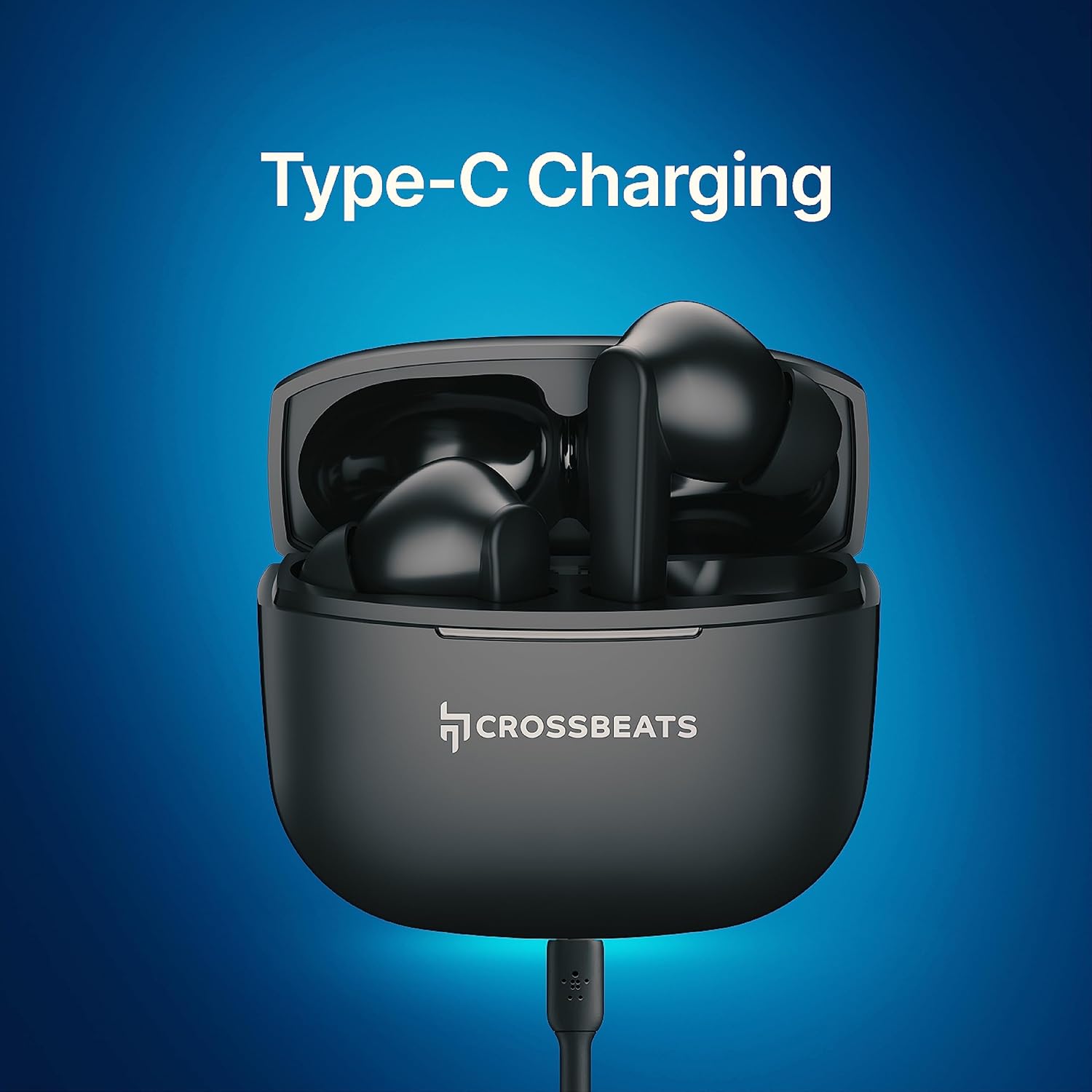
Image: CrossBeats Neopods 300 charging case with earbuds inside, connected for Type-C charging.
4.2 Bluetooth Pairing
To pair your Neopods 300 with a device:
- Ensure the earbuds are charged and placed in the charging case.
- Open the charging case lid. The earbuds will automatically enter pairing mode.
- On your device (smartphone, tablet, etc.), enable Bluetooth.
- Search for available Bluetooth devices and select "CrossBeats Neopods 300" from the list.
- Once connected, you will hear an audio prompt, and the indicator light on the earbuds will change.
The earbuds will automatically reconnect to the last paired device when removed from the case, if Bluetooth is enabled on the device.
5. Operating Instructions
5.1 Power On/Off
- Power On: Open the charging case lid, or long-press the touch area on both earbuds for 3 seconds.
- Power Off: Place the earbuds back into the charging case and close the lid, or long-press the touch area on both earbuds for 5 seconds.
5.2 Touch Controls
The Neopods 300 feature intuitive touch controls on each earbud:
| Function | Action |
|---|---|
| Play/Pause Music | Single tap on either earbud |
| Next Track | Double tap on the Right earbud |
| Previous Track | Double tap on the Left earbud |
| Volume Up | Triple tap on the Right earbud |
| Volume Down | Triple tap on the Left earbud |
| Answer/End Call | Single tap on either earbud |
| Reject Call | Long press on either earbud for 2 seconds |
| Activate Voice Assistant | Long press on either earbud for 2 seconds (when not on a call) |
| Toggle Gaming Mode | Quadruple tap on either earbud |

Image: Diagram illustrating the multi-touch control areas on the CrossBeats Neopods 300 earbuds.
6. Charging
The Neopods 300 offer convenient and fast charging capabilities:
- Earbud Charging: Place the earbuds into the charging case. They will automatically begin charging.
- Case Charging: Connect the provided USB Type-C cable to the charging case and a compatible power adapter (not included).
- SnapCharge™: A quick 10-minute charge of the earbuds can provide approximately 5-7 hours of playback.
- Battery Life: A fully charged case and earbuds provide up to 40 hours of total listening time.
7. Gaming Mode
The dedicated Gaming Mode reduces audio latency to less than 40ms, providing a more synchronized audio-visual experience for gaming.
- Activation: Quadruple tap on either earbud to toggle Gaming Mode on or off.
- You will hear an audio prompt indicating the mode change.
8. Maintenance
To ensure the longevity and optimal performance of your Neopods 300, follow these maintenance guidelines:
- Cleaning: Regularly clean the earbuds and charging case with a soft, dry, lint-free cloth. Do not use harsh chemicals or abrasive materials.
- Ear Tips: Remove and clean the silicone ear tips periodically with water and mild soap. Ensure they are completely dry before reattaching.
- Charging Ports: Keep the USB Type-C charging port free from dust and debris.
- Water Resistance: The earbuds are IPX4 water-resistant, meaning they can withstand splashes and sweat. Do not submerge them in water or expose them to heavy rain. Dry them thoroughly if they get wet.
- Storage: When not in use, store the earbuds in their charging case to protect them and keep them charged. Avoid extreme temperatures.
9. Troubleshooting
If you encounter issues with your CrossBeats Neopods 300, refer to the following common solutions:
| Problem | Solution |
|---|---|
| Earbuds not pairing | Ensure earbuds are charged. Turn off and on Bluetooth on your device. Forget the device in Bluetooth settings and re-pair. |
| Only one earbud working | Place both earbuds back into the charging case, close the lid, then open it again. Ensure both earbuds are charged. |
| No sound or low volume | Check device volume and earbud volume. Ensure earbuds are properly seated in your ears. Clean any debris from earbud speakers. |
| Charging case not charging | Ensure the USB Type-C cable is securely connected to both the case and the power source. Try a different cable or power adapter. |
| Call quality issues | Ensure microphones are not obstructed. Move closer to your connected device. Disable Gaming Mode if active. |
10. Specifications
Detailed technical specifications for the CrossBeats Neopods 300:
| Feature | Detail |
|---|---|
| Brand | CrossBeats |
| Model Name | Neopods 300 |
| Color | Black |
| Ear Placement | In Ear |
| Form Factor | In Ear |
| Audio Driver Type | Dynamic Driver |
| Driver Size | 13mm |
| Impedance | 32 Ohms |
| Frequency Range | 20-20000 Hz |
| Noise Control | Sound Isolation (Environmental Noise Cancelling) |
| Connectivity Technology | Wireless (Bluetooth) |
| Bluetooth Version | 5.3 |
| Bluetooth Range | 10 Metres |
| Control Method | Touch |
| Control Type | Voice Control |
| Battery Average Life | 40 Hours (with charging case) |
| Battery Charge Time | 60 Minutes (approx.) |
| Charging Port | USB Type-C |
| Water Resistance Level | IPX4 |
| Item Weight | 40 Grams |
| Material | Plastic |
11. Warranty and Support
Your CrossBeats Neopods 300 comes with a 12-month manufacturing warranty from the date of purchase. This warranty covers defects in materials and workmanship under normal use.
For warranty claims, technical support, or any product-related inquiries, please contact CrossBeats customer service. You can find contact information on the official CrossBeats website or through your purchase platform.
Manufacturer: CrossBeats, sellbrite digital-Ground floor, brigade tower, brigade road, bangalore-560025


