
1. Introduction
This manual provides essential information for setting up, operating, maintaining, and troubleshooting your Beelink SER5 MAX Mini PC. Please read this guide thoroughly before using the device to ensure optimal performance and longevity.
The Beelink SER5 MAX is a compact and powerful mini PC designed for various applications, from office tasks and multimedia consumption to gaming and content creation. It features an AMD Ryzen R7 7735HS processor, 24GB LPDDR5 RAM, and a 500GB M.2 PCIe SSD, offering robust performance in a small form factor.

The Beelink SER5 MAX Mini PC is designed for compact and space-saving integration into any workspace.
2. Safety Information
- Use only the power adapter provided with the device.
- Do not expose the device to water, moisture, or extreme temperatures.
- Avoid placing the device near heat sources or in direct sunlight.
- Ensure proper ventilation to prevent overheating. Do not block ventilation openings.
- Do not attempt to open or repair the device yourself. Refer to qualified service personnel.
- Keep the device away from strong magnetic fields.
3. Package Contents
Verify that all items are present in the package:
- 1 x Beelink SER5 MAX Mini PC
- 1 x Power Adapter
- 2 x HDMI Cables (100cm and 25cm)
- 1 x VESA Mount with Screws
- 1 x User Manual

Illustration of the Beelink SER5 MAX Mini PC and its included accessories.
4. Product Overview
4.1 Front Panel
- RTC Key: Reset CMOS button.
- USB3.2 Gen2: High-speed USB port (10Gbps).
- USB2.0: Standard USB port.
- Type-C: Data and Video output port (10Gbps, 4K@120Hz).
- Headphone Jack: Audio output.
- Power Button: To turn the device on/off.
4.2 Rear Panel
- LAN: Gigabit Ethernet port (1000Mbps).
- USB3.2 Gen2: High-speed USB port (10Gbps).
- USB2.0: Standard USB port (480Mbps).
- DisplayPort 1.4: Video output (4K@144Hz).
- HDMI 2.0: Video output (4K@60Hz).
- DC-in: Power input.

Detailed view of the connectivity ports on the Beelink SER5 MAX Mini PC.
5. Setup Instructions
5.1 Connecting Peripherals
- Connect your monitor(s) to the HDMI, DisplayPort, or Type-C ports using the provided or compatible cables.
- Connect your keyboard and mouse to the available USB ports.
- For wired network access, connect an Ethernet cable to the LAN port.
- If desired, connect external speakers or headphones to the headphone jack.
5.2 Powering On
- Connect the power adapter to the DC-in port on the rear panel of the mini PC.
- Plug the power adapter into a wall outlet.
- Press the power button on the front panel to turn on the mini PC. The power indicator light will illuminate.
5.3 Initial Operating System Setup
The Beelink SER5 MAX typically comes with DOS pre-installed. You will need to install your preferred operating system (e.g., Windows, Linux) to use the device. Follow the on-screen instructions provided by your chosen operating system's installation media.
6. Operating Instructions
6.1 General Usage
Once your operating system is installed and configured, the Beelink SER5 MAX functions as a standard desktop computer. You can install applications, browse the internet, and perform various computing tasks.
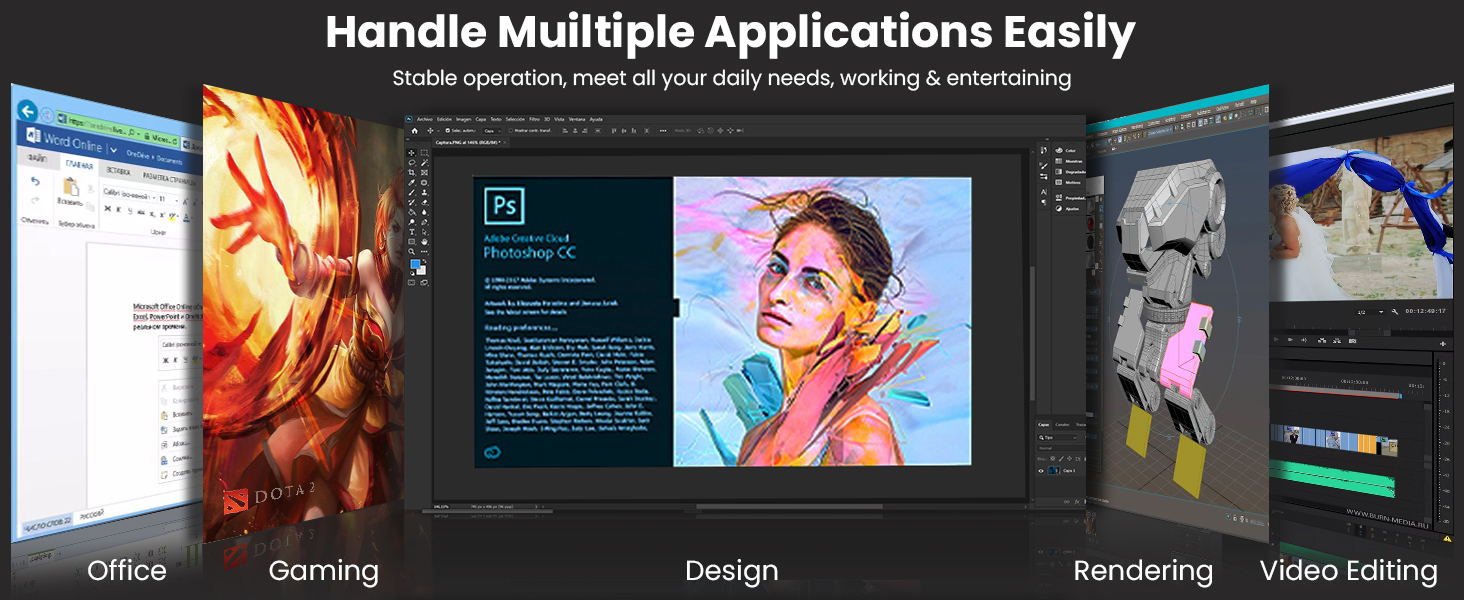
The Beelink SER5 MAX is capable of handling multiple applications, from office work to creative tasks.
6.2 Triple Display Setup
The mini PC supports connecting up to three displays simultaneously for enhanced productivity or immersive experiences. Use the HDMI, DisplayPort, and Type-C video outputs.
- DisplayPort: Supports up to 4K resolution at 144Hz.
- Type-C: Supports up to 4K resolution at 120Hz.
- HDMI: Supports up to 4K resolution at 60Hz.

Triple display configuration allows for efficient multitasking and expanded visual workspace.
6.3 Wireless Connectivity
The SER5 MAX features Wi-Fi 6 for high-speed wireless internet access and Bluetooth 5.2 for connecting wireless peripherals such as keyboards, mice, and headphones.
- Wi-Fi 6: Provides faster speeds and improved performance in congested network environments.
- Bluetooth 5.2: Offers stable and efficient connections for compatible devices.

Enjoy uninterrupted internet access and stable connections with Wi-Fi 6 and Bluetooth 5.2.
6.4 Storage Expansion
The mini PC comes with a 500GB M.2 PCIe 2280 SSD pre-installed. It supports two M.2 PCIe SSDs, allowing for significant storage expansion up to 4TB per slot (additional SSDs not included).

The Beelink SER5 MAX supports dual M.2 PCIe SSDs for flexible storage expansion.
7. Maintenance
7.1 Cleaning
- Regularly clean the exterior of the mini PC with a soft, dry cloth.
- Use compressed air to clear dust from the ventilation openings to maintain optimal airflow and cooling.
- Do not use liquid cleaners or abrasive materials.
7.2 Software Updates
Keep your operating system and drivers updated to ensure system stability, security, and performance. Check the Beelink official website for the latest driver releases for your model.
7.3 Cooling System
The Beelink SER5 MAX features an MSC2.0 Cooling System with a heat pipe, heat sink, and silent fan. Ensure the device is placed in an area with adequate air circulation to allow the cooling system to function effectively.
8. Troubleshooting
If you encounter issues with your Beelink SER5 MAX, refer to the following common solutions:
- No Power: Ensure the power adapter is securely connected to both the mini PC and the power outlet. Try a different power outlet.
- No Display: Verify that the monitor is powered on and correctly connected to the mini PC's video output port. Try a different video cable or monitor.
- No Internet Connection: For wired connections, check the Ethernet cable and router. For Wi-Fi, ensure Wi-Fi is enabled in your operating system and you are connected to the correct network with the correct password.
- Slow Performance: Close unnecessary applications. Check for background processes consuming resources. Ensure the cooling system is not obstructed.
- Peripheral Not Detected: Ensure the peripheral is properly connected to the correct port. Try a different USB port. Install necessary drivers for the peripheral.
For persistent issues, refer to the Beelink support website or contact customer service.
9. Specifications
| Component | Detail |
|---|---|
| Processor | AMD Ryzen R7 7735HS (8 Cores, 16 Threads, up to 4.75 GHz) |
| Graphics | AMD Radeon 680M (Integrated Graphics, 2200 MHz) |
| RAM | 24GB LPDDR5 (3200 MHz, 2 slots, Max 24GB) |
| Storage | 500GB M.2 PCIe 2280 SSD (Supports 2x M.2 PCIe SSDs up to 4TB each) |
| Video Output | 1x HDMI 2.0 (4K@60Hz), 1x DisplayPort 1.4 (4K@144Hz), 1x Type-C (4K@120Hz) - Triple Display Support |
| Wireless Connectivity | Wi-Fi 6 (802.11ax), Bluetooth 5.2 |
| Wired Connectivity | 1x Gigabit Ethernet (LAN) |
| USB Ports | 3x USB3.2 Gen2, 2x USB2.0, 1x Type-C (Total 5 USB ports + 1 Type-C) |
| Audio | 1x Headphone Jack |
| Power Consumption | 54 Watts |
| Dimensions | 11.3 x 4.2 x 12.6 cm |
| Weight | 940 g |
| Operating System | DOS (User-installable OS) |

Key specifications and features of the Beelink SER5 MAX Mini PC.

The AMD Ryzen R7 7735HS processor powers the Beelink SER5 MAX.

Integrated AMD Radeon 680M Graphics provide capable visual performance.

The 24GB LPDDR5 RAM ensures smooth system operation and efficient processing.
10. Warranty and Support
Beelink provides comprehensive support for your SER5 MAX Mini PC:
- Warranty: The product comes with a one-year warranty.
- Technical Support: Lifetime technical support is available for all Beelink products.
- Response Time: Customer inquiries are typically responded to within 24 hours.
- Returns: A 30-day return policy is offered for customer satisfaction.
For warranty claims, technical assistance, or product inquiries, please visit the official Beelink support website or contact their customer service team.


