
Bell+Howell 2322
Bell+Howell Bionic Spotlight Original LED Solar Outdoor Light User Manual
Model: 2322
1. Introduction
The Bell+Howell Bionic Spotlight is an LED solar-powered outdoor light designed to provide illumination and enhanced security for your outdoor spaces. It features a motion sensor for automatic activation and is built to withstand various weather conditions. This manual provides instructions for proper installation, operation, and maintenance of your Bionic Spotlight.

Image 1.1: The Bell+Howell Bionic Spotlight, showing the main unit, ground stake, and product packaging.
2. Product Features
- Solar Powered: Utilizes a high-efficiency monocrystalline solar panel to charge during the day, eliminating the need for electrical wiring.
- Motion Sensor: Equipped with a PIR motion detector offering a 120° range and a 25-foot sensing distance. The light activates automatically upon detecting motion and turns off after 30 seconds of inactivity.
- Bright Illumination: Provides 250 lumens of bright LED light, covering an area of up to 600 sq ft.
- Durable Construction: Made from high-impact ABS plastic with IP65 waterproof protection, designed to withstand rain, snow, frost, and heat.
- Long-Lasting Power: A 2000mAh battery provides up to 12 hours of continuous lighting after 6-8 hours of sunlight charging.
- Versatile Installation: Can be mounted to walls, fences, posts, or staked into the ground.
- Manual ON/OFF Switch: Allows for manual control of the light.
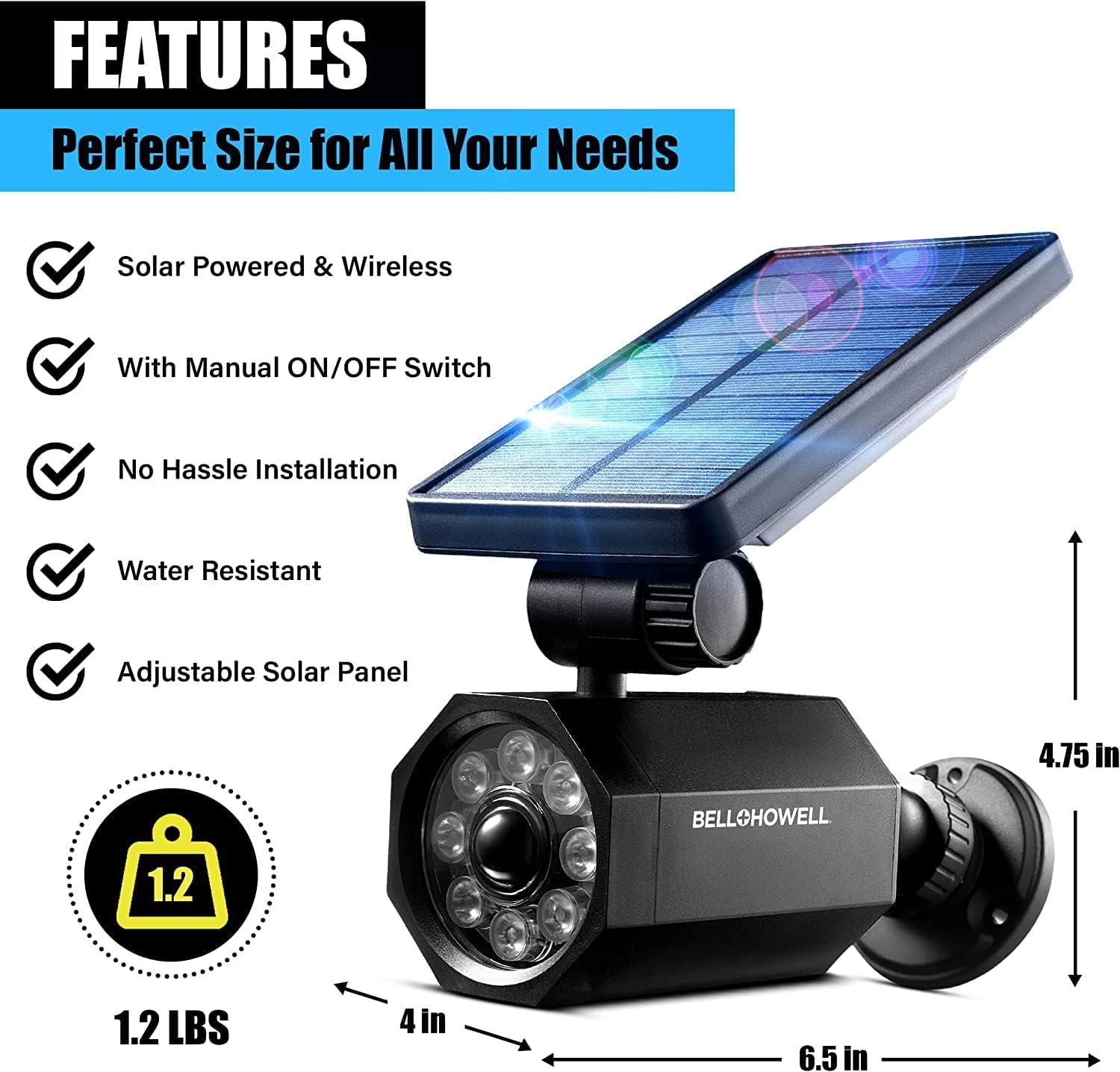
Image 2.1: Overview of product features and approximate dimensions (7"L x 5"W x 4"H).
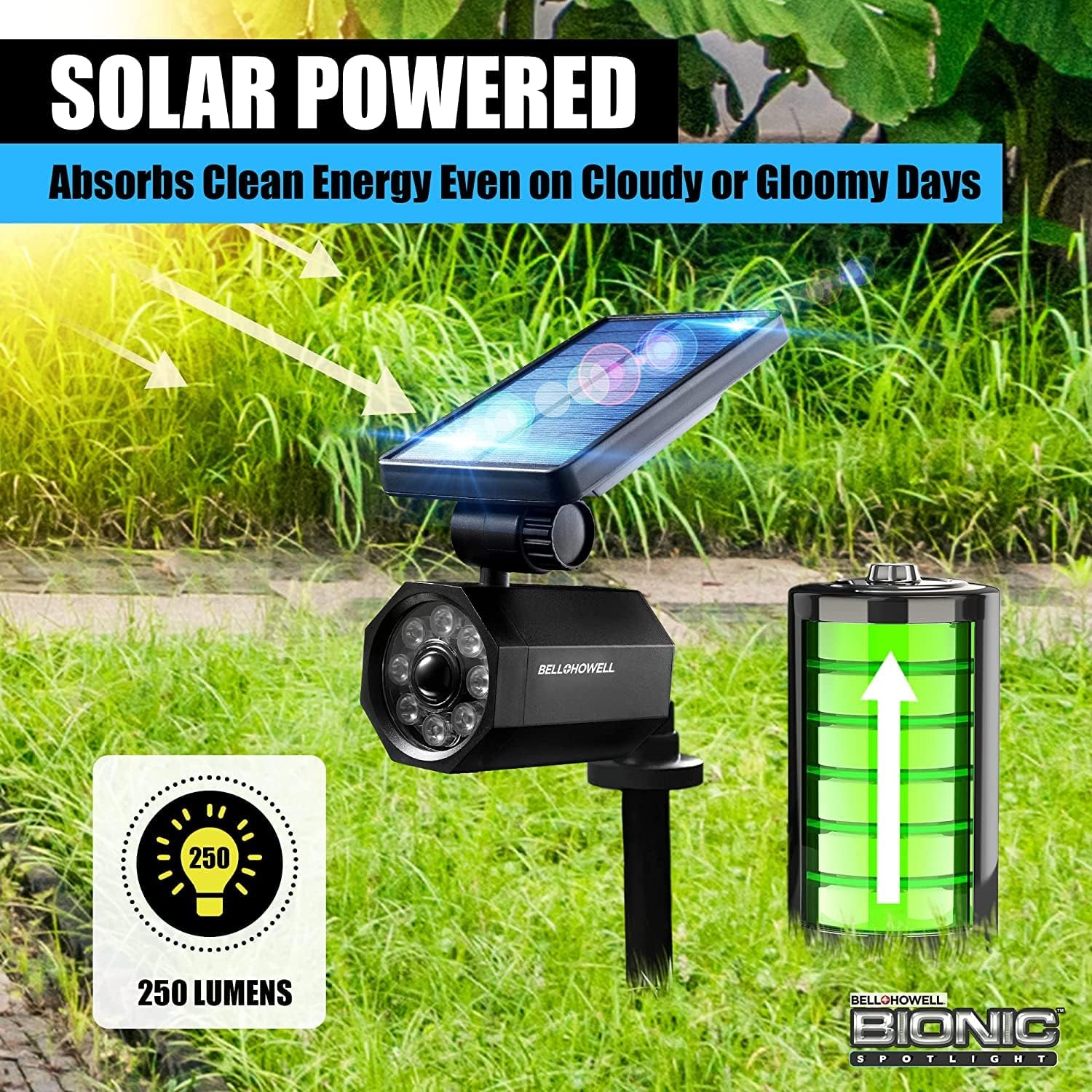
Image 2.2: The solar panel absorbs clean energy, even on cloudy days, to charge the internal battery.

Image 2.3: Illustration of the motion sensing technology components, including the solar panel, adjustable base, and motion sensor.
3. Package Contents
Ensure all items are present in the package:
- Bell+Howell Bionic Spotlight Unit
- Ground Stake
- Mounting Hardware (screws and anchors for wall mounting)
4. Setup and Installation
The Bionic Spotlight offers two primary installation methods: ground staking or wall mounting.
4.1 Choosing an Installation Location
Select a location that receives direct sunlight for at least 6-8 hours daily to ensure optimal charging of the solar panel. Avoid areas under eaves, trees, or other obstructions that might block sunlight or interfere with the motion sensor.
4.2 Ground Stake Installation
- Attach the ground stake to the base of the Bionic Spotlight unit.
- Firmly push the assembled unit into soft ground in your desired location. Ensure the solar panel is facing upwards towards the sun.
4.3 Wall Mount Installation
- Mark the desired mounting points on the wall, fence, or post.
- Drill pilot holes if necessary.
- Secure the mounting bracket to the surface using the provided screws and anchors.
- Attach the Bionic Spotlight unit to the mounted bracket.
- Adjust the solar panel and light head to the desired angle.
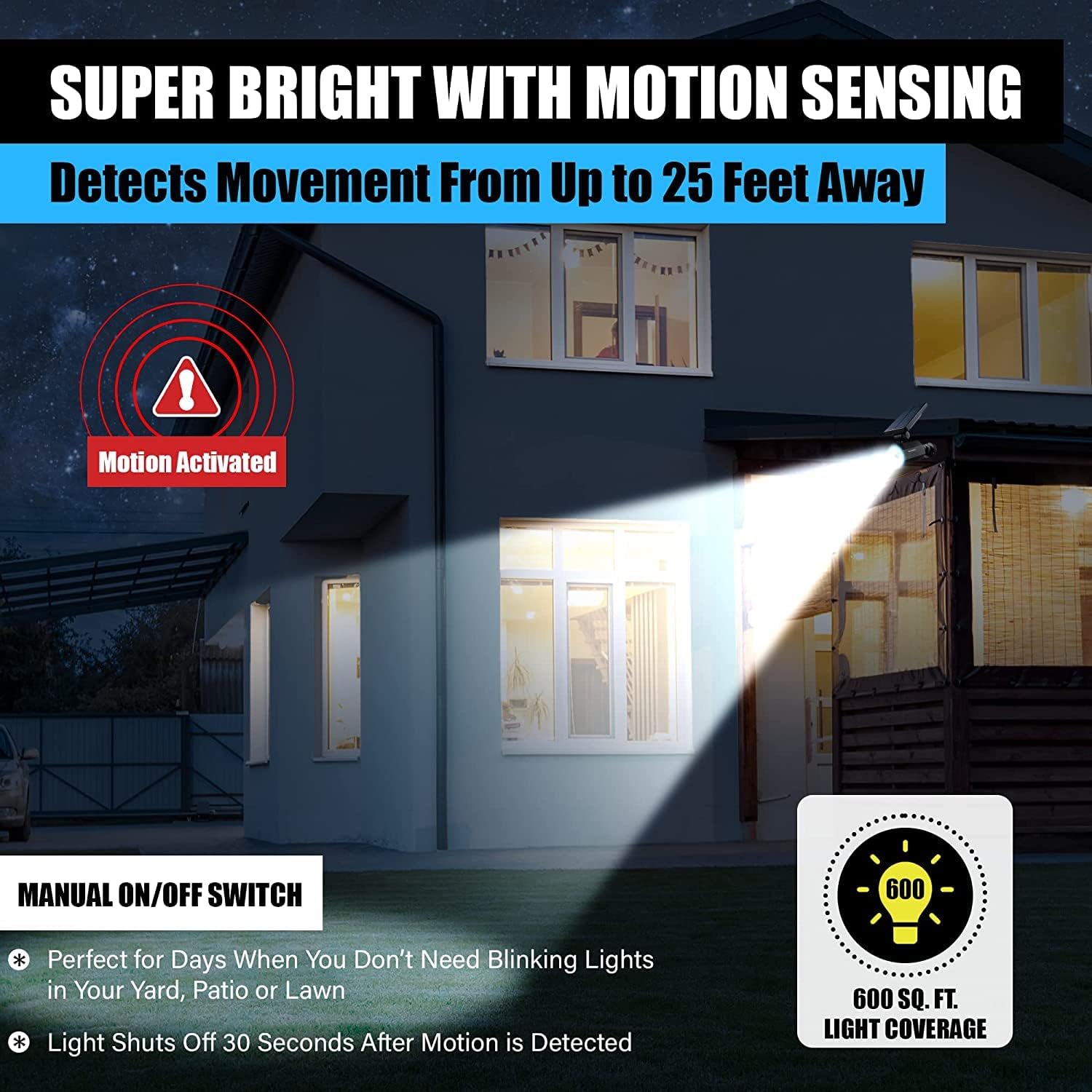
Image 4.1: The Bionic Spotlight can be easily mounted on a wall or staked into the ground using the included hardware.
5. Operation
5.1 Initial Charge
Before first use, allow the Bionic Spotlight to charge in direct sunlight for at least 24 hours to ensure the battery is fully charged.
5.2 Automatic Motion Sensing
Once charged and installed, the Bionic Spotlight will automatically activate at dusk. Its motion sensor will detect movement within a 120° range and up to 25 feet. The light will turn on when motion is detected and remain on for approximately 30 seconds after motion ceases, then turn off to conserve power.
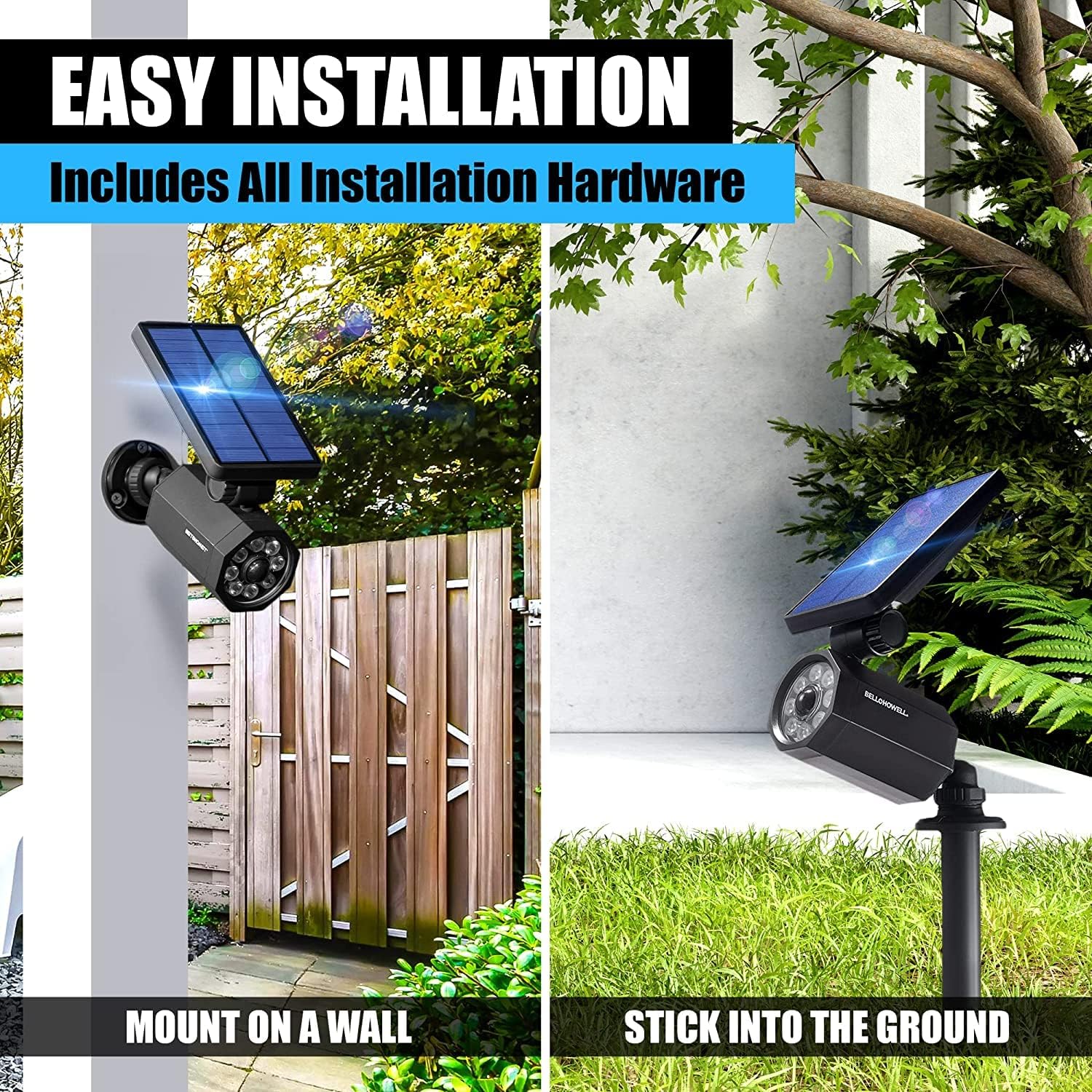
Image 5.1: The spotlight detects movement from up to 25 feet away, providing illumination when needed.
5.3 Manual ON/OFF Switch
The unit includes a manual ON/OFF switch, typically located near the solar panel or on the side of the light housing. Use this switch to manually turn the light on or off, overriding the automatic motion sensing function if desired.
6. Maintenance
To ensure optimal performance and longevity of your Bionic Spotlight, follow these maintenance guidelines:
- Clean Solar Panel: Periodically wipe the solar panel with a soft, damp cloth to remove dust, dirt, or debris that may accumulate and reduce charging efficiency.
- Clear Obstructions: Ensure no new obstructions (e.g., growing foliage) are blocking the solar panel's access to sunlight or the motion sensor's field of view.
- Inspect for Damage: Regularly check the unit for any physical damage, especially after severe weather conditions.
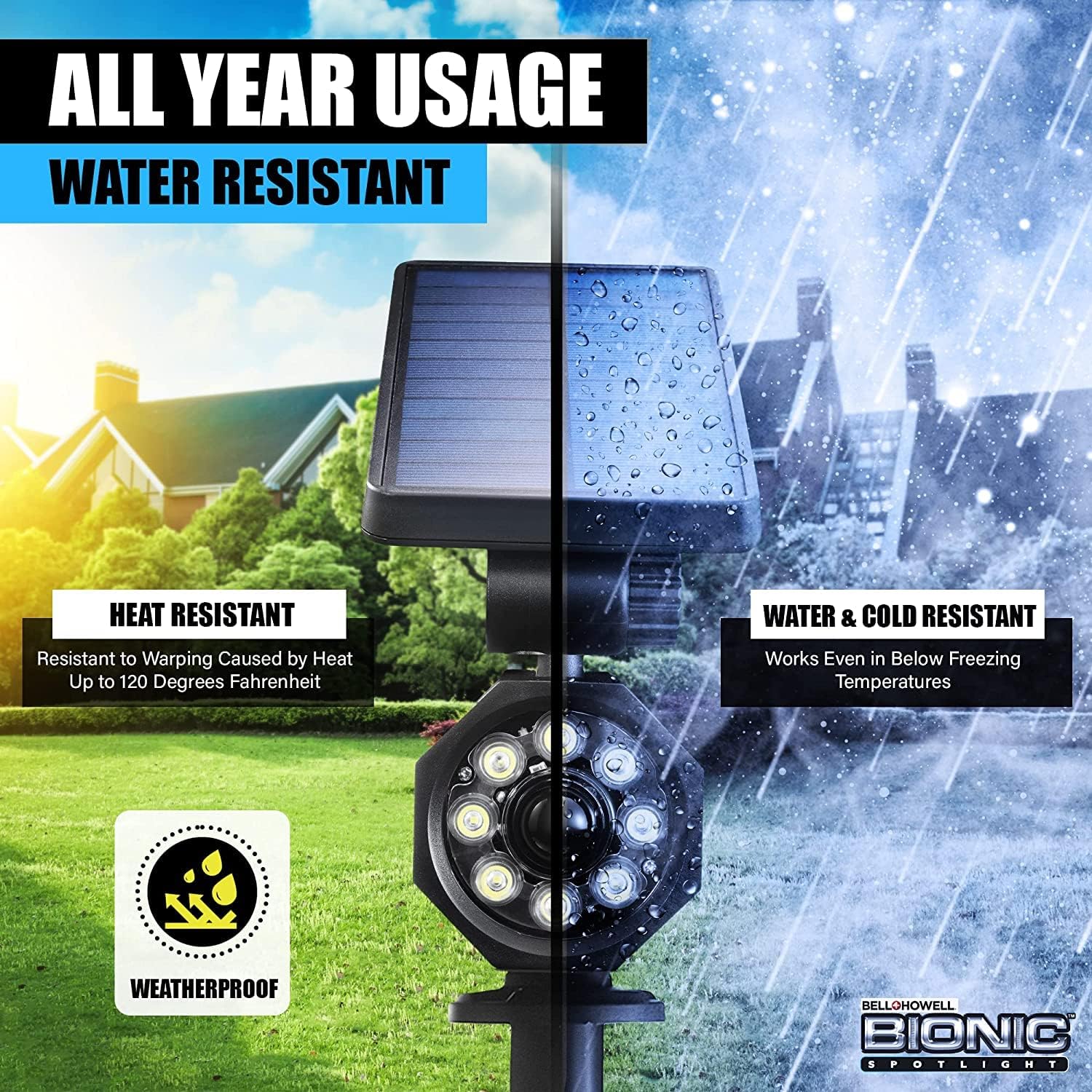
Image 6.1: The Bionic Spotlight is designed for all-year usage, being resistant to heat, water, and cold.
7. Troubleshooting
If your Bionic Spotlight is not functioning as expected, consider the following:
- Light Not Turning On:
- Ensure the unit has received sufficient direct sunlight for charging (at least 6-8 hours).
- Verify the manual ON/OFF switch is in the 'ON' position.
- Check if the motion sensor is obstructed or if there is sufficient ambient light preventing activation.
- Dim Light or Short Illumination Time:
- The solar panel may not be receiving enough direct sunlight. Relocate the unit or clear any obstructions.
- The battery may not be fully charged. Allow more time for charging in direct sunlight.
- Ensure the solar panel is clean.
- Motion Sensor Not Detecting:
- Ensure the sensor is not obstructed.
- Verify the unit is placed within the specified detection range (up to 25 feet).
- Test the sensor by walking directly in front of it.
8. Specifications
| Feature | Specification |
|---|---|
| Brand | Bell+Howell |
| Model Number | 2322 |
| Power Source | Solar Powered |
| Light Source Type | LED |
| Brightness | 250 Lumens |
| Motion Sensor Range | 120° detection, up to 25 feet |
| Battery Capacity | 2000mAh |
| Charging Time | 6-8 hours (direct sunlight) |
| Illumination Time | Up to 12 hours (fully charged) |
| Material | High-impact ABS Plastic |
| Water Resistance Level | IP65 (Water Resistant) |
| Product Dimensions | 7"L x 5"W x 4"H |
| Item Weight | 1.12 Pounds |
9. Safety Information
- Do not attempt to disassemble or modify the unit. This may void the warranty and pose a safety risk.
- Keep the unit away from open flames or extreme heat sources.
- Ensure the unit is securely installed to prevent it from falling and causing injury or damage.
- Do not stare directly into the LED light when it is active, as it may cause temporary vision impairment.
- Dispose of the product according to local regulations for electronic waste at the end of its lifespan.
10. Warranty and Support
For warranty information or technical support, please refer to the product packaging or contact Bell+Howell customer service directly. Keep your purchase receipt as proof of purchase.