
1. Introduction
Thank you for choosing the Walfront Professional Underground Metal Detector Scanner Device. This advanced instrument is designed for efficient and precise detection of various metals underground, including gold, silver, copper, and precious stones. It features a remote search system and a microcomputer-controlled positioning detection system, offering a modern approach to metal detection.

Figure 1: Walfront Professional Underground Metal Detector Scanner Device.
Key Features:
- Advanced Positioning: Utilizes a premium remote search and positioning detection system for accurate target identification.
- Intelligent Control: Equipped with a microcomputer control chip unit for calibration, self-checking, and efficient scanning.
- High Sensitivity: Offers excellent sensitivity and stability with a fast inductive detection response.
- Economical Operation: Designed to be an efficient and practical metal testing instrument, reducing manual labor.
2. Safety Information
Please read and understand all safety instructions before operating the device to ensure safe and effective use.
- Always operate the device in a stable environment, free from excessive interference, especially in wild or jungle settings.
- Ensure both the host detector and the transmitter are switched on simultaneously for proper detection functionality.
- Avoid exposing the device to extreme temperatures or moisture.
- Do not attempt to disassemble or modify the device, as this may void the warranty and pose safety risks.
- Keep the device out of reach of children.
3. Setup
Follow these steps to set up your Walfront Metal Detector for first use.
3.1 Unpacking and Component Identification
Carefully remove all components from the packaging. Verify that all parts are present:
- Main Detector Unit (Host)
- Transmitter Unit
- Power Adapter (US Plug)
- Connecting Cables
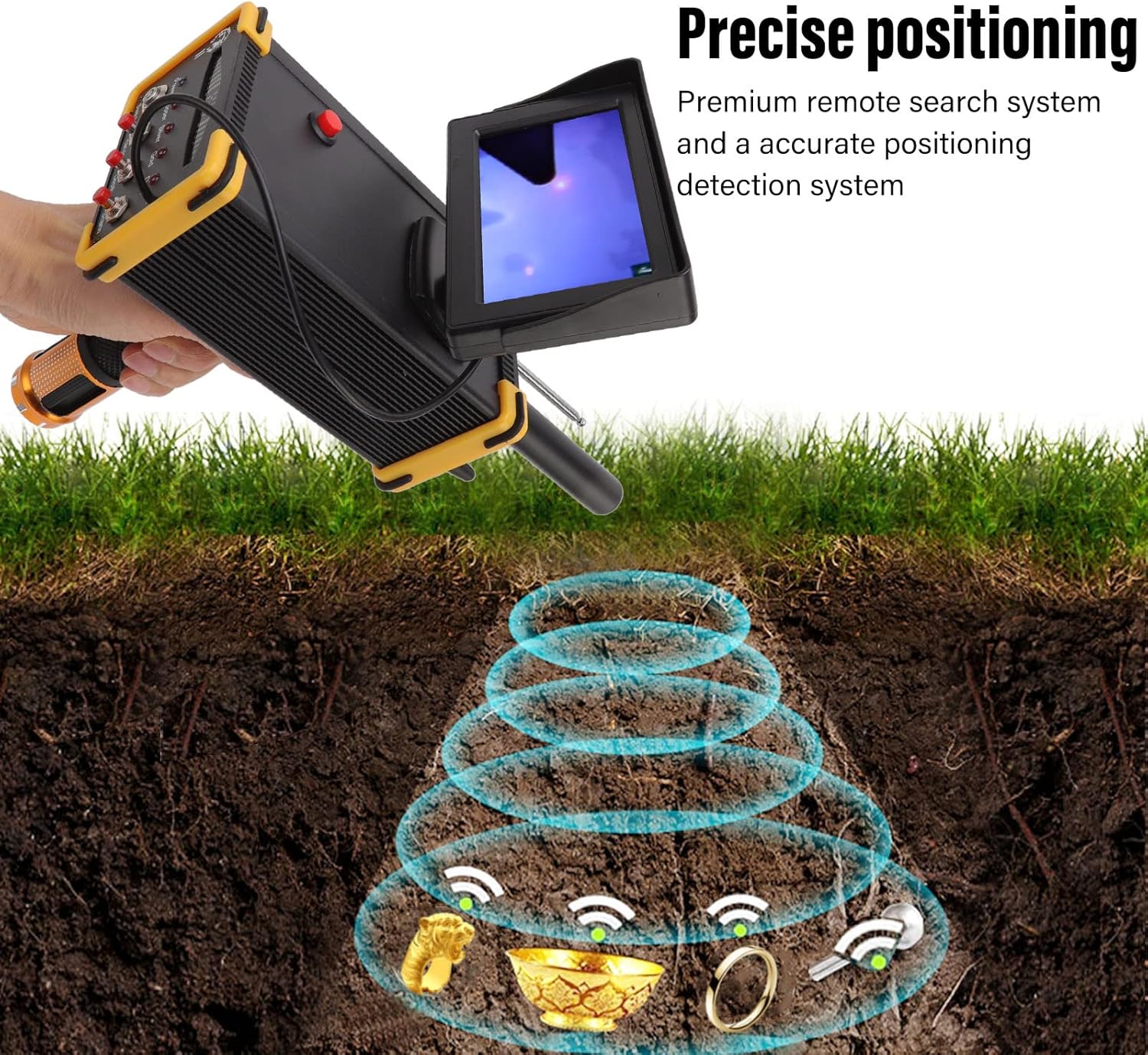
Figure 2: Main detector unit and separate transmitter unit.
3.2 Charging the Device
Before initial use, ensure the device is fully charged. Connect the power adapter to the main detector unit and plug it into a standard 100-240V AC outlet. The charging indicator (if present) will show the charging status. A full charge is recommended for optimal performance.
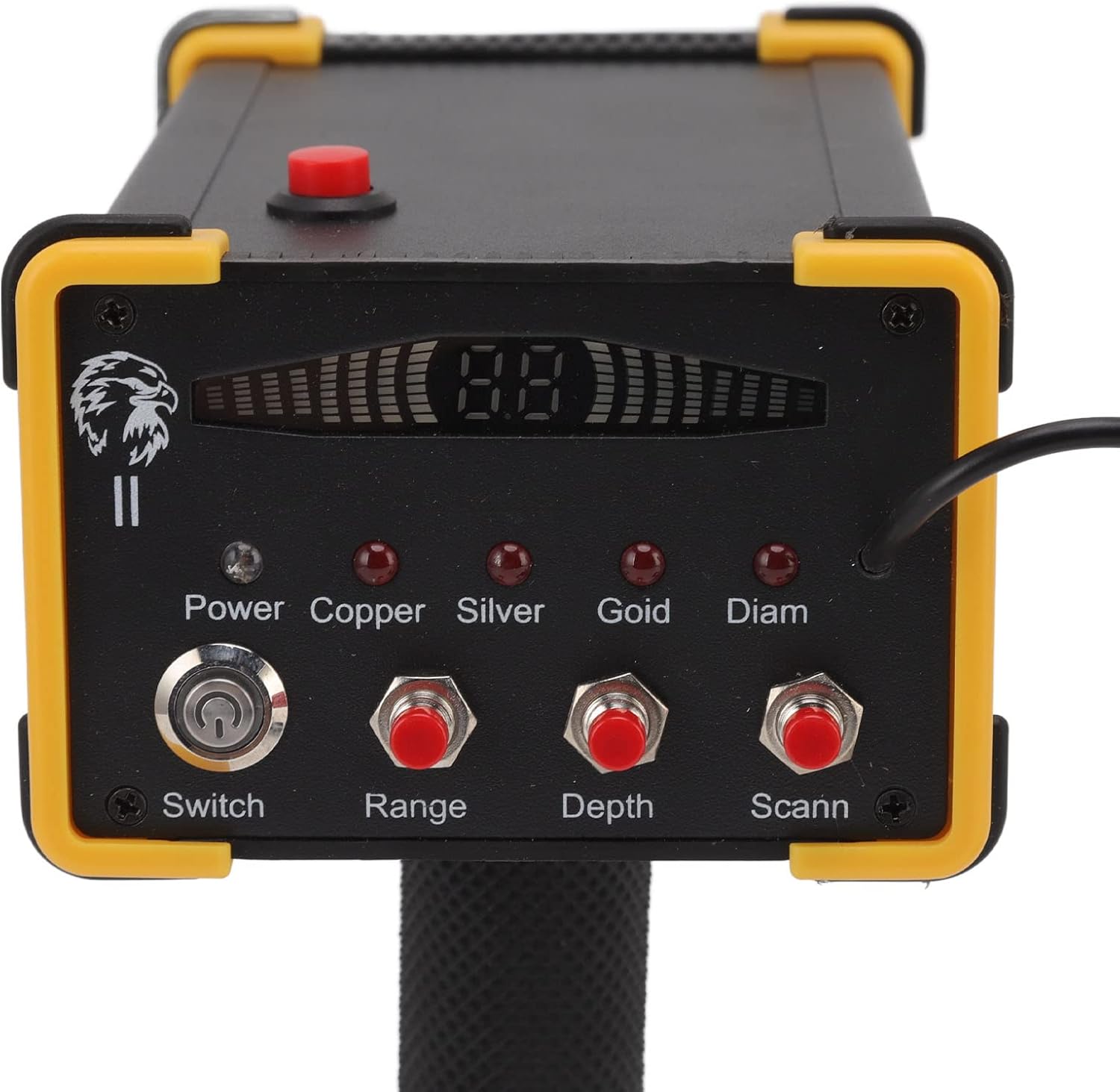
Figure 3: Connecting the power adapter to the main unit.
3.3 Connecting the Transmitter
Connect the transmitter unit to the main detector unit using the provided cable. Ensure a secure connection. Both units must be powered on for the system to function correctly.
4. Operating Instructions
This section details how to operate your metal detector for effective searching.
4.1 Powering On and Initial Settings
- Ensure both the main detector unit and the transmitter unit are fully charged and connected.
- Locate the Switch button on the main unit and press it to power on the device.
- On the control panel, select the desired metal type for detection (Copper, Silver, Gold, Diam - likely referring to Diamond or other precious stones) by pressing the corresponding button.
- Adjust the Range and Depth settings according to your search requirements using their respective buttons.
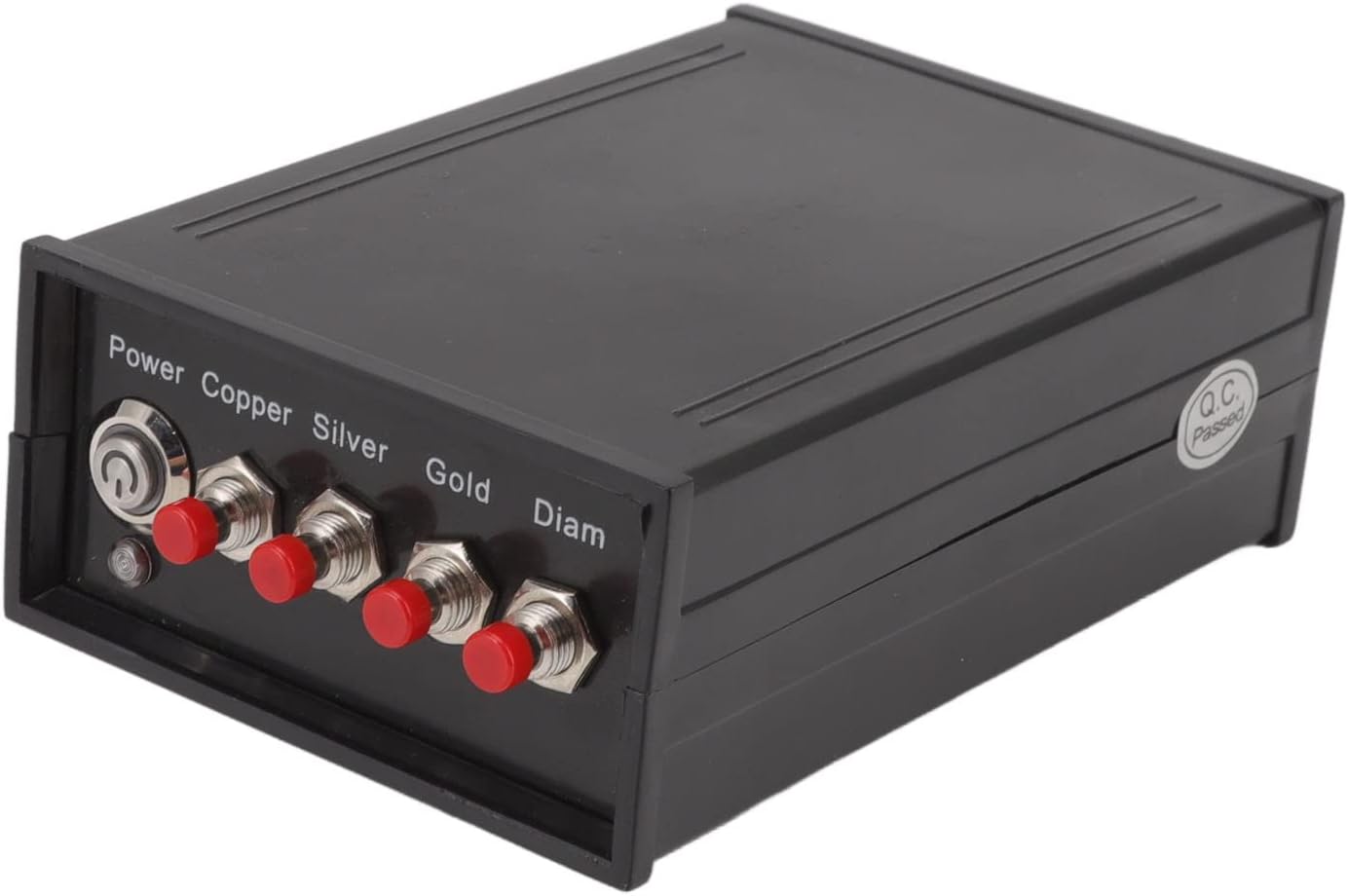
Figure 4: Close-up of the control panel with Power, Range, Depth, and Scan buttons.
4.2 Detection Process
The device utilizes a remote search and positioning system. Once powered on and settings are configured:
- Hold the main unit steadily. The device will begin scanning the area.
- When a designated item is detected, the device will indicate its presence. For larger items, the amplitude of the swinging action (if applicable to the device's physical feedback) will increase.
- The microcomputer control chip unit assists in quick scanning and detection, improving efficiency.

Figure 5: Illustration of the precise positioning detection system.

Figure 6: Various metallic objects that can be detected by the device.
For optimal results, operate the device in open areas without significant electromagnetic interference. Maintain a stable posture during scanning.
5. Maintenance
Proper maintenance ensures the longevity and optimal performance of your metal detector.
- Cleaning: After each use, wipe down the device with a soft, dry cloth to remove dirt, dust, and moisture. Do not use abrasive cleaners or solvents.
- Storage: Store the metal detector in a cool, dry place, away from direct sunlight and extreme temperatures. Disconnect the transmitter from the main unit if storing for extended periods.
- Battery Care: If the device uses rechargeable batteries, ensure they are charged periodically even when not in use to maintain battery health. Avoid fully discharging the batteries frequently.
- Inspection: Periodically check all cables and connections for signs of wear or damage. Replace any damaged components immediately.
6. Troubleshooting
If you encounter issues with your Walfront Metal Detector, refer to the following common problems and solutions.
| Problem | Possible Cause | Solution |
|---|---|---|
| Device does not power on. | Low battery; loose power connection; power switch not engaged. | Ensure the device is fully charged. Check all cable connections. Confirm the power switch is in the 'ON' position. |
| No detection or inconsistent detection. | Incorrect settings (Range/Depth); environmental interference; transmitter not connected/powered. | Adjust Range and Depth settings. Move to an area with less electromagnetic interference. Verify the transmitter is connected and powered on. Ensure both units are switched on. |
| Device detects items but cannot pinpoint location. | Improper scanning technique; environmental factors. | Practice a steady and consistent scanning motion. Ensure the device is held stable without interference. |
| Display screen is blank or flickering. | Low battery; loose display connection; software issue. | Charge the device fully. If the problem persists, contact customer support. |
7. Specifications
Detailed technical specifications for the Walfront Professional Underground Metal Detector Scanner Device.
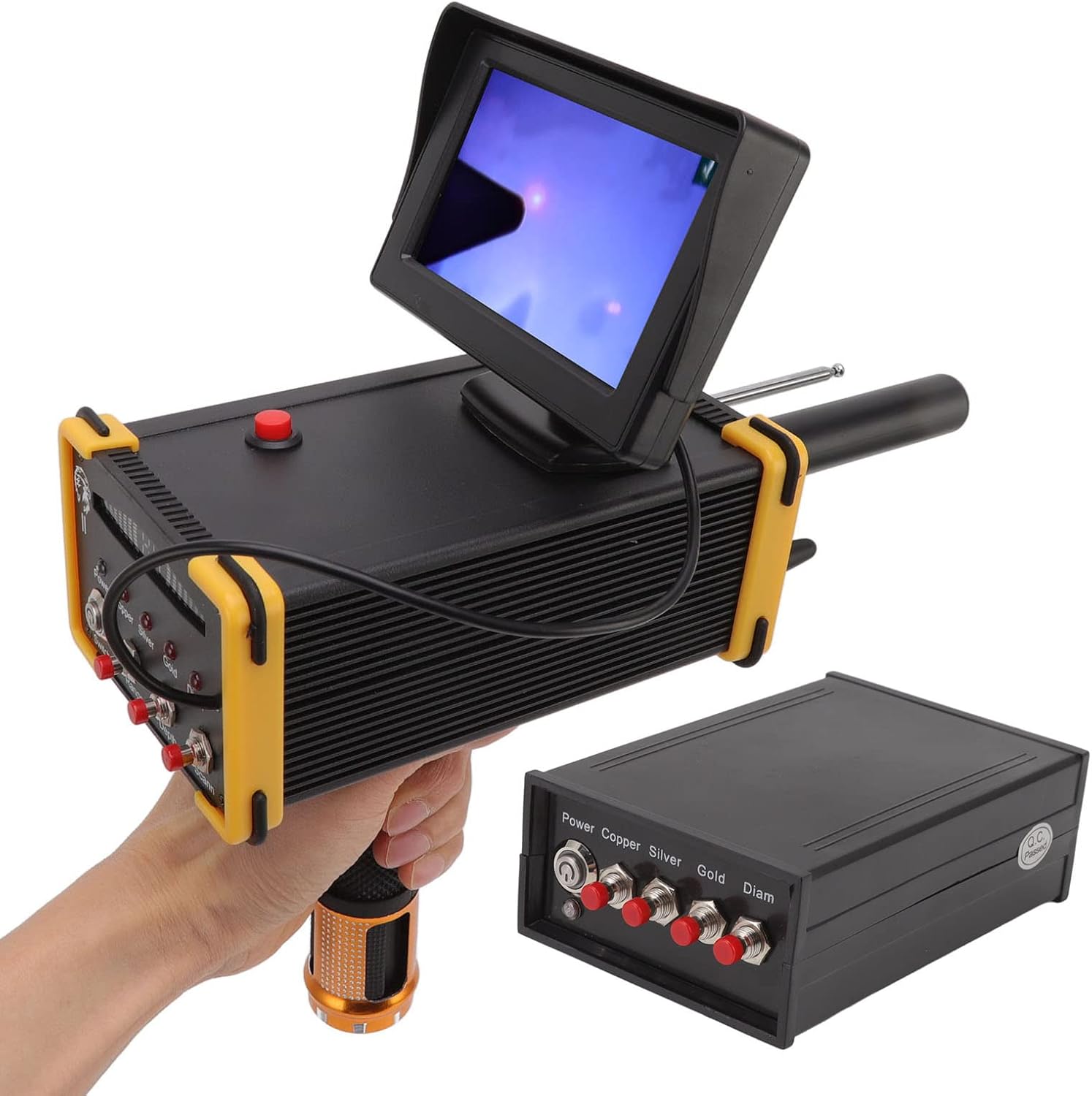
Figure 7: Physical dimensions of the main detector unit and transmitter.
| Feature | Detail |
|---|---|
| Brand | Walfront |
| Model Number | WALFRONTgn3vxy9whb-11 |
| Detection Range | Up to 1000m |
| Detection Depth | Up to 15m |
| Detection Types | Gold, Silver, Copper, Precious Stone |
| Transmission Frequency | 5.6-6 KHz |
| Signal Frequency | 360-440 Hz |
| Power Source | Battery Powered |
| Material | Gold, Metal (referring to components) |
| Item Weight | 3.47 pounds (approx. 1.57 kg) |
| Product Dimensions | 11.22 x 7.68 x 4.13 inches (approx. 28.5 x 19.5 x 10.5 cm) |
| International Protection Rating | IP66 |
| Display Style | LCD or OLED (as per specification, implies a screen) |
Note: Specifications are subject to change without prior notice for product improvement.
8. Warranty and Support
For warranty information and customer support, please refer to the purchase documentation or contact Walfront directly through their official channels.
You can visit the Walfront store on Amazon for more products and support information: Walfront Amazon Store