
Introduction
This manual provides detailed instructions for the installation, operation, and maintenance of your TEYES CC3 2K Car Radio Multimedia System, specifically designed for Volvo S80 models from 1998 to 2006. Please read this manual thoroughly before using the device to ensure proper functionality and safety.
Package Contents
The following items are included in your TEYES CC3 2K package. Please verify all components upon unboxing.
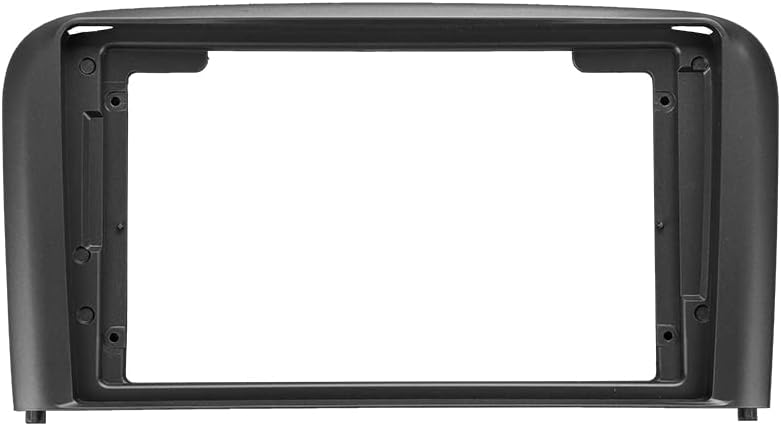
1x OEM Panel: Custom-fit panel for Volvo S80 (1998-2006) dashboard integration.

1x Head Unit: The TEYES CC3 2K multimedia player.

1x 4G WiFi Antenna: For internet connectivity.
1x Audio & Video Harness + RCA: For connecting external audio/video sources.

1x GPS Antenna: For navigation functionality.

1x Screws & Screwdriver Set: For installation.
1x USB Harness: For connecting USB devices.
1x Cleaning Cloth: For screen maintenance.

1x Wiring Diagram: For electrical connections.
1x Electronic Instruction Manual: Digital user guide.
1x AHD 1080p Rear Camera: For reverse assistance and video recording.
1x AUX Cable: For auxiliary audio input.
1x Power Cable: For connecting the unit to the vehicle's power supply.
Setup and Installation
This section guides you through the installation process of the TEYES CC3 2K head unit in your Volvo S80 (1998-2006). Professional installation is recommended.
Vehicle Compatibility
The TEYES CC3 2K is designed for Volvo S80 models manufactured between 1998 and 2006. Ensure your vehicle's dashboard matches the provided images for proper fitment.
Installation Overview
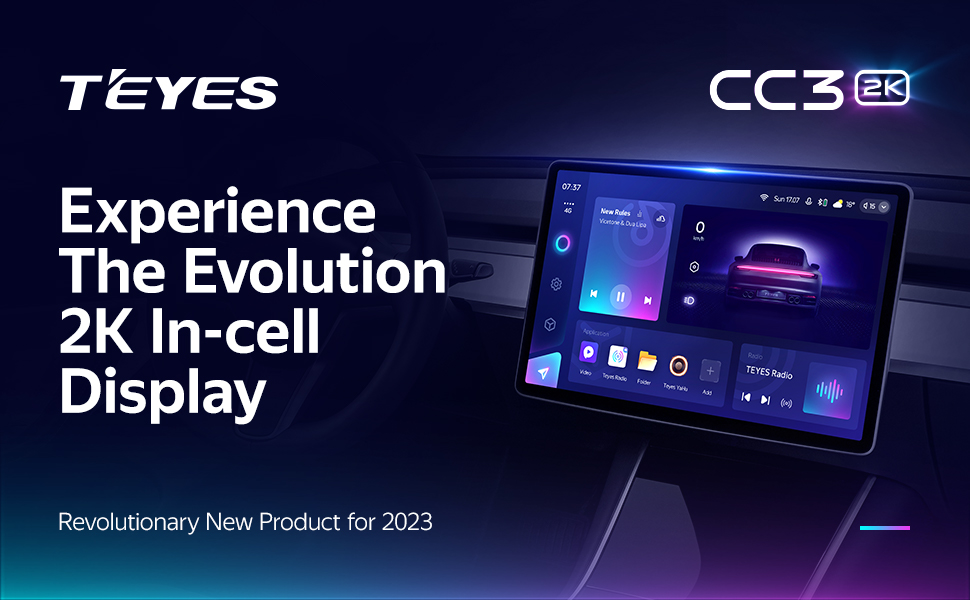
Image showing the car dashboard before and after the installation of the TEYES CC3 2K head unit in a Volvo S80.
The installation involves replacing the original car radio with the TEYES CC3 2K head unit and its custom OEM panel. Refer to the included wiring diagram for specific connections.
Connecting Peripherals
- GPS Antenna: Connect the GPS antenna to the designated port on the head unit. Position the antenna in a location with a clear view of the sky for optimal signal reception.
- 4G/WiFi Antenna: Attach the 4G and WiFi antennas to their respective ports to enable internet connectivity.
- USB Cables: The unit includes USB cables for data transfer and connecting external devices.

Image showing three USB output cables for data transfer and device connection.
The system provides multiple USB outputs to support high-speed data transmission and connection of various USB devices. While it supports most original car USB functions, compatibility may vary by vehicle model.
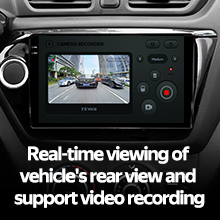
- Rear Camera: Connect the AHD 1080p rear camera to the video input. This enables real-time viewing of the vehicle's rear view and supports video recording.
- Steering Wheel Controls: The unit supports integration with existing steering wheel buttons.

Image showing steering wheel control buttons, indicating compatibility with the head unit.
The system supports the original car steering wheel buttons. Functionality can be customized through settings, including short press and long press actions.
Operating Instructions
The TEYES CC3 2K operates on the Android platform, offering a wide range of multimedia and navigation features.
Display and Interface
- 2K In-cell Touch Screen: The unit features a 9.5-inch 2K in-cell display with integrated touch screen technology, providing vivid and accurate colors (157% Gamut Coverage).

Image displaying the TEYES CC3 2K head unit with its 9.5-inch screen and dimensions (228mm width, 130mm height).
- User Interface: The Android operating system provides a customizable interface with various color styles.
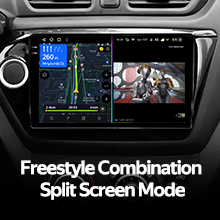
- Split Screen Mode: Utilize the freestyle combination split screen mode to run multiple applications simultaneously.
Audio Features
- Dual DSP: Equipped with 2*DSP ADAU1701 + ROHM32107 for enhanced audio processing.
- Audio Output: Supports optical and coaxial digital audio output for high-fidelity sound.
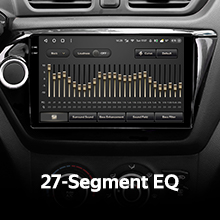
- Equalizer: Features a 27-segment EQ for precise audio customization.
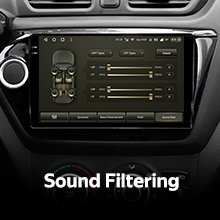
- Sound Filtering: Advanced sound filtering options are available.
- Radio: Includes a premium local radio tuner with RDS support.
Connectivity and Navigation
- Bluetooth: Features an upgraded Bluetooth module (QCC3031QFN Qualcomm) for stable wireless connections.
- Internet: Supports 4G internet connectivity and WiFi hotspot functionality.
- GPS Navigation: Integrated GPS with North America map type support.
Camera and Recording
- Rear View Camera: Real-time viewing of the vehicle's rear view is available with the included AHD 1080p rear camera.
- Video Recording: The system supports video recording functionality.
Software and Performance
- Processor: Powered by an 8-core 2.0GHz processor for smooth performance.
- Memory: Features 6GB RAM and 128GB ROM.
- Applications: Includes creative 3D software such as TEYES Vision and TEYES Yahu.
Product Overview Video
Official TEYES CC3 2K product overview video, demonstrating key features and user interface.
Maintenance
To ensure the longevity and optimal performance of your TEYES CC3 2K head unit, follow these maintenance guidelines:
- Screen Cleaning: Use the provided cleaning cloth or a soft, lint-free cloth to gently wipe the screen. Avoid abrasive cleaners or solvents that could damage the display.
- Software Updates: Periodically check for and install software updates to ensure you have the latest features and security enhancements. Refer to the electronic instruction manual for update procedures.
- Environmental Conditions: Avoid exposing the unit to extreme temperatures, direct sunlight for prolonged periods, or excessive moisture.
Troubleshooting
If you encounter issues with your TEYES CC3 2K, refer to the following common troubleshooting steps:
- No Power:
- Check all power connections and ensure they are securely fastened.
- Verify the vehicle's fuse related to the car radio.
- No Sound:
- Ensure the volume is not muted or set to minimum.
- Check speaker connections.
- Verify audio settings in the system menu.
- GPS Signal Issues:
- Ensure the GPS antenna is properly connected and has a clear view of the sky.
- Move the vehicle to an open area away from tall buildings or dense foliage.
- Touchscreen Unresponsive:
- Perform a soft reset of the unit (refer to the electronic instruction manual for details).
- Ensure the screen is clean and free of debris.
- Bluetooth Connectivity Problems:
- Ensure Bluetooth is enabled on both the head unit and the device you are trying to connect.
- Delete previous pairings and attempt to re-pair the device.
For persistent issues, consult the electronic instruction manual or contact TEYES customer support.
Specifications
| Feature | Description |
|---|---|
| Brand | TEYES |
| Model | CC3 2K |
| Vehicle Service Type | Car (Volvo S80 1998-2006) |
| Screen Size | 9.5 Inches |
| Display Type | LED, 2K In-cell Touchscreen |
| Operating System | Android |
| Processor | 8 cores, 2.0GHz |
| Memory (RAM) | 6 GB |
| Storage (ROM) | 128 GB |
| Connectivity Technology | Bluetooth (QCC3031QFN Qualcomm), USB, WiFi, Hotspot, 4G Internet |
| GPS | Supported Satellite Navigation System, North America Map Type |
| Audio Output Mode | Stereo, Optical and Coaxial Digital Audio Output |
| DSP | 2*DSP ADAU1701 + ROHM32107 |
| Rear Camera | 1* AHD 1080p rear camera included, supports real-time viewing and video recording |
| Included Components | Head unit, USB cable, GPS antenna, AUX cable, 4G WiFi antenna, e-book, frame, power cable, AHD 1080p rear camera |
| Manufacturer | Shenzhen TEYES High tech Co., Ltd. |
| Model Year | 2023 |
Warranty Information
The TEYES CC3 2K Car Radio Multimedia System comes with a 1-year warranty from the date of purchase. This warranty covers manufacturing defects and malfunctions under normal use. It does not cover damage caused by improper installation, accidents, misuse, unauthorized repairs, or modifications.
Please retain your proof of purchase for warranty claims.
Customer Support
For technical assistance, troubleshooting, or warranty inquiries, please contact TEYES customer support. Refer to the electronic instruction manual for contact details or visit the official TEYES website.
Manufacturer: Shenzhen TEYES High tech Co., Ltd.


