1. Introduction
Thank you for choosing the Topcony 8MP 4K Pet Camera. This advanced indoor security camera is designed to provide comprehensive monitoring for your home, pets, children, or elderly family members. With its high-resolution video, versatile connectivity, and smart features, you can stay connected and ensure peace of mind from anywhere.

Figure 1.1: Topcony 8MP 4K Pet Camera and its 4K video capability.
2. Package Contents
Please verify that all items are present and in good condition upon opening the package:
- Camera Unit x 1
- Power Adapter x 1
- USB Power Cable x 1
- Mounting Bracket x 1
- Mounting Screws x 2
- Wall Anchors x 2
- User Manual x 1

Figure 2.1: Contents of the product package.
3. Key Features
3.1. 4K 8MP Ultra HD Resolution & H.265 Compression
Experience unparalleled clarity with 8 million pixels (4K 3840*2160), capturing every detail with exceptional precision. The camera utilizes H.265 video compression technology, which offers approximately 50% higher compression efficiency compared to H.264, allowing for longer recording times with the same storage capacity while maintaining high image quality.
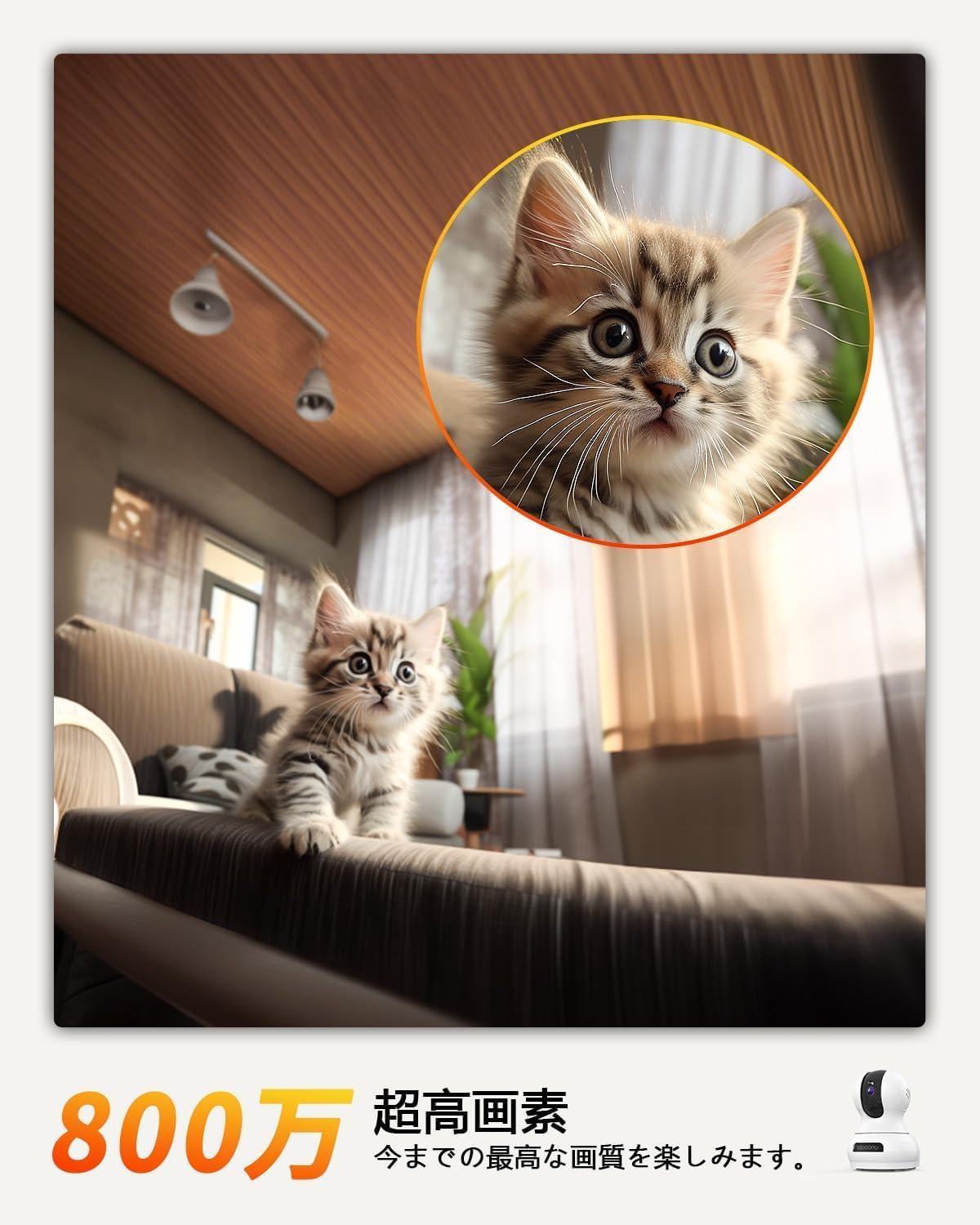
Figure 3.1.1: High-resolution imaging for clear details.
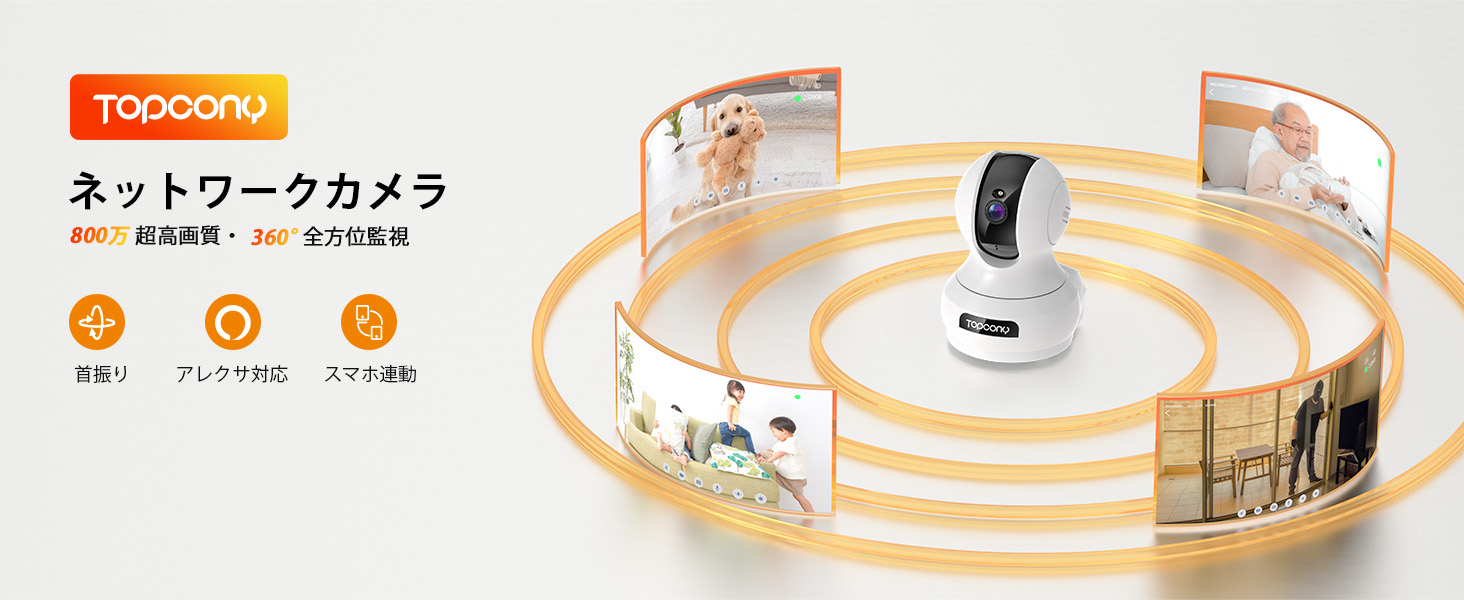
Figure 3.1.2: Visual comparison of 2K and 4K resolution.

Figure 3.1.3: H.265 compression for efficient storage.
3.2. Dual-Band WiFi (2.4GHz & 5GHz) & 360° PTZ Control
The camera supports both 2.4GHz and 5GHz WiFi bands, allowing you to choose the optimal connection based on your environment for stable and fast streaming. With a wide-angle lens and ultra-quiet PTZ (Pan 355°, Tilt 120°) functionality, you can remotely control the camera's direction via your smartphone, providing a full 360-degree view of your room. This is ideal for monitoring pets, children, or elderly family members.
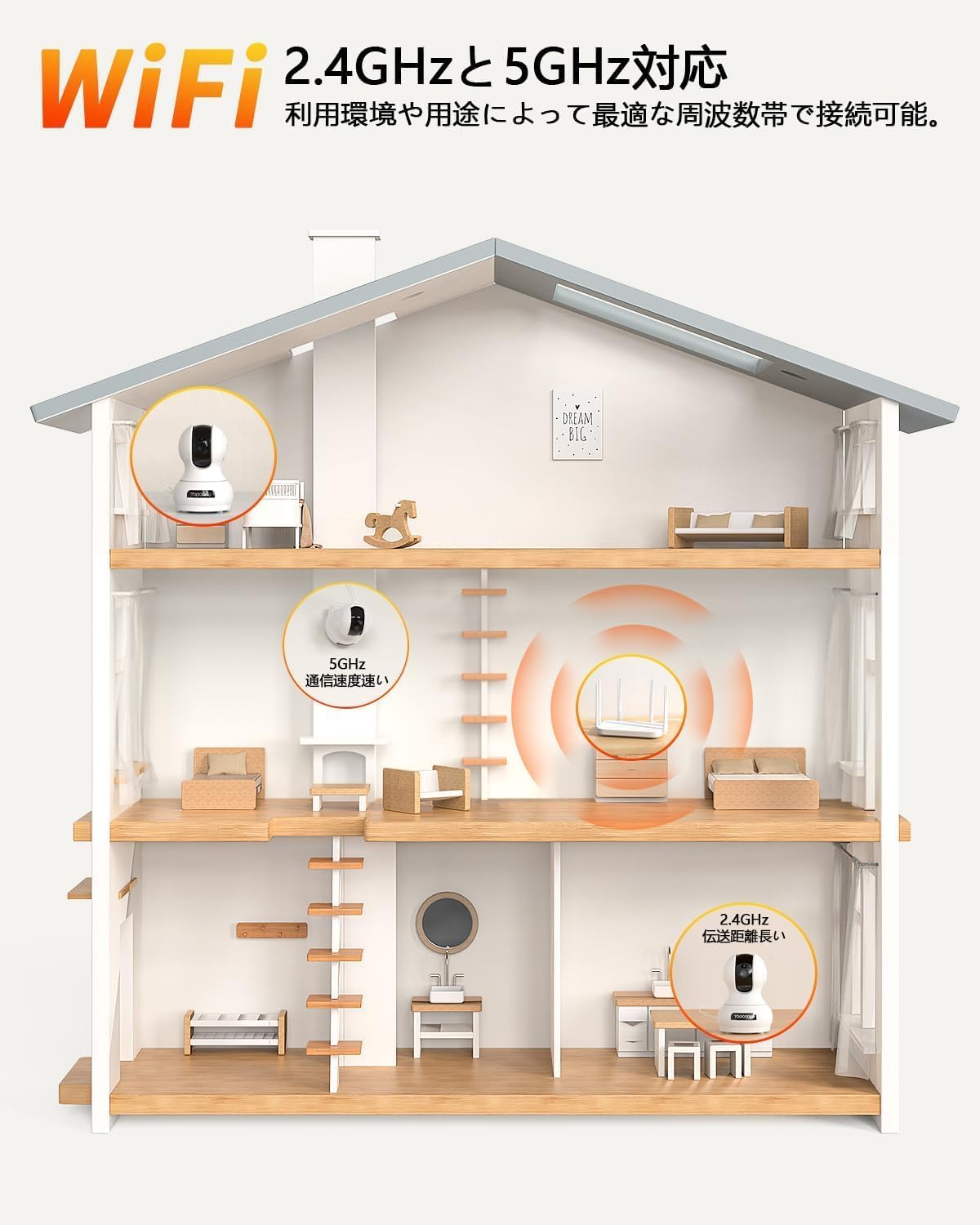
Figure 3.2.1: Dual-band WiFi connectivity.

Figure 3.2.2: 360-degree panoramic monitoring.
3.3. Two-Way Audio & Alexa Integration & Auto-Tracking
Equipped with a high-sensitivity microphone and a quality speaker, this indoor camera enables real-time two-way communication. You can talk to your family, comfort your pets, or warn intruders from anywhere. The camera also supports Alexa voice control, allowing you to display the camera's feed with simple voice commands (e.g., "Alexa, show me the camera feed"). When motion is detected, the camera automatically tracks the object continuously and sends real-time alerts to your app.

Figure 3.3.1: Smooth two-way audio communication.

Figure 3.3.2: Alexa voice control integration.

Figure 3.3.3: Automatic motion tracking.
3.4. 24-Hour Recording & Storage Options
The camera supports continuous 24-hour recording and can accommodate a Micro SD card up to 128GB (sold separately). With automatic overwrite functionality, older files are replaced by new ones, ensuring you never run out of storage. In addition to continuous recording, you can set up motion, sound, or human detection recording. Cloud storage (paid service) is also available for secure data backup and easy management. The camera features a network disconnection memory function, allowing it to continue recording even if the network temporarily goes offline, preventing loss of important information.

Figure 3.4.1: 24-hour continuous recording and storage options.

Figure 3.4.2: Flexible recording modes.

Figure 3.4.3: Secure cloud and local storage.
3.5. Multi-User Sharing & Easy Installation
Share camera access with multiple family members or friends by simply scanning a QR code. The camera offers flexible installation options: it can be placed on a flat surface, or mounted on the ceiling or wall using the included screws. The setup process, including app connection and operation, is designed to be user-friendly, even for beginners.

Figure 3.5.1: Multi-user sharing via QR code.

Figure 3.5.2: Flexible installation options.
4. Setup Guide
4.1. Powering On
- Connect the USB power cable to the camera's power port.
- Plug the power adapter into a standard AC100-240V electrical outlet.
- The camera will power on and initiate its startup sequence.

Figure 4.1.1: Connecting the camera to power.
4.2. App Installation & Pairing
- Download the Canny Cam or mipc app from your smartphone's app store (available for iOS and Android).
- Register or log in to your account within the app.
- Follow the in-app instructions to add a new device. This typically involves scanning a QR code displayed on the camera or generated by the app.
- Ensure your smartphone is connected to the same WiFi network (2.4GHz or 5GHz) that you intend to connect the camera to.
- Once the camera is successfully paired, you can begin live viewing and controlling it.

Figure 4.2.1: Simple setup process for beginners.

Figure 4.2.2: Multi-platform compatibility.
5. Operating Instructions
5.1. Live View & PTZ Control
Once connected, open the app to access the live video feed from your camera. You can pan (horizontal rotation up to 355°) and tilt (vertical rotation up to 120°) the camera remotely by swiping on the screen within the app. The camera also supports 8x digital zoom to magnify details without image degradation.

Figure 5.1.1: 8x digital zoom capability.
5.2. Two-Way Audio
Tap the microphone icon in the app to speak through the camera's speaker. Tap the speaker icon to listen to audio from the camera's environment. This allows for real-time communication with anyone near the camera.

Figure 5.2.1: Interactive two-way audio.
5.3. Recording & Playback
The camera supports various recording modes:
- Continuous Recording: Records 24/7 to the inserted Micro SD card (up to 128GB) or cloud storage.
- Motion/Sound/Human Detection Recording: Records only when motion, sound, or human figures are detected, saving storage space.
- Scheduled Recording: Set specific times for the camera to record.
To view recorded footage, navigate to the playback section in the app and select the desired date and time.
5.4. Alerts & Notifications
The camera features two types of alarm functions:
- Manual Alarm: If you observe an anomaly on the live feed, you can manually trigger an alarm from the app to deter intruders.
- Automatic Alarm: When motion, sound, or human detection is enabled, the camera will automatically sound an alarm and send a push notification to your smartphone, effectively deterring unwanted visitors. Ensure push notifications are enabled in the app settings.

Figure 5.4.1: Intelligent detection and alert notifications.

Figure 5.4.2: Alarm functions for deterrence.

Figure 5.4.3: Customizable push notifications.
5.5. Night Vision
The camera is equipped with harmless infrared LEDs and Smart IR-CUT technology, allowing for clear recording up to 15 meters even in complete darkness. This feature ensures you can monitor your baby or pets at night without disturbance.

Figure 5.5.1: Clear night vision up to 15 meters.
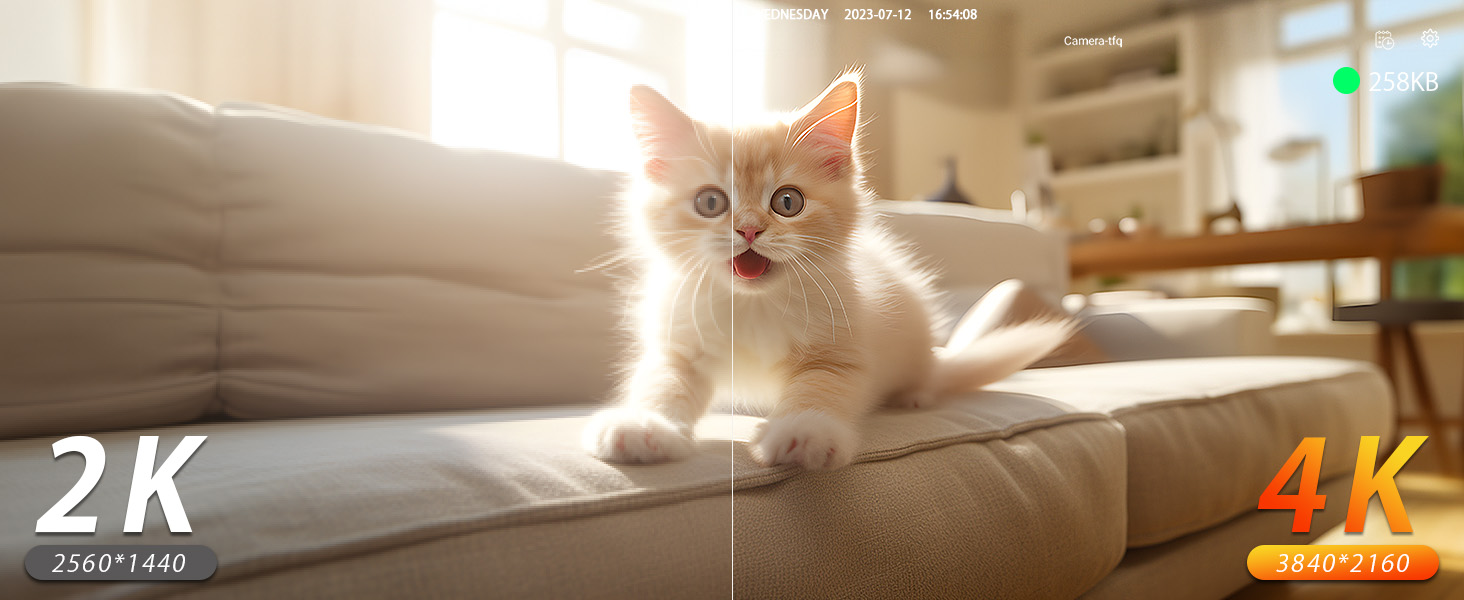
Figure 5.5.2: Day and night vision modes.
5.6. Alexa Voice Control
Integrate your camera with Alexa for convenient voice control. For example, you can say, "Alexa, show me the living room camera" to view the live feed on your Alexa-enabled display device.

Figure 5.6.1: Seamless Alexa integration.
5.7. Screen Flip Function
If the camera is mounted upside down (e.g., on a ceiling), you can use the screen flip function in the app to invert the image, ensuring the video is displayed correctly.

Figure 5.7.1: Screen flip for inverted mounting.
6. Maintenance
- Keep the camera clean by gently wiping it with a soft, dry cloth. Avoid using harsh chemicals or abrasive cleaners.
- Ensure the lens is free from dust and smudges for optimal image clarity.
- Place the camera in a stable location to prevent accidental falls or damage.
- Avoid exposing the camera to extreme temperatures, direct sunlight for prolonged periods, or high humidity.
7. Troubleshooting
| Problem | Possible Cause | Solution |
|---|---|---|
| Camera offline | No power; WiFi disconnected; Router issue | Check power connection; Restart camera and router; Re-pair camera if necessary. |
| Cannot connect to WiFi | Incorrect WiFi password; Weak signal; Wrong WiFi band selected | Verify password; Move camera closer to router; Ensure you are connecting to a 2.4GHz or 5GHz network as supported. |
| No recording/playback | SD card full/faulty; Cloud storage expired; Recording settings incorrect | Check SD card status/replace; Renew cloud subscription; Verify recording settings (continuous, motion, etc.). |
| Poor image quality | Dirty lens; Insufficient lighting; Network bandwidth issues | Clean lens; Ensure adequate lighting or rely on night vision; Check network speed. |
| Two-way audio issues | Microphone/speaker muted in app; Network delay | Unmute audio in app; Check network connection for stability. |
8. Specifications
| Feature | Specification |
|---|---|
| Model Name | TY08 |
| Video Capture Resolution | 4K (3840*2160) |
| Color | 8 Million Pixels |
| Wireless Communication Technology | Wi-Fi (2.4GHz & 5GHz) |
| Installation Type | Tabletop, Ceiling Mount, Wall Mount |
| Night Vision Range | 15 meters |
| Voltage | 5 Volts (DC) |
| Power Consumption | 5 Watt-hours |
| Product Dimensions (LxWxH) | 6.9 x 6.9 x 11.2 cm |
| Product Weight | 410 g |
| Recommended Use | Baby, Pet Monitoring, Elderly Care, Indoor Security |
| Compatible Devices | iPhone and Android smartphones (App Name: Canny Cam or mipc) |
| Power Source | Corded Electric |
9. Warranty & Support
This product comes with a 1-year warranty from the date of purchase. Topcony is committed to providing high-quality products and excellent customer service. If you encounter any issues or have questions, please do not hesitate to contact us through one of the following methods:
- Official Website: Refer to the official website listed in the product manual.
- Topcony Official LINE: Scan the QR code provided in the product manual for direct support.
- Amazon Order History: Go to your Amazon "Order History" → "Purchase History" → "Ask a Question" for assistance.
Please note that if you contact us within 7 days of product arrival, your warranty may be extended. We are dedicated to resolving any issues you may have, including technical support, product exchanges, or refunds.

Figure 9.1: Dedicated customer support.