
1. Introduction
Thank you for choosing the TRIXIE Self-Cleaning Litter Box, Model 40040. This automated litter box is designed to simplify cat care by automatically cleaning itself after each use, providing a consistently fresh environment for your cat and reducing odors in your home. It is suitable for cats weighing 1.5 kg or more, and at least 4 months old. Please read this manual thoroughly before setup and operation to ensure proper use and maintenance.
2. Safety Information
- Always unplug the device before cleaning or performing any maintenance.
- Do not immerse the main unit in water or any other liquid.
- Ensure the power cord is not damaged or pinched.
- Keep out of reach of small children and pets not intended to use the device.
- Use only clumping cat litter as specified in this manual.
- Do not attempt to modify or repair the device yourself. Contact customer support for assistance.
- Place the litter box on a stable, level surface.
3. Package Contents
Please check that all components are present:
- TRIXIE Self-Cleaning Litter Box Main Unit
- Waste Collection Tray
- Power Adapter
- Instruction Manual
4. Setup
4.1 Unpacking and Placement
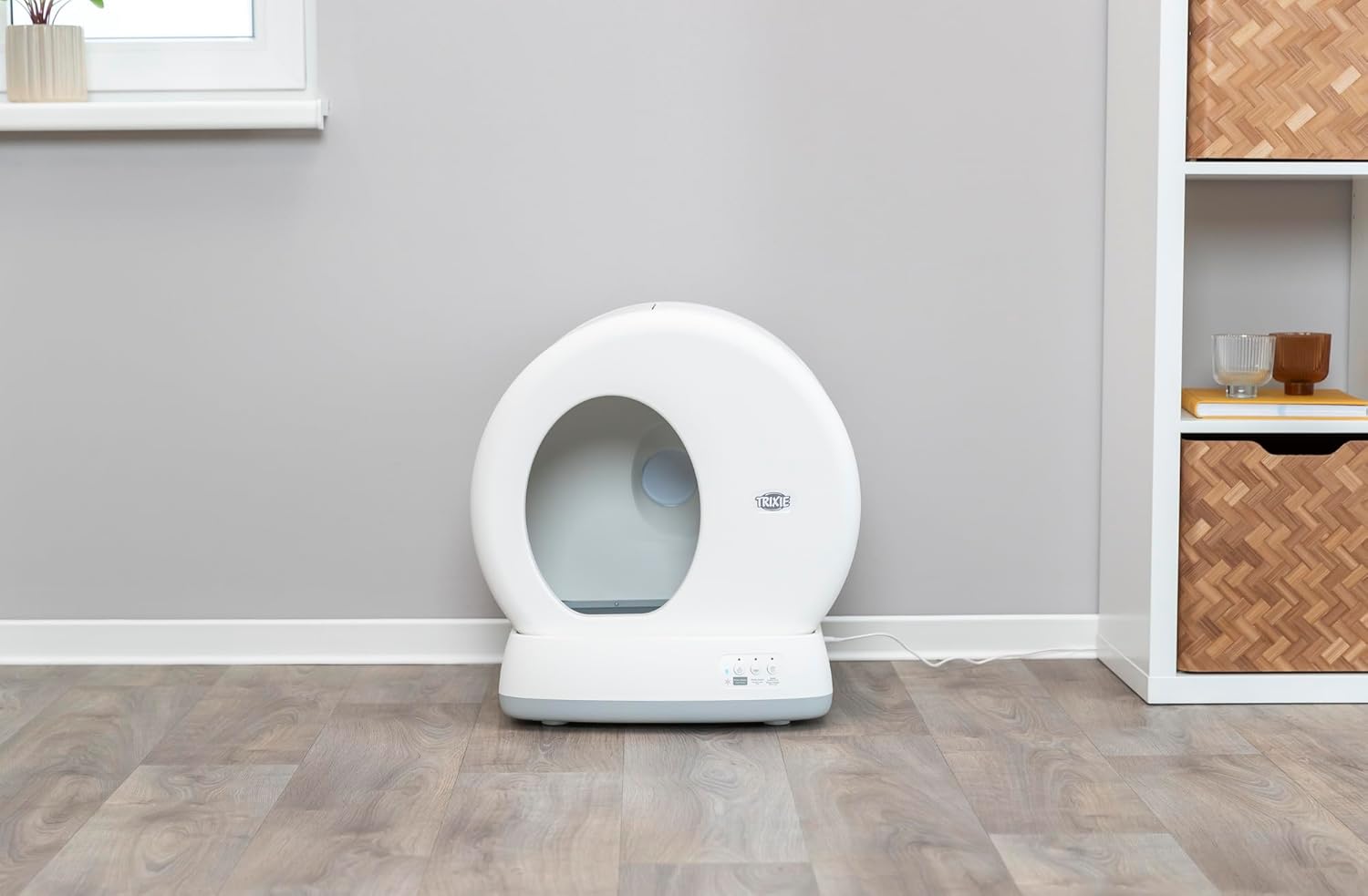
Carefully remove all components from the packaging. Place the litter box on a firm, level surface in a well-ventilated area. Ensure there is enough space around the unit for easy access and cleaning.

The TRIXIE Self-Cleaning Litter Box with its overall dimensions indicated: 53 cm width, 55 cm height, and 52 cm depth. This provides a clear understanding of the product's footprint.
4.2 Filling with Litter
Open the top lid of the litter box. Fill the drum with up to 4 liters of high-quality clumping cat litter. Ensure the litter level does not exceed the maximum fill line indicated inside the drum. Close the lid securely.

A close-up view of the litter bed inside the TRIXIE Self-Cleaning Litter Box, showing the sifting grate. The system works best with bentonite clumping litter.
4.3 Power Connection
Connect the power adapter to the designated port on the back of the litter box, then plug it into a standard electrical outlet. The practical cable length is 150 cm. The unit will perform an initial calibration cycle.
A black cat stands inside the TRIXIE Self-Cleaning Litter Box, with dimensions indicated: 53 cm width, 55 cm height, 52 cm depth, and an entrance height of 29 cm. The practical cable length of 150 cm is also noted.
5. Operating Instructions
5.1 Automatic Cleaning Cycle
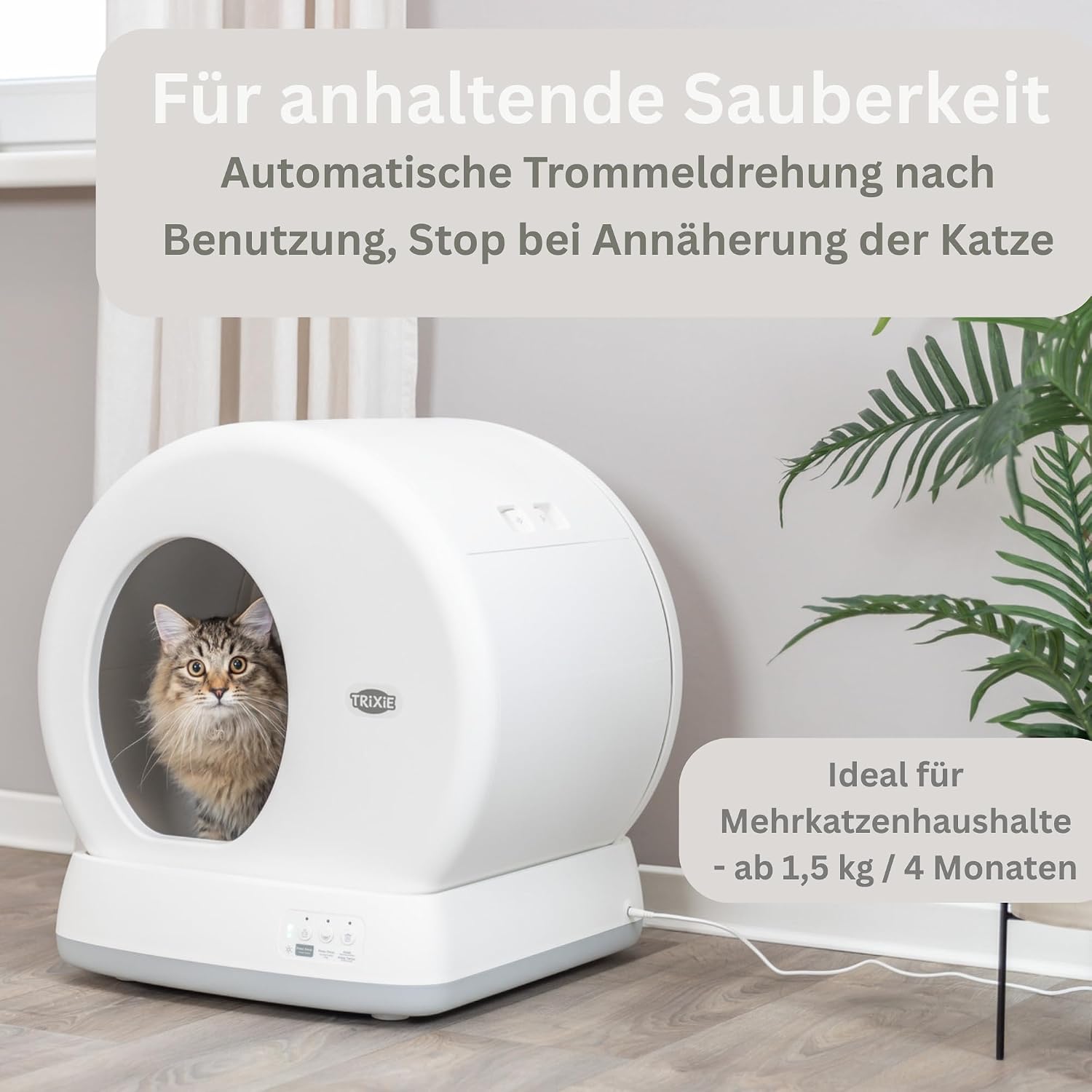
The TRIXIE Self-Cleaning Litter Box is designed to operate automatically. After your cat uses the litter box and exits, the integrated sensor detects the cat's departure. After a short delay, the internal drum will slowly rotate, sifting the clean litter and depositing waste clumps into the sealed collection tray below.
A fluffy cat sits comfortably inside the TRIXIE Self-Cleaning Litter Box, illustrating its spacious interior. The image highlights the automatic drum rotation feature and the sensor that stops cleaning when a cat approaches, making it suitable for multi-cat households and cats weighing 1.5 kg or more, or older than 4 months.
5.2 Cat Detection Sensor
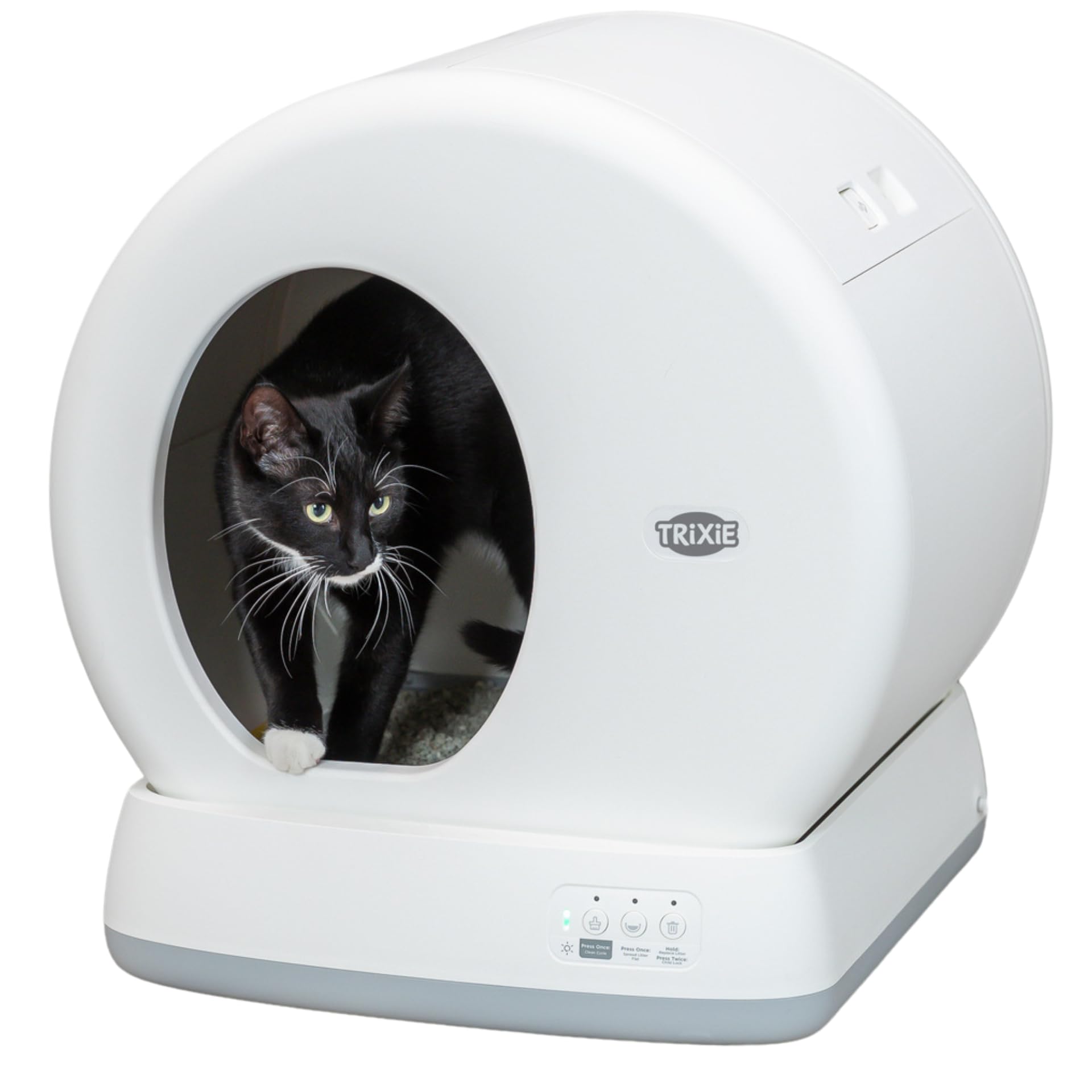
The litter box is equipped with a safety sensor that detects when a cat is inside or approaching the unit. If a cat is detected during a cleaning cycle, the drum rotation will immediately stop to ensure the cat's safety. The cycle will resume once the cat has moved away.
A black cat with white paws is shown entering the TRIXIE Self-Cleaning Litter Box, demonstrating the ease of access for pets.

A black cat with white paws is shown exiting the TRIXIE Self-Cleaning Litter Box, illustrating the smooth entry and exit for pets.
5.3 Manual Cleaning
If you wish to initiate a cleaning cycle manually, press the designated button on the control panel. The drum will perform a full rotation to clean the litter.
6. Maintenance
6.1 Emptying the Waste Tray
The waste collection tray should be emptied regularly, depending on the number of cats and their usage. To empty, slide out the tray from the side of the unit. Dispose of the waste and replace the tray. Standard garbage bags can be used to line the tray for easier disposal.

The TRIXIE Self-Cleaning Litter Box with its top lid open, revealing the internal mechanism and the removable waste collection container. This image demonstrates how litter clumps automatically fall into the container, which can be fitted with standard garbage bags for easy disposal.
6.2 Cleaning the Drum and Unit
For a thorough cleaning, unplug the unit. Remove the drum and wash it with mild soap and water. Clean the interior and exterior of the main unit with a damp cloth. Ensure all parts are completely dry before reassembling and plugging in the device.
6.3 Recommended Litter
For optimal performance, use high-quality, fine-grained clumping bentonite cat litter. Avoid non-clumping, crystal, or pellet litters as they may interfere with the cleaning mechanism.
7. Troubleshooting
- Unit not cleaning: Check if the power cord is securely plugged in. Ensure no cat is currently inside or near the unit, as the sensor will prevent cleaning. Verify the waste tray is correctly inserted.
- Odors present: Ensure the waste tray is emptied regularly. Check that the litter type is clumping and sufficient. Clean the drum and unit thoroughly.
- Litter not clumping properly: This may indicate an issue with the litter quality or type. Ensure you are using a high-quality clumping bentonite litter.
- Cat not using the litter box: Cats can be sensitive to changes. Introduce the new litter box gradually. Place a small amount of used litter in the new box to make it familiar. Ensure the box is in a quiet, accessible location.
8. Specifications
| Model Number | 40040 |
| Product Dimensions (L x W x H) | 59.3 x 56.3 x 61.8 cm |
| Unit Size (L x W x H) | 53 x 55.5 x 52 cm |
| Product Weight | 10.15 kg |
| Material | Plastic |
| Color | White |
| Litter Capacity | Max 4 liters (clumping litter) |
| Suitable for Cats | From 1.5 kg / 4 months old |
| Litter Box Type | Automated Self-Cleaning |
9. Warranty and Support
This TRIXIE product comes with a standard manufacturer's warranty. For specific warranty details, please refer to the warranty card included with your purchase or contact your retailer. If you encounter any issues or require technical assistance, please contact TRIXIE customer support through their official website or the contact information provided with your product.


