
1. Product Overview
The Anten Smart LED Ceiling Light GA300-24W is a versatile lighting solution offering smart control features. It integrates with Wi-Fi for app control, comes with a dedicated remote, and is compatible with voice assistants like Alexa and Google Assistant. This ceiling light provides adjustable white light (warm to cool) and a vibrant RGB backlight, allowing for a wide range of ambiance settings.

Image 1.1: Anten Smart LED Ceiling Light GA300-24W, showcasing the light fixture, remote control, smartphone app interface, and compatible smart speakers (Alexa and Google Assistant devices).
2. Package Contents
Please check the package for the following items:
- Anten Smart LED Ceiling Light (GA300-24W)
- 2.4G Wireless Remote Control
- Mounting Material (screws, wall plugs)
- User Manual
3. Setup and Installation
3.1 Safety Precautions
- Ensure power is turned off at the main circuit breaker before installation.
- Consult a qualified electrician if you are unsure about the installation process.
- Do not install in damp environments.
3.2 Physical Installation
- Turn off the power supply at the main switch.
- Mark the drilling positions on the ceiling using the mounting bracket as a template.
- Drill holes and insert the wall plugs.
- Secure the mounting bracket to the ceiling with screws.
- Connect the ceiling light's wires to your household electrical wiring. Ensure correct polarity (Live, Neutral, Earth). Use the provided flat luster terminals if necessary.
- Attach the ceiling light fixture to the mounting bracket, ensuring it is securely fastened.
- Restore power supply.
3.3 Smart App Connection (Smartlife App)
- Download the "Smartlife" app from your smartphone's app store (iOS or Android).
- Register or log in to your Smartlife account.
- Ensure your Wi-Fi network is 2.4GHz. The light does not support 5GHz Wi-Fi.
- Turn the light ON and OFF three times rapidly (ON-OFF-ON-OFF-ON). The light should start blinking, indicating it's in pairing mode.
- In the Smartlife app, tap "Add Device" or the "+" icon.
- Select "Lighting" > "Ceiling Light (Wi-Fi)" or similar.
- Follow the on-screen instructions to connect the light to your Wi-Fi network.
- Once connected, you can rename the device for easier control.
3.4 Remote Control Pairing
The remote control is typically pre-paired. If it does not work, try the following:
- Ensure the light is powered on.
- Within 5 seconds of turning the light on, press and hold the "ON" button on the remote control until the light flashes, indicating successful pairing.
3.5 Voice Assistant Integration (Alexa/Google Assistant)
- Ensure your Anten Smart LED Ceiling Light is successfully connected to the Smartlife app.
- Open your Alexa or Google Home app.
- Navigate to "Skills & Games" (Alexa) or "Works with Google" (Google Home).
- Search for and enable the "Smartlife" skill/service.
- Link your Smartlife account when prompted.
- Discover devices. Your Anten ceiling light should now appear in your Alexa/Google Home device list.
- You can now control the light using voice commands.
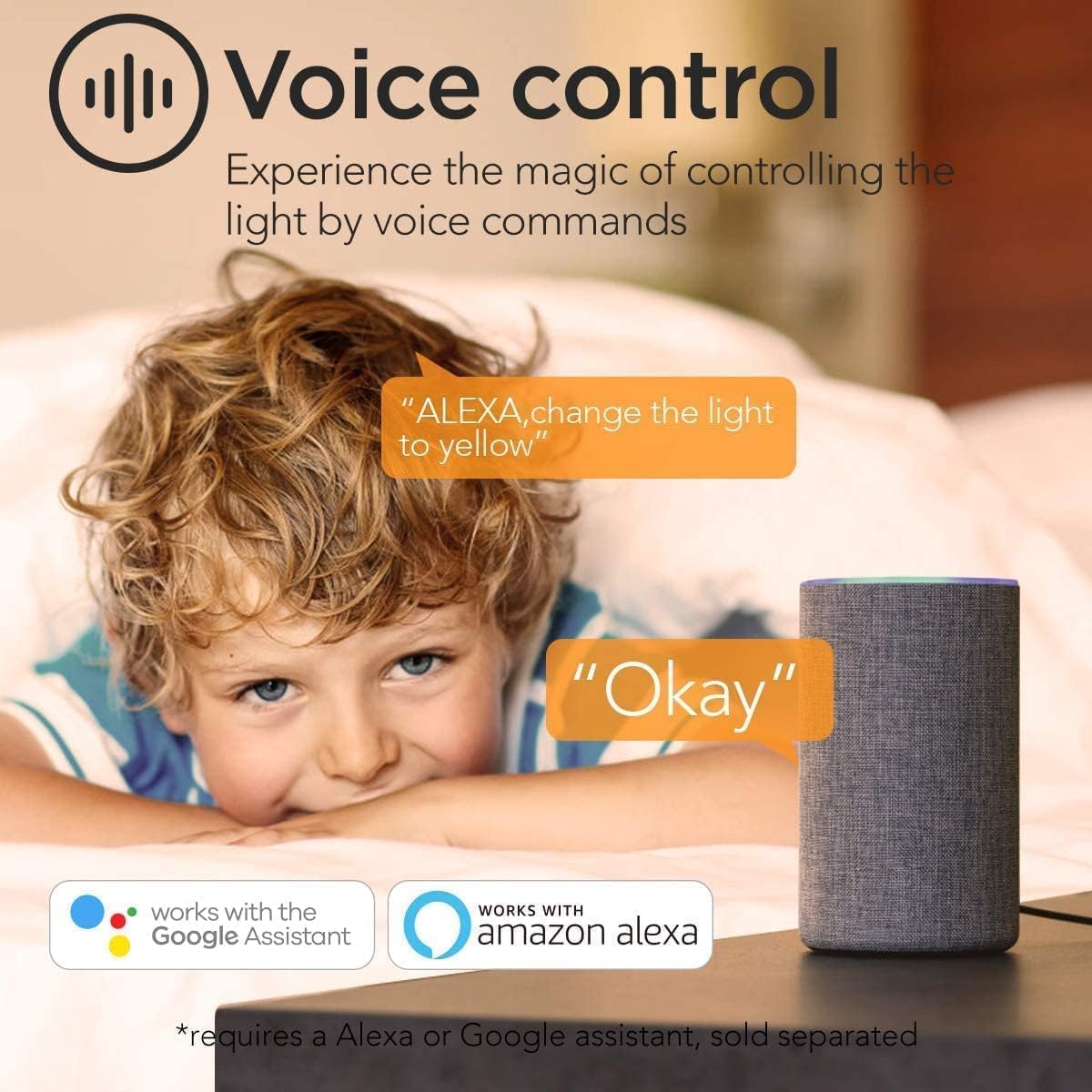
Image 3.1: Voice control functionality with Alexa, demonstrating how simple commands can adjust the light settings.
4. Operating Instructions
4.1 Using the Smartlife App
The Smartlife app provides comprehensive control over your Anten Smart LED Ceiling Light:
- On/Off: Toggle the light on or off.
- Brightness Adjustment: Dim the main white light from 10% to 100%.
- Color Temperature Adjustment: Change the white light from warm white (3000K) to cool white (6000K).
- RGB Backlight: Select from 16 million colors for the ambient backlight.
- Scene Modes: Choose from 8 pre-set scene modes (e.g., Night, Read, Working, Leisure, Soft, Colorful, Dazzling, Gorgeous) to instantly change the atmosphere.
- Group Control: Control multiple Anten smart lights simultaneously or individually, even in different rooms.
- Timer and Schedule: Set schedules for the light to turn on/off at specific times, or activate specific scenes. The light retains its last settings even after power loss (memory function).

Image 4.1: Smartlife app interface displaying 8 distinct scene light modes and the 16 million color RGB backlight options.

Image 4.2: Smartlife app interface demonstrating the color selection wheel for RGB and a slider for brightness adjustment.
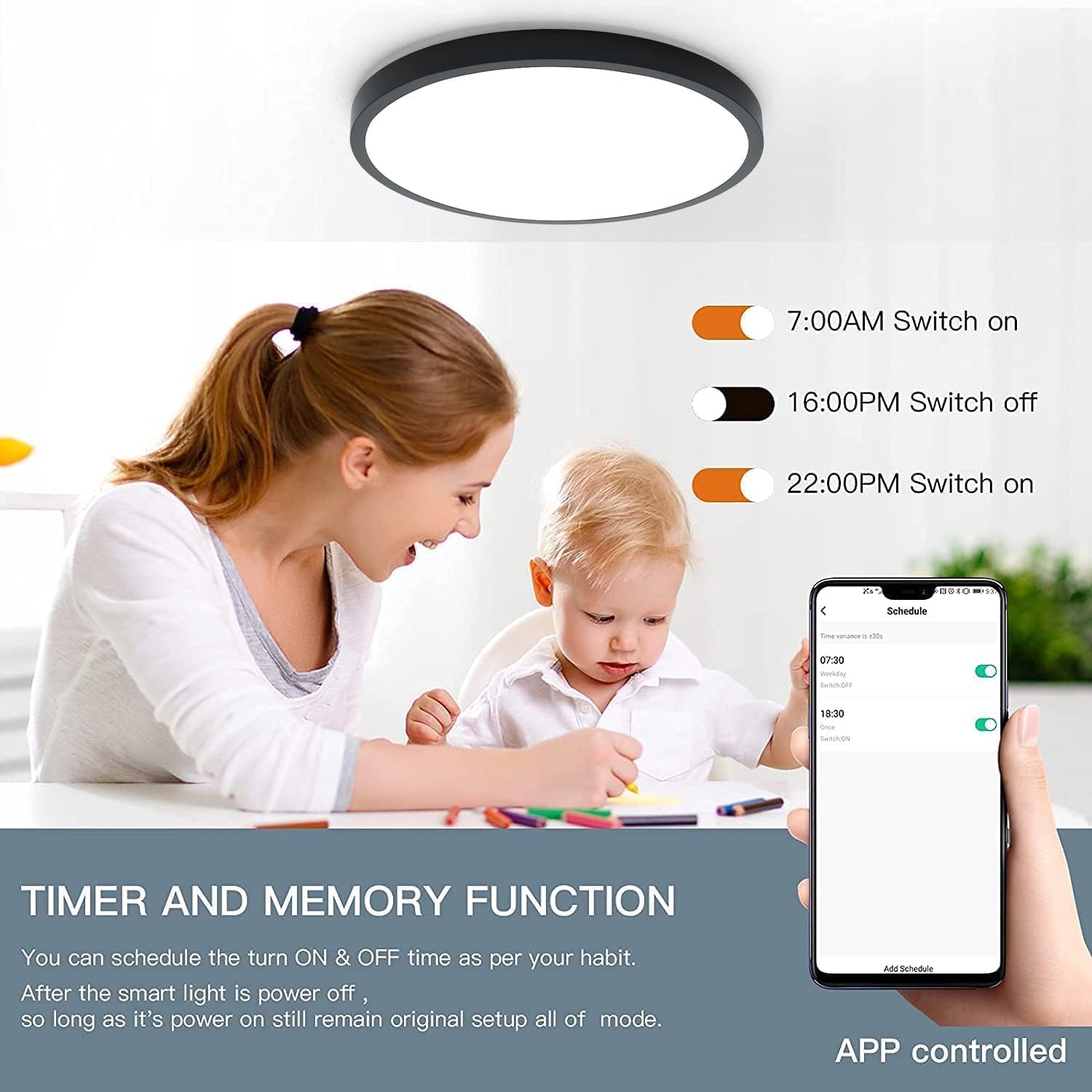
Image 4.3: Group Control feature, allowing individual or simultaneous adjustment of multiple lights in different rooms via the app.

Image 4.4: Timer and Memory Function, enabling users to schedule light on/off times and retain previous settings.
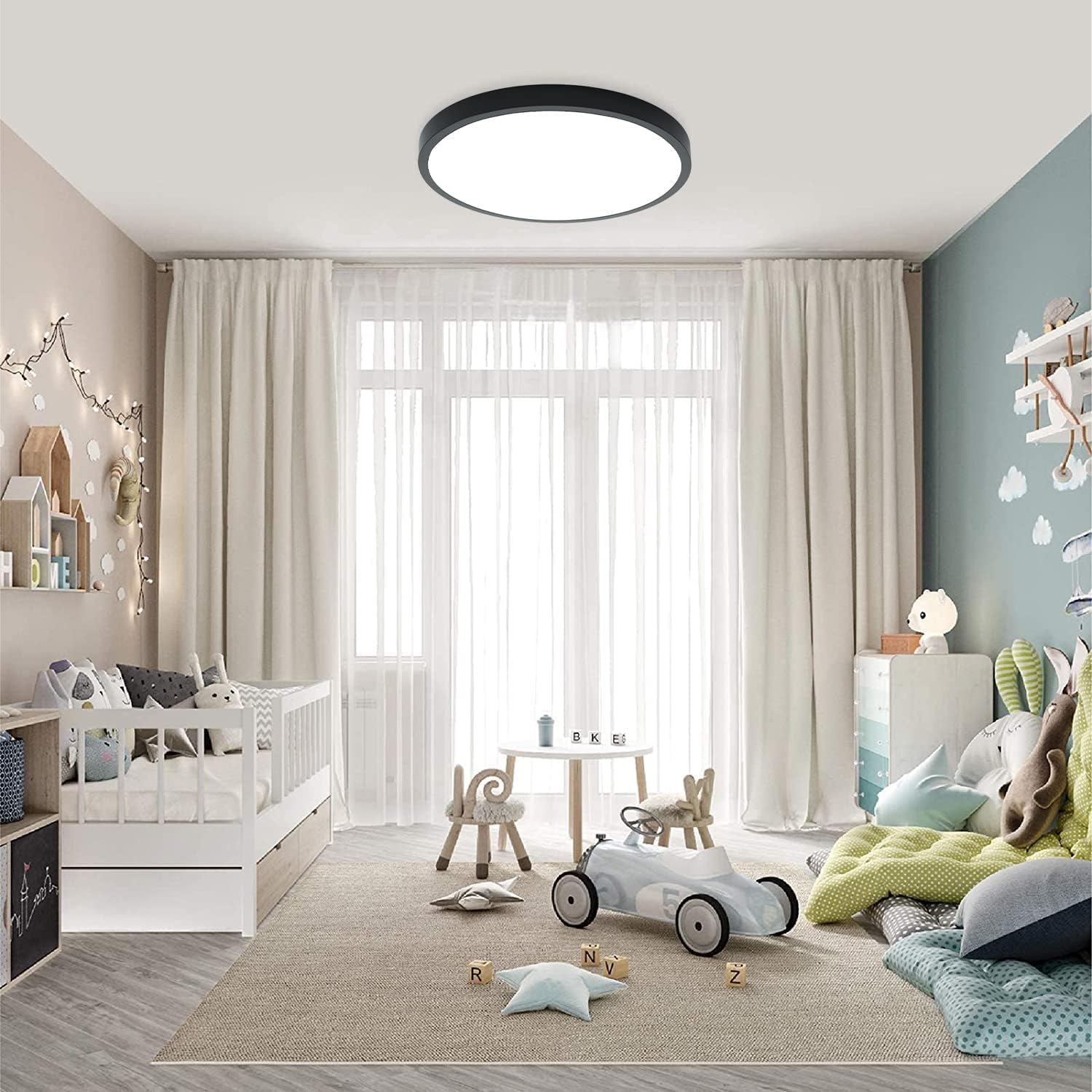
Image 4.5: Adjustable color temperature from 3000K (warm white) to 6000K (cool white), providing versatile lighting options.
4.2 Using the Remote Control
The included 2.4G wireless remote control provides convenient access to basic functions:
- ON/OFF: Power the light on or off.
- Brightness +/-: Adjust the brightness of the main white light.
- Color Temperature: Cycle through different white light color temperatures.
- RGB Color: Select or cycle through RGB backlight colors.
- Scene Modes: Access pre-programmed scene modes (specific buttons may vary).
4.3 Voice Control Commands
Once integrated with Alexa or Google Assistant, use simple voice commands:
- "Alexa, turn on [Light Name]."
- "Hey Google, turn off [Light Name]."
- "Alexa, set [Light Name] to 50 percent."
- "Hey Google, change [Light Name] to warm white."
- "Alexa, set [Light Name] to blue."
5. Maintenance
The Anten Smart LED Ceiling Light is designed for low maintenance. Follow these guidelines:
- Cleaning: Disconnect power before cleaning. Wipe the surface of the light with a soft, dry, or slightly damp cloth. Do not use abrasive cleaners or solvents.
- LED Lifespan: The integrated LED chips have a long lifespan and do not require replacement.
- Insect Protection: The sealed design helps prevent insects from entering the fixture.
6. Troubleshooting
If you encounter issues with your Anten Smart LED Ceiling Light, refer to the following common problems and solutions:
| Problem | Possible Cause | Solution |
|---|---|---|
| Light does not turn on. | No power supply. Loose wiring. Remote control battery low. | Check circuit breaker. Verify wiring connections (ensure power is off first). Replace remote control batteries. |
| Cannot connect to Wi-Fi/Smartlife app. | Incorrect Wi-Fi password. Router is 5GHz only. Light not in pairing mode. Weak Wi-Fi signal. | Double-check Wi-Fi password. Ensure your router supports 2.4GHz Wi-Fi. Perform the ON-OFF-ON-OFF-ON sequence to enter pairing mode. Move router closer or use a Wi-Fi extender. |
| Remote control not working. | Remote not paired. Battery low/dead. Obstruction between remote and light. | Re-pair the remote control (see Section 3.4). Replace batteries. Ensure clear line of sight. |
| Voice control (Alexa/Google) not responding. | Smartlife skill not enabled/linked. Incorrect device name. Internet connectivity issues. | Verify Smartlife skill is enabled and account is linked in Alexa/Google Home app. Use the exact device name configured in the Smartlife app. Check your internet connection. |
| Light settings reset after power cycle. | Memory function not active (unlikely for this model). | The light is designed to retain its last settings. If this occurs, try re-pairing the device with the app. |
7. Specifications
| Feature | Detail |
|---|---|
| Model Number | GA300-24W |
| Brand | Anten |
| Dimensions (L x W x H) | 30 x 30 x 2.5 cm |
| Weight | 1.06 Kilograms |
| Power Consumption | 24 Watts |
| Luminous Flux | 2400 lm (main light) + 400 lm (RGB backlight) |
| Voltage | 220 Volts (AC) |
| Material | Plastic (PMMA) |
| Color (Housing) | Black |
| Color Temperature | Adjustable 3000K (Warm White) to 6000K (Cool White) |
| RGB Backlight | 16 Million Colors |
| Control Methods | Wi-Fi (Smartlife App), 2.4G Remote Control, Voice Control (Alexa, Google Assistant) |
| Installation Type | Ceiling Mount |
| Energy Efficiency Class | F |
| EPREL Database Link | https://eprel.ec.europa.eu/qr/1098280 |

Image 7.1: EU Energy Label for the Anten GA300-24W, indicating an energy efficiency class of F.
8. Warranty and Support
Warranty information for the Anten Smart LED Ceiling Light GA300-24W is typically provided at the point of purchase or can be found on the official Anten website. Please retain your proof of purchase for warranty claims.
For technical support, product inquiries, or warranty service, please refer to the contact information provided by your retailer or visit the official Anten website for customer service details.