
1. Introduction
Thank you for choosing CXK Bone Conduction Headphones. These open-ear headphones are designed to deliver premium audio through your cheekbones, allowing you to enjoy music while remaining aware of your surroundings. This manual provides detailed instructions to help you get the most out of your new headphones.

Figure 1: CXK Bone Conduction Headphones
2. What's in the Box
Your CXK Bone Conduction Headphones package includes the following items:
- Bone Conduction Headphones (Model X14)
- USB-C Charging Cable
- User Manual
- Pair of Earplugs

Figure 2: Package Contents
3. Key Features
Open-Ear Design & Bone Conduction Technology
These headphones utilize next-generation bone conduction technology, delivering audio through your cheekbones. This open-ear design ensures your ear canals remain unobstructed, allowing you to hear ambient sounds and maintain situational awareness, crucial for outdoor activities like running or cycling.

Figure 3: Bone Conduction Technology in Use

Figure 4: Open-Ear Design for Secure Fit
Bluetooth 5.4 Seamless Pairing
Equipped with the latest Bluetooth 5.4 technology, these headphones provide a faster and more stable wireless connection. One-step quick pairing allows for effortless connection to your mobile device.
Stereo Sound Quality
Featuring large 15mm speaker drivers, the headphones deliver premium high-quality stereo sound with immersive audio. The built-in microphone ensures clear calling experiences.

Figure 5: Excellent Sound Quality
10 Hours Playtime & IPX6 Waterproof
Enjoy up to 10 hours of uninterrupted playback on a single charge. The headphones are IPX6 waterproof, protecting against sweat and rain, making them ideal for workouts and outdoor use. Note: Not suitable for swimming.

Figure 6: 10 Hours Long Battery Life
Lightweight & Comfortable
Engineered with a wrap-around titanium frame and ABS housing, these headphones weigh just 28g. The skin-friendly silicone material ensures optimal comfort during extended use.

Figure 7: Super Lightweight Design
Official Product Video
Video 1: Overview of CXK Bone Conduction Headphones features and design.
4. Setup & Pairing
Wearing the Headphones
- Place the headphones on your head, with the main band resting behind your neck.
- Position the ear hooks over your ears, ensuring the transducers rest comfortably on your cheekbones, just in front of your ears.
- Adjust the frame size using the adjustable strap for a stable and secure fit.

Figure 8: How to Wear Your Headphones
Initial Pairing
- Long press the "MFB" (Multi-Function Button) for 2 seconds to power on the headphones. The indicator light will flash, indicating pairing mode.
- On your mobile device, enable Bluetooth and search for available devices.
- Select "X14" from the list of devices to connect. Once connected, the indicator light will stop flashing.
5. Operating Instructions
The headphones feature simple button controls for easy management of music and calls:
- Power On/Off: Press and hold the MFB for 2 seconds to power on. Press and hold for 5 seconds to power off.
- Play/Pause: Single click the MFB.
- Volume Up: Single click the '+' button.
- Volume Down: Single click the '-' button.
- Next Track: Double click the '+' button.
- Previous Track: Double click the '-' button.
- Answer/End Call: Single click the MFB during an incoming call or active call.
- Reject Call: Press and hold the MFB for 2 seconds during an incoming call.
- Voice Assistant: Press and hold the MFB for 2 seconds (when not on a call).
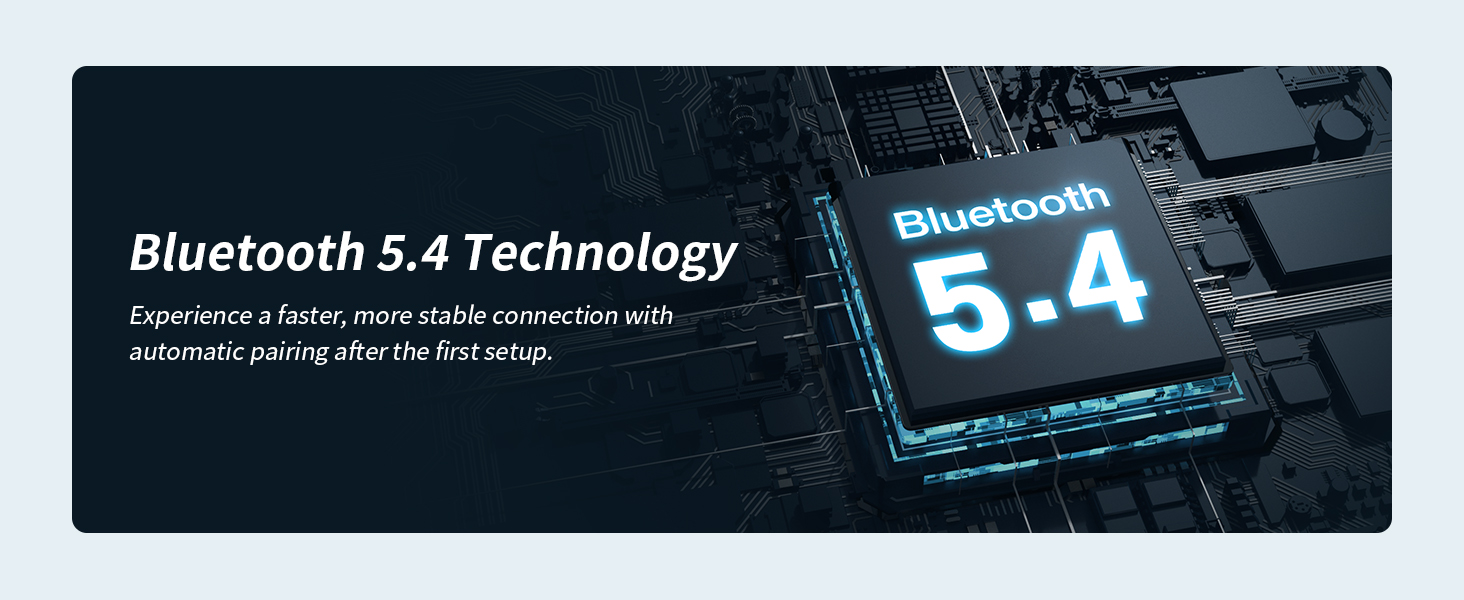
Figure 9: Simple Button Controls
6. Charging
To charge your headphones:
- Connect the USB-C charging cable to the charging port on the headphones.
- Connect the other end of the USB-C cable to a compatible USB power adapter (not included) or a computer's USB port.
- The indicator light will show charging status (refer to user manual for specific light indicators).
- A full charge takes approximately 2 hours and provides up to 10 hours of playtime.
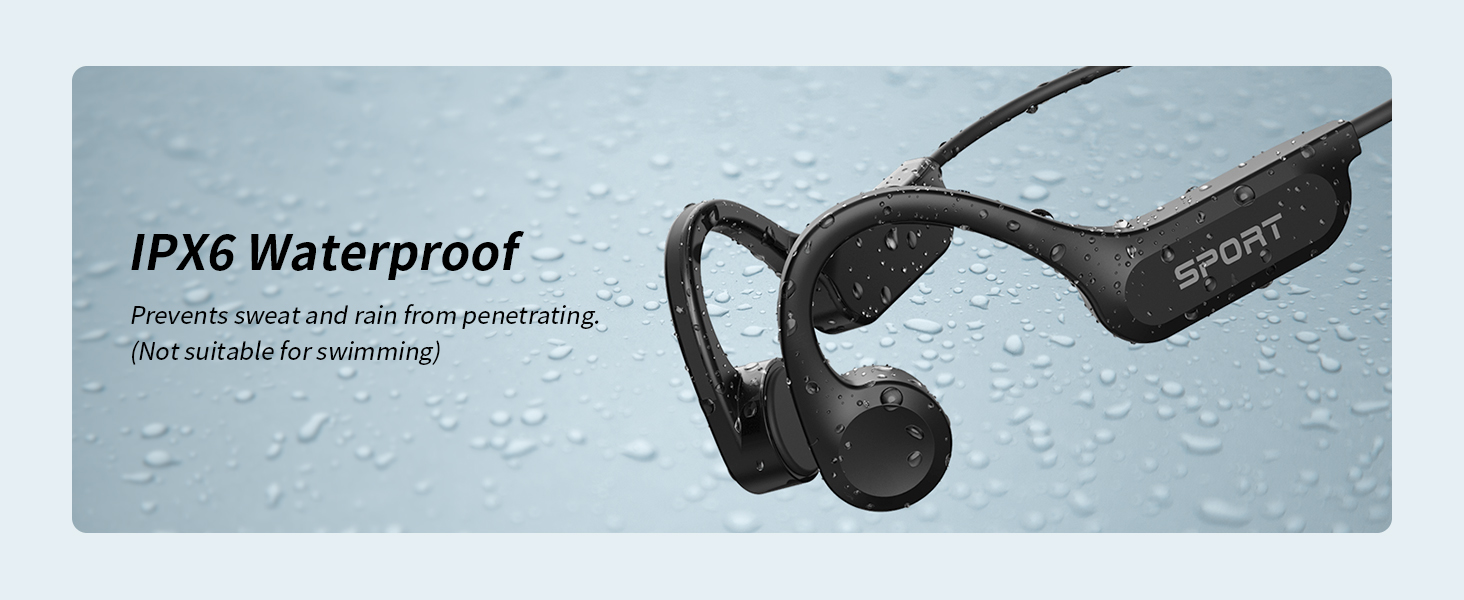
Figure 10: USB-C Charging Port
7. Maintenance & Care
- Clean the headphones regularly with a soft, dry cloth.
- Avoid using harsh chemicals or abrasive materials for cleaning.
- Store the headphones in a cool, dry place when not in use.
- The headphones are IPX6 waterproof, meaning they are resistant to strong water jets. However, they are not designed for submersion or swimming.
8. Troubleshooting
| Problem | Possible Solution |
|---|---|
| Cannot power on | Ensure the headphones are fully charged. |
| Cannot pair with device | Make sure Bluetooth is enabled on your device and the headphones are in pairing mode. Try restarting both devices. |
| No sound or low volume | Check headphone and device volume levels. Ensure headphones are properly positioned on your cheekbones. |
| Intermittent connection | Ensure no obstacles between headphones and device. Move closer to your device. Avoid strong electromagnetic interference. |
9. Specifications
| Feature | Detail |
|---|---|
| Model Name | X14 |
| Connectivity Technology | Wireless (Bluetooth) |
| Bluetooth Version | 5.4 (Note: Some specifications may list 5.3) |
| Audio Driver Type | Bone Conduction Driver |
| Battery Life | Up to 10 Hours Playtime |
| Charging Time | Approx. 2 Hours (via Type-C) |
| Water Resistance Level | IPX6 Waterproof |
| Item Weight | 28 Grams (0.988 ounces) |
| Material | Titanium alloy memory wire, Acrylonitrile Butadiene Styrene (ABS) |
| Ear Placement | Open Ear |
10. Warranty & Support
CXK products are manufactured with high-quality standards. For warranty information and customer support, please refer to the specific warranty card included in your product packaging or visit the official CXK website. If you encounter any issues not covered in this manual, please contact our customer service team for assistance.

