
Bushnell 50101
Bushnell 300L Power+ Hat Light Instruction Manual
Model: 50101
1. Introduction
The Bushnell 300L Power+ Hat Light is a versatile and lightweight LED light designed for hands-free illumination. It offers multiple power options and lighting modes, making it suitable for various outdoor activities and tasks requiring focused light.
2. What's Included
The Bushnell 300L Power+ Hat Light package contains the following items:
- Bushnell 300L Hat Light unit
- Bushnell Power+ Rechargeable Battery
- 3 x AAA Batteries (for alternative power)
- Micro-USB Charging Cable
- Clip (pre-attached or included for attachment)

Image: Package contents showing the hat light, rechargeable battery, three AAA batteries, and a micro-USB charging cable.
3. Features
- Cap Light Design: Easily attaches to the brim of a hat for hands-free lighting.
- Dual Power Options: Compatible with the Bushnell Power+ rechargeable battery or three AAA batteries.
- Multiple Lighting Modes: Features four modes, including high, medium, low white light, and a red light mode.
- Adjustable Head: Allows for precise light placement.
- Water-Resistant: IPX4 rated for reliable performance in wet conditions.
- Lightweight: Weighs only 1.75 oz with the rechargeable battery.
- Brightness: Up to 300 lumens of white light output.
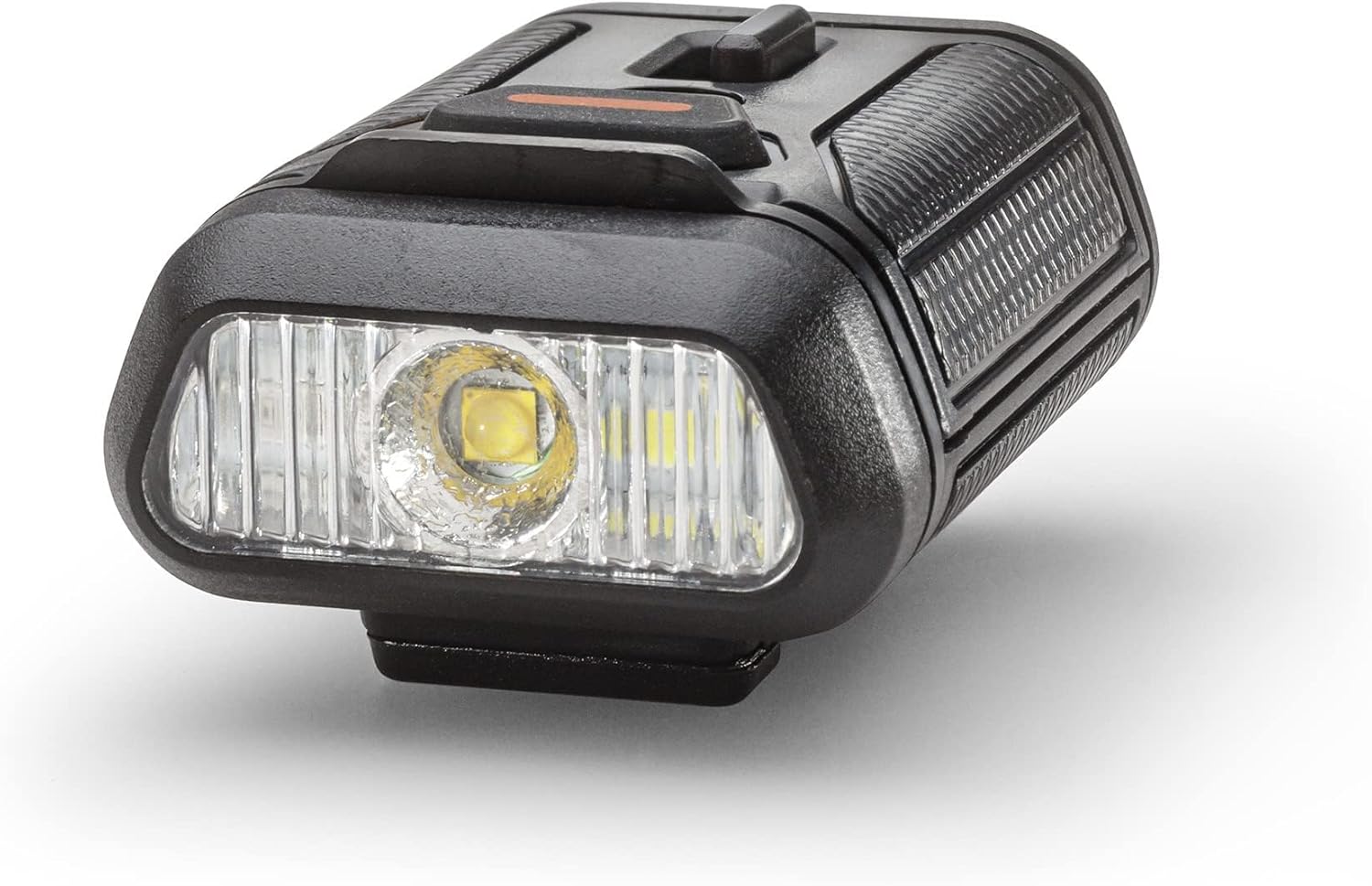
Image: Close-up of the Bushnell 300L Power+ Hat Light, highlighting its compact design and LED array.

Image: The hat light in red mode, useful for preserving night vision.
4. Setup
4.1 Battery Installation
The Bushnell 300L Power+ Hat Light can be powered by either the included Bushnell Power+ rechargeable battery or three AAA batteries.
- To open the battery compartment, locate the latch on the side of the light unit and gently lift it.
- Insert the Bushnell Power+ rechargeable battery, ensuring the contacts align correctly, or insert three AAA batteries according to the polarity indicators (+/-).
- Close the battery compartment securely until the latch clicks into place.

Image: The hat light with its battery compartment open, ready for battery insertion.
4.2 Charging the Rechargeable Battery
If using the Bushnell Power+ rechargeable battery, ensure it is fully charged before first use.
- Connect the micro-USB charging cable to the charging port on the rechargeable battery.
- Connect the other end of the cable to a standard USB power source (e.g., computer, wall adapter).
- The charging indicator light on the battery will show its charging status. Refer to the battery's specific instructions for full details on indicator lights.
- Once fully charged, disconnect the cable.
4.3 Attaching to a Hat
The hat light features an integrated clip for easy attachment to the brim of most caps or hats.
- Align the clip on the back of the light unit with the edge of your hat brim.
- Gently press the light onto the brim until it is securely fastened.
- Ensure the light is stable and does not obstruct your vision.
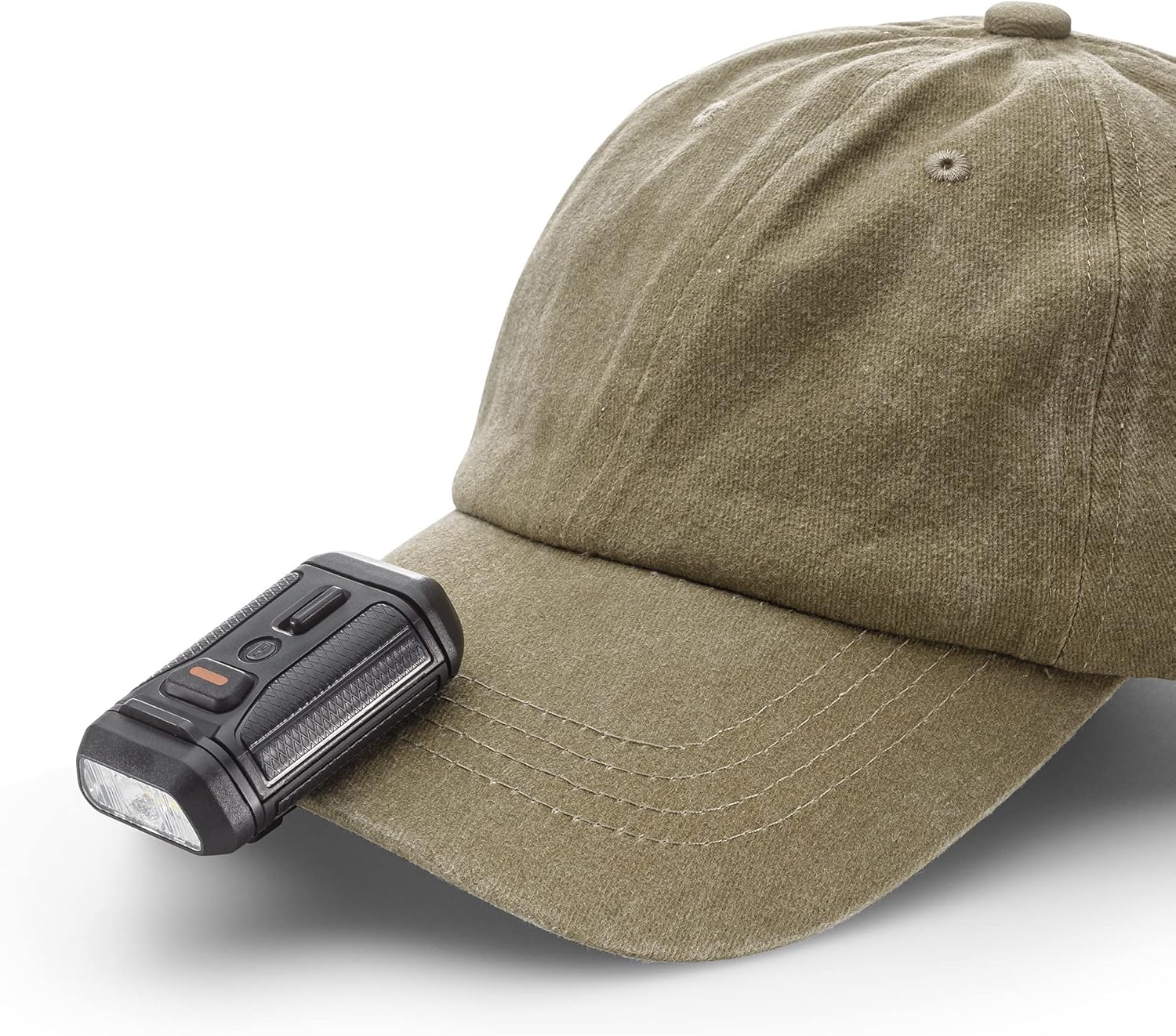
Image: The hat light attached to a cap, demonstrating its intended use.

Image: A user wearing the hat light, illustrating its low-profile and hands-free design.
Video: A brief demonstration of the Bushnell Power+ 300L Hat Light's features, including how it attaches to a hat and its various light modes.
5. Operating Instructions
5.1 Power On/Off and Mode Selection
The hat light features a single button for controlling power and cycling through light modes.
- To Turn On: Press the power button once. The light will typically turn on in the last used white light mode.
- To Cycle White Light Modes: While the light is on, press the power button repeatedly to cycle through High, Medium, and Low white light settings.
- To Activate Red Light Mode: Press and hold the power button for approximately 2 seconds. The light will switch to red mode.
- To Turn Off: From any mode, press the power button once if it has been on for more than 3 seconds. If you are cycling through modes quickly, a single press will advance to the next mode. To turn off immediately, press the button after a pause in mode changes.
5.2 Adjusting the Light Angle
The light unit can be tilted up or down to direct the beam as needed.
- Gently pivot the light head to adjust the angle of illumination.
- Avoid forcing the head beyond its natural range of motion.
6. Maintenance
- Cleaning: Wipe the light unit with a soft, damp cloth. Do not use abrasive cleaners or solvents.
- Battery Care:
- For rechargeable batteries, charge regularly to maintain optimal performance.
- If using AAA batteries, remove them if the light will not be used for an extended period to prevent leakage.
- Storage: Store the hat light in a cool, dry place away from direct sunlight.
7. Troubleshooting
| Problem | Possible Cause | Solution |
|---|---|---|
| Light does not turn on. | Low or depleted battery. Incorrect battery installation. | Charge the rechargeable battery or replace AAA batteries. Ensure batteries are inserted with correct polarity. |
| Light flickers or is dim. | Low battery power. Loose battery connection. | Charge or replace batteries. Re-seat the battery firmly in the compartment. |
| Cannot change light modes. | Button malfunction. | Ensure the button is pressed firmly. If the issue persists, contact customer support. |
8. Specifications
| Feature | Detail |
|---|---|
| Model Number | 50101 |
| Brightness (White) | 300 Lumens (Max) |
| Light Source Type | LED |
| Power Source | Battery Powered (Bushnell Power+ Rechargeable or 3 AAA) |
| Battery Type | Lithium Polymer (rechargeable) or AAA (alkaline) |
| Item Weight | 1.75 Ounces |
| Product Dimensions | 2.6"D x 1.6"W x 1.1"H |
| Water Resistance Level | IPX4 (Water Resistant) |
| Special Features | Adjustable, Lightweight, Red Mode for Night Vision Preservation |
| Material | Polymer |
9. Warranty and Support
The Bushnell 300L Power+ Hat Light comes with a limited warranty. For detailed warranty information, product support, or service inquiries, please refer to the official Bushnell website or contact their customer service department.
Manufacturer: I2D Licensed Brands, LLC
For further assistance, visit the Bushnell Store on Amazon.
Ask a question about this manual
Ask about setup, troubleshooting, compatibility, parts, safety, or missing instructions. Manuals+ will review the question and use this page’s manual context to help answer it.