1. Introduction
Thank you for choosing the OUKITEL P1201 Portable Power Station. This device is designed to provide reliable power for various applications, including home backup, outdoor camping, RV use, and emergency situations. It features a 960Wh LiFePO4 battery and a 1200W (2400W peak) pure sine wave inverter, capable of powering a wide range of electronic devices and small appliances. Please read this manual thoroughly before operating the device to ensure safe and optimal performance.
2. Safety Instructions
- Do not disassemble, repair, or modify the unit.
- Do not place the unit near fire or expose it to high temperatures.
- Do not use or store the unit in bathrooms or areas exposed to water.
- Do not expose the unit to direct sunlight for prolonged periods.
- Do not use or store the unit in dusty or corrosive environments.
- Ensure proper ventilation during use to prevent overheating.
- Keep out of reach of children and pets.
- Use only original or certified charging cables and accessories.
- In case of fire, use a dry powder fire extinguisher. Do not use water.
- Dispose of the unit according to local regulations.
3. Package Contents
Verify that all items are present in your package:
- 1 x OUKITEL P1201 Portable Power Station
- 1 x AC Charging Cable
- 1 x Car Charging Cable
- 1 x MC-4 Solar Charging Cable
- 1 x User Manual
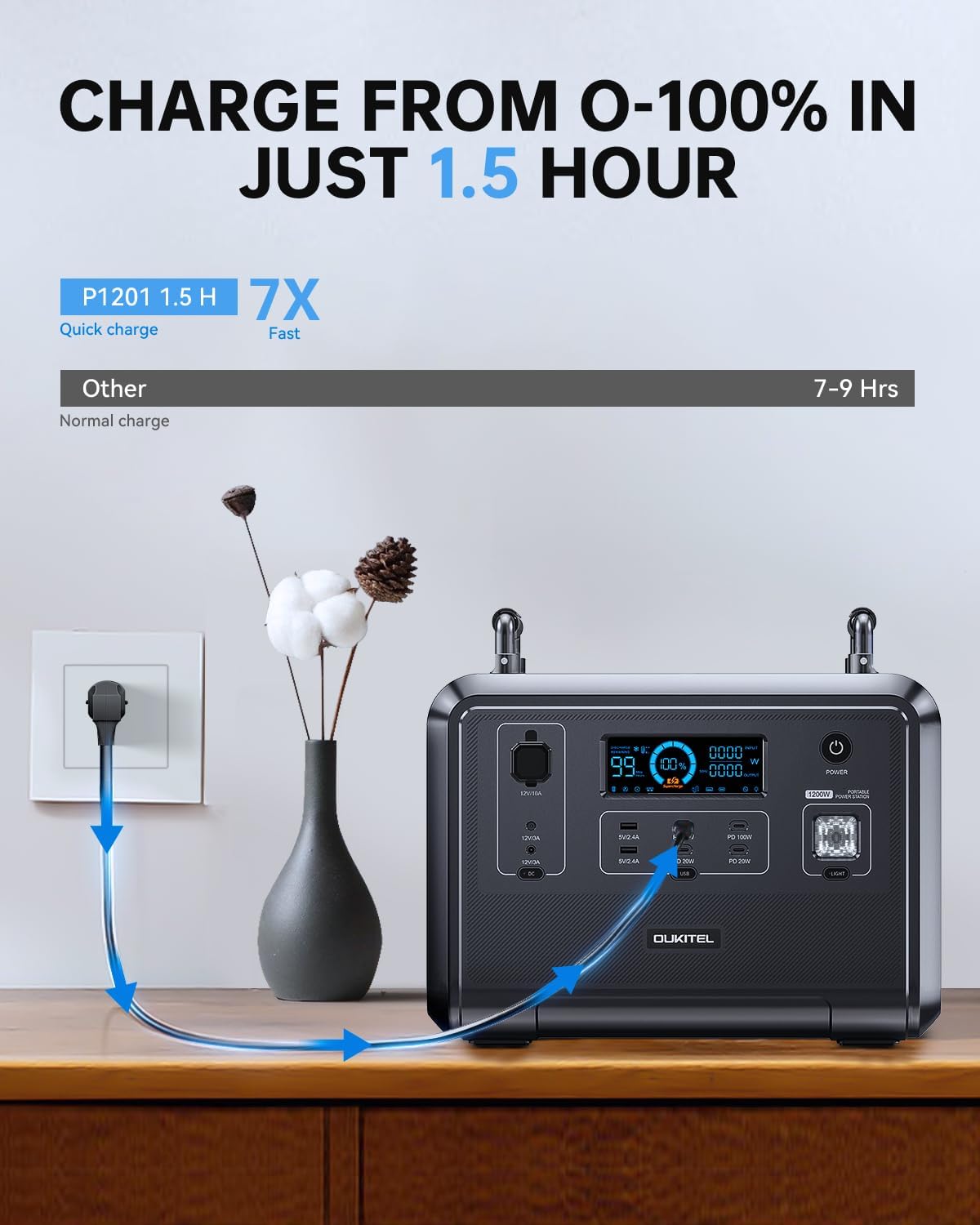
Image: OUKITEL P1201 Portable Power Station with its charging cables and user manual.
4. Product Overview
The OUKITEL P1201 features multiple input and output ports for versatile power delivery. Below is a general view of the unit.

Image: Front view of the OUKITEL P1201, highlighting the display screen, AC outlets, USB ports, and DC outputs.
4.1. Output Ports
- 4 x AC Outlets (1200W total, 2400W peak)
- 2 x USB-A Ports
- 3 x USB-C PD 20W Ports
- 1 x USB-C PD 100W Port
- 2 x DC36W Ports
- 1 x DC120W Car Cigarette Lighter Socket
4.2. Display Screen
The integrated display provides real-time information on battery level, input/output wattage, and operational status. Refer to the manual for detailed icon explanations.
5. Setup
Before first use, fully charge the OUKITEL P1201. This ensures optimal battery performance and calibration.
- Unpacking: Carefully remove the power station and all accessories from the packaging.
- Initial Charge: Connect the AC charging cable to the power station's input port and then to a wall outlet. The display will indicate charging status.
- Placement: Place the power station on a stable, flat surface in a well-ventilated area, away from direct sunlight, heat sources, and moisture.
6. Operating Instructions
6.1. Powering On/Off
- To power on, press and hold the main power button for 3 seconds. The display will light up.
- To power off, press and hold the main power button for 3 seconds. The display will turn off.
6.2. Using AC Outputs
- Ensure the power station is turned on.
- Press the AC power button to activate the AC outlets. The AC indicator on the display will illuminate.
- Plug your AC devices into the outlets.
- After use, press the AC power button again to turn off the AC outputs and conserve power.
6.3. Using DC and USB Outputs
- The DC and USB outputs are typically active when the unit is powered on.
- Plug your USB or DC devices into the respective ports.
- The display will show the output wattage for these ports.
6.4. Uninterruptible Power Supply (UPS) Function
The P1201 features a UPS function, providing continuous power during outages.
- Connect the P1201 to a wall outlet using the AC charging cable.
- Connect your critical devices (e.g., computers, medical equipment) to the AC outlets of the P1201.
- In case of a power failure, the P1201 will automatically switch to battery power within 0.1 seconds, ensuring uninterrupted operation for connected devices.
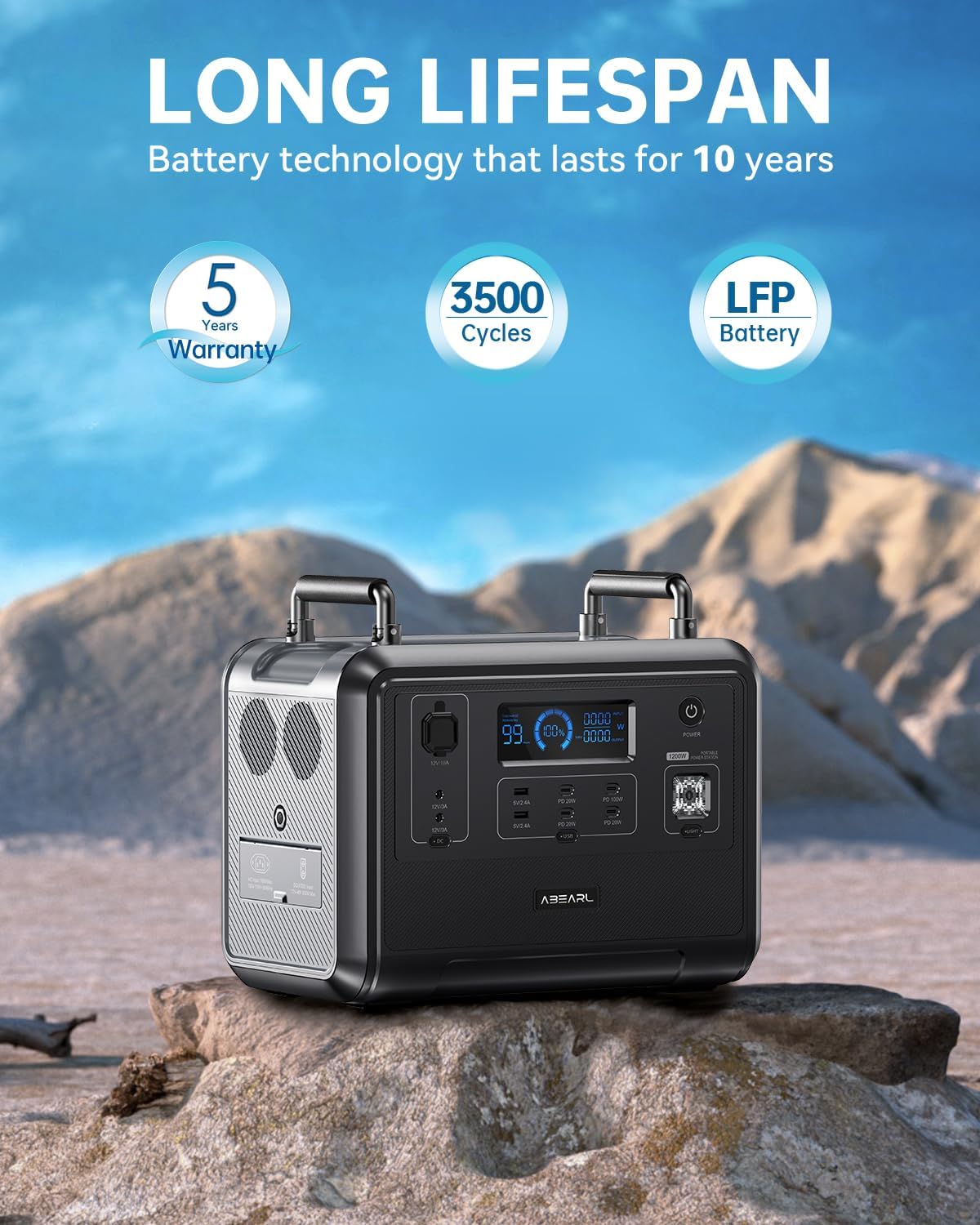
Image: The OUKITEL P1201 powering multiple devices simultaneously, demonstrating its versatility for outdoor and home use.
7. Charging the OUKITEL P1201
The P1201 offers multiple charging methods:
7.1. AC Wall Charging
- Connect the AC charging cable to the input port of the P1201 and then to a standard wall outlet.
- The unit can be fully charged in approximately 1.5 hours.
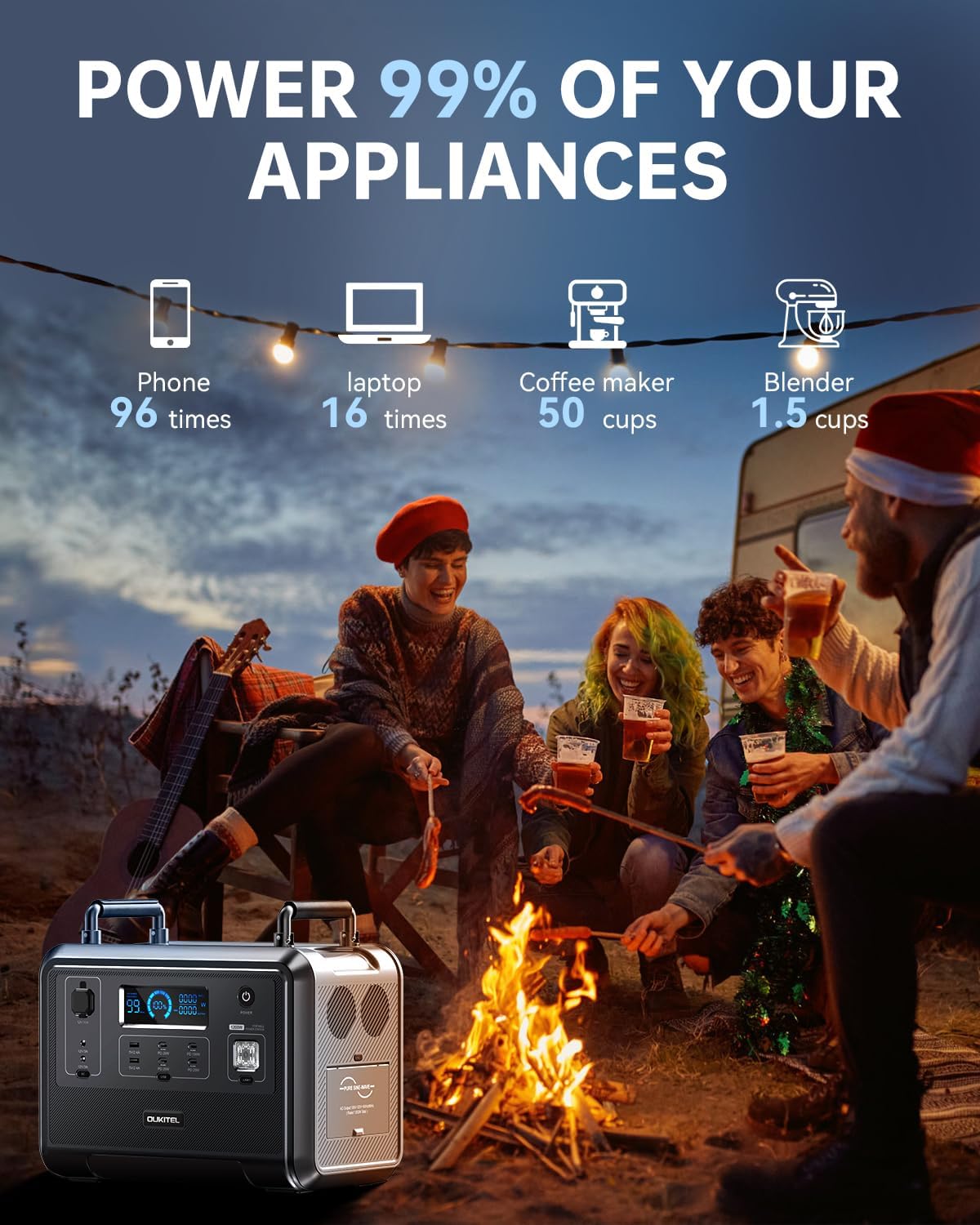
Image: The OUKITEL P1201 connected to a wall outlet for rapid charging, illustrating the 1.5-hour charge time.
7.2. Solar Panel Charging
- Connect compatible solar panels (up to 500W) to the P1201 using the MC-4 solar charging cable.
- Place solar panels in direct sunlight for optimal charging efficiency.
- Charging time is approximately 2.5 hours with 500W solar input.

Image: The OUKITEL P1201 being charged by solar panels in a camping environment, demonstrating its clean energy input capability.
7.3. Car Charging
- Connect the car charging cable to the P1201's input port and then to your vehicle's 12V cigarette lighter socket.
- Charging time will vary depending on the vehicle's output.
7.4. Combined Charging
- For the fastest charging, combine AC wall charging with solar panel charging.
- This method can reduce the charging time to less than 1 hour.
8. Maintenance
- Cleaning: Use a dry, soft cloth to wipe the surface of the unit. Do not use abrasive cleaners or solvents.
- Storage: If storing for an extended period, charge the unit to 50-80% every 3-6 months to prolong battery life. Store in a cool, dry place away from direct sunlight and extreme temperatures.
- Battery Life: The LiFePO4 battery is designed for over 3500 charge cycles, providing a lifespan of approximately 10 years under normal use.
- Ventilation: Ensure the ventilation vents are clear of obstructions during operation.
9. Troubleshooting
| Problem | Possible Cause | Solution |
|---|---|---|
| Unit does not turn on | Battery is completely depleted; Power button not pressed correctly. | Charge the unit using the AC adapter; Press and hold the power button for 3 seconds. |
| AC output not working | AC output not activated; Device draws too much power; Overload protection triggered. | Press the AC power button; Check device wattage (max 1200W); Disconnect device, restart AC output. |
| Slow charging via solar | Insufficient sunlight; Panels not optimally angled; Dirty panels; Incorrect connection. | Ensure direct sunlight; Adjust panel angle; Clean panels; Verify MC-4 cable connection. |
| Unit overheating | Poor ventilation; Excessive load. | Ensure vents are clear; Reduce connected load; Move to a cooler environment. |
10. Specifications
| Model | P1201 |
| Battery Type | LiFePO4 |
| Capacity | 960Wh |
| AC Output | 1200W (Pure Sine Wave, 2400W Peak) |
| Voltage | 110V AC |
| USB-A Output | 2 Ports |
| USB-C Output | 3 x PD 20W, 1 x PD 100W |
| DC Output | 2 x DC36W, 1 x DC120W Car Socket |
| AC Charging Input | Fast Charge (approx. 1.5 hours) |
| Solar Charging Input | MPPT 500W Max (approx. 2.5 hours) |
| UPS Function | 0.1s Switchover |
| Dimensions | 38.1 x 22.86 x 33.02 cm (15 x 9 x 13 inches) |
| Weight | 14.51 kg (32 lbs) |
11. Warranty & Support
11.1. Warranty Information
The OUKITEL P1201 Portable Power Station comes with a 5-year warranty from the date of purchase. This warranty covers manufacturing defects and workmanship under normal use. It does not cover damage caused by misuse, accidents, unauthorized modifications, or natural disasters.
Please retain your proof of purchase for warranty claims.
11.2. Customer Support
For technical assistance, warranty claims, or any questions regarding your OUKITEL P1201, please contact our customer support team. Refer to the official OUKITEL website or your purchase documentation for contact details.
Website: www.oukitel.com


