
Loytio KJ7
Loytio HEPA Air Purifier KJ7
Instruction Manual
Model: KJ7 | Brand: Loytio
1. Introduction
Thank you for purchasing the Loytio HEPA Air Purifier KJ7. This device is designed to improve indoor air quality by effectively removing airborne particles and odors. Please read this manual thoroughly before operation to ensure proper use and maintenance.
2. Important Safety Instructions
- Always unplug the air purifier before moving, cleaning, or performing any maintenance.
- Do not operate the unit with a damaged cord or plug.
- Keep the air purifier away from water or other liquids.
- Do not block air inlets or outlets.
- This appliance is not intended for use by persons (including children) with reduced physical, sensory or mental capabilities, or lack of experience and knowledge, unless they have been given supervision or instruction concerning use of the appliance by a person responsible for their safety.
- Children should be supervised to ensure that they do not play with the appliance.
- Use only Loytio genuine replacement filters.
3. Package Contents
Upon unpacking, please ensure all items listed below are present and in good condition:
- Loytio HEPA Air Purifier KJ7 Unit
- 3-in-1 True HEPA Filter (pre-installed inside the unit)
- Power Adapter
- User Manual
4. Product Overview
The Loytio HEPA Air Purifier KJ7 features a compact design with intuitive controls for ease of use. It incorporates a multi-stage filtration system to capture various airborne pollutants.
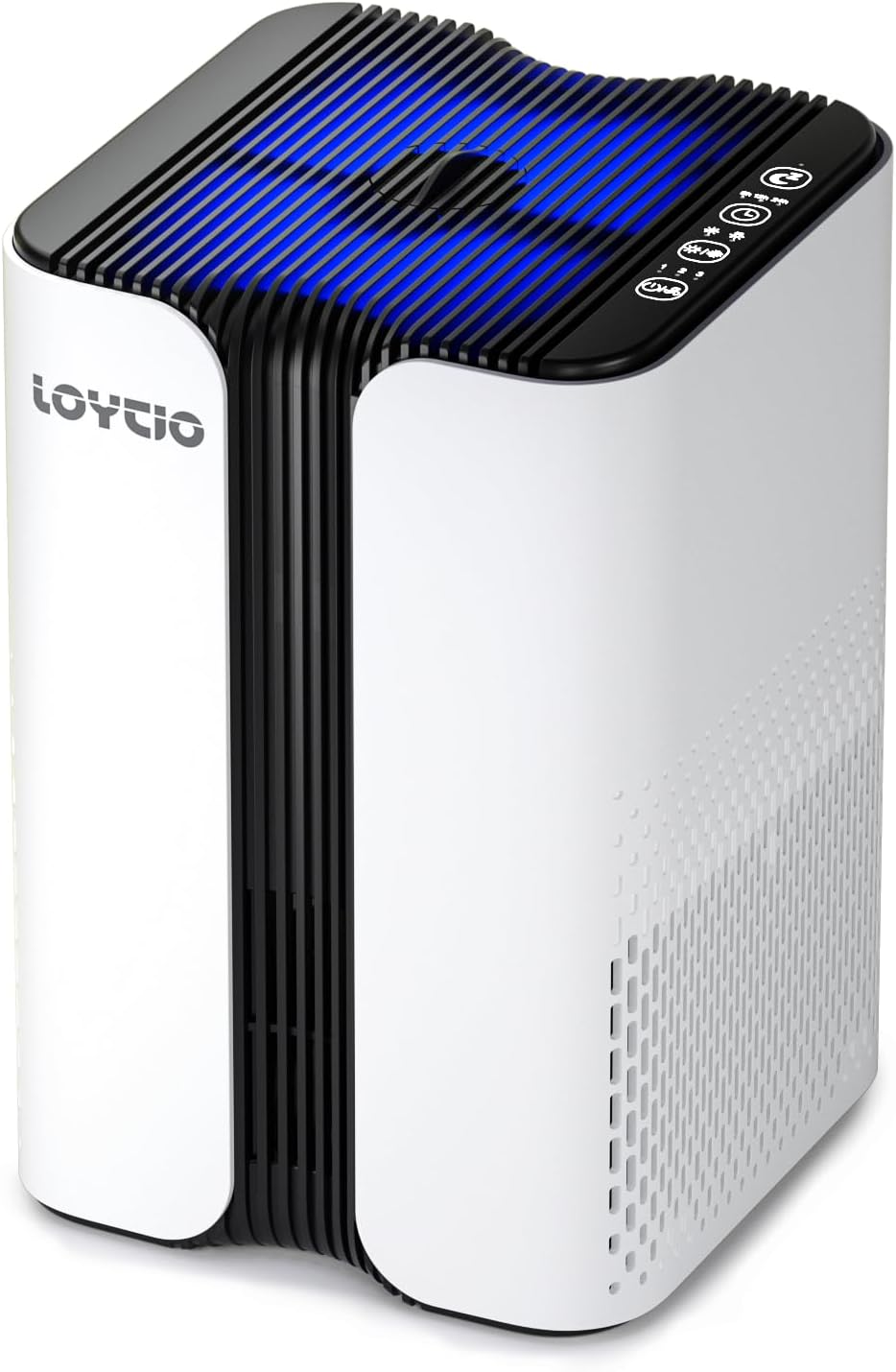
Figure 1: Loytio HEPA Air Purifier KJ7. This image shows the overall design of the air purifier, highlighting its compact and modern appearance.

Figure 2: Top control panel of the Loytio HEPA Air Purifier KJ7. This image details the touch-sensitive buttons for power, fan speed, timer, night light, and sleep mode.
5. Setup
5.1 Filter Installation
The 3-in-1 True HEPA filter comes pre-installed in your air purifier. Before first use, you must remove the plastic packaging from the filter.
- Place the air purifier upside down on a soft, flat surface.
- Twist the base cover counter-clockwise to unlock and remove it.
- Carefully pull out the 3-in-1 True HEPA filter.
- Remove all plastic packaging from the filter.
- Place the filter back into the air purifier, ensuring it is seated correctly.
- Replace the base cover and twist clockwise to lock it securely.
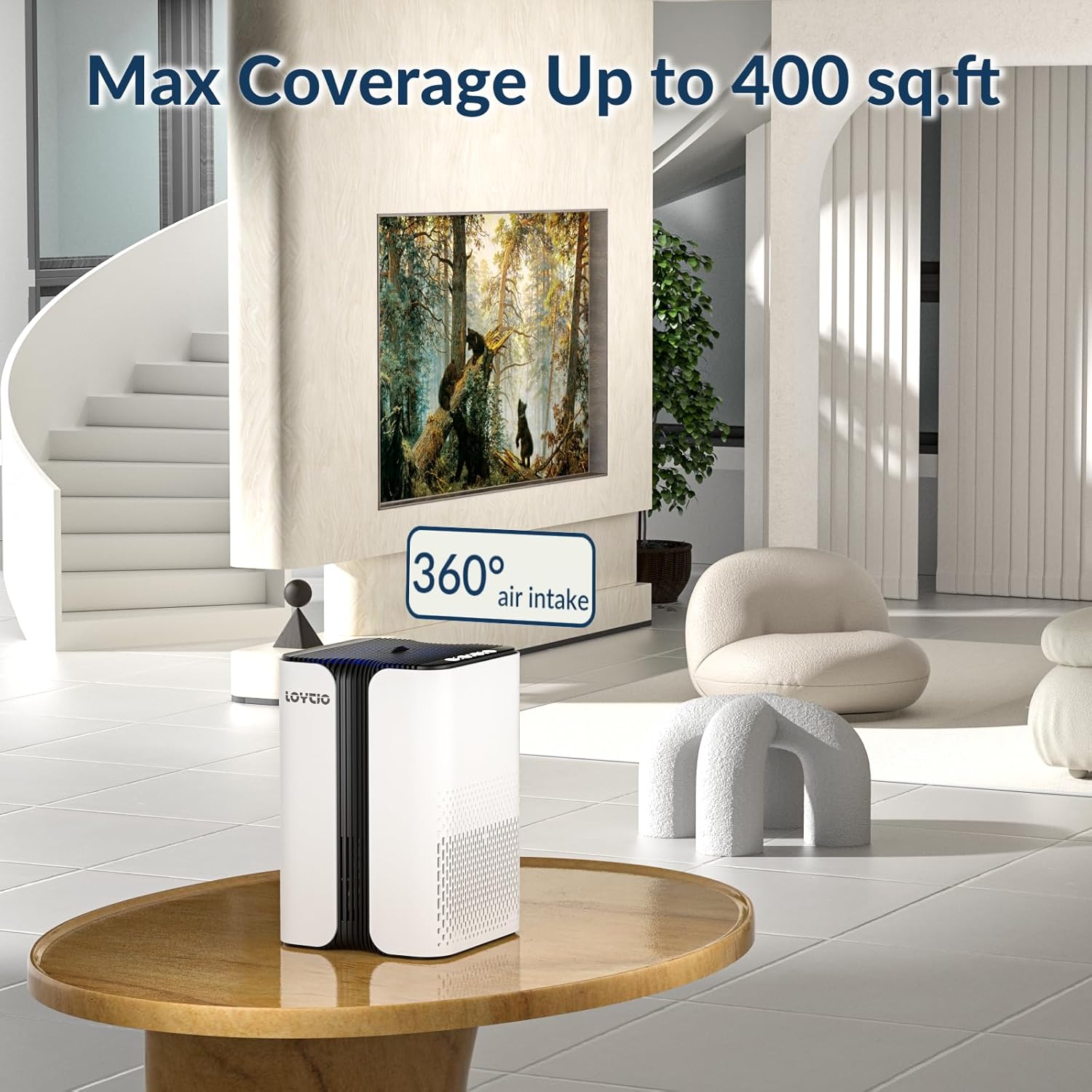
Figure 3: Illustration of the filter installation process. This image shows how to access and replace the filter at the base of the unit.
5.2 Power Connection
- Connect the power adapter to the power port on the back of the air purifier.
- Plug the power adapter into a standard electrical outlet.
6. Operating Instructions
6.1 Power On/Off
Press the Power button ( ) on the control panel to turn the air purifier ON or OFF.
6.2 Fan Speed Adjustment
Press the Mode button ( ) repeatedly to cycle through fan speeds: Low (I), Medium (II), High (III).
6.3 Sleep Mode
Press the Sleep Mode button ( ) to activate the quietest operation mode (24dB). All indicator lights will dim or turn off for undisturbed sleep.

Figure 4: The air purifier operating in sleep mode, demonstrating its low noise level for a peaceful environment.
6.4 Timer Function
Press the Timer button ( ) repeatedly to set the operating time for 6, 12, or 24 hours. The unit will automatically turn off after the selected time. If no timer is set, the unit will operate continuously.
6.5 Night Light
Press the Night Light button () to turn the ambient night light ON or OFF. This feature provides a soft glow for nighttime use.
6.6 Aromatherapy Function
Locate the aromatherapy pad slot on the side of the air purifier. Pull out the tray, add a few drops of your preferred essential oil onto the pad, and reinsert the tray. The fan will diffuse the aroma throughout the room.

Figure 5: Demonstrating the aromatherapy function. This image shows how to add essential oils to the dedicated pad for fragrance diffusion.
6.7 Child Lock
Press and hold the Child Lock button () for 3 seconds to activate or deactivate the child lock. When activated, all other buttons will be unresponsive to prevent accidental changes.
7. Maintenance
7.1 Filter Replacement
The air purifier's power light will turn red to indicate that it is time to replace the filter. It is recommended to replace the filter every 3 months, depending on usage and air quality.
- Unplug the air purifier from the power outlet.
- Follow steps 1-3 from the "Filter Installation" section (5.1) to remove the old filter.
- Dispose of the old filter properly.
- Install a new Loytio genuine 3-in-1 True HEPA filter (remove plastic packaging).
- Replace and lock the base cover.
- Plug in the air purifier.
- Press and hold the Filter Reset button (often combined with Light/Reset or Mode button, refer to Figure 2 for specific icon) for 3-5 seconds until the red light turns off, indicating the filter timer has been reset.
Figure 6: Detailed view of the 3-in-1 True HEPA filter layers: Pre-Filter, Efficient HEPA Layer, and Activated Carbon Layer.
7.2 Cleaning the Unit
- Wipe the exterior of the air purifier with a soft, dry cloth.
- Do not use abrasive cleaners or solvents.
- Regularly vacuum the pre-filter layer (if accessible) to extend its lifespan between replacements.
8. Troubleshooting
| Problem | Possible Cause | Solution |
|---|---|---|
| Unit does not turn on | Power cord not properly connected; No power from outlet. | Ensure power cord is securely plugged in. Test outlet with another device. |
| Airflow is weak | Filter is dirty or clogged; Air inlets/outlets are blocked. | Check and replace filter if necessary. Ensure no obstructions around the unit. |
| Unusual noise | Filter not installed correctly; Foreign object inside the unit. | Reinstall the filter. Unplug and check for any foreign objects. |
| Red light indicator remains on after filter change | Filter reset not performed. | Press and hold the Filter Reset button for 3-5 seconds. |
9. Specifications
- Brand: Loytio
- Model: KJ7
- Product Dimensions: 7"D x 7"W x 10"H
- Item Weight: 2.99 pounds
- Noise Level: 24 Decibels (Sleep Mode)
- Controller Type: Button Control
- Filter Class: HEPA, Activated Carbon
- Contaminant Filtration Capability: Cigarette smoke, dust, odors, pet dander, pollen
- Coverage Area: Up to 400 sq.ft
10. Warranty and Customer Support
For warranty information or technical support, please refer to the warranty card included in your package or contact Loytio customer service directly. Contact details can typically be found on the official Loytio website or on the product packaging.
11. Product Videos
Air Purifier for Home, Air Purifiers for Bedroom
This video demonstrates the air purifier's features and benefits for home and bedroom use, including its quiet operation and effectiveness in purifying air.
AromaRoom Air Purifier AP100-A
This video showcases the AromaRoom Air Purifier AP100-A, highlighting its design, controls, and air purification capabilities, including the aromatherapy function and quiet sleep mode.
Air Purifiers HEPA Air Purifier (Preview)
A short preview video demonstrating the HEPA air purifier's features and ease of use, including filter replacement.
Ask a question about this manual
Ask about setup, troubleshooting, compatibility, parts, safety, or missing instructions. Manuals+ will review the question and use this page’s manual context to help answer it.