Introduction
This manual provides essential information for the proper setup, operation, and maintenance of your Cobra CXT10953PH-M Emergency Two-Way Radios. These radios are designed for reliable communication in various outdoor and emergency situations, featuring a waterproof and floating design, NOAA weather alerts, and extended range capabilities.

Image: Three Cobra CXT10953PH-M two-way radios, showcasing their design and quantity in the 3-pack.
What's in the Box
Your Cobra CXT10953PH-M package includes the following items:
- 3x Cobra CXT1095 Radios
- 3x Belt Clips
- 3x Packs Rechargeable NiMH Batteries
- 1x Micro-USB Cable

Image: The complete package contents, including three radios, belt clips, rechargeable batteries, and a micro-USB charging cable.
Setup
1. Battery Installation
Each radio requires 3 AA batteries (included). Ensure correct polarity when inserting the batteries into the compartment. Securely close the battery cover to maintain the waterproof seal.
2. Charging the Batteries
Use the provided Micro-USB cable to charge the rechargeable NiMH batteries while they are installed in the radios. Connect the Micro-USB cable to the charging port on the radio and plug the other end into a compatible USB power source. The charging indicator on the radio will confirm charging status.
3. Attaching Belt Clips
Attach the included belt clips to the back of each radio for convenient carrying. Ensure the clip is securely fastened.

Image: Side view of a Cobra radio, illustrating the attached belt clip for portability.
Operating Instructions
1. Power On/Off
Press and hold the Power button until the display illuminates to turn the radio on. Repeat to turn off.
2. Channel Selection
Your radios feature 22 channels. Use the 'Channel Up' and 'Channel Down' buttons to select your desired channel. For optimal communication, ensure all radios are set to the same channel.
3. Privacy Codes
To reduce interference, you can use one of the 121 privacy codes available. These codes, combined with the 22 channels, offer 2,662 channel combinations. Select a privacy code that matches the other radios in your group.
4. Transmitting and Receiving
To transmit, press and hold the Push-to-Talk (PTT) button and speak clearly into the microphone. Release the PTT button to receive messages.
5. Volume Control
Adjust the volume using the 'Volume Up' and 'Volume Down' buttons located on the side of the radio.
6. NOAA Weather Alerts
The built-in NOAA radio receiver provides access to 10 weather channels and alerts. The radio will broadcast a 1050 Hz tone and automatically switch to the broadcasting channel when a weather alert signal is received, keeping you informed of changing weather conditions.
7. Scanning Function
Activate the scan feature to automatically scan through channels or privacy codes to locate conversations in progress.
8. Burp Feature
If the radio has been submerged in water, use the 'Burp' feature to expel water from the speaker grill, ensuring clear audio output.
9. LED Flashlight
A handy built-in LED flashlight is included for illumination in low-light conditions or emergencies.

Image: A Cobra radio held in hand, highlighting its various buttons and display for easy operation.
Maintenance and Care
Waterproof and Floating Design
The radios are IP67 standard dustproof and waterproof, capable of withstanding immersion in 1 meter of water for 30 minutes. Their floating design allows for easy retrieval if dropped in water. Always ensure the battery compartment and charging port covers are securely closed to maintain water resistance.
Cleaning
Clean the radio's exterior with a soft, damp cloth. Do not use abrasive cleaners or solvents. Ensure the radio is dry before charging or opening any compartments.
Battery Care
To extend battery life, the radio automatically switches to battery saver mode if no transmission occurs within 10 seconds. Fully charge batteries before extended storage and periodically during storage to prevent deep discharge.
Troubleshooting
Limited Range or Static
The advertised 'up to 40-mile range' is achieved under ideal conditions with no obstructions. Actual usable range is significantly affected by terrain, weather, radio signals, elevation, and physical obstructions like trees, foliage, buildings, and mountains. In areas with significant obstructions, communication range may be limited to a few miles or less, with increased static. For best results, maintain a clear line of sight between radios.
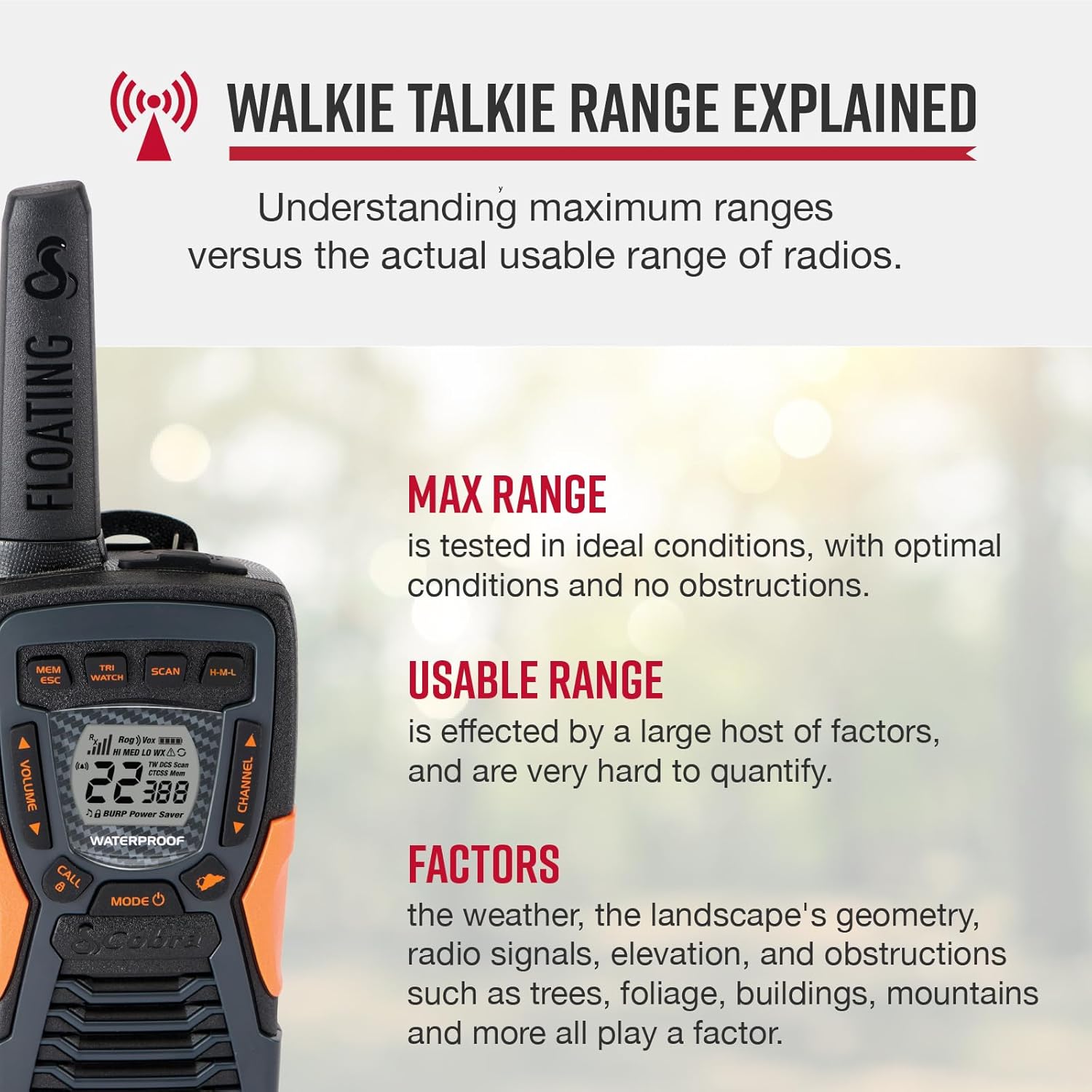
Image: A diagram illustrating the difference between maximum range (ideal conditions) and usable range (affected by environmental factors) for two-way radios.
Random Static Noise
If the radio picks up random static when not in use, it may be due to interference or an open channel. Ensure your radios are on a clear channel with a privacy code. If static persists, temporarily turn off the radio when not actively communicating.
Specifications
| Feature | Description |
|---|---|
| Model Number | CXT10953PH |
| Number of Radios | 3 |
| Color | Black with Orange Accents |
| Dimensions (each) | 2.52"D x 2.1"W x 7.68"H |
| Item Weight (each) | 6.1 Ounces |
| Batteries | 9 AA batteries required (included, rechargeable NiMH) |
| Number of Channels | 22 |
| Privacy Codes | 121 (2662 channel combinations) |
| Frequency Range | UHF/FM (1050 Hz for NOAA alerts) |
| Talking Range Maximum | Up to 40 Miles (terrain and conditions dependent) |
| Water Resistance Level | IP67 Waterproof (submersible for 30 mins in 1m water) |
| Special Features | Floating Design, NOAA Weather Alerts, Built-in LED Flashlight, Burp Feature, Rubberized Grips |
| Display Technology | LED |
Warranty and Support
Cobra products are USA Engineered & Supported, reflecting over 50 years of proven reliability and superior technology. For specific warranty details, technical assistance, or customer service, please refer to the official Cobra website or contact their customer support directly. Keep your purchase receipt for warranty claims.


