
1. Introduction
Thank you for choosing the Retevis RB689 Walkie Talkie with Wireless Microphone. This professional two-way radio system is designed for reliable long-range communication in various environments, offering features such as a wireless microphone for convenience, VOX hands-free operation, and a robust 2600mAh battery for extended use. This manual will guide you through the setup, operation, and maintenance of your device to ensure optimal performance.
2. Package Contents
Please check the package carefully to ensure all items are present and in good condition. If any items are missing or damaged, please contact your retailer.
- 2 x RB689 Walkie Talkie
- 2 x 2600mAh Li-ion Battery
- 2 x Belt Clip
- 2 x Lanyard
- 2 x Type-C Charging Cable
- 2 x Desktop Charger
- 2 x Wireless Speaker Microphone
- 2 x Multi-language User Manual
- 2 x Antenna

Figure 2.1: Complete package contents of the Retevis RB689.
3. Product Overview
The Retevis RB689 is a high-performance two-way radio designed for clear and reliable communication. It features a compact design, a digital display, and a robust build. The included wireless speaker microphone enhances usability by allowing hands-free communication.
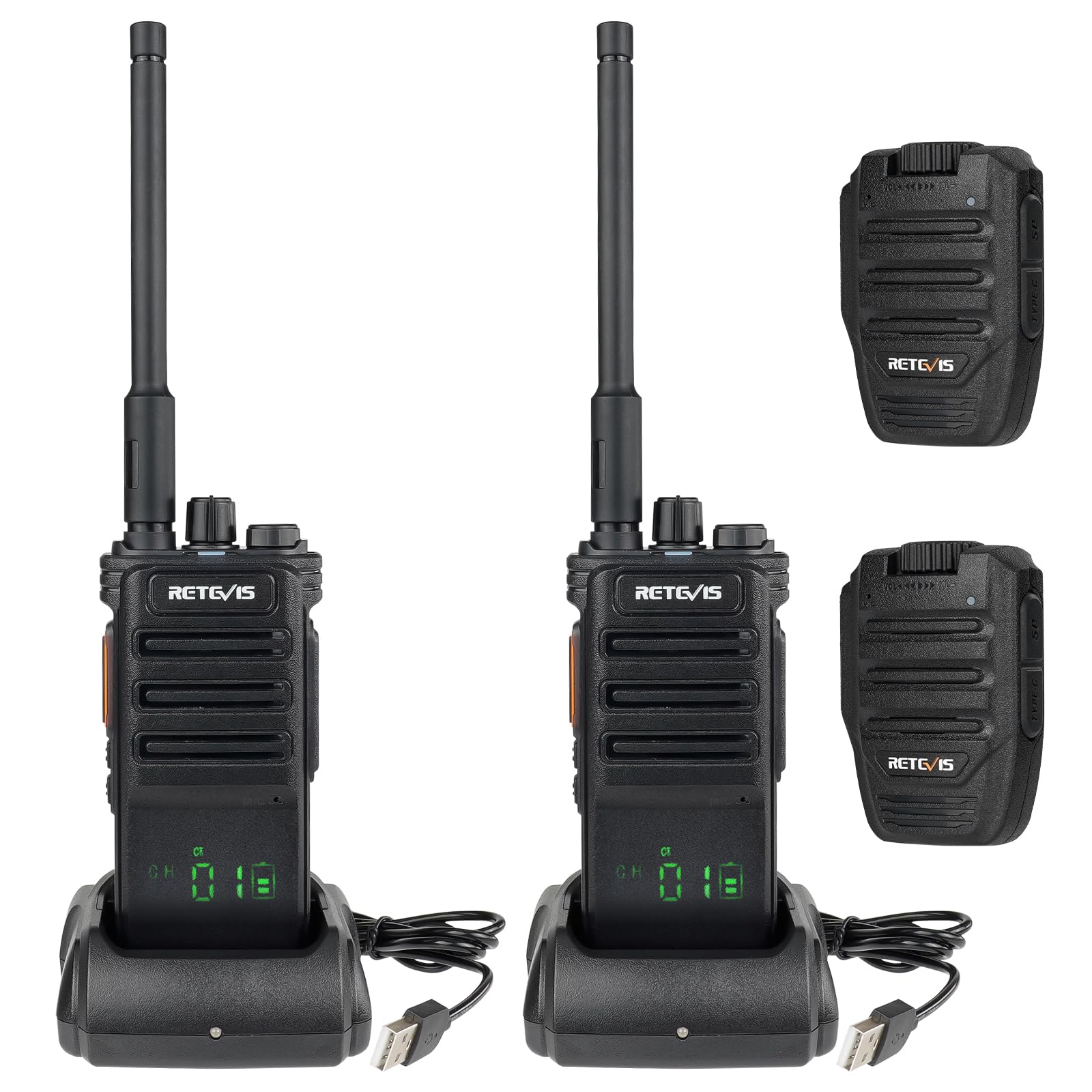
Figure 3.1: Retevis RB689 Walkie Talkie and Wireless Microphone.
3.1 Walkie Talkie Components
- Antenna: For transmitting and receiving signals.
- Power/Volume Knob: Turns the radio on/off and adjusts volume.
- Channel Selector: Rotates to select desired communication channel.
- PTT (Push-to-Talk) Button: Press and hold to transmit, release to receive.
- Speaker/Microphone: Integrated for audio input and output.
- Digital Display: Shows channel, battery status, and signal strength.
- Accessory Jack: For external audio accessories.
3.2 Wireless Speaker Microphone Components
- PTT Button: For transmitting.
- Speaker: For audio output.
- Microphone: For audio input.
- Volume Control: Adjusts speaker volume.
- Type-C Charging Port: For charging the microphone.
- Belt Clip: For attaching to clothing.

Figure 3.2: Retevis Wireless Speaker Microphone.
4. Setup
Follow these steps to prepare your Retevis RB689 for use:
- Install the Battery: Align the 2600mAh Li-ion battery with the battery compartment on the back of the walkie talkie. Push it firmly until it clicks into place.
- Attach the Antenna: Screw the antenna clockwise into the connector on top of the walkie talkie until it is secure. Do not overtighten.
- Charge the Walkie Talkie: Place the walkie talkie into the desktop charger. Connect the Type-C charging cable to the desktop charger and a power source. The indicator light on the charger will show charging status. A full charge provides approximately 17-18 hours of use.
- Charge the Wireless Speaker Microphone: Connect the Type-C charging cable directly to the wireless speaker microphone's charging port and a power source.
- Attach Belt Clip/Lanyard: Secure the belt clip to the back of the walkie talkie or wireless microphone if desired. Attach the lanyard for convenient carrying.

Figure 4.1: Charging the Retevis RB689 Walkie Talkie.
5. Operating Instructions
Once your devices are charged and assembled, follow these steps for basic operation:
- Power On/Off: Rotate the Power/Volume knob clockwise to turn on the walkie talkie. Rotate counter-clockwise until it clicks to turn off.
- Adjust Volume: After powering on, continue rotating the Power/Volume knob to adjust the listening volume.
- Select Channel: Rotate the Channel Selector knob to choose one of the 16 available channels. Ensure all radios you wish to communicate with are on the same channel.
- Transmit (Talk): Press and hold the PTT button on the walkie talkie or wireless microphone. Speak clearly into the microphone. Release the PTT button to stop transmitting and listen for a response.
- Receive (Listen): When the PTT button is not pressed, the radio is in receive mode.
- Wireless Microphone Connection: The wireless speaker microphone will automatically connect to the walkie talkie when both devices are powered on. No manual pairing is typically required.
- VOX Function: The RB689 supports VOX (Voice Operated Exchange) for hands-free operation. When VOX is enabled, you can transmit by speaking into the microphone without pressing the PTT button. Refer to the detailed user manual for activation and sensitivity settings.

Figure 5.1: VOX Function in operation.
6. Advanced Features
- Wireless Cloning: The RB689 features a wireless cloning function, allowing you to quickly synchronize the frequency and settings of one walkie talkie to another. This simplifies setup for multiple units. Consult the full user manual for specific instructions on initiating wireless cloning.
- Squelch Function: The squelch feature automatically mutes the speaker when no signal is being received, reducing background noise and improving clarity.
- LED Flashlight: The walkie talkie includes a built-in LED flashlight for illumination in low-light conditions.
- Emergency Alarm: An emergency alarm function is available for critical situations, allowing you to quickly alert others.
- Clear Sound Quality: The wireless microphone is equipped with a large 40mm speaker, providing clear and crisp audio for effective communication.

Figure 6.1: Clear Sound Quality.
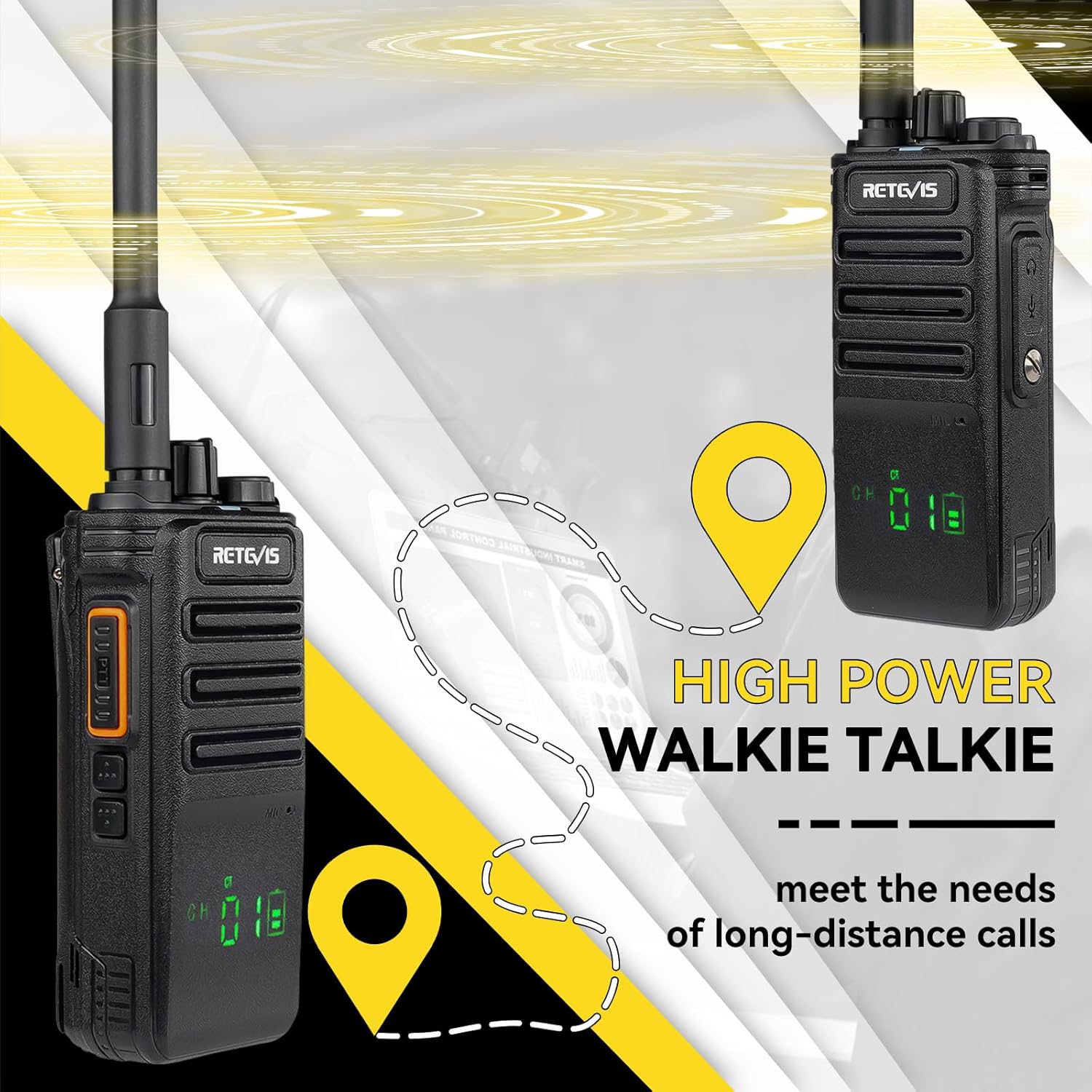
Figure 6.2: Rugged and Durable Design.
7. Range Considerations
The effective communication range of two-way radios is influenced by several factors, including terrain, obstacles, radio power, antenna type, and atmospheric conditions. While manufacturers may state maximum ranges under ideal conditions (e.g., line of sight from a mountain top), real-world performance in urban, suburban, or rural areas will vary.
Factors affecting radio range:
- Terrain and Obstacles: Mountains, buildings, and dense foliage can block radio signals.
- Radio Power (Watts): Higher power generally means longer range.
- Antenna: A high-gain antenna can improve signal transmission and reception.
- Atmospheric Conditions: Weather can affect signal propagation.
- Radio Horizon: The curvature of the Earth limits line-of-sight communication.
To extend communication distance:
- Increase transmission power (if applicable and legally permitted).
- Improve reception sensitivity (adjust squelch threshold, use a high-gain antenna).
- Communicate from a higher elevation.
- Ensure your battery is fully charged.
Video 7.1: This video explains the factors affecting two-way radio range, including terrain, obstacles, radio power, antenna type, atmospheric conditions, and the radio horizon. It clarifies common misconceptions about advertised ranges and provides practical advice on how to extend communication distance by optimizing transmission power, improving reception sensitivity, and utilizing higher elevations.
8. Maintenance
Proper maintenance ensures the longevity and optimal performance of your Retevis RB689 walkie talkie:
- Battery Care: Always use the original charger. Do not overcharge or deep discharge the battery. Store batteries in a cool, dry place when not in use.
- Cleaning: Use a soft, damp cloth to clean the radio's exterior. Do not use harsh chemicals or solvents. Ensure all ports are dry before charging or connecting accessories.
- Storage: Store the walkie talkie in a dry, dust-free environment away from extreme temperatures. Remove batteries if storing for extended periods.
- Antenna Inspection: Regularly check the antenna for any damage. A damaged antenna can significantly reduce range and performance.
9. Troubleshooting
If you encounter issues with your Retevis RB689, refer to the following common problems and solutions:
| Problem | Possible Cause | Solution |
|---|---|---|
| No power | Battery depleted or improperly installed. | Charge the battery fully. Ensure the battery is correctly installed. |
| Cannot transmit or receive | Incorrect channel, out of range, or antenna loose. | Verify both radios are on the same channel. Move closer to the other radio. Check antenna connection. |
| Poor audio quality | Low battery, squelch level too high, or interference. | Charge the battery. Adjust squelch level. Move away from sources of interference. |
| Wireless microphone not connecting | Microphone battery low or out of range. | Charge the wireless microphone. Ensure it is within close proximity to the walkie talkie. |
10. Specifications
Detailed technical specifications for the Retevis RB689 Walkie Talkie:
| Feature | Detail |
|---|---|
| Brand | Retevis |
| Model Number | RB689 |
| Color | Ferrous (Black) |
| Number of Channels | 16 |
| Battery Type | 2600mAh Lithium-ion (included) |
| Voltage | 7.4 Volts (DC) |
| Item Weight | 627 Grams (approximate) |
| Sound/Noise Level | 40 Decibels |
| Part Number | EUA9243DX2 |
| Included Components | 2x RB689 Walkie Talkie, 2x 2600mAh Li-ion Battery, 2x Belt Clip, 2x Lanyard, 2x Type-C Charging Cable, 2x Desktop Charger, 2x Wireless Speaker Microphone, 2x Multi-language User Manual, 2x Antenna |
11. Warranty and Support
Retevis provides the following warranty and support for your RB689 Walkie Talkie:
- Warranty Period: 2 years warranty for the radio body and 1 year warranty for accessories.
- Return Policy: 30 days no-reason return.
- Post-Warranty Service: Maintenance service is available beyond the warranty period. Buyers are responsible for associated costs.
- Customer Support: For any inquiries or support needs, please contact us through Amazon. We aim to respond within 12 hours.


