
1. Introduction
The Meliconi HP 50 Plus headphones are designed to provide a comfortable and high-quality audio experience for your television and other analog audio sources. With a generous 5-meter cable and a 3.5mm jack, these headphones allow you to enjoy your favorite programs from a comfortable distance. The ergonomic design ensures a snug fit, and the in-line volume control offers convenient audio adjustment.
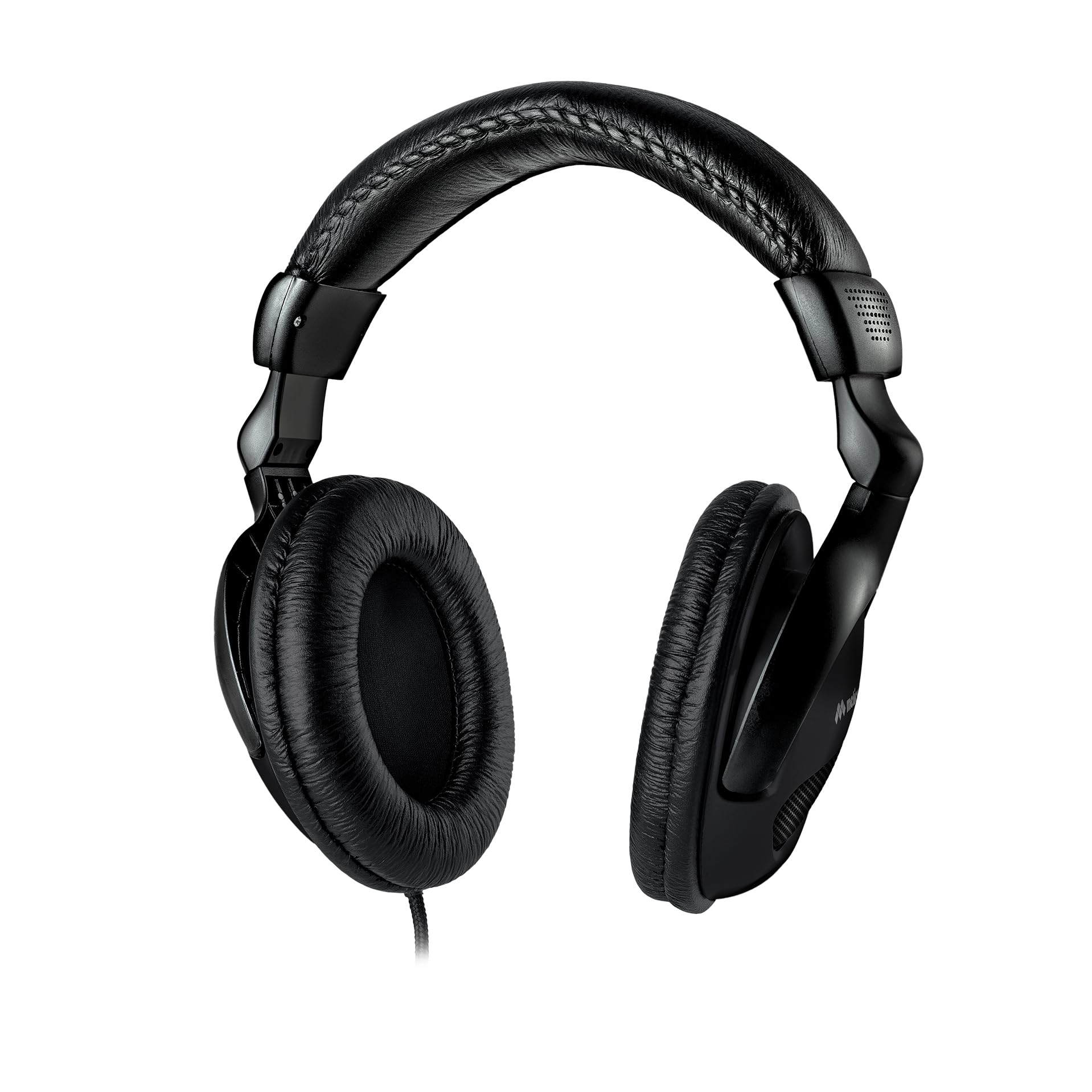
Image 1.1: Meliconi HP 50 Plus Wired TV Headphones. These over-ear headphones feature a long cable for TV viewing.
2. Package Contents
Please check that all items are present in the package:
- Meliconi HP 50 Plus Wired TV Headphones
- 5-meter audio cable with 3.5mm jack (integrated)
- 6.3mm Male to 3.5mm Female adapter
- User Manual (this document)

Image 2.1: The Meliconi HP 50 Plus headphones shown in their retail packaging, indicating the included items.
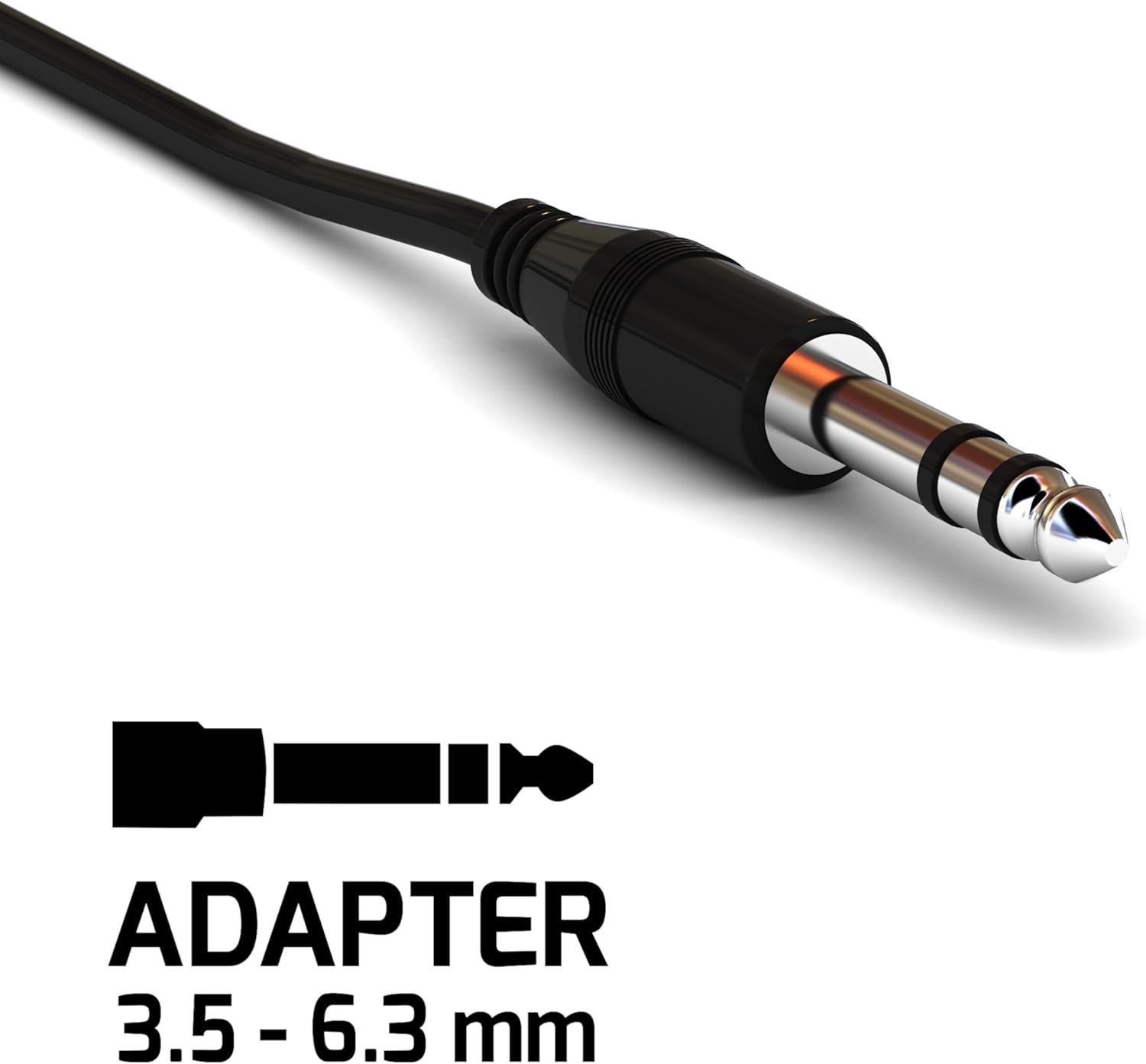
Image 2.2: Close-up of the included 6.3mm Male to 3.5mm Female audio adapter, used for compatibility with various audio ports.
3. Product Features
- Functional Design: Wired headphones with a 5-meter audio cable (3.5mm jack), ideal for TV use.
- Quick Connection: Easily connects to TVs and other analog audio sources.
- Ergonomic Comfort: Ergonomically designed earcups adapt to the ear's shape for comfortable wear.
- Extended Reach: The 5-meter cable allows comfortable listening from a sofa or bed.
- In-line Volume Control: Convenient volume adjustment directly on the cable.
- High-Quality Audio: Equipped with high-quality audio speakers for clear sound.
- Adjustable Headband: Numbered notches for optimal adjustment of the headband extension.
- Modern Aesthetic: Features a sleek all-black design.

Image 3.1: Detail showing the adjustable arc of the headphones, allowing users to customize the fit for comfort.

Image 3.2: An icon representing the ergonomic design of the headphones, emphasizing user comfort.
4. Setup
- Identify Audio Output: Locate the audio output port on your television or other audio source. This is typically a 3.5mm headphone jack.
- Connect Headphones: Insert the 3.5mm jack of the Meliconi HP 50 Plus headphones directly into the 3.5mm audio output port.
- Use Adapter (if necessary): If your audio source has a larger 6.3mm audio output port, attach the included 6.3mm Male to 3.5mm Female adapter to the headphone's 3.5mm jack, then insert the adapter into the 6.3mm port.
- Adjust Headband: Place the headphones on your head and adjust the headband using the numbered notches until you achieve a comfortable and secure fit.

Image 4.1: The Meliconi HP 50 Plus headphones in use, connected to a television, demonstrating their intended application.
5. Operating Instructions
- Power On Audio Source: Ensure your television or audio device is powered on and playing audio.
- Adjust Volume: Use the in-line volume control located on the headphone cable to adjust the audio level to your preference. Turn the dial up to increase volume and down to decrease it.
- Comfort Adjustment: If needed, re-adjust the headband and earcup position for optimal comfort during extended listening sessions.
6. Maintenance
- Cleaning: Use a soft, dry cloth to wipe the headphones. For earcups, a slightly damp cloth can be used, but ensure no moisture enters the speaker grilles. Do not use harsh chemicals or abrasive cleaners.
- Cable Care: Avoid sharp bends or excessive pulling on the cable. Store the headphones in a way that prevents the cable from tangling or being crushed.
- Storage: When not in use, store the headphones in a clean, dry place away from direct sunlight and extreme temperatures.
- Adapter Care: Keep the 6.3mm adapter clean and free from dust. Store it safely to prevent loss.
7. Troubleshooting
| Problem | Possible Cause | Solution |
|---|---|---|
| No sound from headphones. |
|
|
| Sound is distorted or unclear. |
|
|
| Headphones are uncomfortable. |
|
|
8. Specifications
| Feature | Detail |
|---|---|
| Brand | Meliconi |
| Model Name | HP 50 plus |
| Model Number | 497312 |
| Connectivity Technology | Wired |
| Headphone Jack | 3.5 mm Jack |
| Cable Length | 5 meters |
| Ear Placement | Over-Ear (Extra-auriculaire) |
| Form Factor | Supra-Aural |
| Impedance | 32 Ohms |
| Sensitivity | 103 dB |
| Frequency Range | 20 Hz - 20,000 Hz |
| Noise Control | Sound Isolation |
| Special Features | Adjustable Headband, In-line Volume Control |
| Compatible Devices | Television |
| Material | Plastic |
| Color | Black |
9. Warranty and Support
Meliconi products are designed for quality and reliability. For information regarding warranty coverage, please refer to the warranty card included with your purchase or visit the official Meliconi website.
For technical support or further assistance, please contact Meliconi customer service through their official channels.
- Official Website: www.meliconi.com (Please check for your regional website)

