
Introduction
This manual provides essential information for setting up, operating, maintaining, and troubleshooting your Vodafone 4G Mobile Broadband Hotspot R228t. Please read this manual carefully before using the device to ensure optimal performance and safety.

Image: Front view of the Vodafone 4G Mobile Broadband Hotspot R228t, showing the indicator lights for signal, Wi-Fi, messages, and battery.
Setup Guide
1. Package Contents
Before you begin, ensure all items are present in the package:
- Vodafone 4G Mobile Broadband Hotspot R228t Device
- Rechargeable Battery
- USB Charging Cable
2. Inserting the SIM Card and Battery
The device requires a standard SIM card (not included). Follow these steps:
- Carefully remove the back cover of the hotspot.
- Locate the SIM card slot. Insert your activated SIM card into the slot with the gold contacts facing down, ensuring it clicks into place.
- Insert the provided battery into its compartment, aligning the contacts.
- Replace the back cover securely.
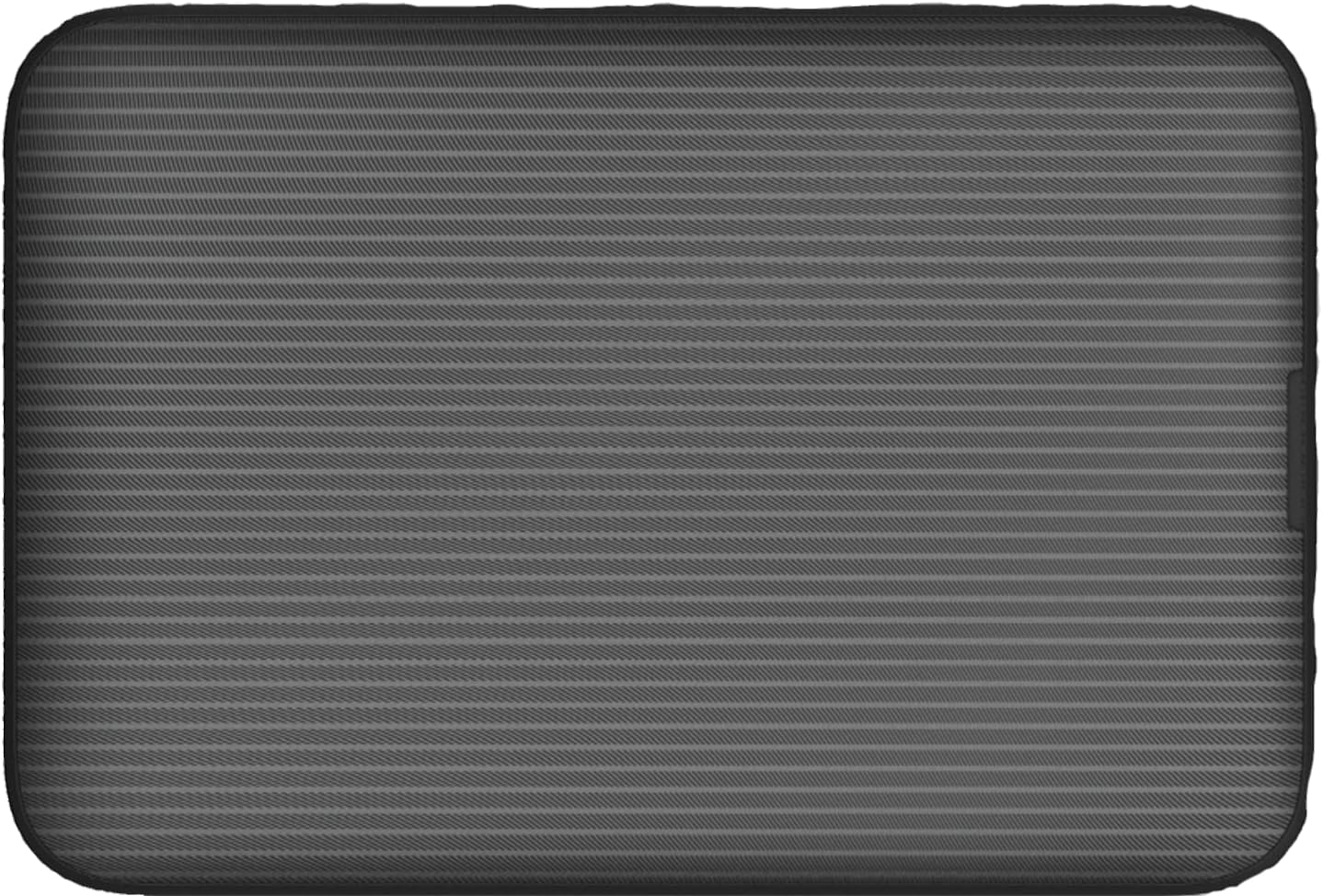
Image: Rear view of the Vodafone R228t hotspot with the back cover removed, illustrating the placement of the SIM card and battery.
3. Charging the Device
Before first use, fully charge the device.
- Connect the USB charging cable to the hotspot's charging port.
- Connect the other end of the cable to a USB power adapter (not included) or a computer's USB port.
- The battery indicator light will show charging status. A full charge typically takes a few hours.

Image: Close-up view of the Vodafone R228t hotspot's charging port, located on the side of the device.
Operating Instructions
1. Powering On/Off
- To power on: Press and hold the power button (located on the side) until the indicator lights illuminate.
- To power off: Press and hold the power button until the indicator lights turn off.
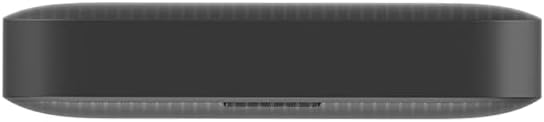
Image: Side view of the Vodafone R228t hotspot, highlighting the power button.
2. Connecting to the Wi-Fi Network
Once powered on, the hotspot will broadcast a Wi-Fi network. You can connect up to 32 devices simultaneously.
- On your device (laptop, smartphone, tablet), open your Wi-Fi settings.
- Search for available networks. The network name (SSID) and password (Wi-Fi Key) are typically found on a sticker inside the battery compartment or on the device packaging.
- Select the hotspot's SSID and enter the Wi-Fi Key when prompted.
- Once connected, you should have internet access.
3. Indicator Lights
The front panel features several indicator lights:
- Signal Strength: Indicates the strength of the 4G mobile signal. More bars mean better signal.
- Wi-Fi Status: Shows if Wi-Fi is active and if devices are connected.
- Messages: Indicates new SMS messages received on the SIM card.
- Battery Status: Displays the current battery level and charging status.
4. Web Management Interface
For advanced settings, such as changing Wi-Fi name/password, checking data usage, or managing SMS, access the web management interface:
- Connect your device to the hotspot's Wi-Fi network.
- Open a web browser and enter the default IP address (e.g., http://192.168.0.1 or http://vodafonemobile.wifi). Refer to your device's sticker for the exact address.
- Enter the default login password (usually "admin" or found on the device sticker).
Maintenance
- Cleaning: Use a soft, dry cloth to clean the device. Avoid liquid cleaners or abrasive materials.
- Storage: Store the device in a cool, dry place away from direct sunlight and extreme temperatures.
- Battery Care: To prolong battery life, avoid fully discharging the battery frequently. If storing for extended periods, charge the battery to about 50% and recharge every few months.
- Software Updates: Periodically check the web management interface for available firmware updates to ensure optimal performance and security.
Troubleshooting
| Problem | Possible Solution |
|---|---|
| No internet connection |
|
| Cannot connect to Wi-Fi |
|
| Slow internet speed |
|
| Device not powering on |
|
Specifications
| Feature | Detail |
|---|---|
| Model Name | R228t (Vodafone MW40) |
| Connectivity Technology | 4G LTE, Wi-Fi |
| Max Download Speed | Up to 300 Mbps |
| Wi-Fi Standard | 802.11a (Single-Band) |
| Security | WPA + WPA2 |
| Max Wi-Fi Users | Up to 32 |
| Battery Type | Lithium Ion (1 included) |
| Standby Time | Up to 300 hours |
| Dimensions (L x W x H) | 9.5 x 6.5 x 1.5 cm |
| Weight | 87 g |
| Included Components | Device, Battery, USB charging cable |
Warranty and Support
For warranty information and technical support, please refer to the official Vodafone website or contact Vodafone customer service. Keep your purchase receipt as proof of purchase.
Official Vodafone Store: Vodafone Amazon Store

Image: The official Vodafone logo, a red circle with a white teardrop shape and the word "vodafone" in lowercase below it.


