
DELight 11MCL007-YWJ70W-07
DELight 30" Dimmable LED Ceiling Light (Model: 11MCL007-YWJ70W-07) Instruction Manual
Your guide to installation, operation, and maintenance.
1. Introduction
Thank you for purchasing the DELight 30" Dimmable LED Ceiling Light. This manual provides essential information for the safe and efficient installation, operation, and maintenance of your new lighting fixture. Please read these instructions thoroughly before installation and retain them for future reference.
This modern flush-mount LED ceiling light features a unique 4-ring design, adjustable brightness from 10% to 100%, and adjustable color temperature from 3000K (warm white) to 6500K (cool white). It is controlled via an included remote control or a standard wall switch, offering versatile lighting options for various indoor spaces.

Image 1.1: DELight 30" Dimmable LED Ceiling Light with remote control.
2. Safety Information
WARNING: To avoid electric shock, always turn off the power at the main circuit breaker or fuse box before beginning installation, servicing, or cleaning the fixture.
- Read all instructions carefully before installation.
- Installation must be performed by a qualified electrician or a person with adequate electrical knowledge.
- Ensure the supply voltage is correct (AC 110-120V).
- Do not install on a wet surface or near water.
- Do not attempt to modify the fixture. Any modifications may void the warranty and pose a safety risk.
- Keep packaging materials out of reach of children.
3. Package Contents
Carefully unpack your DELight LED Ceiling Light and ensure all components are present and undamaged. If any parts are missing or damaged, do not attempt to assemble or install the fixture. Contact customer support for assistance.
- LED Ceiling Light Fixture (1 unit)
- Remote Control (1 unit)
- Mounting Hardware (screws, wire nuts, etc.)
- Instruction Manual (this document)

Image 3.1: Key components including the sturdy aluminum frame, acrylic lampshade, high brightness LED beads, and remote control driver.
4. Setup and Installation
This fixture is designed for flush-mount installation on standard electrical wiring. Professional installation is recommended.
Required Tools (Not Included):
- Screwdriver (Phillips and Flathead)
- Wire Strippers
- Electrical Tape
- Ladder
- Voltage Tester
Installation Steps:
- Turn Off Power: Locate the circuit breaker controlling the light fixture's power supply and turn it OFF. Verify power is off using a voltage tester.
- Prepare Mounting Surface: Ensure the ceiling junction box is securely installed and capable of supporting the fixture's weight (approximately 10 lbs).
- Attach Mounting Bracket: Secure the fixture's mounting bracket to the junction box using the provided screws.
- Make Electrical Connections: Connect the fixture's wires to the corresponding household wires:
- Connect the black wire (Live) from the fixture to the black wire from the junction box.
- Connect the white wire (Neutral) from the fixture to the white wire from the junction box.
- Connect the green or bare copper wire (Ground) from the fixture to the ground wire from the junction box.
- Mount the Fixture: Carefully align the fixture with the mounting bracket and secure it in place with the provided screws. Ensure no wires are pinched.
- Restore Power: Turn the power back ON at the circuit breaker.
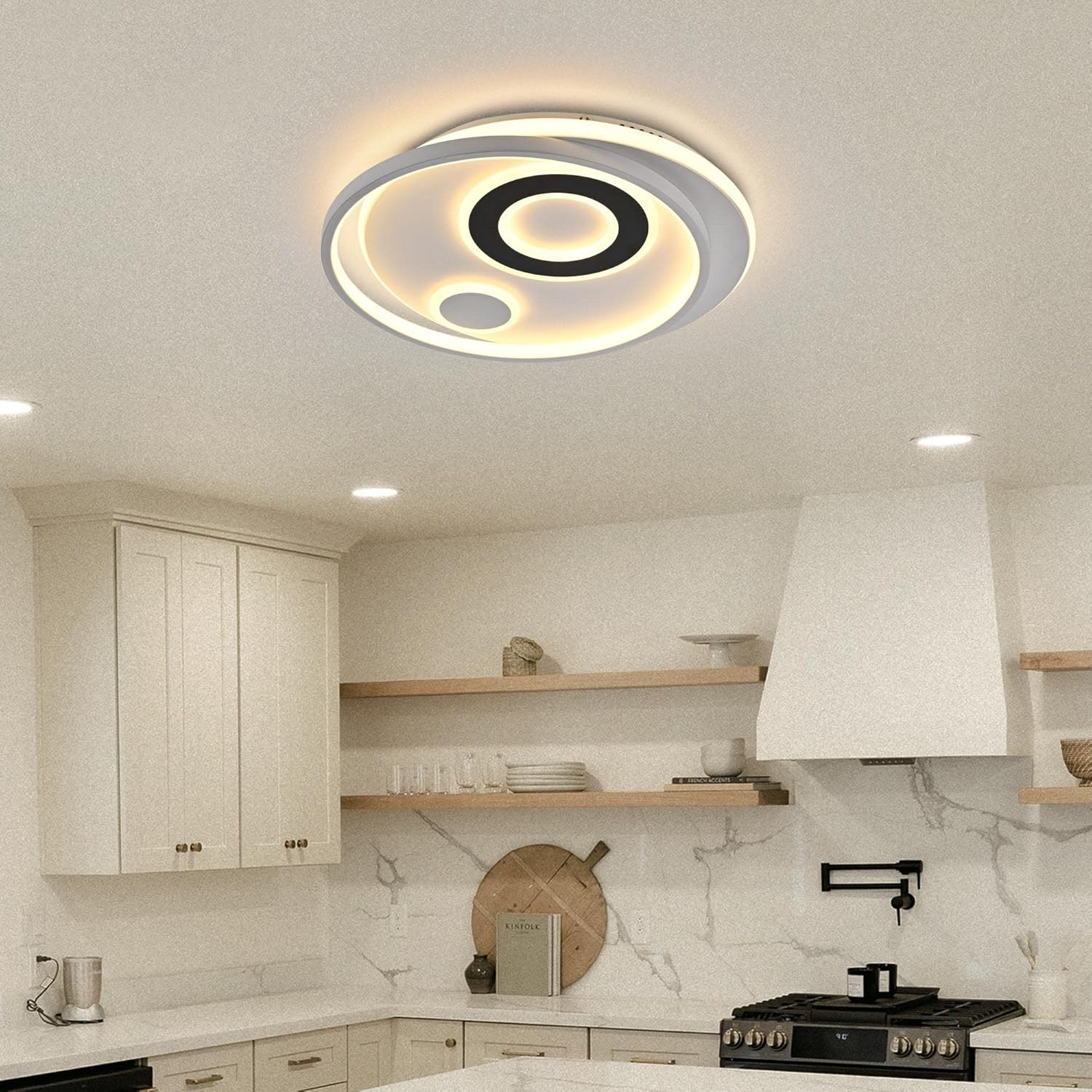
Image 4.1: View of the fixture's underside, illustrating the mounting brackets and electrical connection points.
5. Operating Instructions
Your DELight LED Ceiling Light can be operated using the included remote control or a standard wall switch.
Remote Control Functions:
The remote control allows for comprehensive adjustment of the light's settings from up to 65 feet away.
- ON/OFF: Turns the light fixture on or off.
- Brightness Adjustment: Increase or decrease brightness from 10% to 100%.
- Color Temperature Adjustment: Cycle through or directly select color temperatures from 3000K (warm white) to 6500K (cool white).
- Sleep Mode: Activates a soft, low-brightness light setting suitable for relaxation or sleep.
- Memory Function: The light will remember the last brightness and color temperature setting when turned off and on via the remote.

Image 5.1: Remote control interface highlighting dimming, night light, and color temperature functions.

Image 5.2: Visual representation of the adjustable brightness and color temperature ranges.
Wall Switch Operation:
When operated with a standard wall switch, the fixture will typically cycle through preset color temperatures (e.g., 3000K, 4500K, 6500K) with each toggle of the switch. The memory function for brightness and color temperature may not apply when using a wall switch, depending on the switch type.
6. Maintenance
The DELight LED Ceiling Light is designed for long-term, low-maintenance operation. Regular cleaning will help maintain its appearance and light output.
Cleaning:
- Turn Off Power: Always turn off the power to the fixture at the circuit breaker before cleaning.
- Dusting: Use a soft, dry cloth to gently wipe away dust from the fixture's surface.
- Spot Cleaning: For stubborn marks, dampen a soft cloth with a mild, non-abrasive cleaner. Wipe gently and then dry immediately with a clean, dry cloth.
- Do not use harsh chemicals, abrasive cleaners, or scouring pads, as these can damage the finish and acrylic components.
LED Longevity:
The integrated LED light source has an estimated lifespan of 50,000 hours, meaning it does not require bulb replacement under normal usage conditions.
7. Troubleshooting
If you encounter issues with your DELight LED Ceiling Light, refer to the following common problems and solutions:
| Problem | Possible Cause | Solution |
|---|---|---|
| Light does not turn on. | No power supply; loose wiring; faulty remote control. | Check circuit breaker. Verify all electrical connections are secure. Replace remote control batteries. |
| Remote control not working. | Dead batteries; remote out of range; interference. | Replace batteries in the remote. Ensure you are within the 65 ft operating range. Remove any obstructions. |
| Light flickers or dims unexpectedly. | Unstable power supply; loose wiring; incompatible dimmer switch (if applicable). | Consult an electrician to check power supply. Verify wiring connections. Ensure any wall dimmer is LED-compatible. |
| Color temperature or brightness cannot be adjusted. | Remote control issue; light in a fixed mode. | Ensure remote batteries are fresh. Try resetting the light by turning it off and on at the wall switch. |
If the problem persists after attempting these solutions, please contact customer support.
8. Specifications
Detailed technical specifications for the DELight 30" Dimmable LED Ceiling Light (Model: 11MCL007-YWJ70W-07).
| Feature | Specification |
|---|---|
| Brand | DELight |
| Model Name | 11MCL007-YWJ70W-07 |
| Size | 30 inches (Diameter) - 70W |
| Product Dimensions | 2.4"L x 29.7"W x 2.4"H (6.1 cm x 75.4 cm x 6.1 cm) |
| Item Weight | 10 Pounds (4.5 kg) |
| Material | Acrylic, Aluminum |
| Light Source Type | LED |
| Wattage | 70W |
| Luminous Flux | 4000 Lumens |
| Color Temperature | 3000K - 6500K (Adjustable) |
| Dimmable | Yes (10% - 100%) |
| Control Method | Remote Control, Wall Switch |
| Installation Type | Flush Mount |
| Indoor/Outdoor Usage | Indoor |
| Lifespan | 50,000 hours |
| Assembly Required | Yes |
9. Warranty and Support
For warranty information or technical support, please refer to the product packaging or contact the retailer where the product was purchased. Keep your purchase receipt as proof of purchase.
If you require further assistance or have questions not covered in this manual, please reach out to DELight customer service through their official channels or the platform where you purchased the product.
Related documents11MCL007-YWJ70W-07

Ask a question about this manual
Ask about setup, troubleshooting, compatibility, parts, safety, or missing instructions. Manuals+ will review the question and use this page’s manual context to help answer it.