
OLIGHT 300000-RN120-BK
OLIGHT RN 120 C Bike Lights User Manual
Model: 300000-RN120-BK
Brand: OLIGHT
Product Overview
The OLIGHT RN 120 C is a powerful and versatile bicycle tail light designed to enhance rider safety and visibility. With a maximum output of 120 lumens, it offers 260-degree visibility and a viewable range of up to 1500 meters, making it suitable for road, urban, and daily commuting. Its intelligent features include a built-in light sensor that automatically adjusts brightness based on ambient conditions and a smart motion sensor for brake light functionality. The RN 120 C is USB-C rechargeable and boasts an IPX6 waterproof rating, ensuring reliable performance in various weather conditions.

Image: The OLIGHT RN 120 C Bike Tail Light, a compact and bright rear light for bicycles.
Key Features
- High Performance: Maximum output of 120 lumens with 260-degree visibility and 1500 meters max viewable range. IPX6 waterproof rating.
- Easy Operation: Long press for on/off, single click to change mode, short click to cycle brightness settings. Features memory function for quick start.
- Sensitive Ambient Light Sensor: Automatically adjusts brightness based on surrounding light conditions for optimal warning effect day and night.
- Smart Motion Sensor: Activates automatically when braking, increasing light output to 120 lumens for 3 seconds to signal deceleration.
- USB Rechargeable: Quick charging via USB-C, fully charges within 1 hour.
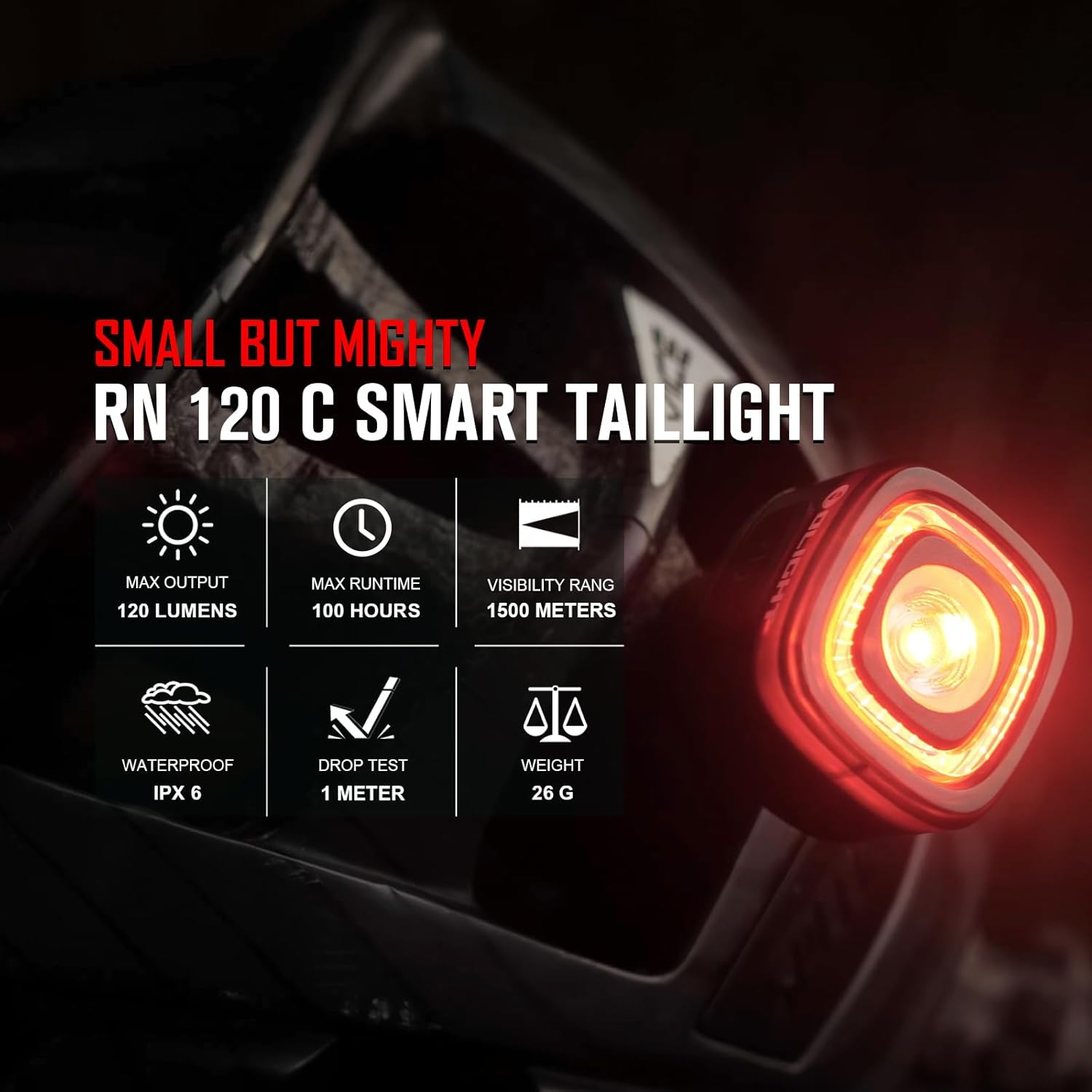
Image: Infographic highlighting the key features of the RN 120 C Smart Tail Light, including max output, runtime, visibility range, waterproof rating, drop test, and weight.
Package Contents
Upon opening the package, ensure all the following items are present:
- OLIGHT RN 120 C Tail Light
- Mounting Strap (for seat tube)
- Saddle Mount
- USB-C Charging Cable
- User Manual (this document)

Image: All components included in the OLIGHT RN 120 C package, laid out next to its retail box.
Setup and Installation
The RN 120 C offers flexible mounting options to suit your bicycle setup. It can be easily mounted on a seat tube or directly under the saddle.
Seat Tube Installation (Scheme 1)
- Attach the mounting strap to the seat tube of your bicycle. Ensure it is securely fastened.
- Align the tail light with the mounting strap's receiver.
- Push and twist the tail light until it clicks securely into place.

Image: Diagram illustrating the three steps for installing the RN 120 C on a bicycle's seat tube using the provided strap mount.
Saddle Installation (Scheme 2)
- Attach the saddle mount to the rails underneath your bicycle saddle.
- Align the tail light with the saddle mount's receiver.
- Push and twist the tail light until it clicks securely into place.
Both mounting methods are designed for quick installation and dismounting without the need for additional tools.

Image: The RN 120 C tail light shown with its removable mounting strap and saddle mount, emphasizing ease of attachment.
Operating Instructions
The RN 120 C features intuitive controls for various lighting modes and smart functionalities.
Power On/Off and Mode Selection
- To turn the light ON or OFF, press and hold the power button for approximately 1 second.
- To cycle through different lighting modes (e.g., High, Low, Flash, Eco, Smart), short press the power button. The light has a memory function and will return to the last used mode when turned on.

Image: The RN 120 C tail light mounted on a bicycle seat post, demonstrating its bright illumination for both daytime and nighttime visibility.
Smart Features
- Ambient Light Sensor: The integrated sensor automatically adjusts the light's brightness to match ambient lighting conditions, ensuring optimal visibility without manual intervention.
- Smart Motion Sensor (Brake Light): When the light detects deceleration (braking), it will automatically increase its output to a maximum of 120 lumens for 3 seconds to alert following traffic. This feature can be enabled or disabled through specific button presses (refer to the detailed user manual PDF for exact sequence).

Image: A cyclist riding at night with the RN 120 C tail light, demonstrating its auto-adjust brightness feature based on ambient light.

Image: A cyclist braking at night, with the RN 120 C tail light illuminating brightly to indicate deceleration, showcasing the smart motion sensor.
Output Modes and Runtimes
The RN 120 C offers various output modes with corresponding runtimes:

Image: A diagram showing the different output modes (High, Low, Flash, Eco, Smart Day, Smart Night) and their respective lumen outputs and runtimes for the RN 120 C.
Charging
The RN 120 C is equipped with a convenient USB-C charging port for quick and efficient recharging.
- Locate the USB-C charging port on the tail light. It is typically covered by a rubber flap for water resistance.
- Open the rubber flap and insert the provided USB-C charging cable.
- Connect the other end of the USB-C cable to a USB power source (e.g., computer, wall adapter, power bank).
- The light will indicate charging status (e.g., red for charging, green for fully charged).
- A full charge typically takes approximately 1 hour.
- Ensure the rubber flap is securely closed after charging to maintain water resistance.
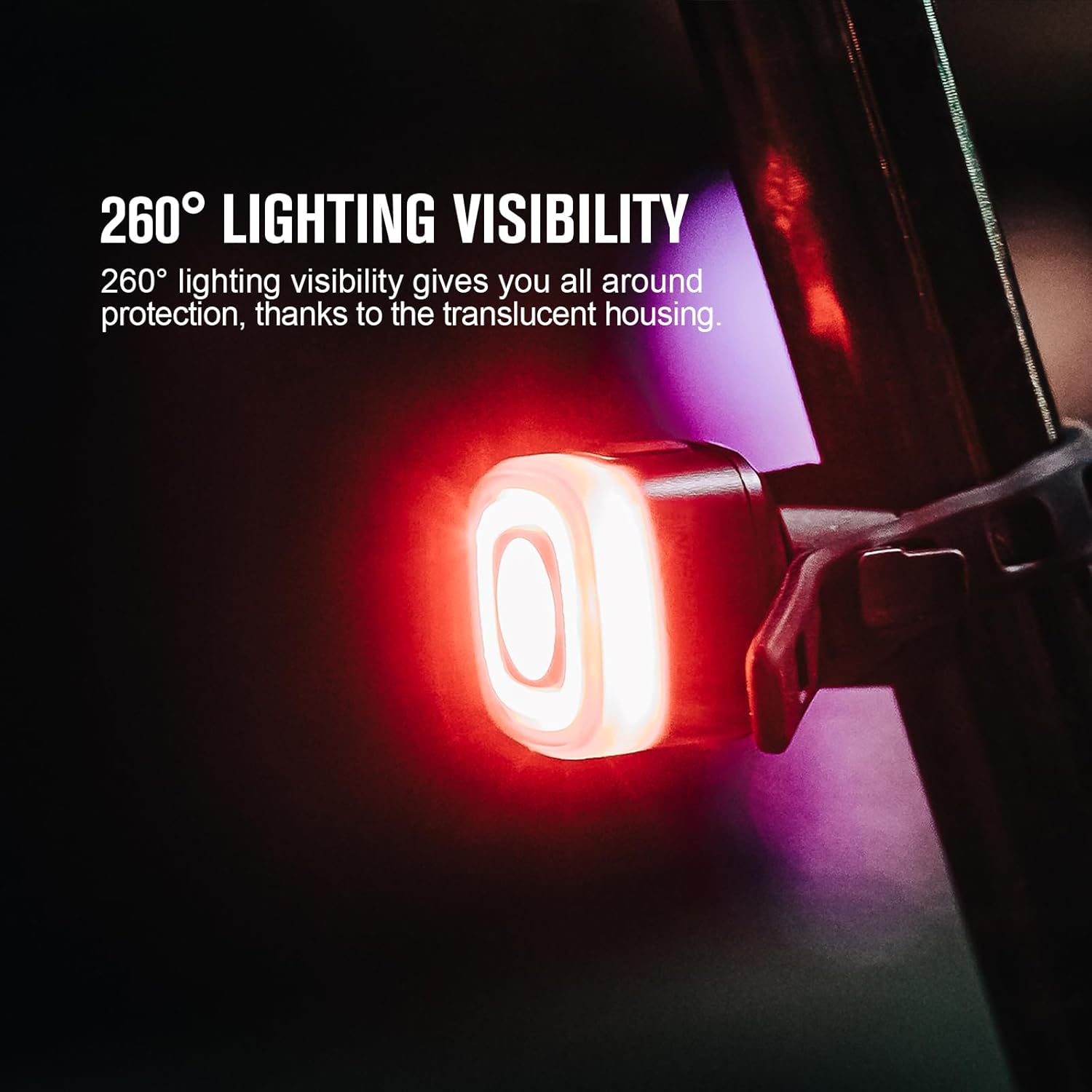
Image: Close-up of the RN 120 C tail light showing its USB-C charging port, emphasizing the ease of charging.
Maintenance
To ensure the longevity and optimal performance of your OLIGHT RN 120 C tail light, follow these maintenance guidelines:
- Cleaning: Wipe the light with a soft, damp cloth to remove dirt and debris. Avoid using abrasive cleaners or solvents that could damage the casing or lens.
- Storage: Store the light in a cool, dry place when not in use. If storing for an extended period, ensure the battery is partially charged (around 50%) to prolong its lifespan.
- Water Resistance: Always ensure the USB-C charging port's rubber flap is securely closed to maintain the IPX6 waterproof rating.
- Battery Care: Avoid fully discharging the battery frequently. Recharge the light promptly when the low battery indicator appears.
Troubleshooting
If you encounter issues with your RN 120 C tail light, refer to the following common troubleshooting steps:
| Problem | Possible Cause | Solution |
|---|---|---|
| Light does not turn on. | Low battery; Power button not pressed correctly. | Charge the light fully. Press and hold the power button for 1 second. |
| Light does not charge. | Faulty cable/adapter; Port obstruction. | Try a different USB-C cable and power source. Check the charging port for debris. |
| Brake light feature not working. | Feature disabled; Insufficient deceleration. | Ensure the smart motion sensor is enabled (refer to user manual PDF). Ensure clear deceleration for activation. |
| Light flickers or dims unexpectedly. | Low battery; Smart mode adjusting brightness. | Recharge the light. This may be normal operation if in Smart mode and ambient light changes. |
If these steps do not resolve the issue, please contact OLIGHT customer support.
Specifications
| Attribute | Value |
|---|---|
| Brand | OLIGHT |
| Model Name | 300000-RN120-BK |
| Brightness | 120 Lumens (Max) |
| Visibility Range | 1500m |
| Visibility Angle | 260 Degree |
| Water Resistance Level | IPX6 Waterproof |
| Power Source | Battery Powered |
| Charging Type | USB-C |
| Charging Time | Approx. 1 hour |
| Item Weight | 0.08 Kilograms |
| Material | Plastic |
| Mounting Type | Seat Mount |
| Number of Settings | 3 (Modes: High, Low, Flash, Eco, Smart Day, Smart Night) |
Warranty and Support
OLIGHT provides a comprehensive warranty for its products:
- Warranty: Lifetime Warranty (for products purchased after January 1st, 2023).
- User Manual (PDF): For a detailed version of the user manual, please refer to the official PDF document: Download User Manual (PDF).
- OLIGHT Store: For more information about OLIGHT products and support, visit the official OLIGHT store: Visit OLIGHT Store.
For any further assistance or inquiries, please contact OLIGHT customer service.
Related documents300000-RN120-BK

Ask a question about this manual
Ask about setup, troubleshooting, compatibility, parts, safety, or missing instructions. Manuals+ will review the question and use this page’s manual context to help answer it.