
Nord STAGE4-88
Nord Stage 4 88-Key Fully-Weighted Keyboard User Manual
Model: STAGE4-88 | Brand: Nord
1. Introduction
The Nord Stage 4 88-key is a versatile digital stage piano designed for creativity and exceptional sound. It features an intuitive panel design, a premium 88-key fully weighted triple-sensor keybed, and comprehensive effect sections for each layer. This instrument is well-suited for use in home environments, professional studios, and live stage performances.
2. Key Features
- Digital stage piano with piano, organ, and synthesizer sound engines.
- Fast, smooth feel from the 88-key fully weighted, triple-sensor keybed.
- The Organ section features Nord's award-winning simulations of B3 Tonewheel, B3 Bass, classic Vox and Farfisa, as well as two Pipe Organ models.
- Doubled sample memory to add your favorite instrument sounds from the Nord Piano Library with even greater fidelity and range than before.
- 3 synth layers can be independently managed and attenuated for complex patch construction with the Wave 2 Synth Engine.
3. Setup Guide
3.1 Unpacking and Placement
Carefully remove the Nord Stage 4 from its packaging. Ensure the instrument is placed on a stable, flat surface or a compatible keyboard stand. Due to its weight (approximately 53 pounds), it is recommended to have assistance when moving the unit.
3.2 Power Connection
Connect the provided power cable to the IEC14 power input on the rear panel of the Nord Stage 4 and then to a suitable electrical outlet. The unit operates on corded electric power.
3.3 Audio Connections
- For stereo audio output, connect the Left Out and Right Out jacks to your amplifier, mixer, or audio interface.
- For personal monitoring, connect headphones to the 6.35mm Headphones Jack.
- An Auxiliary input is available for connecting external audio sources.
3.4 MIDI and USB Connectivity
- Connect the USB-B port to your computer for MIDI communication and data transfer, including loading new samples from the Nord Sample Library 3.0.
- Traditional MIDI IN and MIDI OUT ports are also available for connecting to other MIDI devices.
- Dedicated inputs for Volume/Control Pedal and Sustain Pedal are provided for expressive control.
4. Operating Instructions
4.1 Powering On and Initial Sound Selection
Press the power button located on the rear panel to turn on the Nord Stage 4. The intuitive panel design allows for quick access to different sound engines (Piano, Organ, Synth) and program selections. Use the dedicated buttons and knobs to navigate through sounds and adjust parameters.
4.2 Exploring Sound Engines
- Piano Section: Select from various acoustic and electric piano sounds. Adjust parameters like timbre, dynamics, and release.
- Organ Section: Access B3 Tonewheel, B3 Bass, classic Vox, Farfisa, and Pipe Organ models. Utilize the drawbars and vibrato/chorus controls for authentic organ performance.
- Synthesizer Section: The Wave 2 Synth Engine provides three independent synth layers. Experiment with different waveforms, filters, envelopes, and effects to create complex and unique sounds.
4.3 Effects and Layering
The Nord Stage 4 features dedicated effect sections for each layer, allowing for extensive sound shaping. Combine different sound engines and apply effects such as reverb, delay, and modulation to enhance your performance. The ability to independently manage and attenuate synth layers enables intricate patch construction.
4.4 Performance and Portability
The 88-key fully weighted triple-sensor keybed provides a realistic and responsive playing experience. While robust, the Nord Stage 4 is designed to be portable for musicians on the go, making it suitable for both studio work and live performances.
5. Maintenance and Care
- Keep the instrument clean by wiping it with a soft, dry cloth. Avoid using abrasive cleaners or solvents.
- Protect the keyboard from dust and moisture. Consider using a dust cover when not in use.
- Avoid placing heavy objects on the keyboard.
- Ensure proper ventilation to prevent overheating.
- When transporting, use a suitable case to protect the instrument from physical damage.
6. Troubleshooting
- No Sound: Check all audio connections, ensure the volume is turned up on both the keyboard and connected audio equipment, and verify that the correct sound program is selected.
- MIDI Issues: Confirm USB or MIDI cables are securely connected. Check MIDI settings on both the Nord Stage 4 and your computer/external device.
- Unexpected Behavior: Try restarting the unit. If issues persist, consult the official Nord support resources or contact customer service.
7. Specifications
| Feature | Detail |
|---|---|
| Model Name | STAGE4-88 |
| Brand | Nord |
| Number of Keys | 88 |
| Keybed Type | Fully-Weighted, Triple-Sensor |
| Item Weight | 53 Pounds (approx. 24 kg) |
| Product Dimensions | 3.94"D x 3.94"W x 3.94"H (Note: These dimensions seem generic, refer to official Nord documentation for precise measurements.) |
| Power Source | Corded Electric |
| Connectivity Technology | Auxiliary, USB-B, IEC14, MIDI IN/OUT |
| Headphones Jack | 6.35mm Jack |
| Supported Software | Nord Sample Library 3.0 |
| Color | Black (with signature Nord Red finish) |
| First Available Date | February 17, 2023 |
8. Product Visuals

Figure 8.1: Top view of the Nord Stage 4 88-Key Fully-Weighted Keyboard, showcasing the full keybed and control panel layout.

Figure 8.2: Rear view of the Nord Stage 4, highlighting the various input and output connections including power, audio, USB, and MIDI ports.
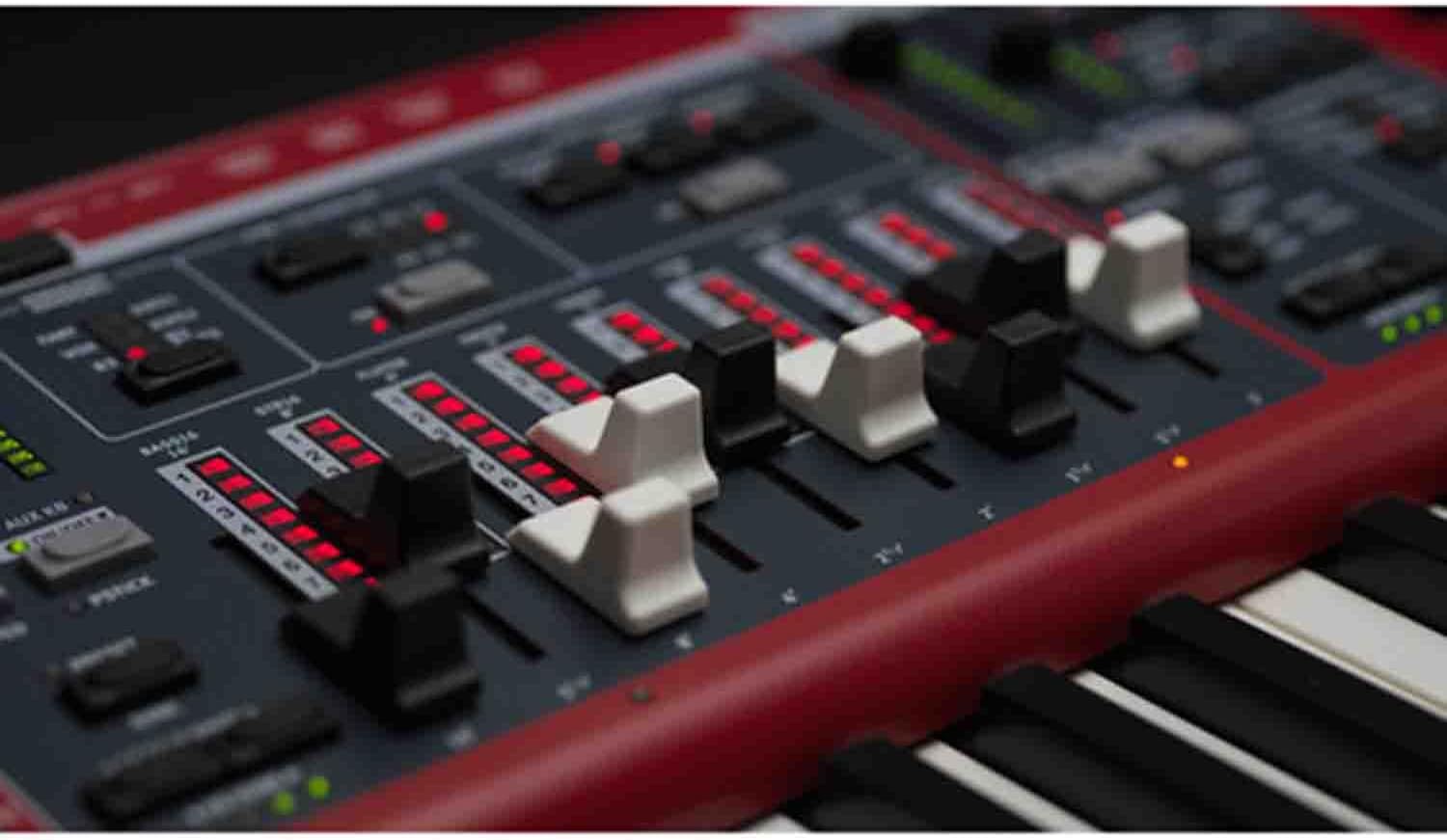
Figure 8.3: Close-up view of the fader section on the Nord Stage 4 control panel, used for adjusting various sound parameters.
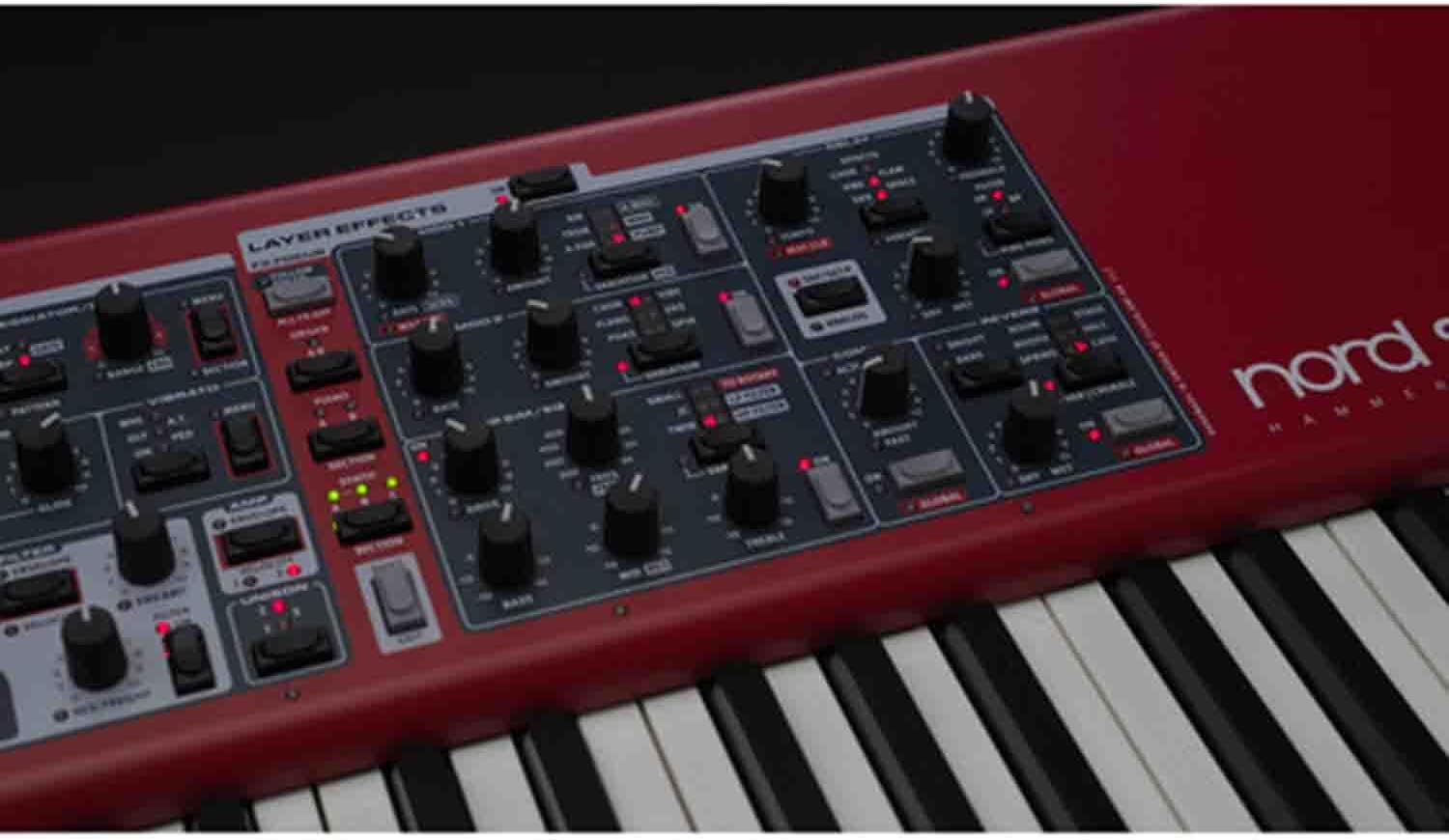
Figure 8.4: Detailed view of the control knobs and buttons on the Nord Stage 4, illustrating the intuitive interface for sound manipulation.
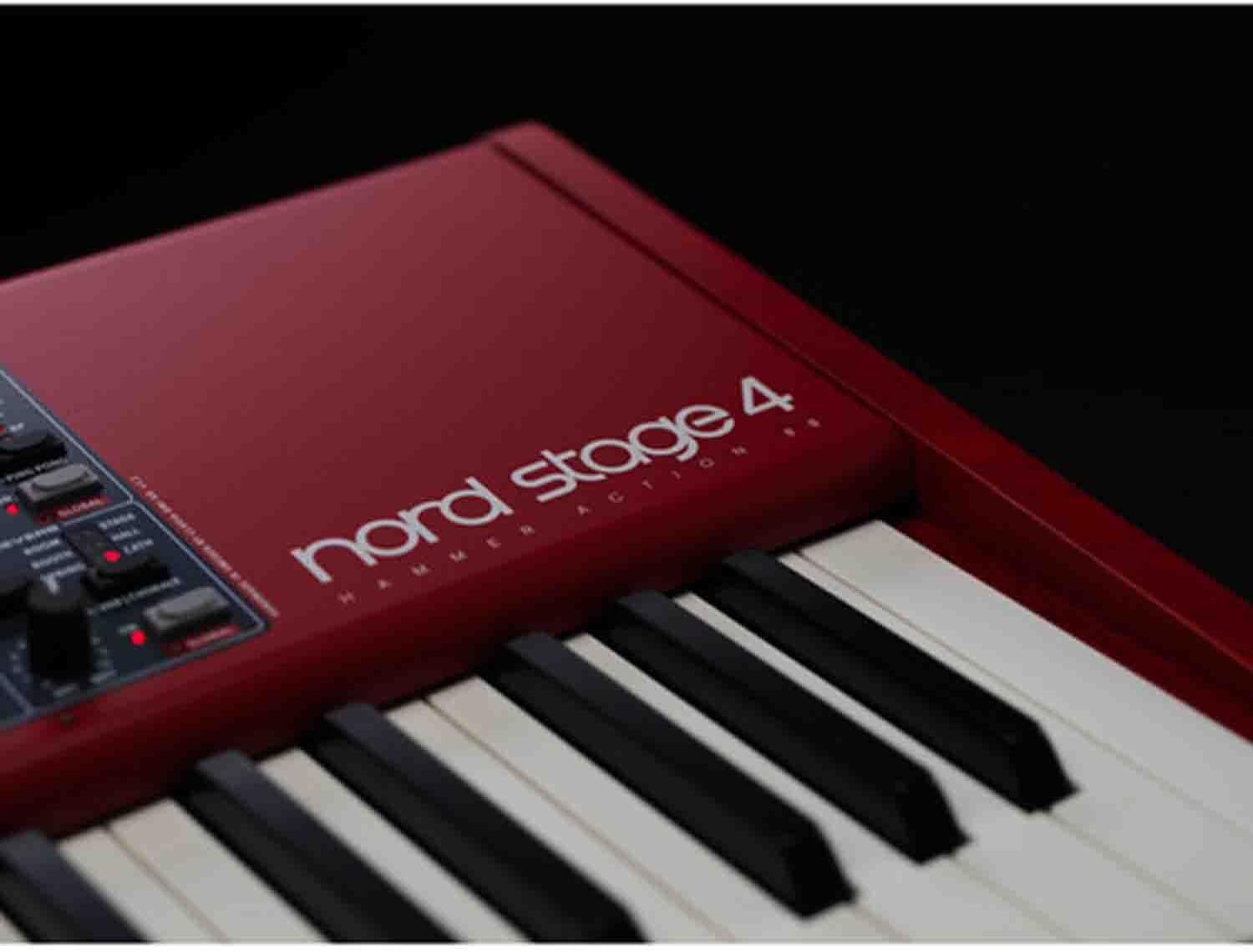
Figure 8.5: Side view of the Nord Stage 4, showcasing the distinctive red finish and Nord logo near the keybed.
8.6 Official Product Videos
No official product videos from the seller are available for embedding at this time. Please refer to the manufacturer's website for any available video content.
9. Warranty and Support
For warranty information and technical support, please refer to the documentation included with your Nord Stage 4 or visit the official Nord website. General customer support and return policies may vary based on your point of purchase. This product is eligible for 30-day easy returns from authorized sellers.
For additional assistance, you may contact the seller, Frontrow Tech LLC, for support related to your purchase.
Related documentsSTAGE4-88


Ask a question about this manual
Ask about setup, troubleshooting, compatibility, parts, safety, or missing instructions. Manuals+ will review the question and use this page’s manual context to help answer it.