
1. Introduction
This manual provides detailed instructions for the operation and maintenance of your Jectse Voice Recorder Watch. This device combines a digital voice recorder, MP3 player, and pedometer into a compact, wearable design. Please read this manual thoroughly to ensure proper use and to maximize the device's functionality.
2. Package Contents
Please verify that all items listed below are included in your package:
- Jectse Voice Recorder Watch (32GB)
- USB Charging/Data Cable
- Headphones
- User Manual (this document)

Image 2.1: The Jectse Voice Recorder Watch, including the watch unit, USB cable, and headphones.
3. Product Overview
The Jectse Voice Recorder Watch features a durable zinc alloy body and a digital display. It is equipped with a large diameter dual microphone for 360-degree recording.
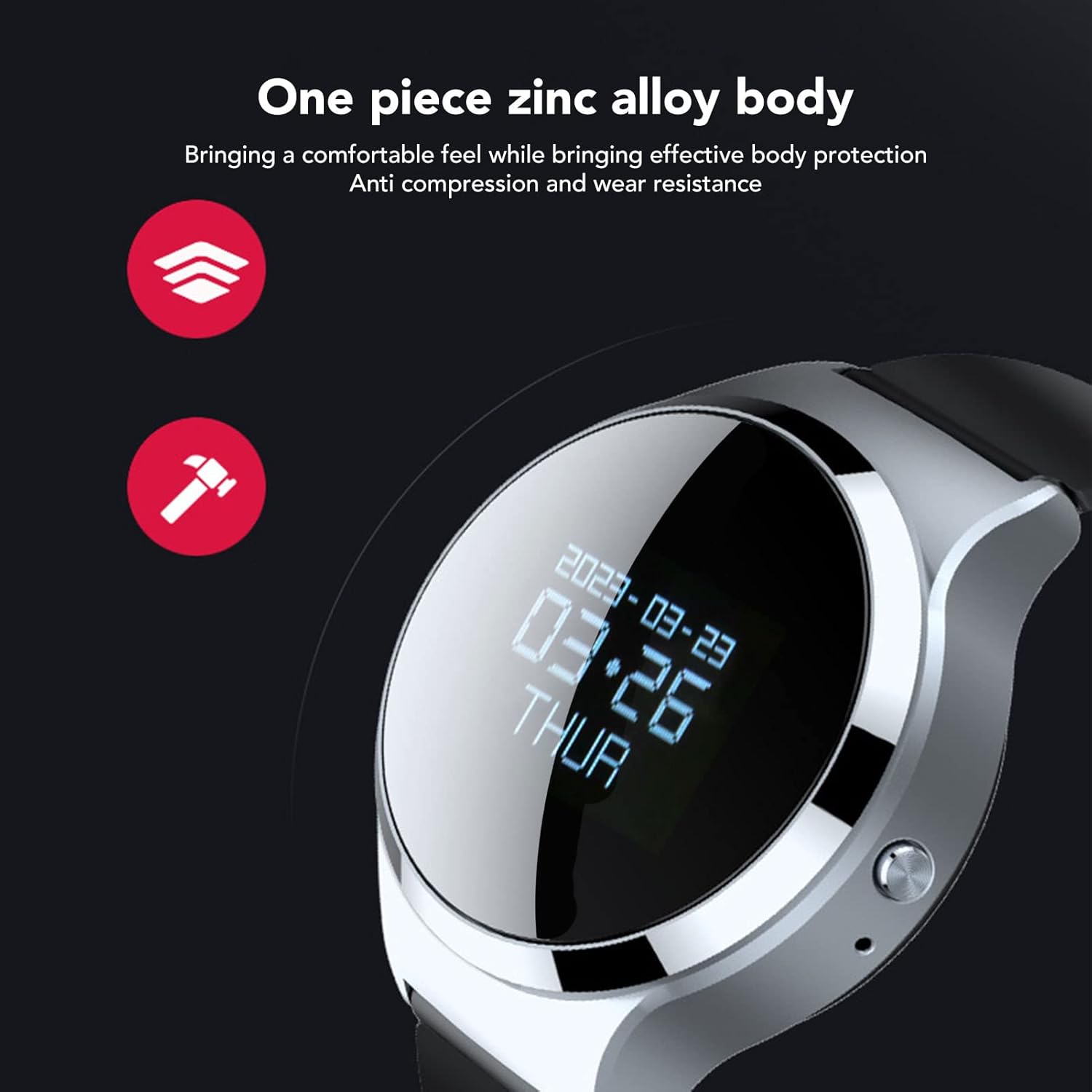
Image 3.1: Close-up view of the watch highlighting its zinc alloy body.

Image 3.2: The watch with an illustration of sound waves, demonstrating its 360-degree recording capability.
4. Setup
4.1 Charging the Device
Before first use, fully charge the watch. Connect the USB charging cable to the watch's charging port and to a USB power adapter or computer USB port. The device takes approximately 1 hour to fully charge and provides up to 30 hours of continuous recording time.
4.2 Power On/Off
- To Power On: Press and hold the power button until the display illuminates.
- To Power Off: Press and hold the power button until the display turns off.
5. Operating Instructions
5.1 One-Touch Recording
To quickly start recording, long press the dedicated record button while the device is powered on. The device will immediately enter recording mode.

Image 5.1: Icons illustrating key features, including one-touch recording.
5.2 Voice Activated Recording (VAR)
The watch supports intelligent voice control. When this feature is enabled, the device will record only when sound is detected and pause when there is no sound, optimizing memory usage and battery life.
- Refer to the on-screen menu for enabling/disabling Voice Activated Recording.
- When VAR is active, the recording indicator will show its status.

Image 5.2: The watch display showing the recording interface with a microphone icon and sound level visualization, indicating active voice control.
5.3 MP3 Music Playback
The device can function as an MP3 player. Connect the provided headphones to the 3.5mm jack to listen to music files stored on the device.
- Navigate to the music playback menu on the watch.
- Select your desired audio file for playback.
- The watch supports synchronized display of lyrics (if available in the file metadata) and allows switching between songs.
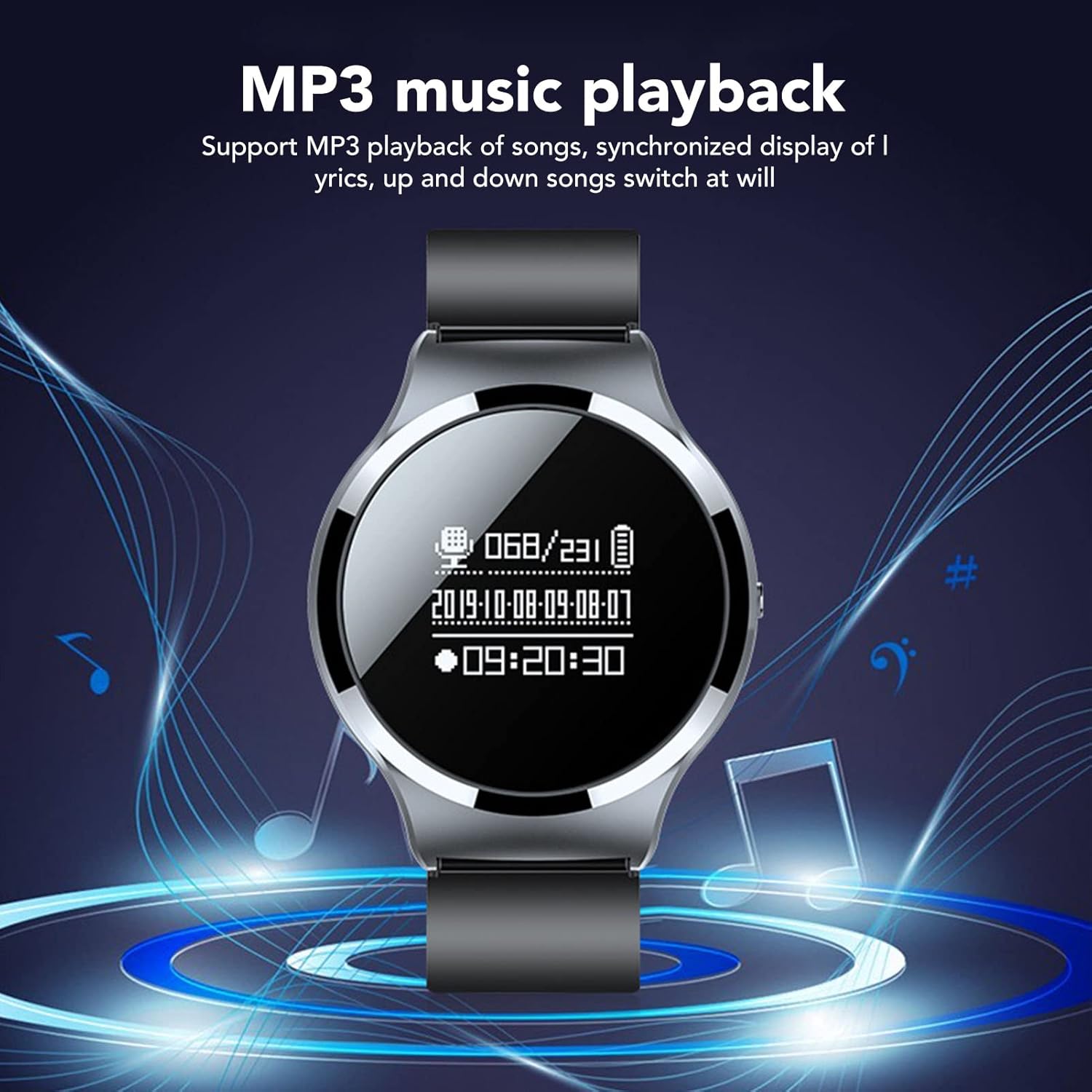
Image 5.3: The watch display showing the music playback interface with musical notes in the background.
5.4 File Management
5.4.1 Automatic File Saving
The watch is designed to automatically save the current recording file when the system detects a low battery level. This prevents loss of recording data before the device powers off.

Image 5.4: An illustration showing a low battery icon next to the watch, indicating the auto-save feature during power failure.
5.4.2 File Naming and Time Synchronization
The watch has a built-in time chip. After synchronizing the watch with a computer, all recording files will be automatically named according to the date and time of creation, facilitating easy organization.
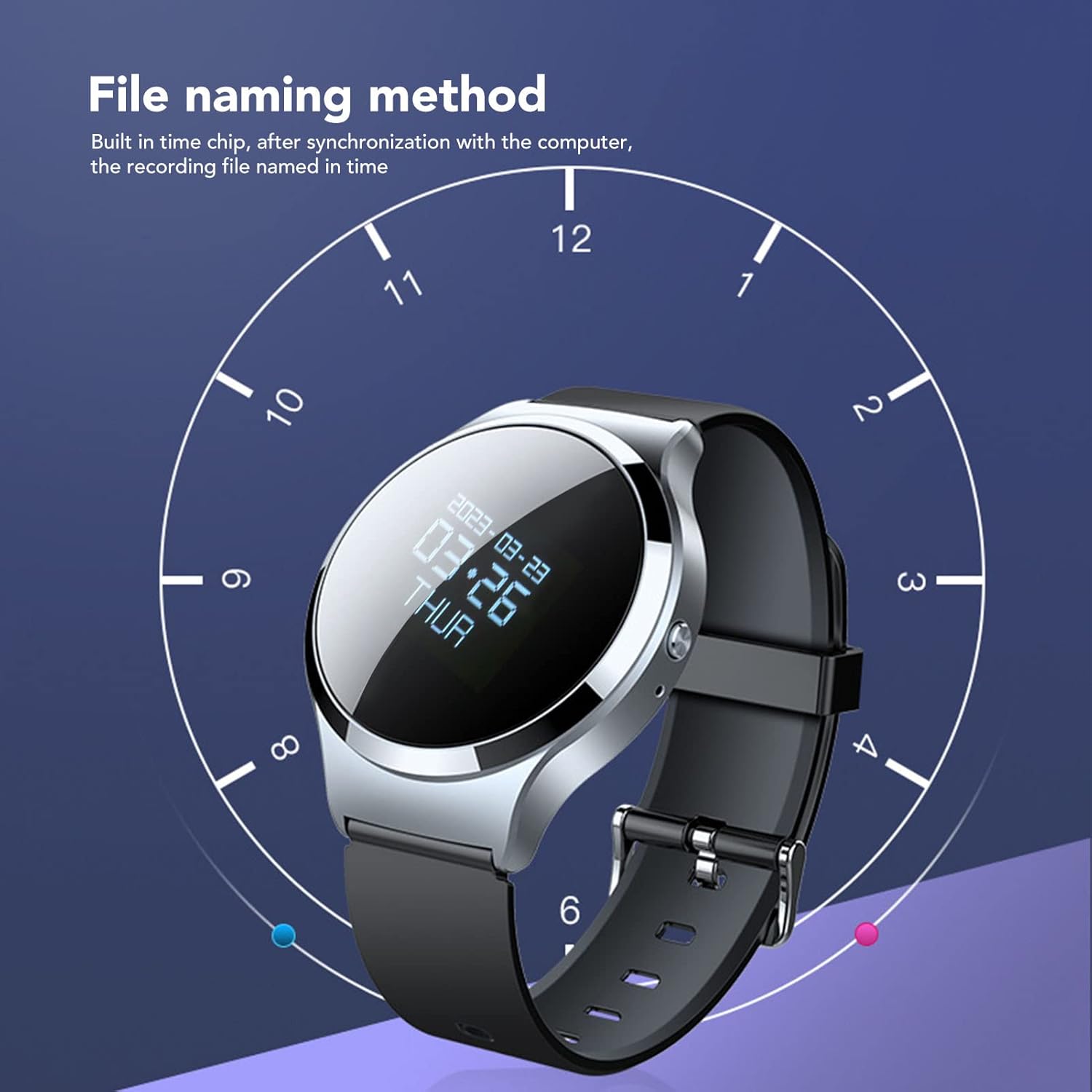
Image 5.5: The watch display overlaid with a clock face, illustrating how recording files are named based on the synchronized time.
5.4.3 Deleting Files
To delete recordings or other files:
- Connect the watch to a computer using the USB cable.
- Access the watch's storage drive on your computer.
- Locate the desired files in the appropriate folder (e.g., 'RECORD' for recordings).
- Select the files you wish to delete and remove them using your computer's file management system.
- Safely eject the device from your computer.
Alternatively, some models may offer a local delete function through the watch's menu. Consult the on-screen options for this functionality.
5.5 File Encryption
The watch includes an encryption function to protect your recorded data. Once a password is set, you will need to enter it when the recorder is turned on or connected to a computer to access the files.
- Access the security settings menu on the watch to set or change your encryption password.
- Remember your password, as lost passwords may result in inaccessible data.
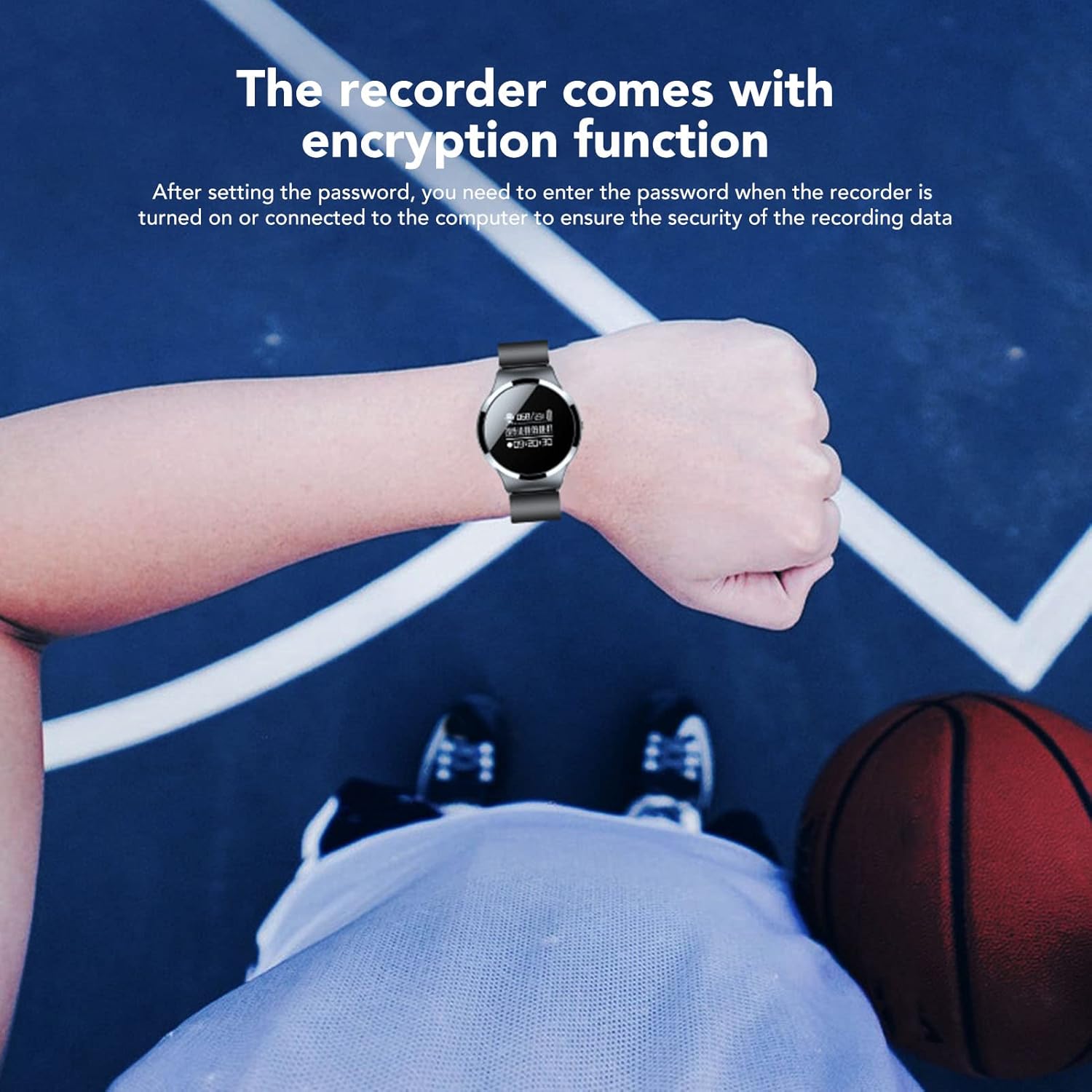
Image 5.6: The watch worn on a wrist, with text indicating the file encryption function for data security.
5.6 Pedometer Function
The watch integrates a pedometer to track your steps. This feature operates automatically or can be activated via the watch's menu. Refer to the on-screen display for step count and other related data.
6. Maintenance
- Cleaning: Use a soft, dry cloth to clean the watch. Avoid using harsh chemicals or abrasive materials.
- Storage: Store the device in a cool, dry place away from direct sunlight and extreme temperatures.
- Water Resistance: The device is not waterproof. Avoid exposure to water or high humidity.
- Battery Care: To prolong battery life, avoid fully discharging the battery frequently. Charge the device regularly.
7. Troubleshooting
| Problem | Possible Cause | Solution |
|---|---|---|
| Device does not power on. | Low battery; device frozen. | Charge the device for at least 30 minutes. If unresponsive, perform a soft reset (refer to device menu or long-press power button). |
| Cannot record. | Insufficient storage; microphone blocked; device in wrong mode. | Check available memory. Ensure microphone is clear. Verify device is in recording mode. |
| Poor recording quality. | Distance from sound source; background noise; microphone obstruction. | Ensure close proximity to sound source. Record in a quiet environment. Check for microphone obstruction. |
| Cannot delete files. | Incorrect procedure; file system error. | Connect to a computer and delete files directly from the storage drive. Ensure safe ejection. |
| Time display is incorrect. | Time not synchronized. | Connect the watch to a computer to synchronize the time automatically. |
8. Specifications
| Feature | Detail |
|---|---|
| Model Number | Jectsesei4nyag85-13 |
| Memory Storage Capacity | 32 GB |
| Battery Life (Recording) | Up to 30 hours |
| Charging Time | Approximately 1 hour |
| Microphone Form Factor | Built-In, Dual Microphone |
| Microphone Operation Mode | Stereo |
| Audio Formats Supported | MP3, WAV, WMA |
| Headphones Jack | 3.5 millimeters |
| Hardware Interface | USB 2.0 |
| Item Weight | 5.3 ounces |
9. Warranty and Support
For warranty information and technical support, please refer to the documentation provided at the time of purchase or contact Jectse customer service through their official channels. Keep your purchase receipt as proof of purchase.