
1. Introduction
Thank you for choosing AIMA Wireless Earbuds. These earbuds are designed to provide a superior audio experience with advanced Bluetooth 5.2 technology, rich bass, and effective noise reduction. This manual will guide you through the setup, operation, and maintenance of your new earbuds to ensure you get the most out of them.
2. Package Contents
Please check the box for the following items:
- AIMA Wireless Earbuds (Left and Right)
- Charging Case
- USB Charging Cable
- User Manual
3. Product Overview
Familiarize yourself with the components of your AIMA Wireless Earbuds and charging case.

Image 3.1: AIMA Wireless Earbuds in their orange charging case, displaying a digital battery percentage of 100.

Image 3.2: The orange AIMA Wireless Earbuds are shown both inside and outside their transparent charging case, highlighting their compact design.

Image 3.3: Demonstrates the comfortable and stable fit of the earbuds in a user's ear, showing both orange and black earbud variants.
4. Setup
4.1 Charging the Earbuds and Case
- Place the earbuds into the charging case. Ensure they are correctly seated.
- Connect the USB charging cable to the charging port on the case and to a power source (e.g., USB wall adapter, computer USB port).
- The digital display on the case will indicate the charging status. A full charge for the case and earbuds takes approximately one hour.
4.2 Pairing with Your Device
- Ensure the earbuds are charged.
- Open the charging case. The earbuds will automatically enter pairing mode, indicated by a flashing light (if applicable, refer to specific light indicators on your model).
- On your device (smartphone, tablet, computer), go to Bluetooth settings and turn on Bluetooth.
- Search for available devices. Select "AIMA Earbuds" (or similar name) from the list.
- Once connected, the earbuds will indicate successful pairing (e.g., a voice prompt or solid light).
- The earbuds will automatically reconnect to the last paired device when taken out of the case, if Bluetooth is enabled on the device.
5. Operating Instructions
5.1 Power On/Off
- Power On: Open the charging case, and the earbuds will automatically power on.
- Power Off: Place the earbuds back into the charging case and close the lid. They will automatically power off and begin charging.
5.2 Music Playback Controls
The earbuds feature touch-sensitive controls. Specific functions may vary slightly; refer to the quick start guide for precise tap sequences.
- Play/Pause: Single tap on either earbud.
- Next Track: Double tap on the right earbud.
- Previous Track: Double tap on the left earbud.
- Volume Up: Triple tap on the right earbud.
- Volume Down: Triple tap on the left earbud.

Image 5.1: Illustrates the 'Deep Rich Bass' capability of the earbuds, showing both orange and black versions with a focus on sound quality.
5.3 Call Management
- Answer/End Call: Single tap on either earbud during an incoming call.
- Reject Call: Press and hold either earbud for 2 seconds during an incoming call.
5.4 Noise Reduction
These earbuds feature Active Noise Cancellation (ANC) technology to filter out background noise for crystal clear calls and music.
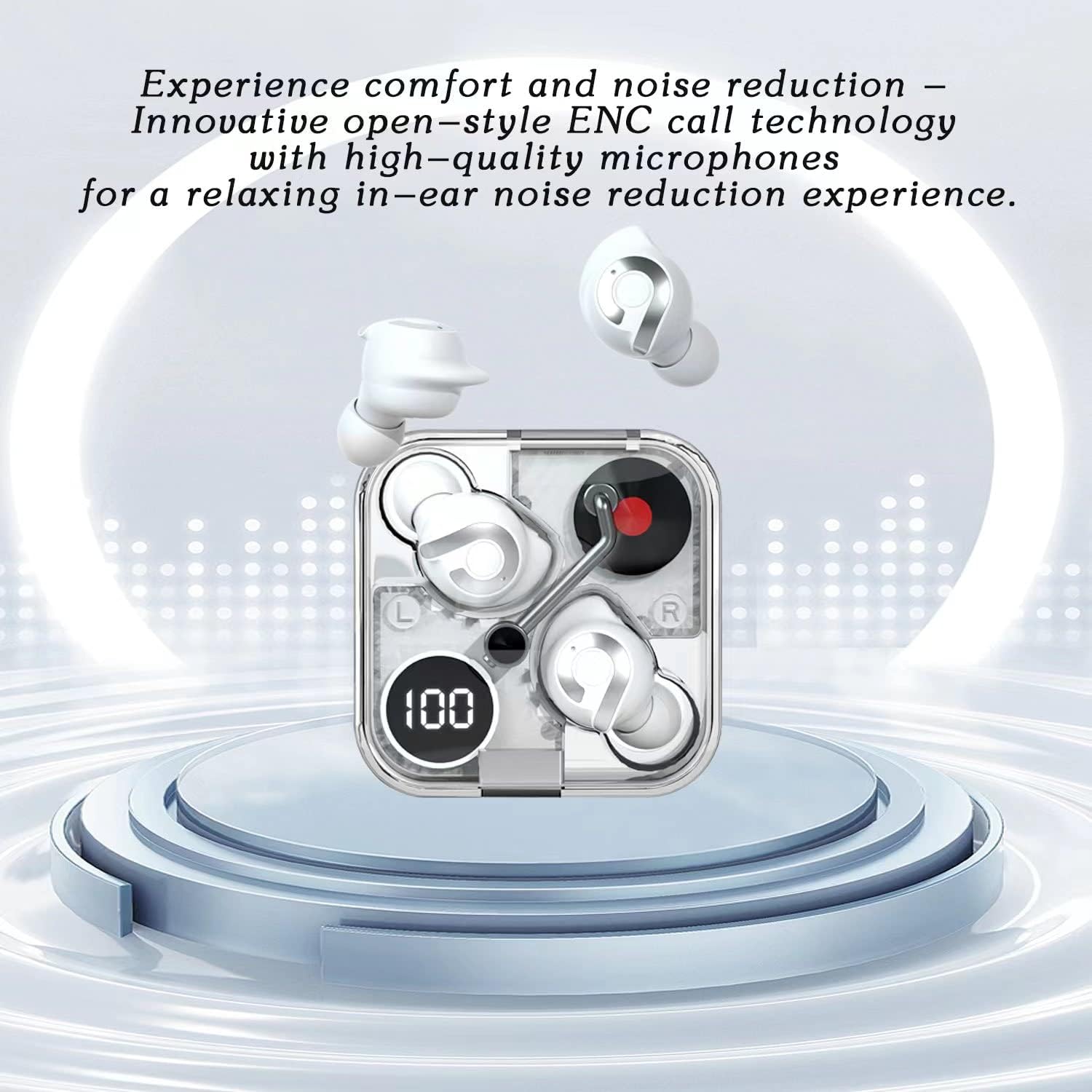
Image 5.2: Highlights the comfort and noise reduction features, showing white earbuds in a transparent case with a focus on ENC call technology.
To activate or deactivate the noise reduction mode, refer to the specific touch control gestures in your quick start guide, typically a long press or specific tap sequence.
6. Maintenance
6.1 Cleaning
- Use a soft, dry, lint-free cloth to clean the earbuds and charging case.
- Do not use abrasive cleaners, alcohol, or chemical solvents.
- Gently clean the charging contacts on both the earbuds and the case with a dry cotton swab if necessary.
6.2 Storage
- When not in use, always store the earbuds in their charging case to protect them and keep them charged.
- Store in a cool, dry place, away from extreme temperatures and direct sunlight.
6.3 Battery Care
- To prolong battery life, avoid fully discharging the earbuds and case frequently.
- Charge the device regularly, even if not in frequent use.
7. Troubleshooting
If you encounter any issues with your AIMA Wireless Earbuds, please refer to the following common solutions:
| Problem | Possible Cause | Solution |
|---|---|---|
| Earbuds not pairing | Low battery; Bluetooth off on device; Earbuds not in pairing mode; Interference. | Charge earbuds and case; Ensure device Bluetooth is on; Place earbuds in case, then open lid to re-enter pairing mode; Move closer to device; Restart device. |
| No sound from one earbud | Earbud not connected; Low battery; Dirty charging contacts. | Place both earbuds back in case, close lid, then reopen; Ensure earbud is charged; Clean charging contacts. |
| Charging issues | Cable faulty; Power source issue; Dirty charging contacts. | Try a different USB cable and power source; Clean charging contacts on earbuds and case. |
| Poor sound quality | Distance from device; Interference; Earbuds not properly seated. | Move closer to your device; Avoid strong electromagnetic fields; Adjust earbud position in ear. |
8. Specifications
- Brand: Generic (Manufactured by AIMA)
- Model: B0C4BZ7S47
- Bluetooth Version: 5.2
- Noise Control: Active Noise Cancellation
- Ear Placement: In Ear
- Form Factor: In Ear
- Color: Orange
- Talk Time: Up to 5 hours on a single charge
- Music Playback Time: Up to 5.5 hours on a single charge
- Charging Time: Approximately 1 hour for full charge
- Standby Time: Exceeds 200 hours

Image 8.1: An exploded view illustrating the internal components of the earbud, highlighting its intricate design and construction for optimal sound.
9. Warranty and Support
For warranty information and customer support, please refer to the documentation provided with your purchase or contact the retailer where you purchased the AIMA Wireless Earbuds. Keep your proof of purchase for any warranty claims.