
Remax RP3
REMAX RP3 Digital Voice Recorder User Manual
Model: RP3 | Brand: Remax
1. Introduction
Thank you for choosing the REMAX RP3 Digital Voice Recorder. This device is designed for high-quality audio recording and playback, featuring 16GB of built-in memory. It serves as both a professional voice recorder and a portable MP3 player, making it ideal for lectures, meetings, interviews, and personal notes. Please read this manual carefully to understand the device's functions and ensure proper operation.
2. Product Overview
The REMAX RP3 boasts a sleek, portable design with intuitive controls. It features a clear display, a sensitive built-in microphone, and high-fidelity speakers for on-site playback. Its robust internal components ensure clear, noise-reduced recordings.

Front view of the REMAX RP3 Digital Voice Recorder, showing its display, recording indicator, and control buttons.
3. Setup
3.1. Charging the Device
Before first use, fully charge the device. Connect the REMAX RP3 to a computer's USB port or a standard USB wall adapter using the provided USB cable. The charging indicator will show the charging status. A full charge typically takes approximately 2.5 hours and provides up to 30 hours of battery life.
3.2. Initial Power On/Off
To power on the device, press and hold the Power button until the screen illuminates. To power off, press and hold the Power button again until the screen turns off.
4. Operating Instructions
4.1. Basic Controls
- Record Button: Press to start/stop recording.
- Play/Pause Button: Press to play or pause recordings/music.
- Volume Buttons (+/-): Adjust playback volume.
- Menu Button: Access settings and options.
- Navigation Buttons: Move through menus and files.
4.2. Recording Audio
The REMAX RP3 supports one-key recording and voice-activated recording (VOR). Ensure the device is powered on.
- To start recording, simply press the Record button. The recording indicator will illuminate.
- To stop recording, press the Record button again. The recording will be saved automatically.
- For Voice Activated Recording (VOR), enable the feature in the device's settings. Recording will automatically start when sound is detected and pause during silence.
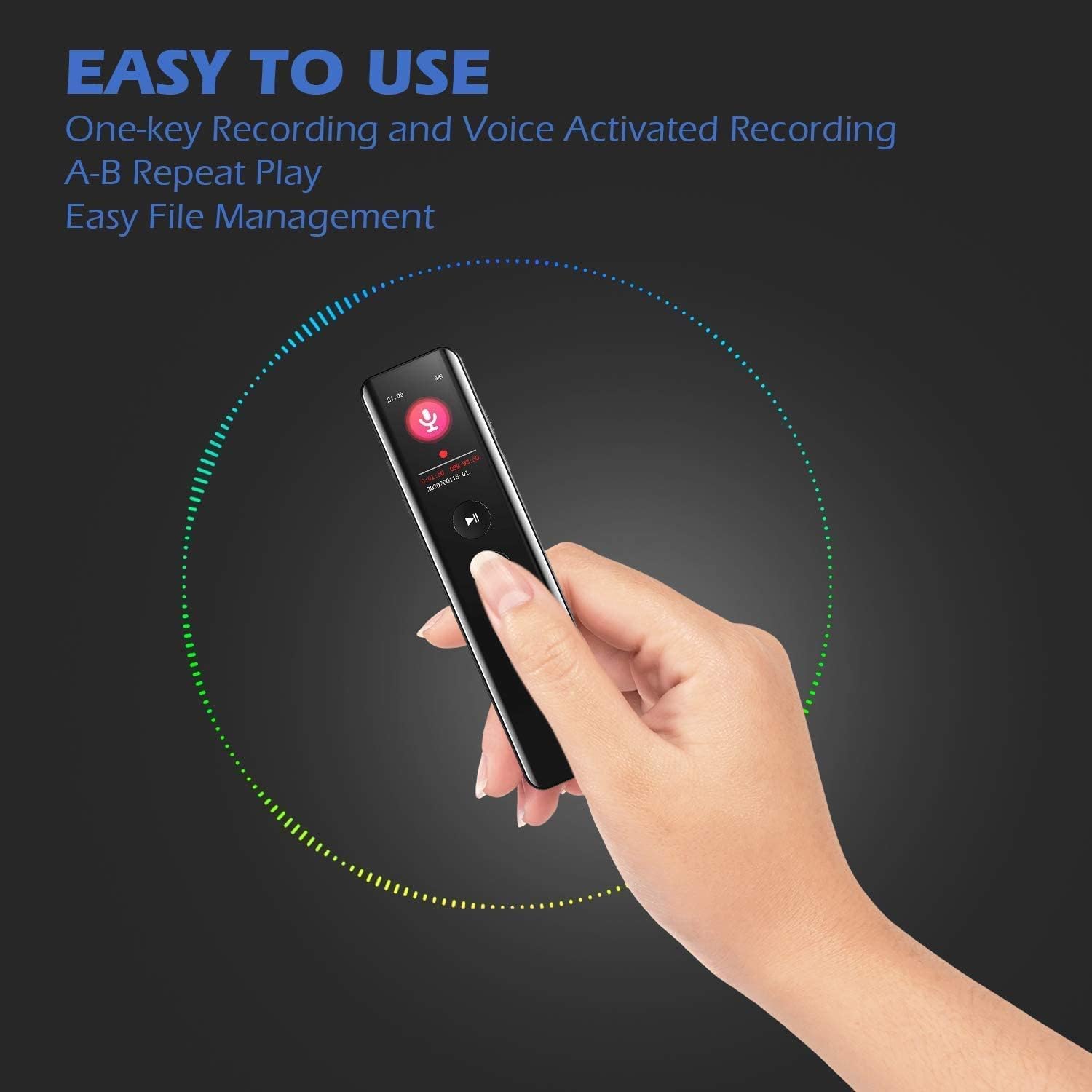
A hand demonstrating the ease of use of the REMAX RP3, highlighting one-key recording and voice-activated recording features.

Internal view of the REMAX RP3's digital signal processing chip, illustrating its good-quality recording capabilities at 1536KBPS.
4.3. Playback
The REMAX RP3 features built-in HD speakers for clear on-site playback. You can also connect 3.5mm headphones for private listening.
- Navigate to the file you wish to play using the navigation buttons.
- Press the Play/Pause button to start playback.
- Use the Volume buttons to adjust the sound level.
- The device supports A-B repeat play, allowing you to loop a specific section of an audio file.

Diagram showing the REMAX RP3's built-in HD loudspeakers, emphasizing high-fidelity sound quality and on-site playback.
4.4. File Management
To manage your recorded files, connect the REMAX RP3 to your computer using the USB cable. The device will appear as a removable disk. You can then transfer, copy, or delete files as needed. The device supports easy file management.
4.5. Using as MP3 Player
The REMAX RP3 can also function as an MP3 player. Transfer your MP3 or WAV audio files to the device's memory via USB connection. You can then navigate and play these files using the device's controls.

Two REMAX RP3 devices, illustrating its dual functionality as both a voice recorder and an MP3 player, capable of recording in MP3/WAV formats.
5. Maintenance
- Keep the device dry. Avoid exposure to water or excessive humidity.
- Clean the device with a soft, dry cloth. Do not use harsh chemicals or abrasive cleaners.
- Avoid dropping the device or subjecting it to strong impacts.
- Store the device in a cool, dry place away from direct sunlight and extreme temperatures.
6. Troubleshooting
| Problem | Possible Cause | Solution |
|---|---|---|
| Device does not turn on. | Low battery; device frozen. | Charge the device; perform a reset (refer to manual for specific reset instructions if available, otherwise hold power button for extended period). |
| Cannot record. | Memory full; incorrect settings. | Delete old files to free up space; check recording settings. |
| Poor sound quality. | Microphone obstructed; recording environment too noisy. | Ensure microphone is clear; record in a quieter environment. |
| Device not recognized by computer. | Faulty USB cable/port; driver issue. | Try a different USB cable or port; restart computer and device. |
7. Specifications
| Feature | Detail |
|---|---|
| Model Number | RP3 |
| Brand Name | Remax |
| Memory Storage Capacity | 16 GB |
| Battery Life | 30 Hours |
| Charging Time | Approx. 2.5 Hours |
| Screen Size | 2 inches |
| Item Weight | 0.12 Kilograms |
| Microphone Form Factor | Built-In |
| Headphones Jack | 3.5 millimeters |
| Hardware Interface | USB |
| Compatible Devices | MP3 Player |
| Format | Digital (MP3/WAV) |
| Language | English |
| Date First Available | 11 December 2024 |
8. Warranty and Support
Specific warranty details for the REMAX RP3 Digital Voice Recorder are not provided in this manual. For information regarding warranty coverage, technical support, or service, please contact Remax customer support directly or refer to the warranty card included with your purchase. You may also visit the official Remax website for further assistance.
Related documentsRP3


Ask a question about this manual
Ask about setup, troubleshooting, compatibility, parts, safety, or missing instructions. Manuals+ will review the question and use this page’s manual context to help answer it.