Introduction
The ieGeek 3G/4G LTE Cellular Security Camera is a wireless outdoor surveillance solution designed for areas without Wi-Fi access. Powered by a 5W solar panel and a 10000mAh rechargeable battery, it offers continuous operation. Key features include 2K (3MP) QHD resolution, 355° pan and 120° tilt for wide coverage, color night vision with spotlights, AI PIR motion detection, and 2-way audio communication.
This manual provides detailed instructions for setting up, operating, maintaining, and troubleshooting your camera to ensure optimal performance.
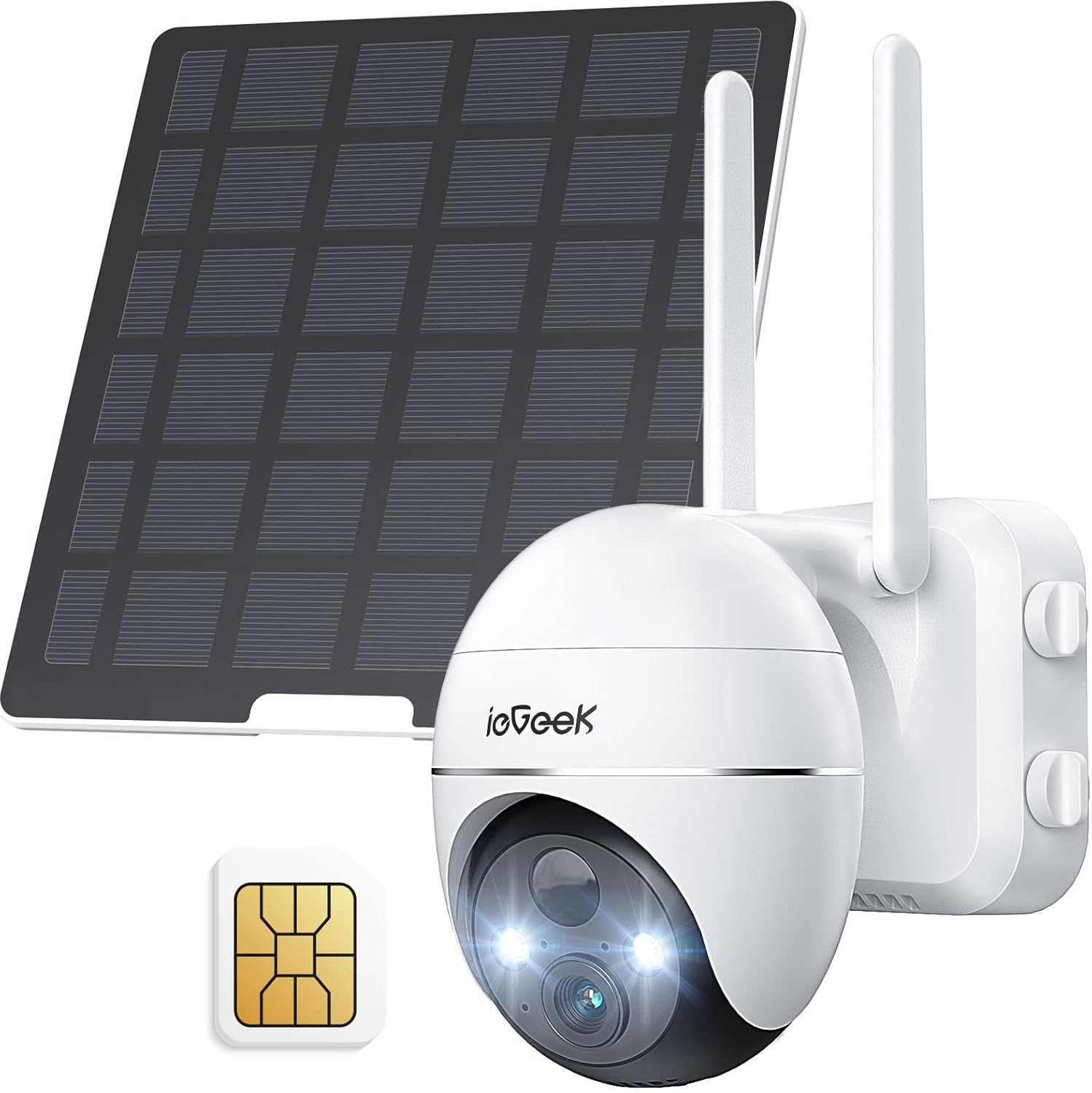
Figure 1: ieGeek 3G/4G LTE Cellular Security Camera with included solar panel and SIM card.
What's in the Box
Verify that all components are present in the package:
- ieGeek 3G/4G LTE Cellular Security Camera
- 5W Solar Panel
- Mounting Bracket
- USB Charging Cable
- SIM Card (pre-installed or included separately)
- 64GB SD Card (pre-installed or included separately)
- Mounting Screws and Anchors
- User Manual (this document)
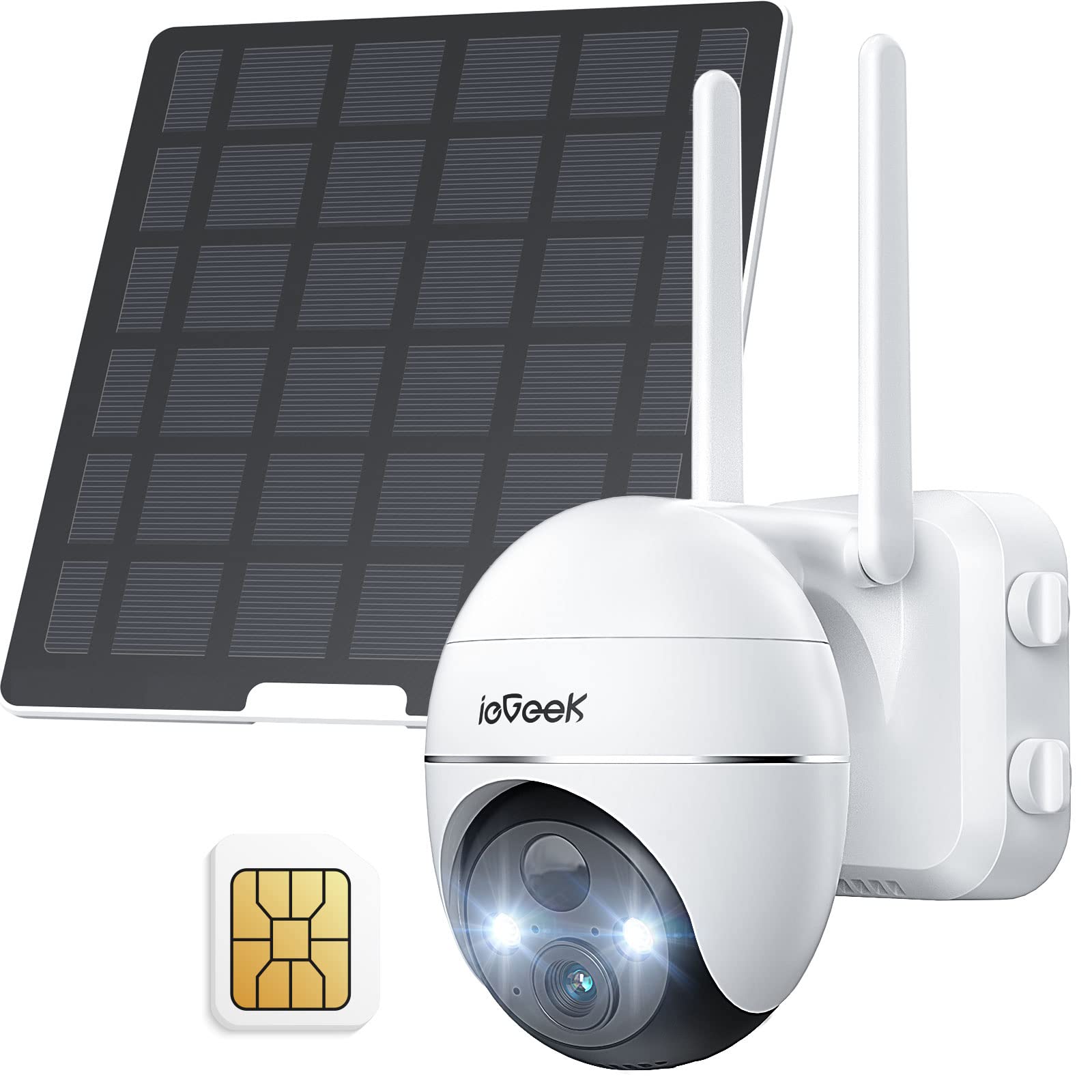
Figure 2: All components included in the ieGeek camera package.
Setup
Follow these steps for initial setup and installation of your ieGeek cellular security camera:
- Charge the Battery: Fully charge the camera's internal 10000mAh battery using the provided USB cable and a 5V1A or 5V2A power adapter before first use.
- Insert SIM Card: Ensure the SIM card is correctly inserted and activated. The camera operates on 3G/4G LTE networks and does not require Wi-Fi.
Video 1: Learn how to reset and connect your ieGeek 4G camera, including proper SIM card insertion.
- Download the App: Download the "ieGeek Cam" app from your smartphone's app store (Google Play Store or Apple App Store).
- Add Device: Open the app, create an account or log in, and follow the on-screen instructions to add your new 4G camera. You will typically scan a QR code on the camera.
- Mount the Camera: Install the camera in a suitable outdoor location using the mounting bracket and screws. Ensure the solar panel receives adequate sunlight for continuous charging. The camera is IP66 weatherproof for outdoor use.

Figure 3: The camera supports 3G/4G networks, eliminating the need for Wi-Fi.

Figure 4: The camera supports local storage via an included 64GB SD card.
Operating
Your ieGeek camera offers a range of features for comprehensive surveillance:
PTZ Control (Pan, Tilt, Zoom)
Remotely control the camera's viewing angle through the app. It supports 355° pan and 120° tilt, allowing you to monitor a wide area. The camera also features 4X digital zoom.

Figure 5: Remote pan and tilt control for comprehensive area monitoring.
Color Night Vision
The camera provides 2K QHD video quality and 3MP image quality. With built-in infrared sensors and spotlights, it offers clear color night vision up to 33 feet.

Figure 6: Capture more details with 2K QHD color night vision.
AI PIR Motion Detection & Alerts
The integrated PIR motion sensor accurately identifies human or animal activities, reducing false alarms. You can adjust detection sensitivity (1-10 levels) and customize alarm areas within the app. Instant alerts are sent to your smartphone.

Figure 7: Customize detection areas and sensitivity via the app.
Figure 8: AI detection reduces false alerts and enables 2-way audio.
2-Way Audio
Communicate with visitors or deter intruders using the camera's built-in microphone and speaker.
Maintenance
To ensure the longevity and optimal performance of your ieGeek camera:
- Solar Charging: The 5W solar panel continuously charges the 10000mAh battery. Ensure the solar panel is placed in a location with maximum direct sunlight.
- Weather Resistance: The camera has an IP66 weatherproof rating, making it suitable for various outdoor conditions. Its ABS polymer material provides high waterproof, flame retardant, and insulation properties.
- Battery Life: With sufficient sunlight, the camera can operate continuously without frequent manual charging.
- Local Storage: The camera supports local storage with an included 64GB SD card, eliminating hidden fees for cloud storage unless desired.

Figure 9: The 5W solar panel provides continuous power to the camera.
Figure 10: Built for outdoor surveillance with IP66 weatherproof rating.
Troubleshooting
If you encounter issues with your ieGeek camera, consider the following:
- No Signal/Connection Issues: Ensure the SIM card is correctly inserted and activated. Check the 4G signal strength in your installation area. If the signal is weak, consider relocating the camera or contacting your cellular provider.
- Lag Time/Recording Issues: This can sometimes be related to cellular network congestion or signal strength. Ensure your data plan is active and has sufficient allowance.
- Battery Draining Quickly: Verify the solar panel is clean and receiving direct sunlight. Adjust motion detection sensitivity to reduce excessive recordings, which consume more power.
- Setup Difficulty: Refer to the detailed user manual (PDF) provided with the product or the in-app installation guide. Ensure the camera's battery is fully charged before attempting setup.
- False Alarms: Adjust the PIR motion detection sensitivity levels and customize alarm areas within the app to filter out irrelevant triggers.
Video 2: Official guide on how to reset your ieGeek ZY-G1 camera.
Specifications
| Feature | Detail |
|---|---|
| Model Name | ZY-G1 |
| Indoor/Outdoor Usage | Outdoor |
| Power Source | Solar Powered, Battery Powered |
| Connectivity Protocol | Cellular (3G/4G LTE) |
| Video Capture Resolution | 3 MP (2K QHD) |
| Viewing Angle | 355 Degrees (Pan), 120 Degrees (Tilt) |
| Night Vision Range | 33 Feet |
| Material | Acrylonitrile Butadiene Styrene (ABS) |
| International Protection Rating | IP65 |
| Item Weight | 2.79 pounds |
| Product Dimensions | 6 x 6 x 3.5 inches |
Warranty & Support
The ieGeek 3G/4G LTE Cellular Security Camera comes with a standard 1-year warranty. Register your product online to extend the warranty to 2 years.
For further assistance, troubleshooting, or warranty claims, please refer to the official User Manual (PDF) or contact ieGeek customer support through their official channels.

Figure 11: ieGeek products are certified to meet international standards.


