
1. Introduction
This manual provides essential instructions for the safe and efficient use of your UpBright 15V AC/DC Adapter. This adapter is designed to provide power to compatible devices, specifically the Tacklife P50 P-50 500Wh Portable Power Station. Please read this manual thoroughly before use and retain it for future reference.
2. Important Safety Information
- Indoor Use Only: This adapter is intended for indoor use in dry locations. Do not expose to rain, moisture, or extreme temperatures.
- Proper Voltage: Ensure the input voltage of the adapter (100-240VAC) matches your local power supply.
- Compatibility: Only use this adapter with devices specified as compatible, such as the Tacklife P50 P-50 Portable Power Station. Using it with incompatible devices may cause damage.
- Ventilation: Do not cover the adapter during operation. Ensure adequate ventilation to prevent overheating.
- Cable Care: Do not pull on the cord to disconnect. Always grasp the plug. Avoid placing heavy objects on the cord or exposing it to sharp edges.
- Damage: Do not use the adapter if the cord or casing is damaged. Contact customer support for assistance.
- Children: Keep the adapter out of reach of children.
- Protection Features: This adapter includes Over Voltage Protection (OVP), Over Current Protection (OCP), and Short Circuit Protection (SCP) to ensure safe operation.
3. Package Contents
Verify that all items are present in your package:
- 1 x UpBright 15V AC/DC Adapter
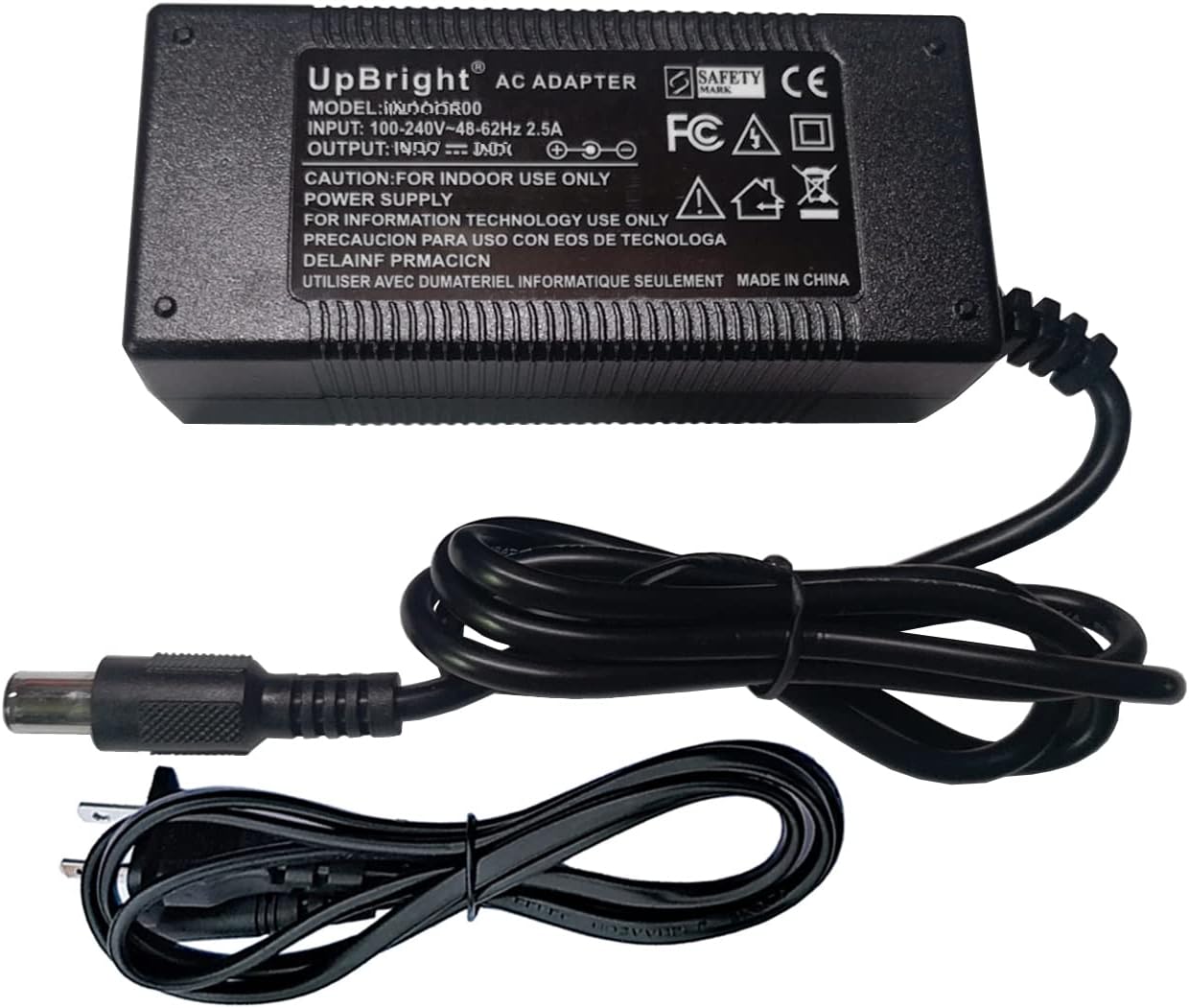
Image: The UpBright 15V AC/DC Adapter, showing the main adapter unit, the DC output barrel connector, and the AC input power cord.
4. Setup Instructions
Follow these steps to set up your UpBright AC/DC Adapter:
- Unpack the Adapter: Carefully remove the adapter and its power cord from the packaging.
- Connect AC Power Cord: Insert the appropriate end of the AC power cord into the AC input port on the adapter unit. Ensure it is firmly seated.
- Connect to Power Station: Locate the DC input port on your Tacklife P50 P-50 Portable Power Station. Insert the barrel connector of the adapter's DC output cable into this port.
- Plug into Wall Outlet: Plug the AC power cord into a standard wall outlet (100-240VAC, 50/60Hz).
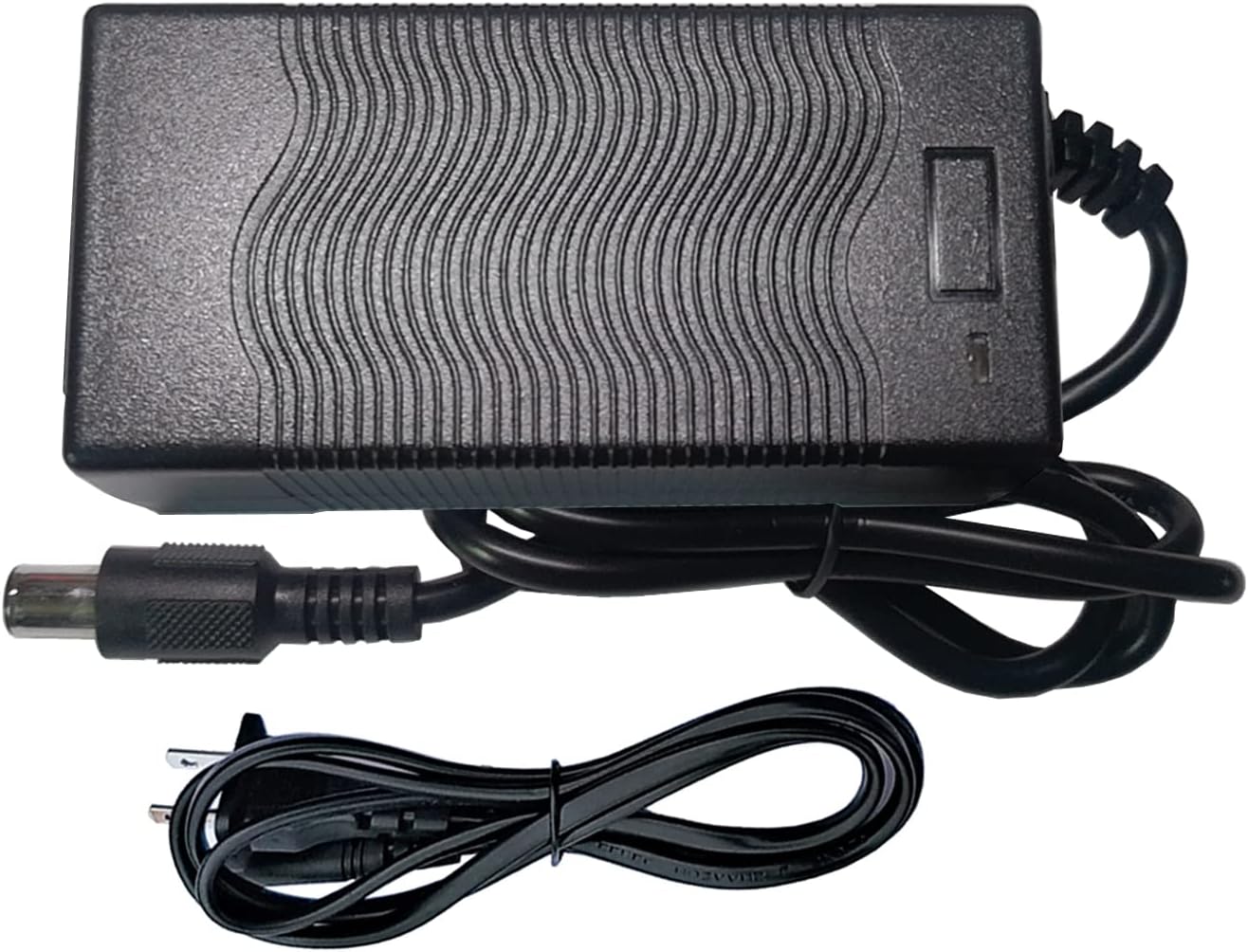
Image: The UpBright 15V AC/DC Adapter with the AC power cord connected, ready for use. The adapter features a textured top surface for heat dissipation.
5. Operating Instructions
Once properly connected, the UpBright 15V AC/DC Adapter will begin supplying power to your Tacklife P50 P-50 Portable Power Station. The power station's charging indicator should activate, confirming that it is receiving power.
- Charging: The adapter will charge the internal battery of the portable power station. Refer to your power station's manual for specific charging times and indicators.
- Powering: The adapter can also power the portable power station directly while it is in use, depending on the power station's design.
- Disconnection: To disconnect, first unplug the AC power cord from the wall outlet, then disconnect the barrel connector from the power station, and finally, disconnect the AC cord from the adapter if storing.
6. Maintenance and Care
- Cleaning: Disconnect the adapter from all power sources before cleaning. Use a soft, dry cloth to wipe the exterior. Do not use liquid cleaners or solvents.
- Storage: Store the adapter in a cool, dry place away from direct sunlight and moisture when not in use. Coil the cables loosely to prevent damage.
- Inspection: Periodically inspect the adapter and cables for any signs of wear or damage. If damage is found, discontinue use and replace the adapter.
7. Troubleshooting
If you encounter issues with your UpBright AC/DC Adapter, refer to the following common problems and solutions:
| Problem | Possible Cause | Solution |
|---|---|---|
| Adapter not supplying power. |
|
|
| Adapter is hot to the touch. |
|
|
8. Specifications
| Feature | Detail |
|---|---|
| Input Voltage | 100-240VAC, 50/60Hz |
| Output Voltage | 15VDC |
| Compatibility | Tacklife P50 P-50 500Wh Portable Power Station (11.1V 45Ah Lithium Battery) |
| Connector Type | Barrel Connector |
| Protection Features | OVP (Over Voltage Protection), OCP (Over Current Protection), SCP (Short Circuit Protection) |
| Product Dimensions | 6 x 3 x 2 inches |
| Item Weight | 10 ounces |
| Color | Black |
| Certifications | CE, CCE, RoHS |
9. Warranty and Support
UpBright products are designed for reliability and performance. This adapter comes with the following:
- 30-Day Refund Policy: If you are not satisfied with your purchase, you may be eligible for a refund within 30 days.
- 24-Month Exchange Policy: UpBright offers a 24-month exchange policy for defective units.
For technical support, warranty claims, or any questions regarding your UpBright product, please contact your retailer or visit the official UpBright website for contact information.

Image: A representation of the UpBright Limited Warranty Certificate, indicating product warranty coverage.