
Philips TAFS1
Philips Fidelio TAFS1 Bluetooth Speaker System User Manual
Model: TAFS1
Introduction
This manual provides detailed instructions for the setup, operation, and maintenance of your Philips Fidelio TAFS1 Bluetooth Speaker System. Please read this manual thoroughly before using the product to ensure proper functionality and to maximize your listening experience. The Fidelio TAFS1 delivers rich, room-filling sound with crystal-clear highs, warm midrange tones, and deep bass, thanks to its down-firing woofer and twin passive radiators. Its elegant design features an acoustically transparent metal grille and anthracite Muirhead leather trim, making it a stylish addition to any room.
What's in the Box
Verify that all components are present upon unpacking:
- Fidelio TAFS1 Speaker System
- AC Power Adapter
- International Warranty Booklet
- Quick Start Guide
Product Overview
Familiarize yourself with the various parts and controls of your Philips Fidelio TAFS1 speaker.

Image 1: Front view of the Philips Fidelio TAFS1 speaker, showcasing its sleek design and perforated grille.

Image 2: Side view of the Philips Fidelio TAFS1 speaker, highlighting its compact and elegant form factor.
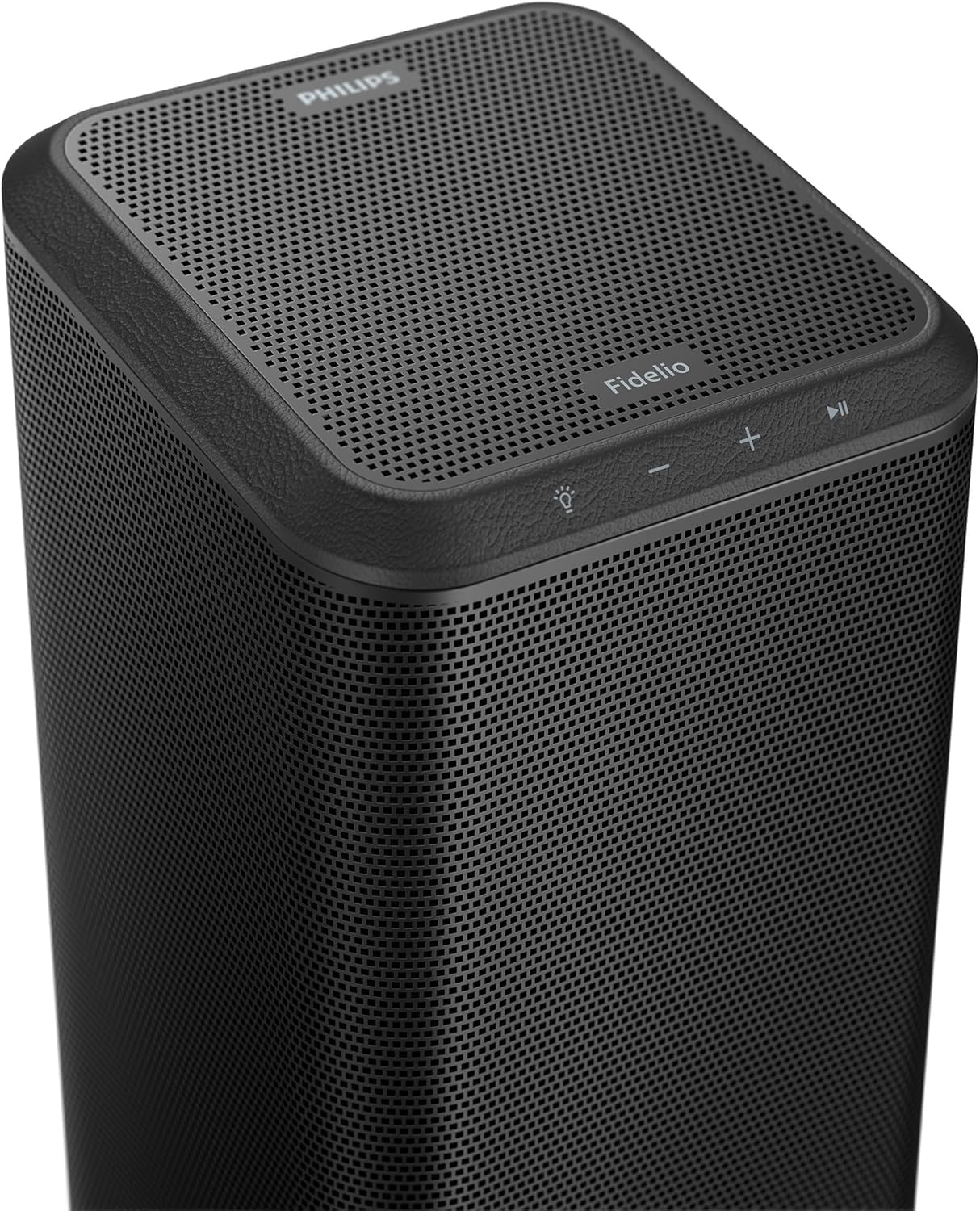
Image 3: Rear view of the Philips Fidelio TAFS1 speaker, showing the various ports and control buttons, including Reset, Wi-Fi, Service, and Audio In.
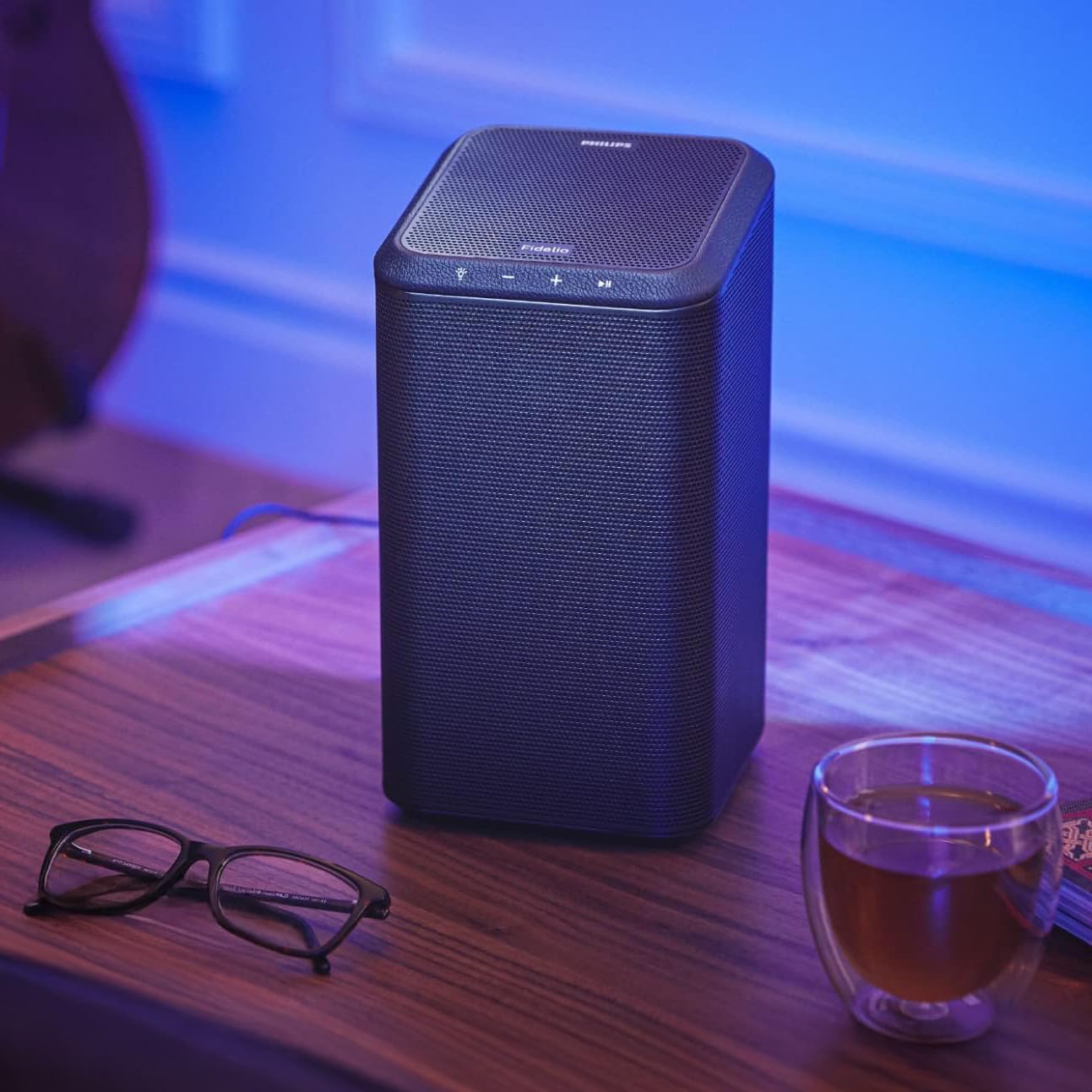
Image 4: Top view of the Philips Fidelio TAFS1 speaker, displaying the touch-sensitive control buttons for power, volume, and playback.

Image 5: The Philips Fidelio TAFS1 speaker positioned on a side table, illustrating its compact size and aesthetic integration into a living space.
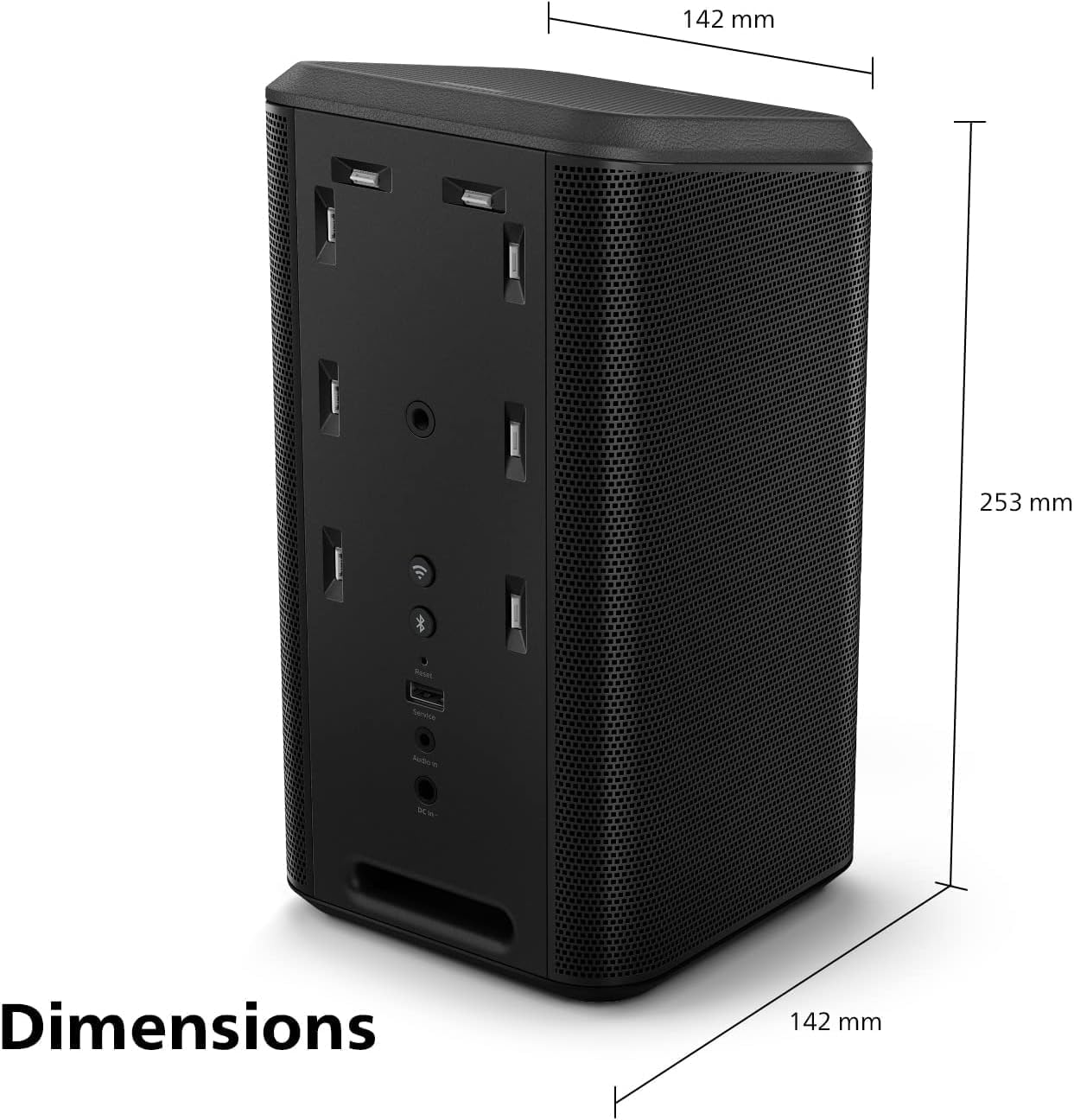
Image 6: Two Philips Fidelio TAFS1 speakers set up as a stereo pair, complementing a television with Ambilight functionality.
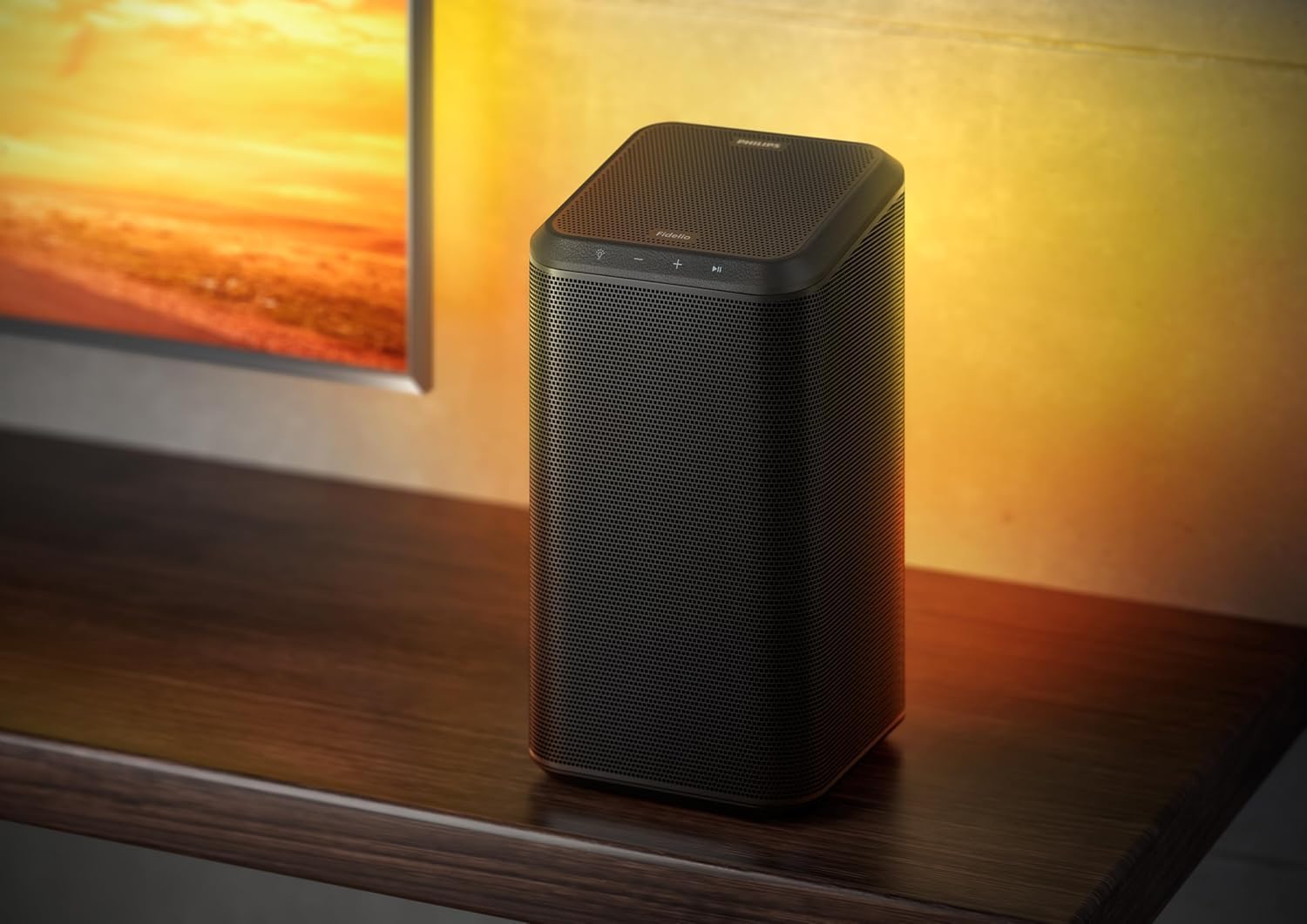
Image 7: Diagram showing the dimensions of the Philips Fidelio TAFS1 speaker: 142mm width, 142mm depth, and 253mm height.
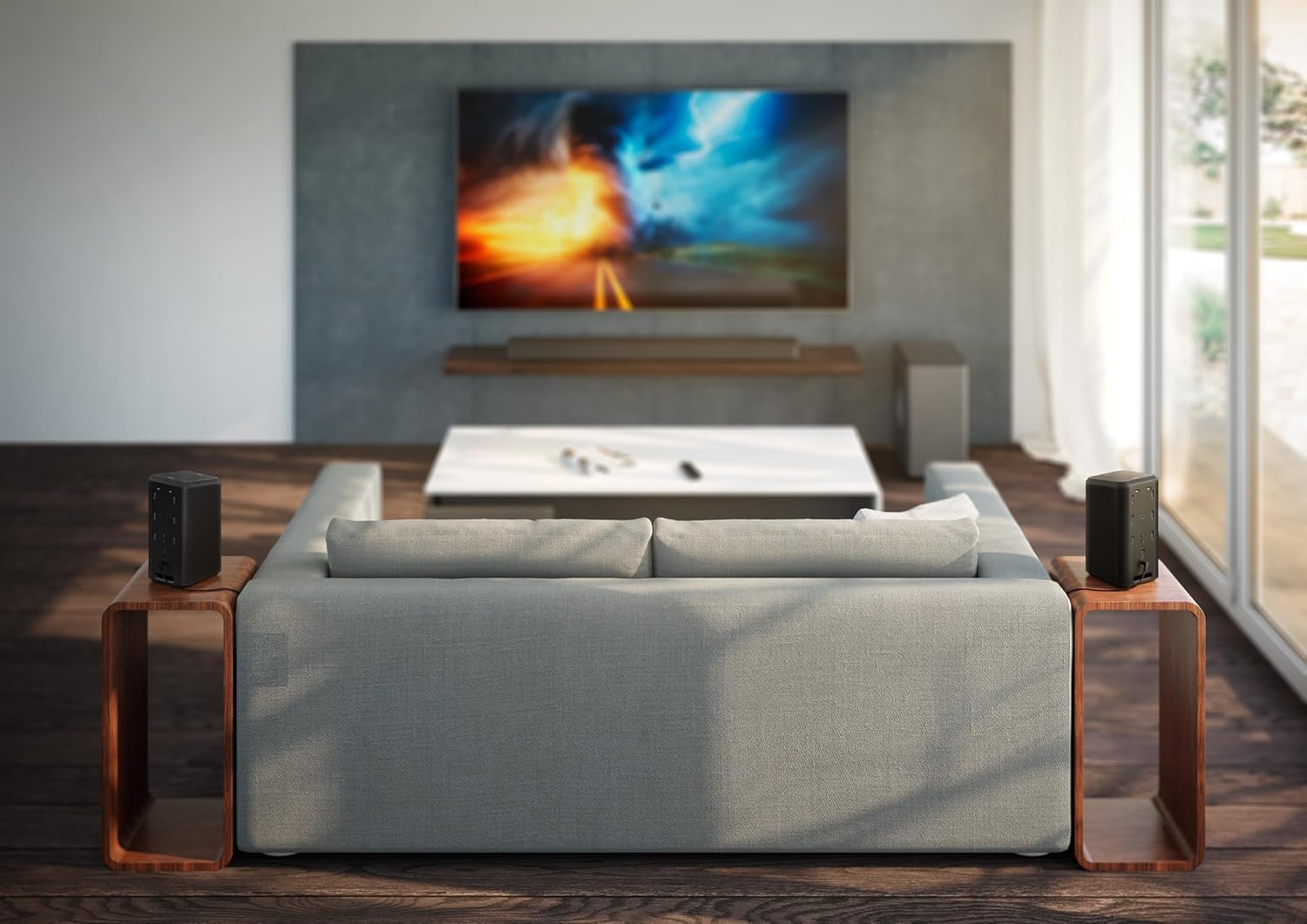
Image 8: The Philips Fidelio TAFS1 speaker placed on a wooden shelf, demonstrating its versatility in various home environments.

Image 9: The Philips Fidelio TAFS1 speaker from the rear, showing the illuminated panel with various connection points and controls, including Reset, Wi-Fi, Service, and Audio In.
Setup
1. Power Connection
- Connect the supplied AC Power Adapter to the 'DC IN' port on the back of the speaker.
- Plug the AC Power Adapter into a wall outlet.
- The speaker will power on automatically or can be turned on using the power button on the top panel.
2. Initial Network Setup (Wi-Fi)
For full functionality, including multi-room audio and voice control, connect your speaker to your home Wi-Fi network.
- Download the Philips Sound app from your device's app store.
- Open the app and follow the on-screen instructions to add your Fidelio TAFS1 speaker to your Wi-Fi network.
- Ensure your mobile device is connected to the same Wi-Fi network you intend to use for the speaker.
3. Bluetooth Pairing
To connect a device via Bluetooth:
- Press the Bluetooth button on the top panel of the speaker or select Bluetooth mode via the Philips Sound app. The Bluetooth indicator will flash.
- On your mobile device, enable Bluetooth and search for "Philips Fidelio TAFS1".
- Select the speaker to pair. Once connected, the Bluetooth indicator will glow solid.
Operating Instructions
Basic Controls
- Power Button: Press to turn on/off.
- Volume Buttons (+/-): Adjust the volume level.
- Play/Pause Button: Start or pause playback.
- Microphone Button: Activate voice assistant (Alexa, Google Assistant, Siri).
Multi-Room Audio with DTS Play-Fi
The Philips Fidelio TAFS1 supports multi-room audio via DTS Play-Fi. Use the Philips Sound app to group multiple compatible speakers and play synchronized audio throughout your home, creating a seamless multi-room experience.
Video 1: An overview of the Philips Fidelio FS1 Wireless Speaker, demonstrating its sound capabilities and design features. This video highlights the speaker's core functionalities and aesthetic appeal.
Stereo Pairing
Pair two Fidelio TAFS1 speakers for an immersive stereo sound experience. This configuration provides clearer sound with a real sense of space, perfect for music or movies, and can be set up through the Philips Sound app.
Voice Control
The speaker supports voice assistants like Alexa, Google Assistant, and Siri. Ensure the microphone is enabled and the speaker is connected to Wi-Fi. Follow the app's instructions to link and configure your preferred voice assistant.
Ambilight Integration
If you own a compatible Philips Ambilight TV, the TAFS1 speaker can sync its responsive LEDs with your TV's Ambilight effect, expanding your viewing experience. This feature can be managed via the Philips Sound app, which also allows for Lounge Mode or Follow Music Mode for a colorful lightshow.
Hi-Res Streaming
The Fidelio TAFS1 supports high-quality music streaming from services like Spotify or Tidal. Utilize the Critical Listening mode for lossless playback, ensuring the best possible audio fidelity.
Video 2: A 360-degree view of the Philips Fidelio FS1 Wireless Speaker, showcasing its design from all angles. This short video provides a comprehensive visual of the product's exterior.
Maintenance
- Cleaning: Use a soft, dry cloth to clean the speaker's surfaces. Do not use liquid cleaners or abrasive materials.
- Storage: When not in use for extended periods, store the speaker in a cool, dry place away from direct sunlight and extreme temperatures.
- Avoid Moisture: This speaker is not waterproof. Keep it away from water and high humidity.
Troubleshooting
| Problem | Solution |
|---|---|
| No power | Ensure the AC power adapter is securely connected to both the speaker and a working power outlet. |
| No sound | Check the volume level on both the speaker and your connected device. Ensure the correct input source is selected. |
| Bluetooth pairing fails | Make sure the speaker is in Bluetooth pairing mode. Move your device closer to the speaker. Disconnect from other Bluetooth devices. |
| Wi-Fi connection issues | Verify your Wi-Fi network is active. Restart your router and the speaker. Use the Philips Sound app to reconfigure the Wi-Fi connection. |
| Voice assistant not responding | Ensure the speaker is connected to Wi-Fi and the microphone is enabled. Check your settings in the Philips Sound app for voice assistant configuration. |
Specifications
- Model Name: Fidelio Wireless speaker
- Model Number: TAFS1
- Speaker Type: Multi Room
- Connectivity Technology: Bluetooth, Wi-Fi
- Special Feature: Voice Control
- Audio Output Mode: Stereo
- Speaker Maximum Output Power: 120 Watts
- RMS Power: 60 Watts
- Frequency Response: 20000 Hz
- Bluetooth Range: 10 Meters
- Maximum Range (Wireless): 20 Meters
- Control Method: Voice
- Power Source: Battery Powered (Internal) / AC Power Adapter
- Material: Metal, Leather
- Color: Black
- Product Dimensions: 5.6"D x 5.6"W x 10"H (142mm D x 142mm W x 253mm H)
- Item Weight: 6.2 Pounds
- Manufacturer: PHILIPS Audio
- UPC: 840063202443
Warranty and Support
Your Philips Fidelio TAFS1 speaker comes with a limited warranty. Please refer to the included International Warranty Booklet for detailed terms and conditions, including warranty period and coverage.
For technical support, product registration, or further assistance, please visit the official Philips support website or contact their customer service. Contact information can typically be found in the warranty booklet or on the Philips website.
Related documentsTAFS1


Ask a question about this manual
Ask about setup, troubleshooting, compatibility, parts, safety, or missing instructions. Manuals+ will review the question and use this page’s manual context to help answer it.