
Introduction
This manual provides detailed instructions for the installation and operation of your Start-X Remote Starter Kit for Chevy Malibu vehicles. This kit is designed to add remote start functionality, enhancing comfort by allowing you to pre-condition your vehicle's interior before entry.

Image: Remote start functionality for comfortable vehicle temperature in any season.
Vehicle Compatibility and Requirements
- Compatible Vehicles: Chevy Malibu models (2013, 2014, 2015, 2016, 2017, 2018, 2019, 2020, 2021, 2022, 2023, 2024).
- Ignition Type: Designed exclusively for vehicles with push-to-start ignition. Not compatible with key-start ignition systems.
- Transmission: Automatic transmission only.
- Fuel Type: Gas vehicles only.
- Factory Remote: Your existing OEM factory remote key fob is required for operation. No additional remote is included.
- Programming: A Windows PC is required to complete the installation and programming process.
- Safety Feature: For safety, the vehicle will shut down when a door is opened after remote starting. The vehicle must be restarted manually before driving.
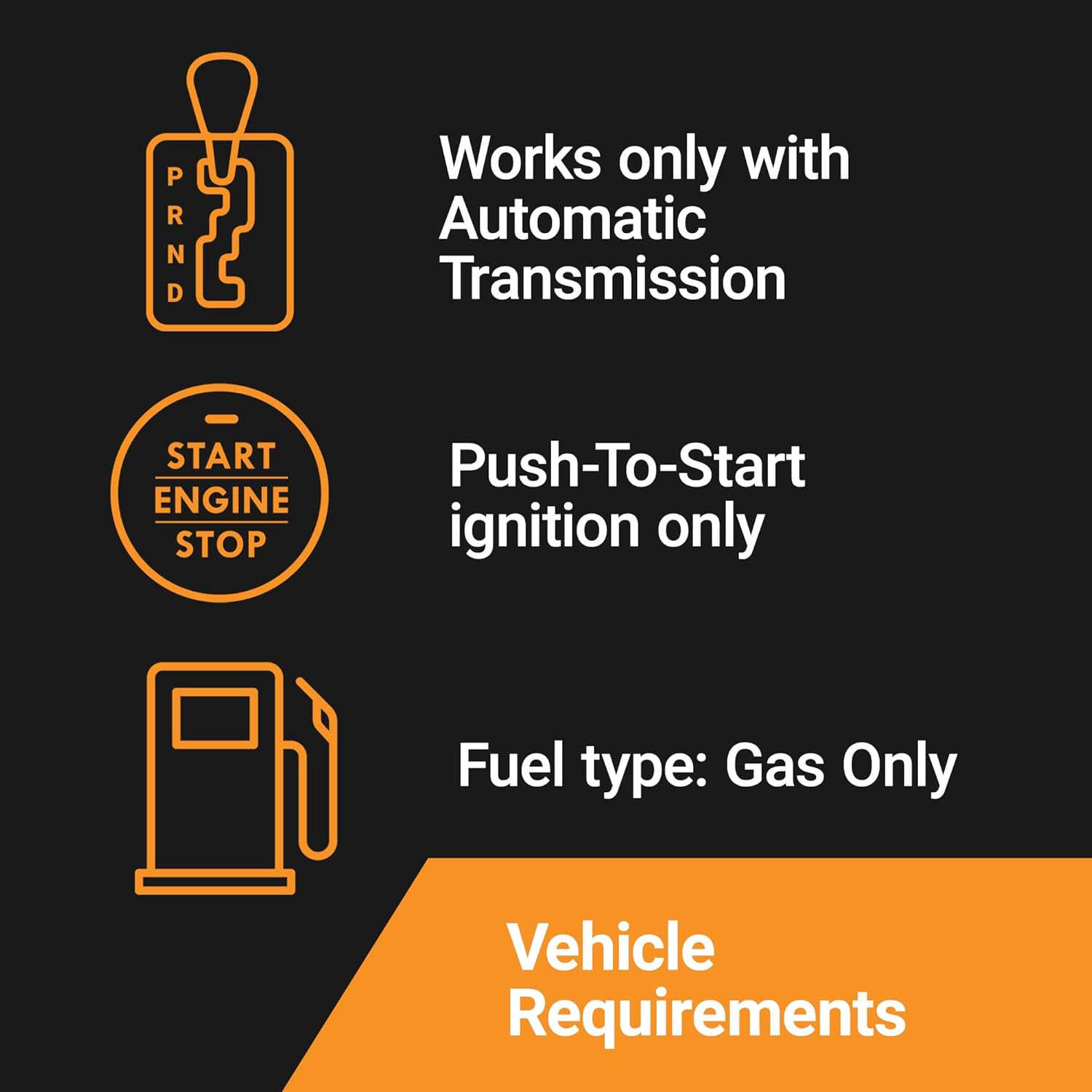
Image: Visual representation of vehicle requirements for the remote starter kit.
What's in the Box
Your Start-X Remote Starter Kit includes all necessary components for a seamless installation:
- Remote Start Module
- Vehicle-Specific T-Harness
- Pry Tool
- Zip Ties
- Installation Guide
- Welcome Card
- Warning Sticker
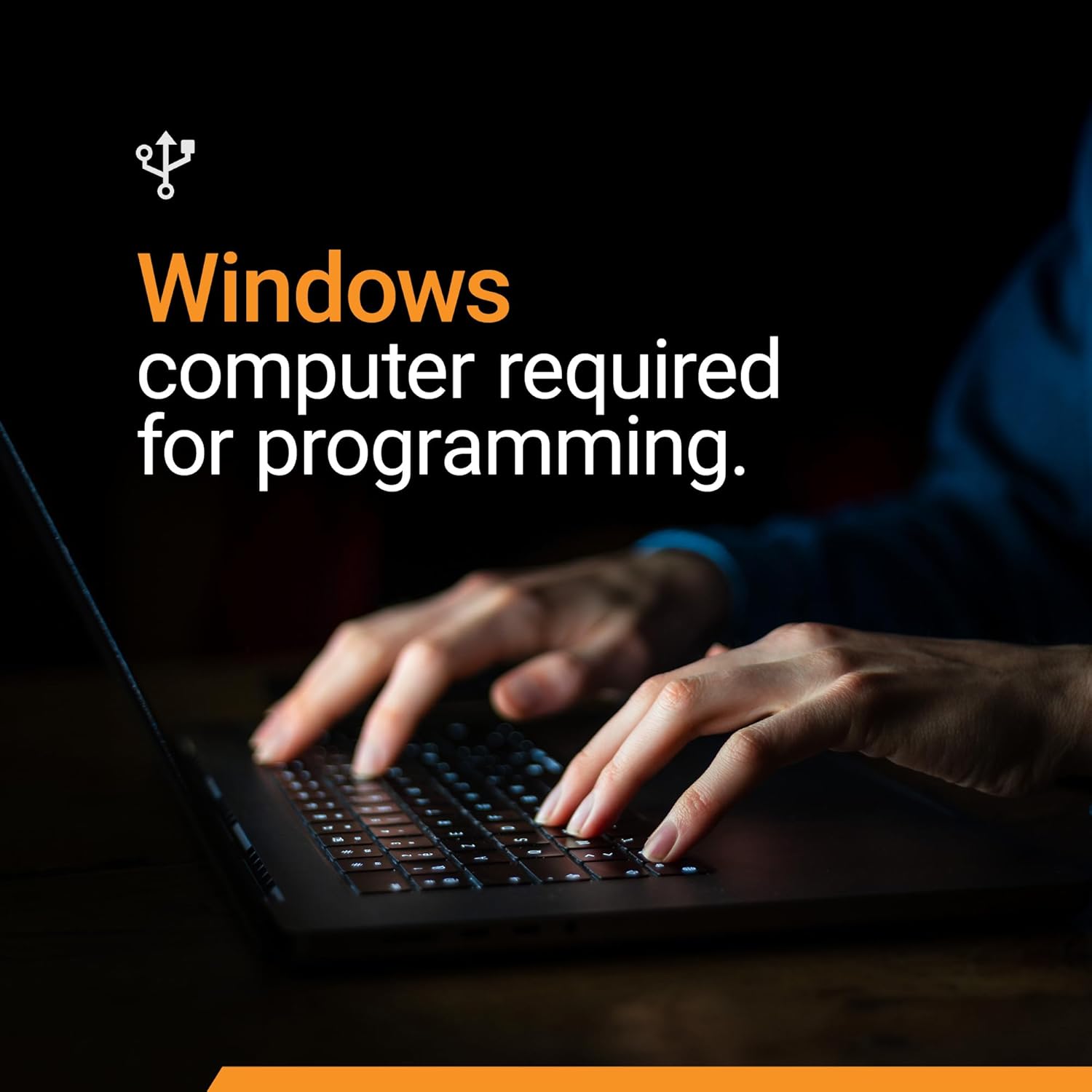
Image: Contents of the Start-X Remote Starter Kit.
Setup and Installation
The Start-X Remote Starter Kit features a plug-and-play design with a vehicle-specific T-harness, eliminating the need for wire cutting or splicing. Follow these general steps and refer to the detailed installation video for your specific vehicle model.
Installation Steps:
- Access the BCM: Locate and carefully remove the necessary interior panels on the passenger side to access the Body Control Module (BCM). Some vehicles may require removing a screw before pulling the panel.
- Disconnect Vehicle Connectors: Identify and disconnect the white, blue, and green connectors from the BCM.
- Connect T-Harness: Connect the vehicle-specific T-harness in-line with the disconnected BCM connectors. Ensure each connection clicks securely into place.
- Module Programming: A Windows PC is required for module programming. Follow the specific programming procedures outlined in the included installation guide. The module is pre-flashed for your vehicle's firmware, but final programming is essential for seamless integration.
- Secure the Module: Use the provided zip ties to secure the remote start module and excess wiring, ensuring it is safely tucked away and does not interfere with vehicle operation.
Installation Video:
Video: Detailed installation guide for the Start-X Remote Starter Kit in a Chevy Malibu.

Image: All components are included for a quick and simple installation.

Image: A Windows computer is required for programming the remote start module.
Operating Instructions
Once installed and programmed, operate your remote starter using your vehicle's existing OEM key fob:
- To Start Vehicle: Press the "Lock" button on your OEM key fob three (3) times consecutively. The vehicle will start.
- To Turn Off Vehicle: Press the "Lock" button on your OEM key fob three (3) times consecutively again. The vehicle will turn off.
- Operating Range: The remote start distance is limited to the same distance you can normally lock/unlock your vehicle with the OEM key fob.
- Range Extension: For increased remote start distance (up to half a mile), consider purchasing a Start-X range extender kit (sold separately). These kits include separate remotes.
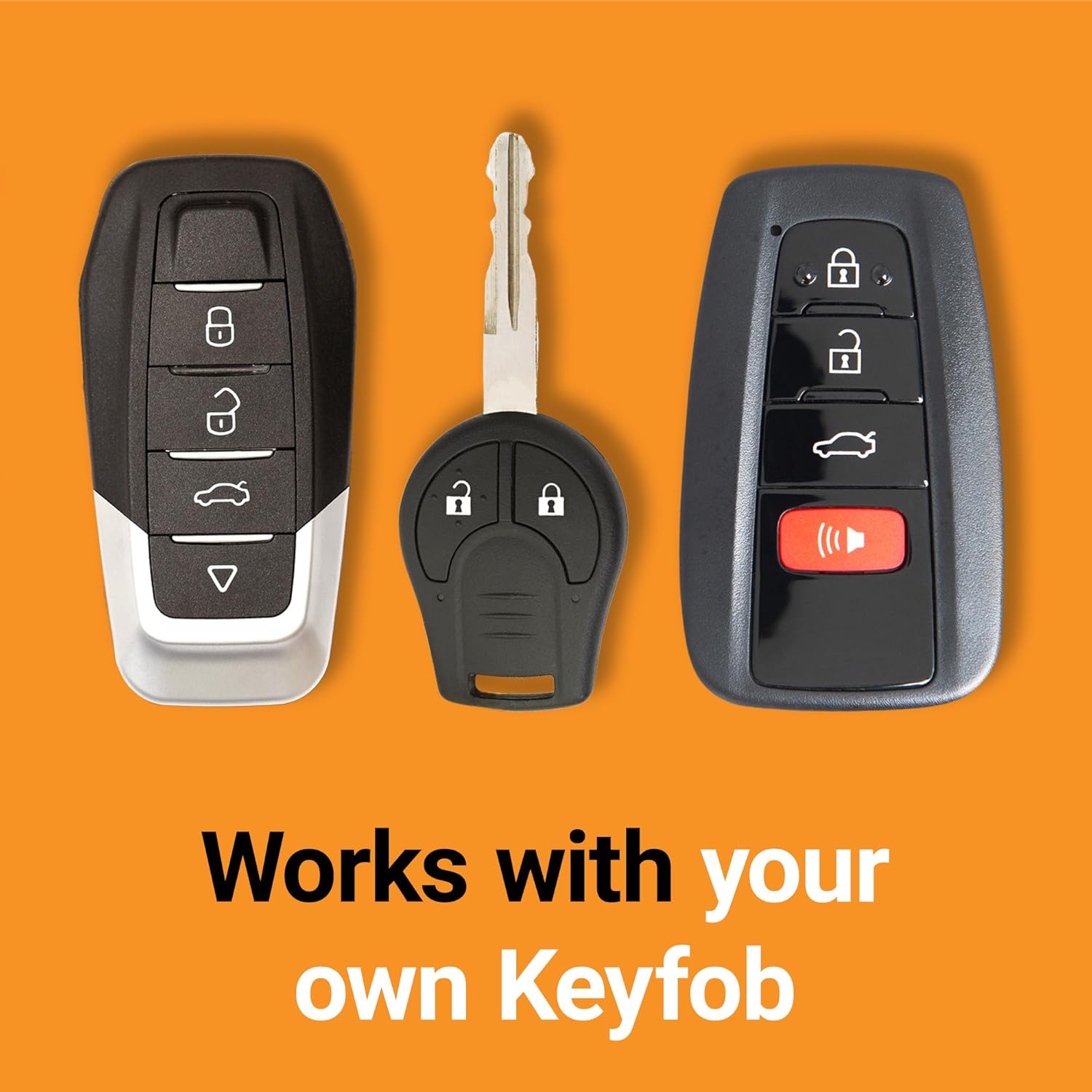
Image: The remote starter works with your existing OEM key fob.
Maintenance
The Start-X Remote Starter Kit is designed for maintenance-free operation. Ensure all connections remain secure and free from moisture or damage. Periodically check the module's mounting to ensure it is still firmly attached with the zip ties.
Troubleshooting
If you encounter issues with your remote starter, first verify that all connections are secure and that the module was programmed correctly using a Windows PC. Ensure your vehicle meets all compatibility requirements. For persistent issues, please contact Start-X customer support.
Specifications
| Manufacturer | Start-X |
| Brand | Start-X |
| Item Weight | 14.9 ounces |
| Package Dimensions | 8.9 x 4.61 x 3.58 inches |
| Manufacturer Part Number | G6-Malibu |
| Voltage | 12 Volts |
Support
For any additional assistance, technical questions, or customer support, please refer to the contact information provided in your included Welcome Card or visit the official Start-X website.
Ask a question about this manual
Ask about setup, troubleshooting, compatibility, parts, safety, or missing instructions. Manuals+ will review the question and use this page’s manual context to help answer it.