Introduction
This manual provides essential instructions for the safe and efficient use of your Haier 43K7700UGA 43 Inch 4K Google Smart Android Television. Please read this manual thoroughly before operating the television and retain it for future reference. This television features a 4K UHD display, Google Android 11 operating system, and built-in Chromecast for an enhanced viewing experience.
Important Safety Information
Always follow basic safety precautions when using this television to reduce the risk of fire, electric shock, and injury.
- Do not expose the television to rain or moisture.
- Do not block ventilation openings. Ensure adequate space around the television for proper airflow.
- Protect the power cord from being walked on or pinched.
- Only use attachments/accessories specified by the manufacturer.
- Unplug the television during lightning storms or when unused for long periods.
- Refer all servicing to qualified service personnel.
Package Contents
Verify that all items are present in the package:
- 1 x Haier 43 Inch LED TV
- 1 x Remote Control
- 1 x Table Top Stand (set)
- 1 x Power Cable
- 2 x AAA Batteries (for remote)
- 1 x User Manual (this document)
- 1 x Warranty Card
Setup Guide
1. Unpacking and Placement
Carefully remove the television from its packaging. Place the TV on a stable, flat surface or prepare for wall mounting (wall mount kit sold separately). Ensure proper ventilation around the TV.
2. Attaching the Table Top Stand
If using the included table top stand, align the stand components with the designated slots at the bottom of the television. Secure them firmly with the provided screws. Refer to the diagram below for guidance.
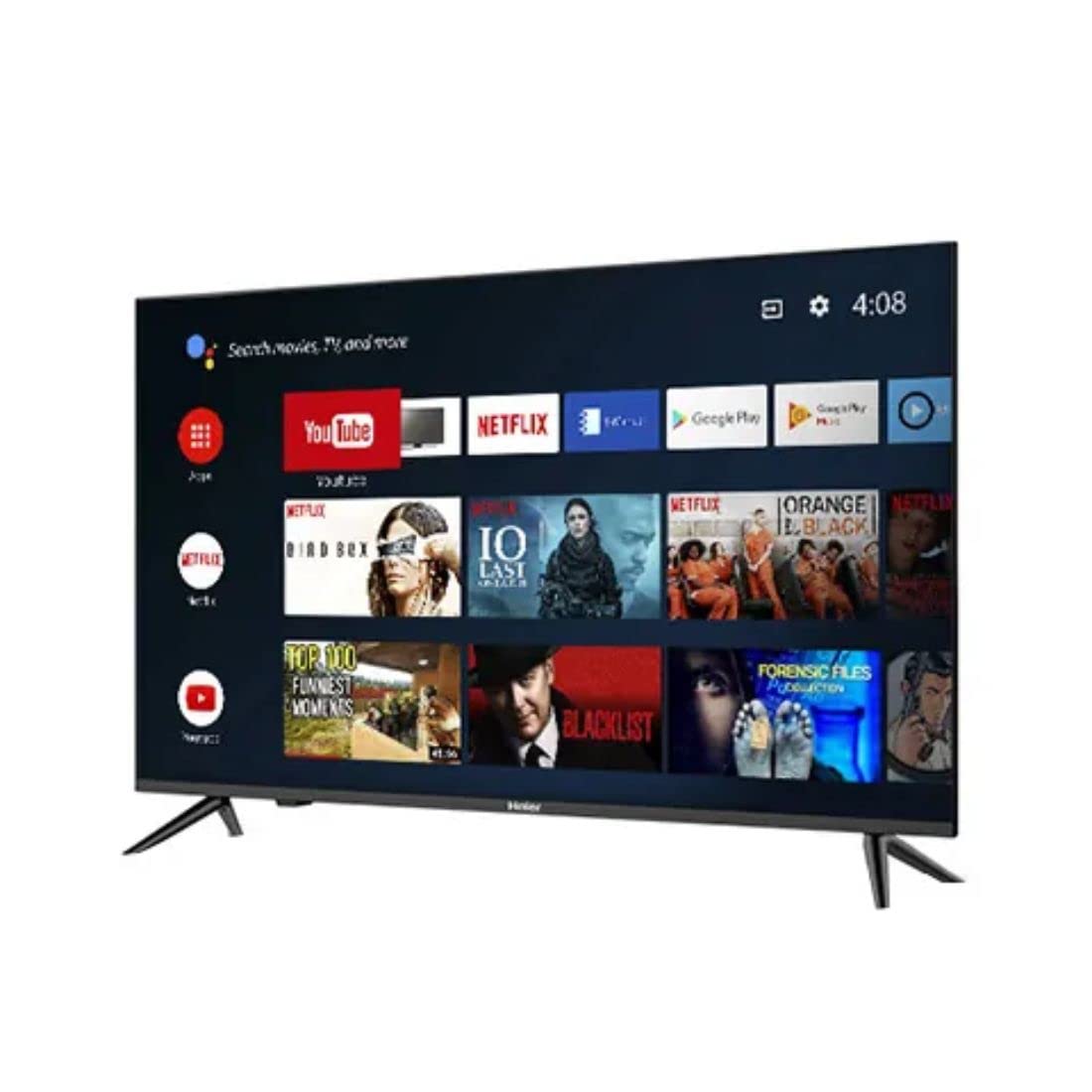
Image: Side view of the television demonstrating stand attachment.
3. Connecting Power
Connect the power cable to the AC input port on the back of the television, then plug the other end into a suitable power outlet. Ensure the power supply matches the voltage requirements of the TV (230 Volts).
4. Connecting External Devices
Your Haier TV supports various connections. Use the HDMI ports for high-definition devices like set-top boxes, gaming consoles, or Blu-ray players. USB ports are available for media playback from storage devices.
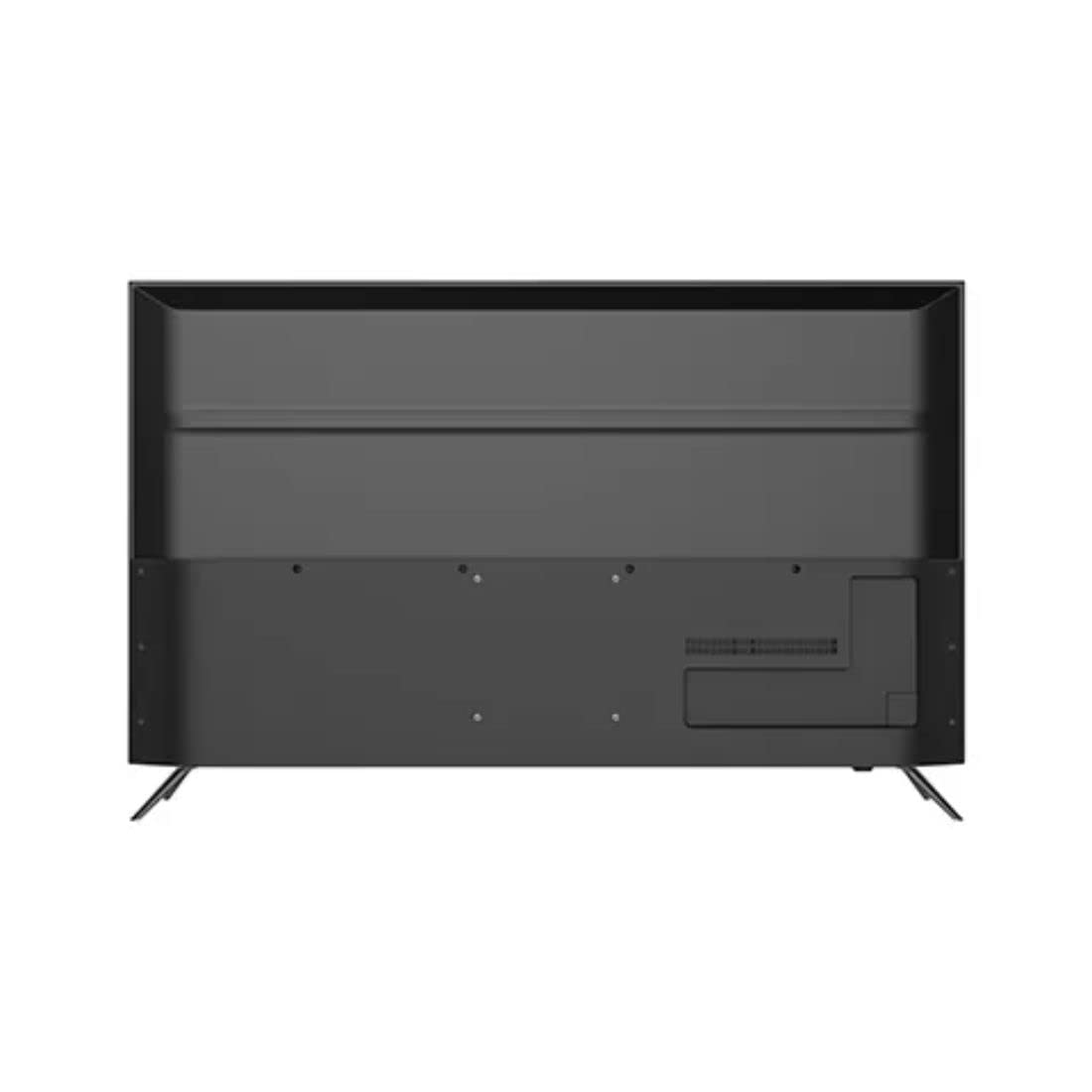
Image: Rear view of the television highlighting various input ports such as HDMI and USB.
- HDMI: Connect HDMI cables from your devices to the HDMI ports on the TV.
- USB: Insert USB storage devices into the USB ports for accessing media files.
- Bluetooth: Use Bluetooth for wireless audio devices or other compatible accessories.
5. Initial Setup (First Power On)
Upon first power-on, the TV will guide you through the initial setup process. This includes selecting your language, connecting to a Wi-Fi network, signing in with your Google account, and configuring basic settings for your Android TV experience.
Operating Your Television
1. Remote Control
Insert the two AAA batteries into the remote control, ensuring correct polarity. The remote allows you to navigate the TV's interface, adjust volume, change channels, and access smart features.
2. Power On/Off
Press the Power button on the remote control or on the TV to turn the television on or off.
3. Android TV Interface
Your Haier TV runs on Google Android 11, providing access to a wide range of apps and services. Use the directional buttons on your remote to navigate the home screen, select apps, and browse content.

Image: Front view of the television showing the Android TV home screen with applications like YouTube and Netflix.
4. Using Google Assistant
Press the Google Assistant button on your remote to activate voice commands. You can ask questions, search for content, control smart home devices, and more.
5. Chromecast Built-in
With Chromecast built-in, you can cast movies, shows, photos, and more from your smartphone, tablet, or computer directly to your TV. Ensure your device and TV are on the same Wi-Fi network.
6. Picture and Sound Settings
Access the settings menu to customize picture modes (e.g., Standard, Vivid, Movie), adjust brightness, contrast, color, and sound settings (e.g., sound mode, equalizer).
Maintenance
1. Cleaning the Screen
Gently wipe the screen with a soft, dry, lint-free cloth. For stubborn marks, lightly dampen the cloth with water or a specialized screen cleaner. Never spray liquid directly onto the screen.
2. General Care
Keep the television free from dust by regularly wiping the cabinet with a soft, dry cloth. Avoid placing heavy objects on the TV or exposing it to direct sunlight or extreme temperatures.
Troubleshooting
If you encounter issues with your television, refer to the following common solutions before contacting customer support.
- No Power: Ensure the power cable is securely connected to both the TV and the power outlet. Check if the outlet is functioning by plugging in another device.
- No Picture/Sound: Verify that the correct input source is selected. Check all cable connections (HDMI, etc.) are secure. For no sound, check volume levels and mute settings.
- Remote Control Not Working: Replace the AAA batteries in the remote control. Ensure there are no obstructions between the remote and the TV's IR sensor.
- Network Connection Issues: Restart your Wi-Fi router. Go to the TV's network settings to reconnect to your Wi-Fi network. Ensure the Wi-Fi password is entered correctly.
- Picture Quality Issues: Adjust picture settings (brightness, contrast, sharpness) in the TV's menu. Ensure the input source is providing a high-quality signal.
Technical Specifications
Below are the key technical specifications for the Haier 43K7700UGA television:
| Feature | Specification |
|---|---|
| Brand | Haier |
| Model Name | 43K7700UGA |
| Screen Size | 43 Inches (109 Centimetres) |
| Display Technology | LED |
| Resolution | 4K Ultra HD (3840 x 2160 pixels) |
| Refresh Rate | 60 Hz |
| Operating System | Google Certified Android 11 |
| Memory Storage Capacity | 1 GB |
| Hardware Interface | HDMI, USB |
| Total USB Ports | 2 |
| Connector Type | Bluetooth |
| Supported Internet Services | Google Assistant |
| Viewing Angle | 178 Degrees |
| Product Dimensions (LxWxH) | 95.9 x 23 x 61.7 cm |
| Item Weight | 7.3 kg |
| Voltage | 230 Volts |
| Wattage | 180 Watts |

Image: Front view of the television with key dimensions indicated.
Warranty and Support
Your Haier 43K7700UGA television comes with a 1 Year Warranty from the date of purchase. Please refer to the included Warranty Card for detailed terms and conditions.
For technical assistance, troubleshooting not covered in this manual, or warranty claims, please contact Haier customer support. Contact information can typically be found on the warranty card or the official Haier website.


