
Introduction
The Festool GHS 25 I US cordless Bluetooth earplugs are designed to provide hearing protection with an ANSI-rated noise reduction rating (NRR) of 25 dB, while allowing users to listen to audio and make phone calls. They feature a conversation mode to enable communication in noisy environments without removing the earplugs. This manual provides essential information for the safe and effective use of your new earplugs.
What's in the Box
- 1x GHS 25 I ear protection (pair of earplugs)
- 1x Charging case
- Various ear tip sizes (foam and silicone)
- USB charging cable
Product Overview

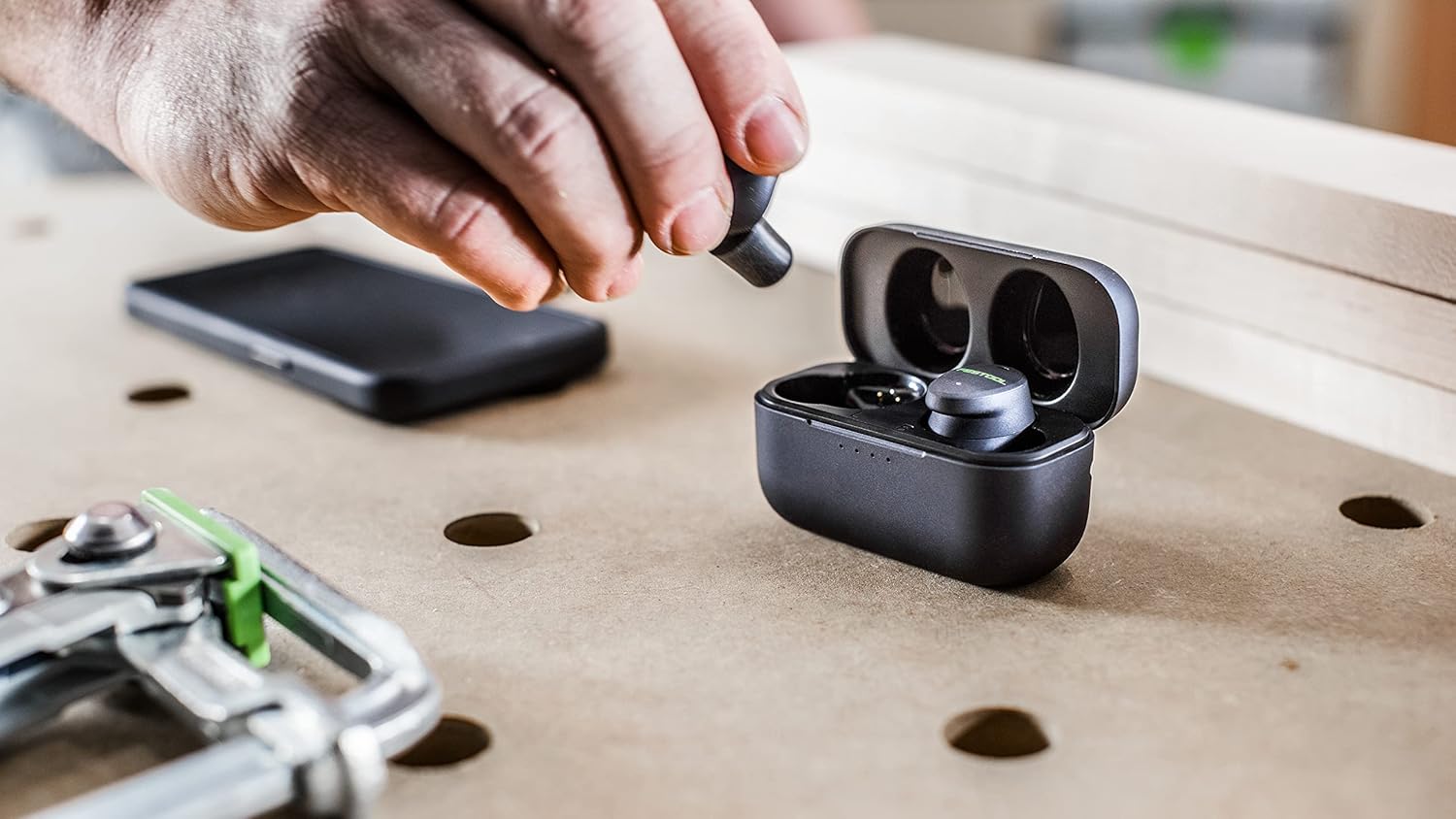

Setup
Charging the Earplugs
Before first use, fully charge the earplugs and the charging case. Place the earplugs into the charging case. The LED indicators on the case will show the charging status. A full charge provides extended battery life for both the earplugs and the case.
Bluetooth Pairing
- Ensure the earplugs are in the charging case and the case lid is open.
- On your device (smartphone, tablet, etc.), go to Bluetooth settings and enable Bluetooth.
- Select 'Festool GHS 25 I US' from the list of available devices to pair.
- Once paired, the earplugs will automatically connect to your device when removed from the case.
Operating Instructions
Noise Reduction
The GHS 25 I US earplugs provide an NRR of 25 dB, effectively reducing loud ambient noise above a safe sound level (79 dB, corresponding to EU standard EN352). This protection is active whenever the earplugs are properly inserted.
Conversation Mode
To engage with your surroundings or converse with others without removing the earplugs, activate the conversation mode. This innovative technology allows speech and ambient noise to pass through at a safe listening volume. Refer to the touch control instructions for activating this mode.
Call Management
The earplugs feature a noise-isolating microphone for clear phone calls, even in noisy environments. Use the touch controls on the earplugs to answer, end, or reject calls.
Touch Control
The earplugs are equipped with touch controls for managing audio playback, calls, and conversation mode. Specific gestures and taps correspond to different functions. Consult the quick start guide included in the packaging for a detailed overview of touch control commands.
Maintenance
Regular cleaning of your earplugs and ear tips is essential for hygiene and optimal performance. Gently wipe the earplugs with a soft, damp cloth. For the ear tips, remove them from the earplugs and clean them with mild soap and water, then allow them to dry completely before reattaching.
Troubleshooting
- Earbud not connecting: If one earbud does not connect, place both earbuds back into the charging case, close the lid for a few seconds, then reopen and try connecting again.
- Poor sound quality: Ensure ear tips are correctly sized and seated firmly in your ear canal for optimal noise isolation and sound. Check your device's audio settings.
- Charging issues: Verify the charging cable is securely connected to both the case and a power source. Ensure the charging contacts on the earplugs and inside the case are clean and free of debris.
Specifications
| Product Dimensions | 7.21 x 4.41 x 1.97 inches |
| Item Weight | 10.2 ounces |
| Noise Reduction Rating (NRR) | 25 dB |
| Bluetooth Version | 5.2 |
| Compliance | OSHA standards (loud ambient noise outside the safe sound level of 79 dB) |
Warranty Information
This product is covered by a manufacturer's warranty. Please refer to the warranty card included in your product packaging for detailed terms and conditions, including duration and coverage specifics. Keep your proof of purchase for any warranty claims.


