
1. Introduction
This manual provides essential instructions for the safe and efficient use of your BLACK+DECKER BXIR1000E Travel Iron. Designed for portability, this compact iron features a foldable handle, 1000W power, dual voltage compatibility (120V/240V), and a stainless steel soleplate. Please read this manual thoroughly before first use and retain it for future reference.
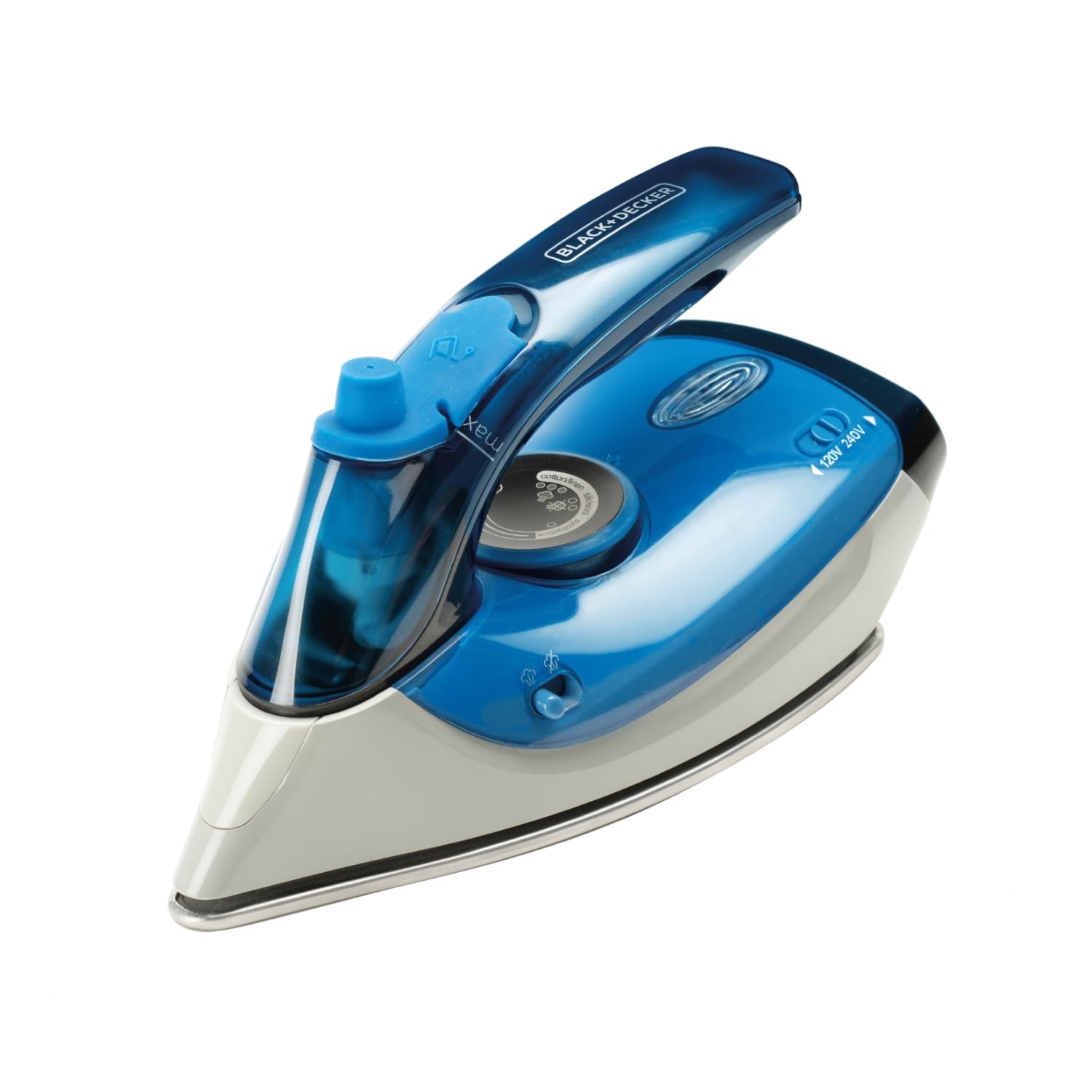
Figure 1: BLACK+DECKER BXIR1000E Travel Iron with key features.
2. Important Safety Instructions
When using electrical appliances, basic safety precautions should always be followed to reduce the risk of fire, electric shock, and personal injury.
- Always ensure the voltage indicated on the appliance matches your local mains voltage before connecting.
- Do not immerse the iron, power cord, or plug in water or other liquids.
- Unplug the iron from the outlet when filling with water, emptying, or when not in use.
- Do not leave the iron unattended while it is switched on or connected to the power supply.
- Keep the iron and its cord out of reach of children.
- Use the iron only for its intended purpose, which is ironing clothes.
- Do not operate any appliance with a damaged cord or plug, or after the appliance malfunctions or has been dropped or damaged in any manner.
- The soleplate can become extremely hot. Avoid direct contact with hot surfaces.
- Always place the iron on a stable, heat-resistant surface when resting.
3. Product Components
Familiarize yourself with the parts of your BLACK+DECKER BXIR1000E Travel Iron:
- Water Tank: For filling with water for steam functions (40 ml capacity).
- Water Inlet Cover: Protects the water tank opening.
- Temperature Control Dial: Adjusts heat settings for different fabric types.
- Steam Button/Selector: Activates continuous steam or steam boost.
- Spray Nozzle (if applicable): For misting fabrics.
- Stainless Steel Soleplate: Scratch-resistant heating surface with precision tip.
- Foldable Handle: For compact storage and travel.
- Voltage Selector Switch: Allows switching between 120V and 240V.
- Power Cord: Connects the iron to the electrical outlet.

Figure 2: Front view of the iron.

Figure 3: Side view showing the foldable handle.
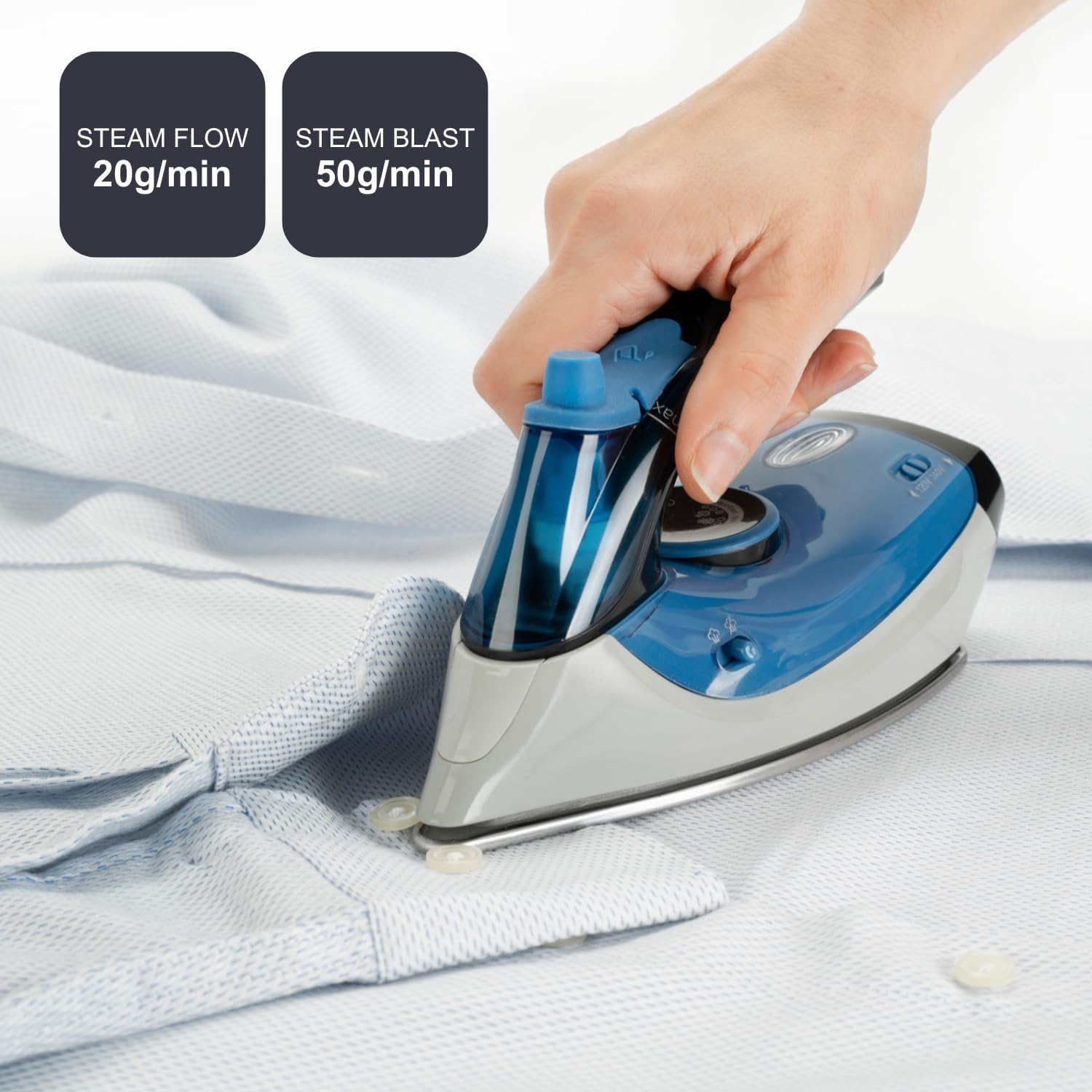
Figure 4: Back view of the iron.
4. Setup Instructions
4.1 Unpacking
- Remove all packaging materials and labels from the iron.
- Inspect the iron for any damage. Do not use if damaged.
4.2 Voltage Selection
Your iron is equipped with a dual voltage selector for international use. Before plugging in the iron, ensure the voltage selector switch is set to the correct voltage for your location (120V or 240V).
- Locate the voltage selector switch, usually on the side or back of the iron.
- Use a coin or screwdriver to carefully slide the switch to the desired voltage (120V or 240V).
- Important: Incorrect voltage selection can damage the iron and pose a safety risk.
4.3 Filling the Water Tank
For steam ironing, fill the water tank with distilled or demineralized water.
- Ensure the iron is unplugged from the power outlet.
- Open the water inlet cover.
- Carefully pour water into the tank up to the 'MAX' fill line (40 ml capacity). Do not overfill.
- Close the water inlet cover securely.
5. Operating Instructions
5.1 Initial Use
During the first use, a slight odor or smoke may occur as manufacturing residues burn off. This is normal and will dissipate quickly.
5.2 Temperature Setting
- Plug the iron into a suitable electrical outlet.
- Turn the temperature control dial to the desired setting based on the fabric type (e.g., synthetic, silk, wool, cotton, linen). Refer to garment care labels.
- The indicator light will illuminate, indicating the iron is heating. It will turn off when the set temperature is reached.
5.3 Steam Ironing
Steam ironing is recommended for fabrics that can withstand high temperatures and moisture.
- Ensure the water tank is filled.
- Set the temperature dial to a steam-appropriate setting (usually cotton or linen).
- Once the iron reaches the set temperature, press the steam button for a steam boost (up to 50 g/min) or slide the steam selector for continuous steam (20 g/min).
5.4 Vertical Steaming
The iron can be used for vertical steaming of hanging garments or drapes.
- Hold the iron vertically, a few centimeters away from the fabric.
- Press the steam button to release bursts of steam.
5.5 Automatic Shut-off
For safety, the iron features an automatic shut-off function if left unattended for a period of time.
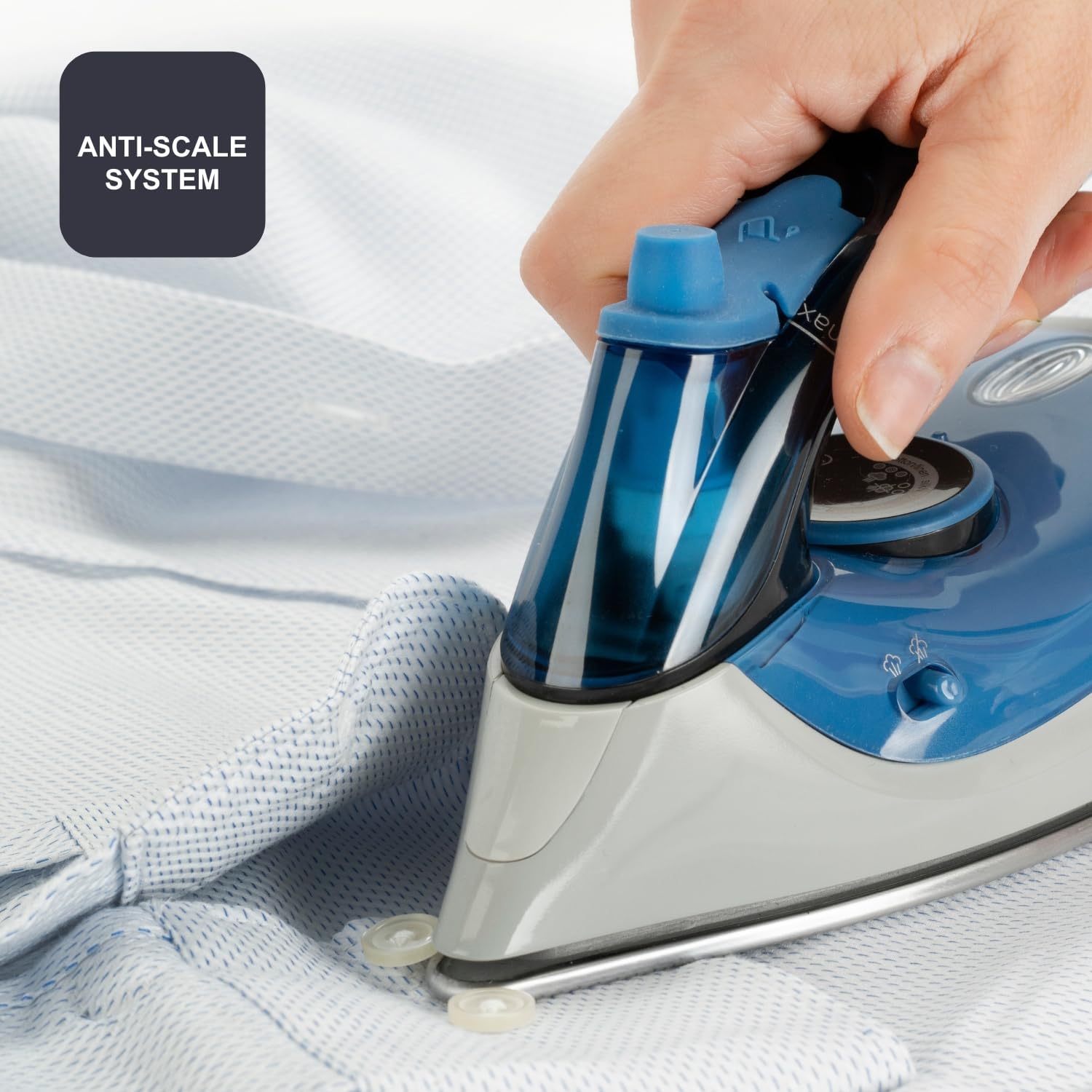
Figure 5: Ironing with steam functions.
6. Maintenance
Regular maintenance ensures optimal performance and extends the lifespan of your iron.
6.1 After Each Use
- Unplug the iron and allow it to cool completely.
- Empty any remaining water from the tank.
6.2 Cleaning the Soleplate
- Wipe the soleplate with a damp cloth and a non-abrasive cleaner if necessary.
- Do not use abrasive pads or harsh chemicals, as these can damage the stainless steel surface.
6.3 Anti-Calc System
The iron features a double anti-calc filter to prevent mineral buildup. This system is designed to reduce limescale, but regular use of distilled water is still recommended, especially in hard water areas.
6.4 Storage
- Ensure the iron is cool and empty.
- Fold the handle for compact storage.
- Store the iron in a dry, safe place, away from direct sunlight and moisture.

Figure 6: Anti-scale system and water tank.
7. Troubleshooting Guide
If you encounter issues with your iron, refer to the table below for common problems and solutions.
| Problem | Possible Cause | Solution |
|---|---|---|
| Iron does not heat up. | Not plugged in; incorrect voltage selected; power outage; automatic shut-off activated. | Check power connection; verify voltage selector setting; check circuit breaker; unplug and replug to reset. |
| No steam or insufficient steam. | Water tank empty; temperature too low for steam; steam vents clogged. | Fill water tank; set temperature to steam-appropriate level; clean soleplate vents. |
| Water leaks from soleplate. | Water tank overfilled; temperature too low for steam; iron left horizontal when hot. | Do not overfill tank; ensure temperature is high enough for steam; always rest iron vertically or on its heel. |
| Iron leaves marks on fabric. | Soleplate dirty; temperature too high for fabric. | Clean soleplate; adjust temperature according to fabric type. |
8. Technical Specifications
| Feature | Specification |
|---|---|
| Model Name | BXIR1000E |
| Power | 1000 Watts |
| Voltage | 120V / 240V (Dual Voltage) |
| Continuous Steam | 20 g/min |
| Steam Boost | Up to 50 g/min |
| Water Tank Capacity | 40 ml |
| Soleplate Material | Stainless Steel |
| Item Weight | 400 g |
| Features | Automatic Shut-off, Foldable Handle, Anti-Calc System, Temperature Regulator |
| Dimensions (Approx.) | 20 cm (Length) x 9 cm (Width) x 10 cm (Height) |
| Manufacturer | Taurus Group |
| Country of Origin | Spain |

Figure 7: Iron dimensions.
9. Warranty Information
This BLACK+DECKER BXIR1000E Travel Iron is covered by a 3-year warranty from the date of purchase. This warranty covers manufacturing defects under normal household use. It does not cover damage resulting from misuse, neglect, accident, alteration, or commercial use. Please retain your proof of purchase for warranty claims.
10. Customer Support
For technical assistance, warranty claims, or product information, please contact BLACK+DECKER customer service. Refer to the contact information provided in your product packaging or visit the official BLACK+DECKER website for support details in your region.


