
1. Introduction
Thank you for choosing the TTEC Dynamite Duo Portable Wireless Bluetooth Speaker. This manual provides essential information for setting up, operating, and maintaining your speaker. Please read it carefully before use to ensure optimal performance and longevity of your device.
The TTEC Dynamite Duo offers a 360-degree wireless sound experience, featuring dual passive radiators and dual active drivers for rich audio. With Bluetooth 5.0 connectivity, up to 12 hours of battery life, and an IP65 certified water and dust resistant design, it is built for versatile use. It also includes a built-in microphone for hands-free calls and supports True Wireless Stereo (TWS) pairing for an enhanced audio experience.
2. Safety Information
- Do not expose the speaker to extreme temperatures, direct sunlight, or open flames.
- While the speaker is IP65 certified for water and dust resistance, it is not designed for submersion in water. Avoid prolonged exposure to heavy rain or splashing.
- Do not disassemble, repair, or modify the speaker. This may void the warranty and pose safety risks.
- Keep the speaker away from children and pets.
- Use only the provided charging cable or a certified equivalent.
- Clean the speaker with a soft, dry cloth. Do not use abrasive cleaners or solvents.
- Dispose of the speaker and its battery responsibly according to local regulations.
3. Package Contents
Please check the package for the following items:
- 1 x TTEC Dynamite Duo Portable Bluetooth Speaker
- 1 x AUX Cable
- 1 x Micro USB Charging Cable
- 1 x Carrying Strap
- 1 x User Manual (this document)
4. Product Overview
Familiarize yourself with the components and controls of your TTEC Dynamite Duo speaker.
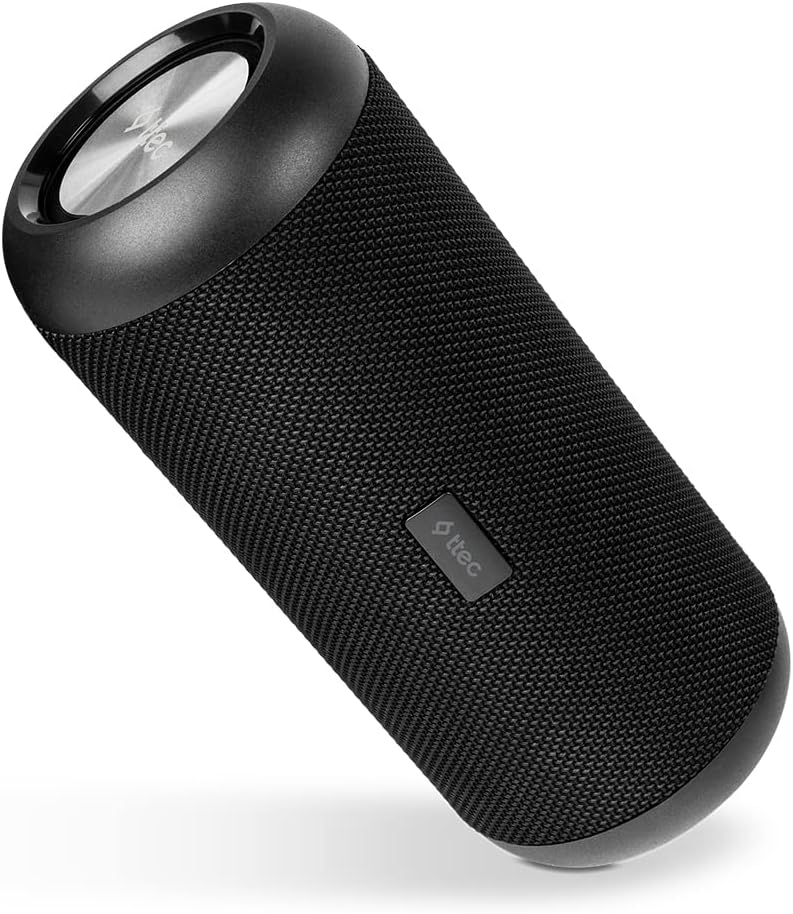
Figure 4.1: Main view of the TTEC Dynamite Duo Portable Bluetooth Speaker, showcasing its cylindrical design and speaker grille.

Figure 4.2: Close-up of the control panel on the TTEC Dynamite Duo speaker, showing the power, play/pause, volume, and mode buttons.

Figure 4.3: View of the charging port (Micro USB) and auxiliary input (AUX) on the TTEC Dynamite Duo speaker, typically located under a protective flap.
Controls and Indicators:
- Power Button: Press and hold to turn the speaker ON/OFF.
- Play/Pause Button: Press to play or pause music. During a call, press to answer or end a call. Press and hold to reject an incoming call.
- Volume Down / Previous Track Button: Press to decrease volume. Press and hold to go to the previous track.
- Volume Up / Next Track Button: Press to increase volume. Press and hold to go to the next track.
- Mode Button: Press to switch between Bluetooth and AUX input modes.
- LED Indicator: Displays charging status, Bluetooth pairing status, and operational mode.
5. Setup
5.1 Charging the Speaker
Before first use, fully charge the speaker. Use the provided Micro USB cable.
- Connect the Micro USB end of the charging cable to the speaker's charging port (refer to Figure 4.3).
- Connect the USB-A end to a USB power adapter (not included) or a computer's USB port.
- The LED indicator will show charging status (e.g., red for charging, off or green for fully charged).
- A full charge takes approximately [X] hours (specific time not provided, user should refer to product packaging or quick start guide if available).
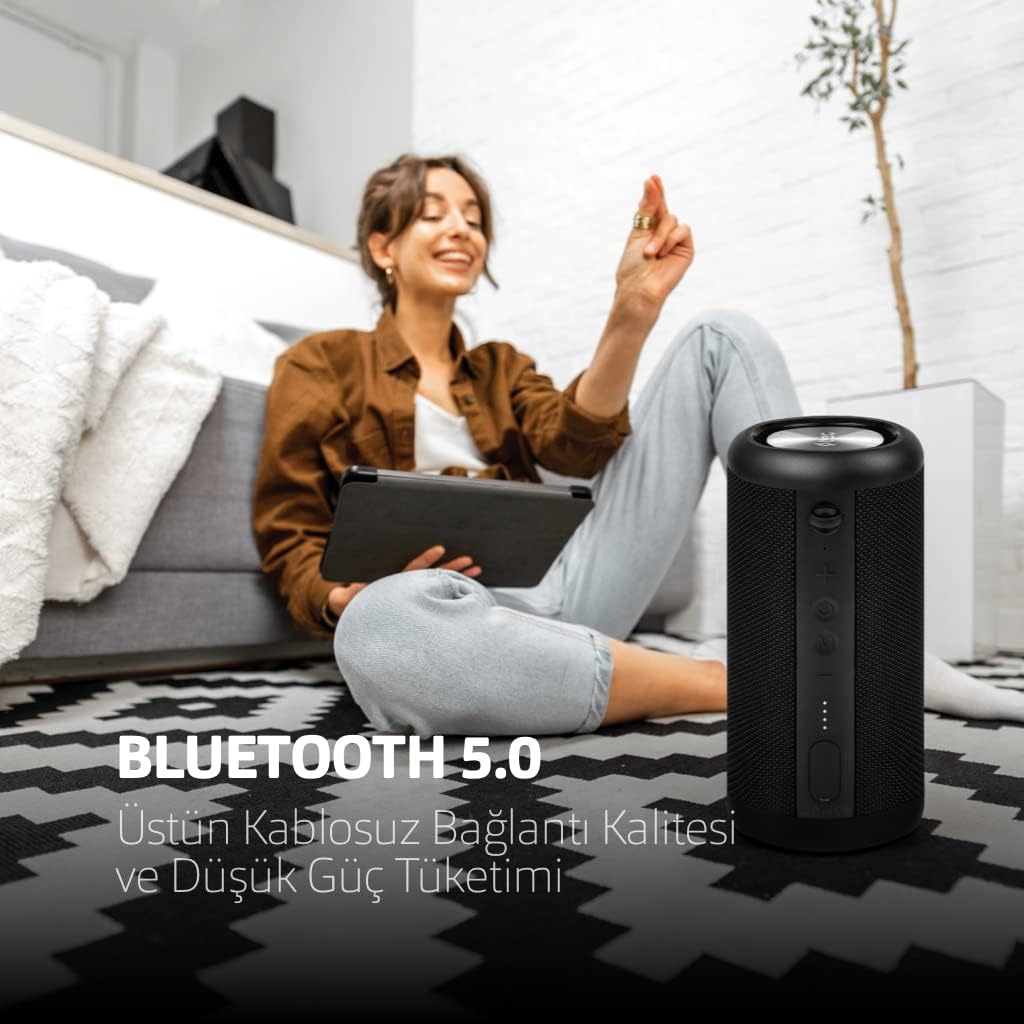
Figure 5.1: The TTEC Dynamite Duo speaker highlighting its extended battery life of up to 12 hours on a single charge.
5.2 Power On/Off
- To Power On: Press and hold the Power Button (refer to Figure 4.2) for approximately 3 seconds until you hear an audible prompt and the LED indicator lights up.
- To Power Off: Press and hold the Power Button for approximately 3 seconds until you hear an audible prompt and the LED indicator turns off.
5.3 Bluetooth Pairing
Connect your TTEC Dynamite Duo speaker to a Bluetooth-enabled device.
- Ensure the speaker is powered on and in Bluetooth pairing mode (the LED indicator will typically flash blue rapidly). If not, press the Mode Button to switch to Bluetooth mode.
- On your device (smartphone, tablet, laptop), enable Bluetooth and search for available devices.
- Select "TTEC Dynamite Duo" from the list of found devices.
- Once successfully paired, the LED indicator will turn solid blue, and you will hear a confirmation sound.
- The speaker will automatically reconnect to the last paired device when powered on, if the device's Bluetooth is active and within range.
5.4 True Wireless Stereo (TWS) Pairing
Connect two TTEC Dynamite Duo speakers for a stereo sound experience.
- Ensure both Dynamite Duo speakers are powered on and not connected to any other Bluetooth device.
- On one of the speakers (this will be the primary speaker), press and hold the Play/Pause button for approximately 3-5 seconds until you hear a pairing tone. The LED indicator will flash.
- The two speakers will automatically search for and connect to each other. Once connected, you will hear a confirmation sound, and the LED indicators on both speakers will change (e.g., primary speaker flashes slowly, secondary speaker is solid blue).
- Now, pair your device to the primary speaker via Bluetooth as described in Section 5.3. The audio will play in stereo through both speakers.

Figure 5.2: Illustration of two TTEC Dynamite Duo speakers wirelessly connected to each other, enabling True Wireless Stereo (TWS) audio playback.
5.5 AUX Connection
Use the AUX cable to connect the speaker to devices without Bluetooth functionality.
- Power on the speaker.
- Connect one end of the provided AUX cable to the speaker's AUX port (refer to Figure 4.3).
- Connect the other end of the AUX cable to the audio output jack of your device.
- The speaker will automatically switch to AUX mode, or you may need to press the Mode Button to select AUX input.
- In AUX mode, playback controls (play/pause, next/previous track) on the speaker may not function, and you will need to control playback from your connected device. Volume control on the speaker will still work.
6. Operating Instructions
6.1 Music Playback (Bluetooth Mode)
- Play/Pause: Press the Play/Pause Button.
- Next Track: Press and hold the Volume Up / Next Track Button.
- Previous Track: Press and hold the Volume Down / Previous Track Button.
6.2 Call Management
With the built-in microphone, you can manage phone calls when connected via Bluetooth.
- Answer Call: Press the Play/Pause Button when an incoming call rings.
- End Call: Press the Play/Pause Button during an active call.
- Reject Call: Press and hold the Play/Pause Button when an incoming call rings.
6.3 Volume Control
- Increase Volume: Press the Volume Up / Next Track Button.
- Decrease Volume: Press the Volume Down / Previous Track Button.
7. Maintenance
- Cleaning: Wipe the speaker with a soft, dry, lint-free cloth. Do not use liquid cleaners, aerosols, or solvents.
- Storage: When not in use for extended periods, store the speaker in a cool, dry place, away from direct sunlight and extreme temperatures. It is recommended to charge the battery at least once every three months to maintain battery health.
- Water and Dust Resistance: Ensure the protective flap covering the charging and AUX ports is securely closed to maintain the IP65 water and dust resistance.

Figure 7.1: The TTEC Dynamite Duo speaker demonstrating its IP65 certification, making it resistant to water splashes and dust ingress.
8. Troubleshooting
| Problem | Possible Cause | Solution |
|---|---|---|
| Speaker does not turn on. | Low battery. | Charge the speaker fully. |
| Cannot pair via Bluetooth. | Speaker not in pairing mode; device Bluetooth off; too far from device. | Ensure speaker is in pairing mode (flashing LED). Turn on device Bluetooth. Move speaker closer to device. Forget "TTEC Dynamite Duo" on your device and re-pair. |
| No sound. | Volume too low; incorrect input mode; device not playing audio. | Increase speaker and device volume. Press Mode button to select correct input (Bluetooth/AUX). Ensure audio is playing on your device. |
| Sound distortion. | Volume too high; low battery; interference. | Reduce volume on speaker and device. Charge the speaker. Move away from other electronic devices. |
| TWS pairing failed. | Speakers already paired to other devices; incorrect pairing procedure. | Ensure both speakers are disconnected from other devices. Follow TWS pairing steps carefully (Section 5.4). |
9. Specifications
| Brand: | TTEC |
| Model Name: | Dynamite Duo |
| Speaker Type: | Tower |
| Connectivity Technology: | Bluetooth 5.0 |
| Audio Output Mode: | Stereo |
| Power Source: | Battery Powered |
| Battery Life: | Up to 12 hours |
| Water & Dust Resistance: | IP65 Certified (Resistant to water jets and dust, not submersible) |
| Built-in Microphone: | Yes |
| Control Method: | Buttons |
| Product Dimensions: | 9D x 9W x 21H centimeters |
| Product Weight: | 1.22 Kilograms |
| Compatible Devices: | Smartphones, tablets, laptops, game consoles, MP3 players |
| Manufacturer: | Tesan |
10. Warranty and Support
The TTEC Dynamite Duo Portable Wireless Bluetooth Speaker comes with a limited warranty. Please refer to the warranty card included in your package or contact your retailer for specific terms and conditions.
For technical support or further assistance, please contact the retailer where you purchased the product or visit the official TTEC website for customer service information.
