
Introduction
Welcome to your new BesLowe 26in Tall Glass Table Lamps. This manual provides detailed instructions for setup, operation, maintenance, and troubleshooting to ensure optimal performance and longevity of your lamps. Please read this manual thoroughly before using the product.
Setup Instructions
Follow these steps to assemble your BesLowe table lamps:
- Attach the bottom and top rings to the lampshade.
- Tighten the Velcro seal on the lampshade.
- Carefully stuff the electric wire into the lamp harp.
- Screw the harp into the lamp body.
- Mount the harp's flexible arms inside the saddle.
- Install an E26 medium base bulb for the main light (bulb not included).
- Unscrew the finial from the harp and place the lampshade onto the harp.
- Tighten the finial to secure the lampshade in place.
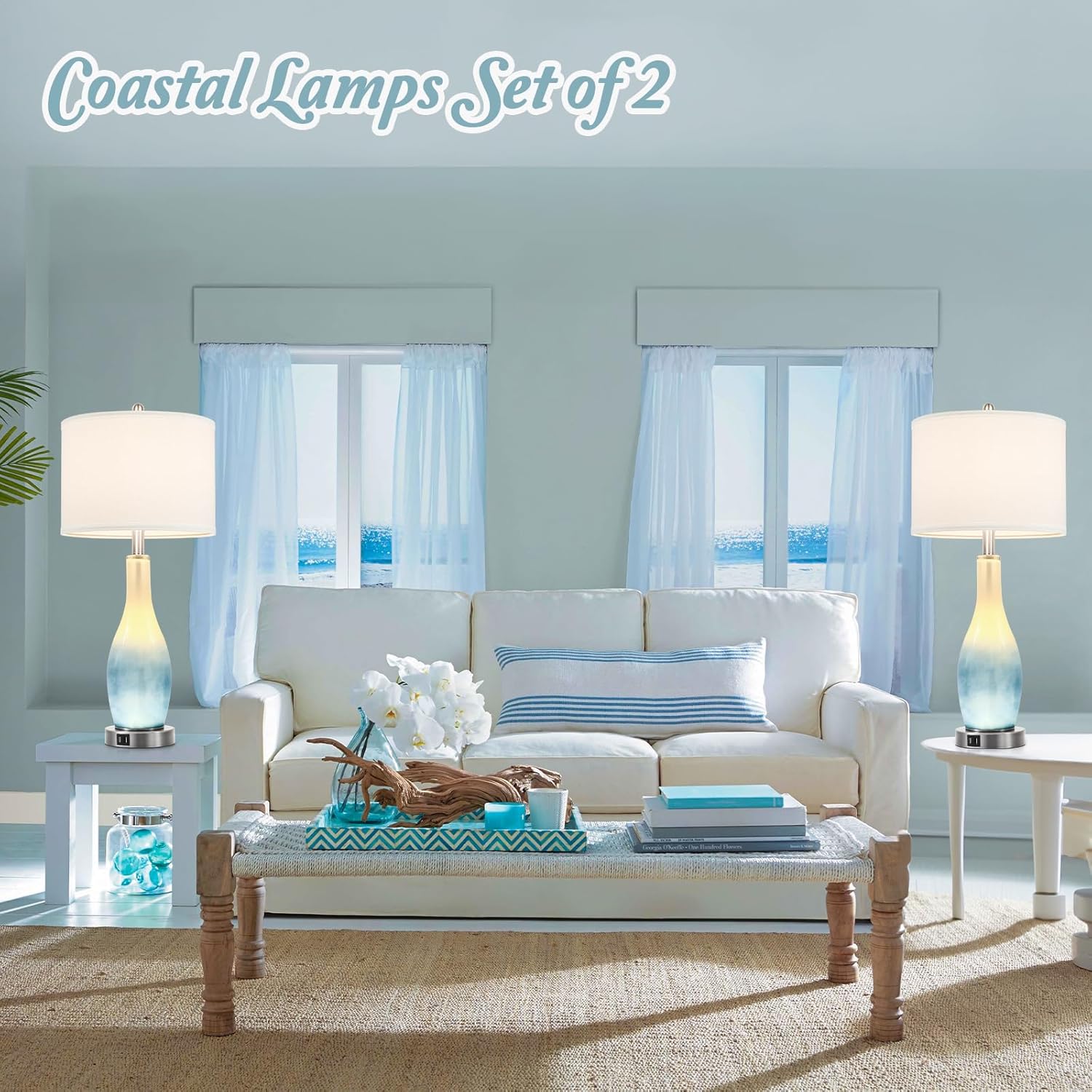
Operating Your Lamps
Power and USB Charging
Your BesLowe table lamps are equipped with two built-in USB charging ports located on the metal base. These ports allow you to conveniently charge your electronic devices, such as smartphones or tablets, whether the lamp's light is on or off. This feature helps reduce clutter by eliminating the need for additional wall chargers and outlets.

Lighting Modes (4-Way Rotary Switch)
The lamps feature a convenient 4-way rotary switch to control different lighting modes:
- Bottom Light On: Activates the warm white LED nightlight within the glass body. This provides a soft, ambient glow.
- Top Light On: Illuminates the main E26 bulb (not included) for primary lighting.
- Both On: Activates both the nightlight and the main bulb simultaneously, providing maximum illumination and ambiance.
- Both Off: Turns off all lights.


Maintenance
To ensure the longevity and appearance of your BesLowe lamps, follow these maintenance guidelines:
- Cleaning: Dust the lampshade and glass body regularly with a soft, dry cloth. For the metal base, use a slightly damp cloth and dry immediately. Avoid abrasive cleaners or harsh chemicals.
- Bulb Replacement: Always ensure the lamp is unplugged from the power outlet before attempting to replace the E26 main bulb. Allow the bulb to cool completely before handling.
- Wire Management: Periodically check the electrical cord for any signs of damage, such as fraying or cuts. Ensure wires are not pinched or tangled, and are neatly arranged.
Troubleshooting
If you encounter any issues with your BesLowe table lamps, please refer to the table below for common problems and their solutions:
| Issue | Possible Cause | Solution |
|---|---|---|
| Lamp does not turn on | Power cord not plugged in, main E26 bulb not installed or faulty, rotary switch not in correct position. | Check power connection to the wall outlet. Install or replace the E26 bulb. Rotate the switch through all four positions to ensure it's not in the 'off' setting. |
| LED nightlight not working | Rotary switch not set to nightlight mode. | Ensure the rotary switch is set to either "Bottom Light On" or "Both On". If the issue persists, contact customer support. |
| USB ports not charging devices | Lamp not plugged into a live outlet, device charging cable faulty, device incompatible. | Verify the lamp is securely plugged into a functional power outlet. Try using a different USB cable or a different device to rule out cable/device issues. |
| Wires are visible or not neatly tucked | Wires not properly managed during assembly. | As per manufacturer instructions, the wires are designed to be stuffed within the harp, not tucked into the lamp body. Ensure they are neatly arranged within the harp structure. |
Product Specifications
Key technical details for your BesLowe table lamps:
| Feature | Detail |
|---|---|
| Brand | BesLowe |
| Model Number | TY-TB0291-WH-2 |
| Product Dimensions | 5.5"D x 12.5"W x 26"H |
| Item Weight | 8.95 pounds (for the set) |
| Material | Metal, Fabric, Glass |
| Finish Type | Shiny (Metal), Matte (Fabric), Unknown (Glass) |
| Bulb Base (Main Light) | E26 Medium |
| Maximum Compatible Wattage (Main Light) | 60 Watts |
| Light Source Type (Nightlight) | LED |
| Nightlight Color Temperature | 2700K Warm White |
| Nightlight Lumens | 300 Lumens |
| USB Charging Ports | 2 (built-in) |
| Switch Type | Rotary (4-way) |
| Power Source | Corded Electric |
| Voltage | 120 Volts (AC) |
| Number of Items | 2 (Set) |
| Assembly Required | Yes |
| Indoor/Outdoor Usage | Indoor |
Warranty Information
For specific warranty details and terms applicable to your BesLowe table lamps, please refer to the product packaging or contact BesLowe customer support directly. Retain your proof of purchase for any warranty claims.
Customer Support
If you encounter any issues or have questions regarding your BesLowe table lamps that are not covered in this manual, please contact us for assistance. Our customer service team is ready to help.
To contact support:
- Log in to your account on the platform where you purchased the product.
- Locate your order ID for this specific product.
- Click the "Contact Seller" option to directly reach BesLowe customer service.
- You can expect a satisfactory solution within 24 hours.
